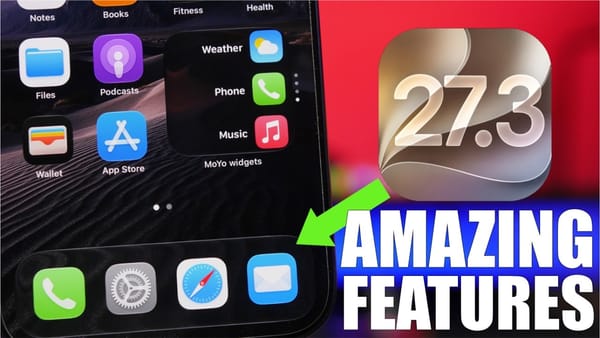
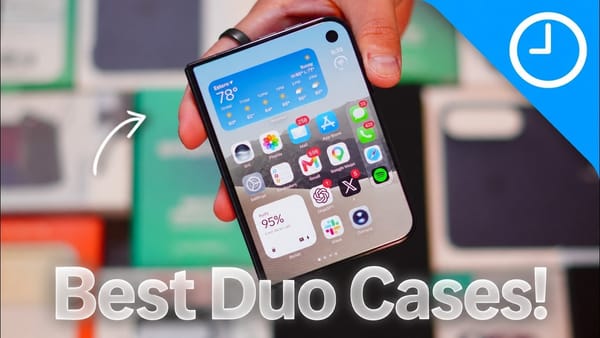
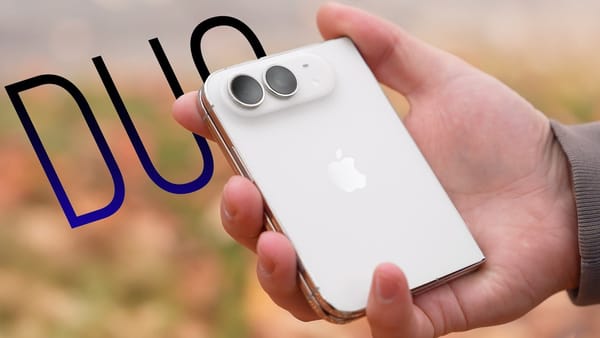
The iPhone Duo's outside keyboard gained a little space above each key in iOS 27.3 beta 1. On Apple Weekly, the reviewer says two weeks of mistyping on that small screen gave way to noticeably better aim. The same change on a regular iPhone barely registered.
Things to try on the Duo
- Reachability. A sideways gesture on the outer display brings content closer to the thumb holding the phone. Between that and the keyboard padding, two of the changes the reviewer felt right away were ones that help with one-handed use.
- Vertical tabs. Safari can move tabs into a column down the left on the Duo and on iPad. That leaves more room above the web page, where the horizontal tab strip usually sits.
- StandBy. The reviewer used the Duo as a desk clock with a calendar next to it. Changes to the StandBy picker in this beta bring a similar setup to the iPhone 18 Pro Max.
Some of the beta changes are easier to miss. The voice command in Messages is a good example, since Siri itself can tell you what to ask for.
Features with controls worth looking for
- App Actions. Ask Siri what actions are available in Messages and it lists options including reactions and marking a thread as read. In the demo, asking Siri to love a particular text adds a heart to it. Other developers can add actions to their own apps.
- Adaptive dark mode. Safari can apply a dark theme even to a page whose designer didn't supply one. The reviewer says the difference was most welcome in bed, when following a link would otherwise bring up a bright page.
- Selfie Sing. Open the Selfie Sing playlist in Apple Music, pick a song and open its lyrics. That's where the reviewer found the camera button missing from an ordinary lyrics screen. After the countdown you can adjust how much of the original vocal you hear, then trim the recording.
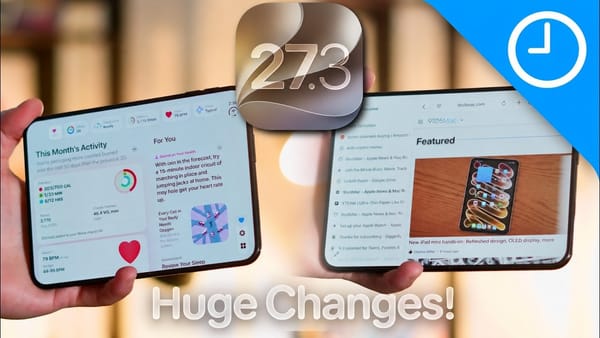
- Health. The redesigned view puts sleep and readiness alongside heart rate and other vitals. Apple Weekly saw it in the iOS 27.2 betas before it disappeared from that release. Here it's back in beta 1.
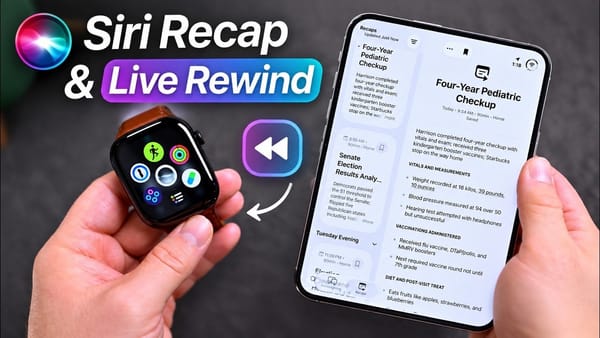
The tour also pairs the iPhone with an Apple Watch. Two features there feed text back to the Siri app on the phone, and each has its own controls.
What to know about watchOS 27.3
- Recap schedules. The Apple Watch setup lets you limit Siri Recap to certain days, times and locations. The channel shows how to stop it manually from Control Center.
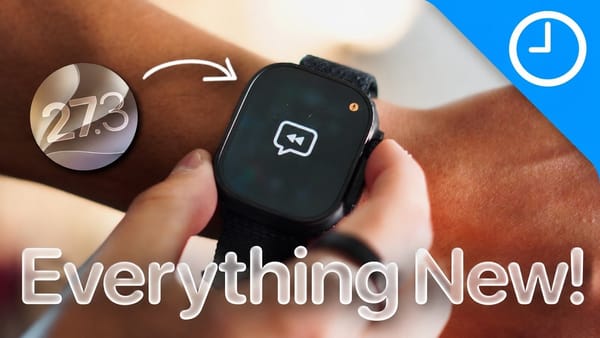
- Saving a rewind. Double-pressing the Digital Crown brings up the last 15 seconds of speech as text. Choose Save to Siri and the snippet appears under Recaps on the iPhone.
For an iPhoner curious about voice control, I'd start in a familiar Messages thread. Asking Siri what it can do there gives you commands to try on a text you can already see.