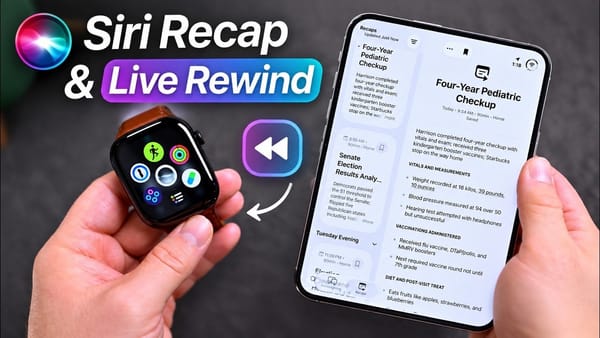
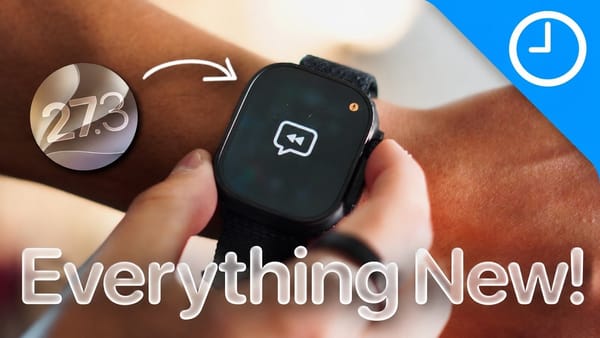
On 9to5Mac's Overtime podcast, a host who tried Siri Recap in the watchOS 27.3 developer beta opens his day's notes. There's a service appointment for his Rivian, including an address change and what the work will cost. His Apple Watch heard those details because the call was on speaker. The person who supplied them never touched the watch.
Where the hosts land
- A recap can catch the detail you'd have written down. The host who took the call says his watch also picked up a conversation with his daughter on the school run, including a birthday she'd mentioned. Other conversations that day never appeared. After about a day with the feature, he still couldn't predict what Siri would keep. He'd use the summary as a reminder, but he wouldn't rely on it to take meeting minutes.
- There's no recording to play back. His cohost describes a temporary audio buffer in an isolated part of the chip that Apple calls the Secure Exclave. In his account, the watch discards the audio after processing it. What the wearer can revisit is a written summary, and Siri doesn't label each speaker. That explains how an appointment can survive in the notes even though the host can't go back and listen to the call.
- Opting in is a decision for one wrist. The host who enabled Recap describes going into Settings and letting his watch pick up a ping from his iPhone during setup. Someone across the table gets no equivalent prompt. His cohost thinks Apple needs to explain the distinction between listening and keeping a recording, especially to people who don't own the watch.
- Live Rewind gives you very little time to remember you have it. A double press of the Digital Crown brought the last 15 seconds of speech up as text while the host was still talking. Both hosts could see a use for a confirmation number read aloud on a call. For a missed introduction, they'd sooner ask the person to repeat their name. Recap and Rewind can be enabled separately.
I'd tell the person on speaker that Recap is on. The address change is exactly the kind of detail an iPhoner might be glad to find later, and the caller deserves to know how it got there.