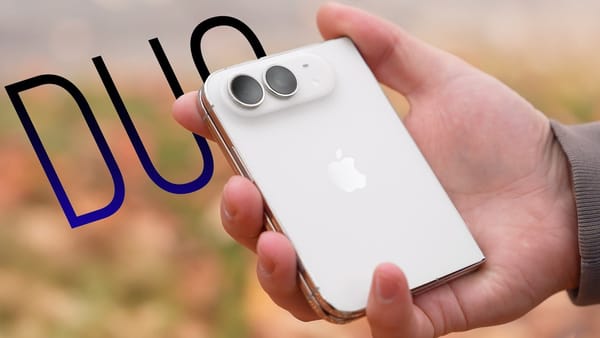
After fitting nine cases to the same iPhone Duo, 9to5Mac would keep the Aulumu ADOU, which leaves the hinge bare. There's a small notch to get a finger under the edge, and the aramid back stayed put during the demo even with the adhesive strip untouched.
What you're holding when the phone is closed
- Aulumu ADOU. The thin back adds texture and a raised lip around the cameras. A separate front frame comes in the box, so it's possible to start with just the back and see how much coverage you want.
- dbrand Grip. The hinge and camera surround both get covers. The sides have enough friction that the channel expects the lining of a jeans pocket to come along when you pull the phone out.
- Smartish Gripmunk. Narrow bridges at the top and bottom join the front frame to the back. Both halves stay together as you open the Duo, and the edges have grooves for your fingers.
- Apple iPhone Duo Case. This two-piece shell uses adhesive on both halves. During installation the phone recognized the case and prompted the reviewer to turn on a setting that shifts the left edge of the display.
- Smartish Wallet Slayer. Cards slide directly into the back, with a cutout to push them out again. That solves the awkward fit of a tall wallet on the folded Duo, but you give up the back of the phone as a MagSafe attachment point.
A case can feel secure in one hand and still lean to the left once the weight of the open Duo rests on its stand.
What holds the inner screen up on a desk
- Baseus. The rear ring rotates for upright or sideways use. It wobbled a little in the demo. A cover wraps around the hinge while the front screen stays bare.
- UAG Mouve. The flat side of its hexagonal stand gave the open phone a steadier footing. Adhesive secures the front frame, a detail worth checking if you swap cases often.
- Apple Folio with Kickstand. A broad strip rests on the table when the stand folds out. In 9to5Mac's demo, this folio kept the inner screen level more consistently than the other stands.
- MOFT Folio. Creases in the magnetic cover let it fold into several viewing angles, including portrait. It leaves the side rails exposed, and the loose flap needs somewhere to go when you open the phone flat.
I'd start with the desk shot if you take video calls on the Duo. You can see which stands tilt to one side before you commit to adhesive on a front frame.