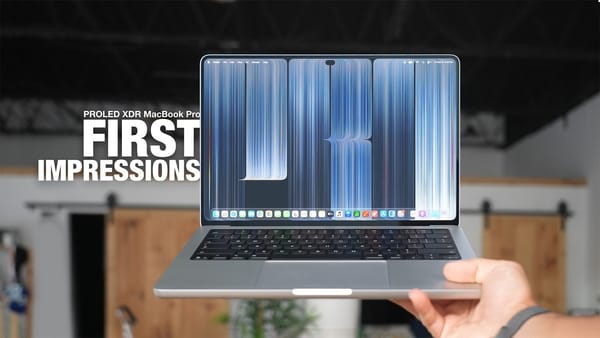
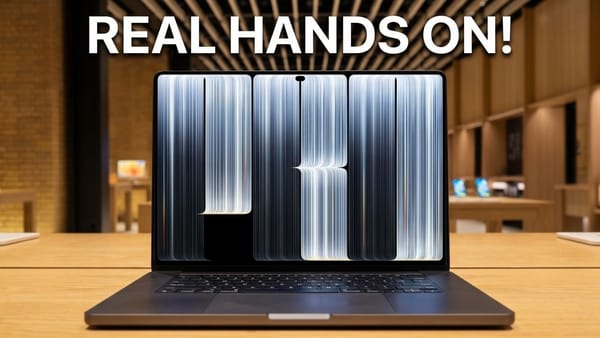
Touch changes the MacBook Pro's photo-editing routine in this first look. On the Brandon Butch channel, painting a Lightroom mask with a finger becomes a concrete reason to use the OLED model's screen, even as reaching for the hidden Dock feels awkward. The video gives touch a specific job instead of assuming it should replace the trackpad. Keyboard shortcuts and pointer controls remain available throughout the demonstration.
Where fingers help
- Lightroom masks. The demonstration zooms into a photo and paints with the brush directly on the display. The video favors that motion to holding down the trackpad while trying to trace the same area.
- Logic Pro keys. An on-screen keyboard responds to taps in a brief music demonstration. It offers another direct-manipulation example, though this isn't a long recording-session test.
- Notes and windows. An image gets dragged into a note, and windows can be moved or flicked into a tiled position. Small window controls expand when touched to make selection easier.
The review also names a limit that matters for iPhoners considering drawing on the display:
There is no Apple Pencil support for this new MacBook.
Where the enthusiasm needs context
- Optional input. The video describes touch as something that can be disabled and used selectively. Swiping up from the very bottom to reveal a hidden Dock is an example where the cursor still feels easier in the demonstration.
- Hinge movement. A side-by-side push test makes the reinforced hinge look firmer than the older model's. Some wobble remains, and the video's judgment is that it isn't distracting during these first touches.
- Benchmark comparisons. The tested M5 Max configuration has 128GB of memory and a 4TB SSD. The video reports an Xcode benchmark at 90 seconds against 131 seconds on M5 Pro, but that compares chip configurations, so it doesn't isolate the OLED redesign.
The same distinction applies to the creative-workload results. Faster exports on a Max configuration don't establish that changing screens speeds up the same chip.
I'd choose touch around a repeatable action like masking a photo; a brief demo can't tell me whether I'll reach for it after a month.