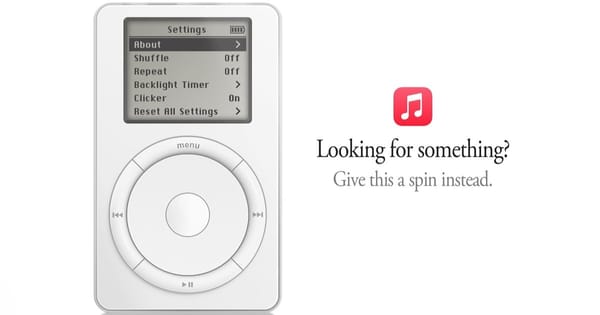
Apple Music's error page hides a working first iPod
The iPod on Apple Music's Page Not Found screen carries 1,029 songs, just past the original 1,000-song pitch, plus a playable Brick.
The iPod on Apple Music's Page Not Found screen carries 1,029 songs, just past the original 1,000-song pitch, plus a playable Brick.
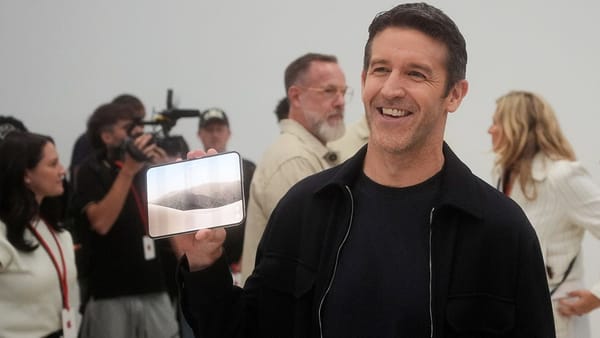
Apple calls demand "nothing short of extraordinary," yet the hinge bottleneck an analyst flagged in September now pushes some deliveries to February.
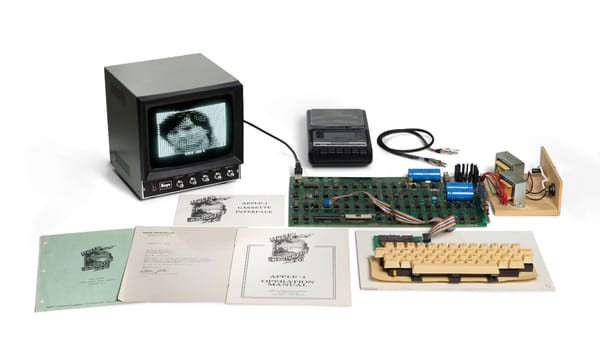
Fred Hatfield turned down a Steve Jobs offer to swap his machine for an Apple II board, and two bidders just spent 28 minutes fighting over it.
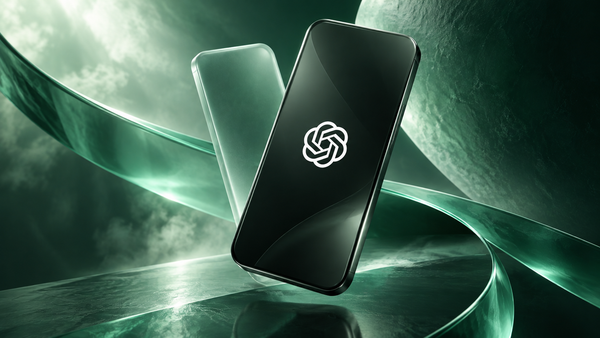
A worker who spent six months at OpenAI before rejoining Apple sent 100-plus files on an unreleased gadget to personal accounts, OpenAI tells a court.
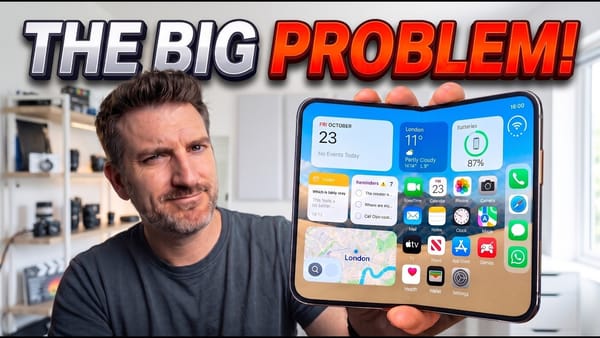
Seventy-five percent. That's the share of Matt Talks Tech's first 48 hours with the iPhone Duo spent
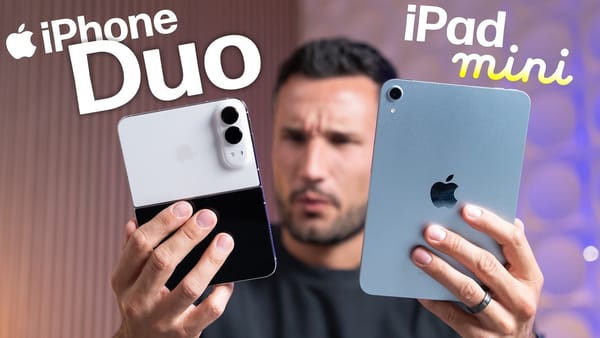
With an October 28 iPad mini launch in the rumor mill, Max Tech asks whether anyone who owns an iPhone
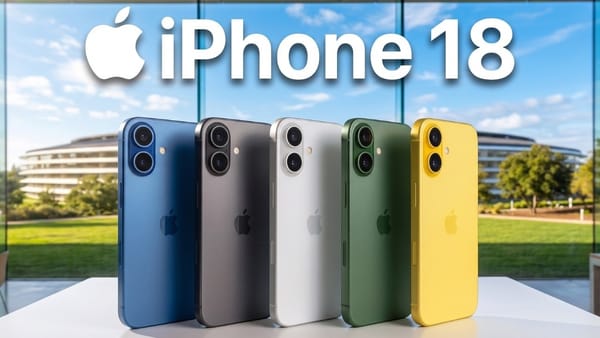
A month after the last iPhone 18 rumor rundown, the list has barely moved. Matt Talks Tech still has the
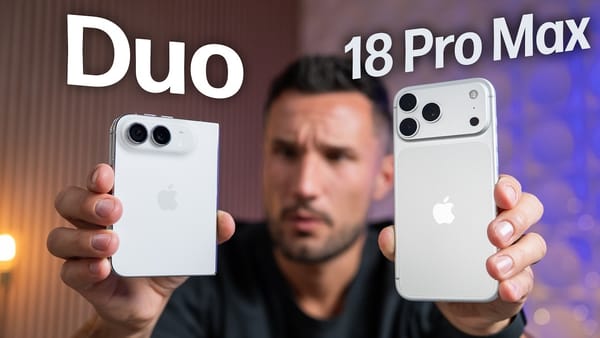
Speakers are where the iPhone Duo gives up the most to the iPhone 18 Pro Max, and Max Tech, which
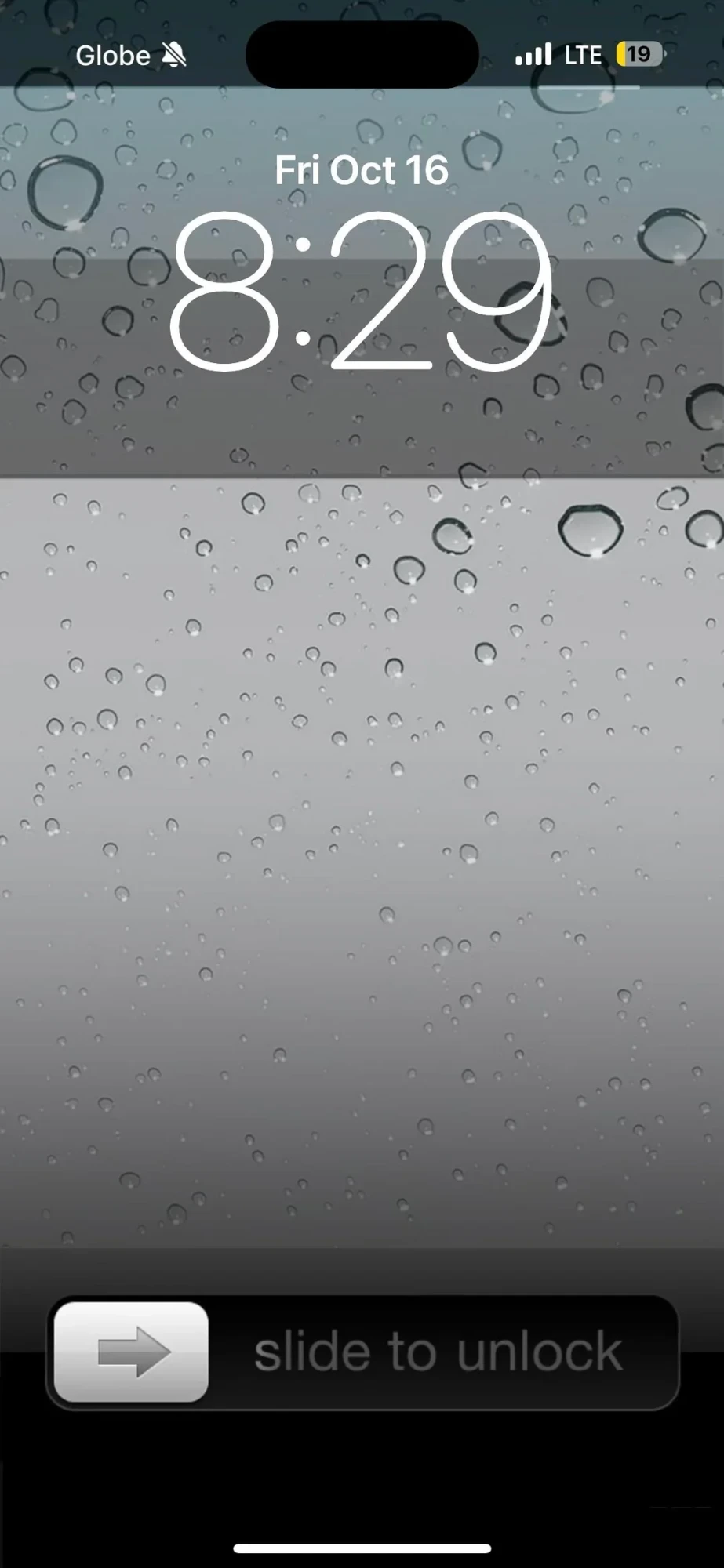
Glossy icons, a leather-bound Contacts book, grey glass covered in water drops. This is the iPhone from before iOS 7 flattened everything, rebuilt by a nostalgia-first iPhoner on a phone with a Dynamic Island. Only a few modern details give it away.
The same water drop wallpaper runs from the Lock Screen to the Home Screen, so the two read as one surface. Up top the Lock Screen keeps the outlined modern clock and date. The bottom carries the old slider bar, grey arrow knob and all. The Home Screen is a single page of 18 labeled icons in a four-column grid, the last row half full, with no widgets and iOS's own Search pill floating above the dock.
The icon set is Apple's apps as they looked then. Clock has the black-rimmed face, Calendar its red header, Photos the sunflower, Maps the 280 highway shield, Notes a yellow legal pad, iTunes a purple disc, Game Center the four-tile felt, and Settings a block of gears. YouTube gets the tan TV set, and the third-party apps play along with Instagram's brown camera and the old Facebook square. A Utilities folder shows its mini icons in the old dark grid. The dock holds Messages, Phone, Safari's compass, and an orange iPod.
One tell: the Calendar icon is stuck on Wednesday 7 while the Lock Screen reads Friday, October 16, so these are custom icons, not Apple's live ones. Where the iOS 6 revival home screen leaned on an iPod widget, this one skips widgets entirely, and iPhoners copying it trade live dates and badges for the texture.
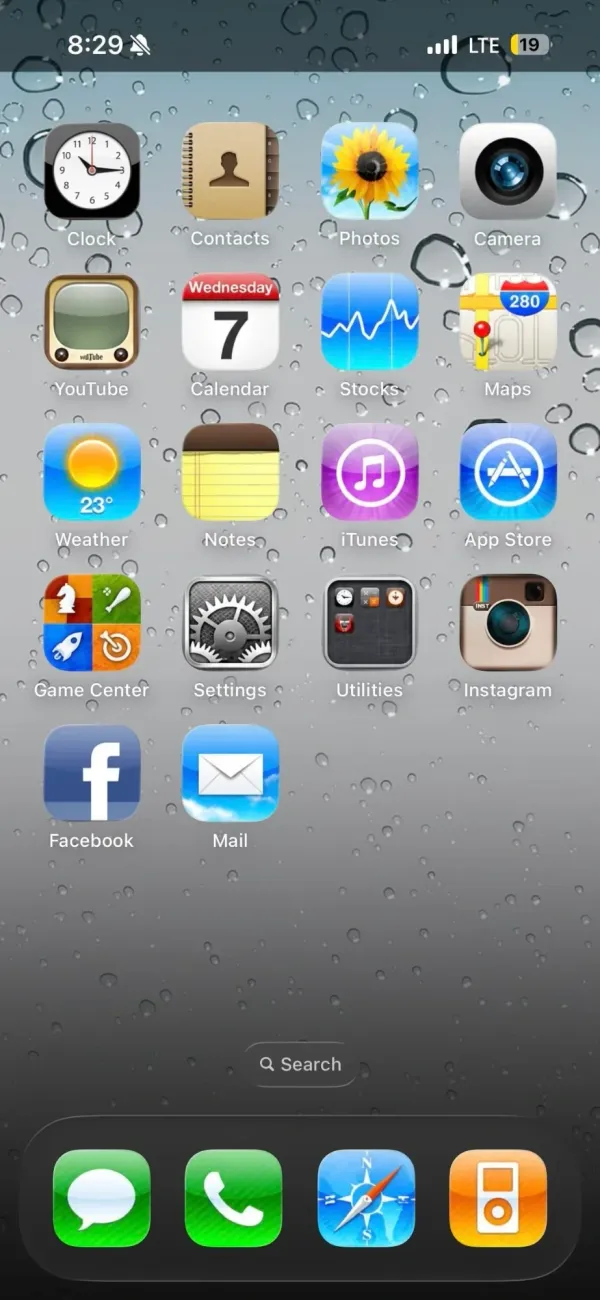
Skeuomorphic icons down to a yellow legal pad for Notes and an orange iPod in the dock sit on that old grey glass, all on a phone with a Dynamic Island.
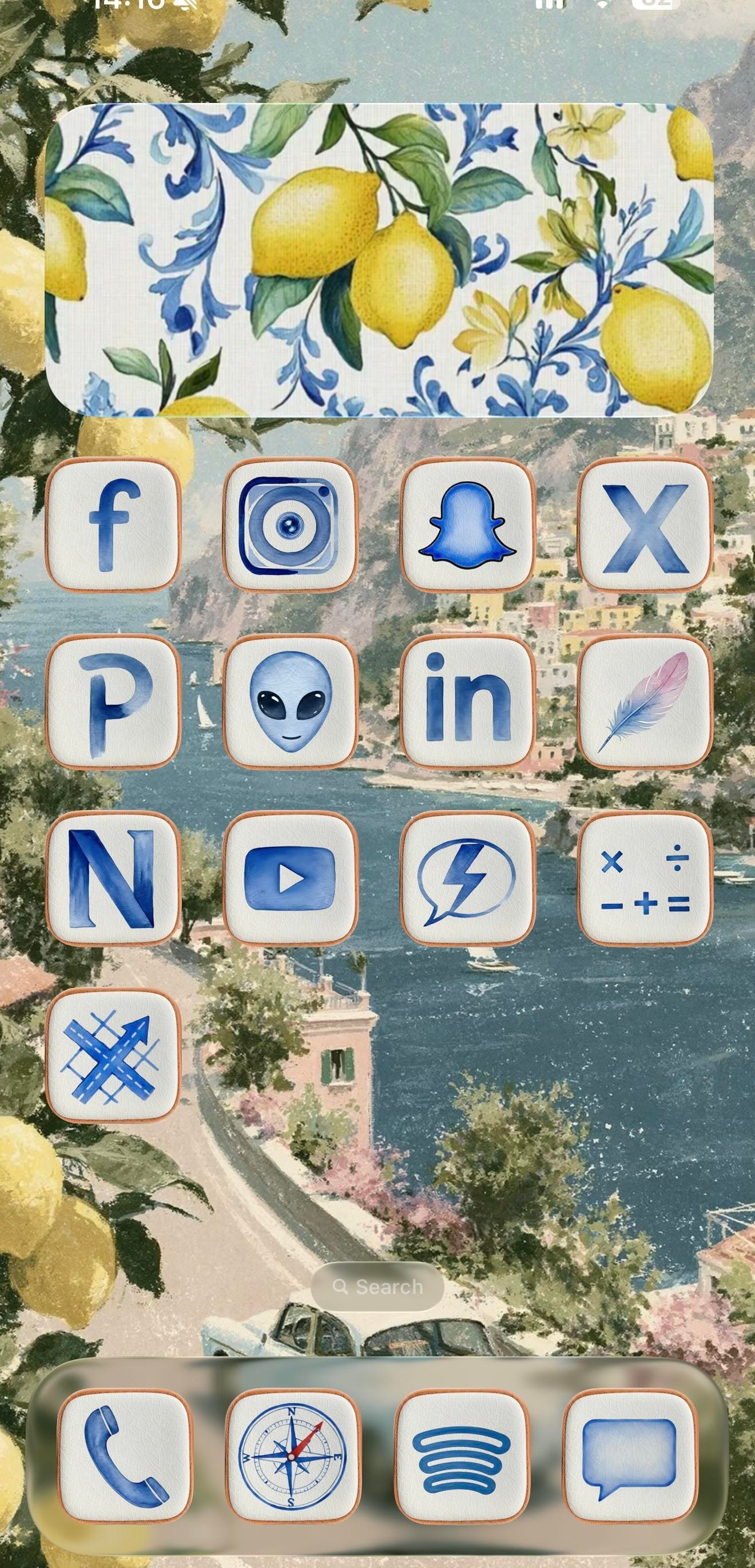
This is a setup for the iPhoner who'd rather be on the Amalfi Coast. Every surface leans into one watercolor Italian summer, from a painted Positano coastline to the lemons spilling in at the edges and the blue-and-white Sicilian tilework on the widgets.
The wallpaper is the anchor, a soft coastal painting of cliffside town, blue water, and a winding road that carries unbroken across both home pages. On top of it sit cream icon tiles with thin terracotta borders, each holding a blue watercolor glyph in place of the stock art. Decorative widgets do the rest of the mood work: a lemon-and-tile panel on page one, an open blue shutter window on page two, and a wide 'collect memories, not things' travel card over a straw-hat-and-lemon scene. It reads as a cohesive theme rather than a wallpaper with icons dropped on top.
Under the theme, the app lineup tells a more online story than the aesthetic lets on. Page one is almost entirely social: Facebook, Instagram, Snapchat, X, LinkedIn, YouTube, and a Pinterest P, alongside a few I can't name with confidence, a grey alien face, a lone feather, an N-monogram tile. Page two turns practical, with Calendar, Weather, Clock, Notes, Wallet, Files, and Settings under the same watercolor treatment. The dock holds four anchors across both pages: Phone, the stock Compass, Spotify's curves, and Messages.
Worth copying if you're an aesthetic-first iPhoner who wants a vacation on the Lock Screen without installing a single new app. The trick is consistency, one painted scene and one custom icon set repeated until the phone reads like a postcard. Pick the theme before the apps, and the rest falls in line.
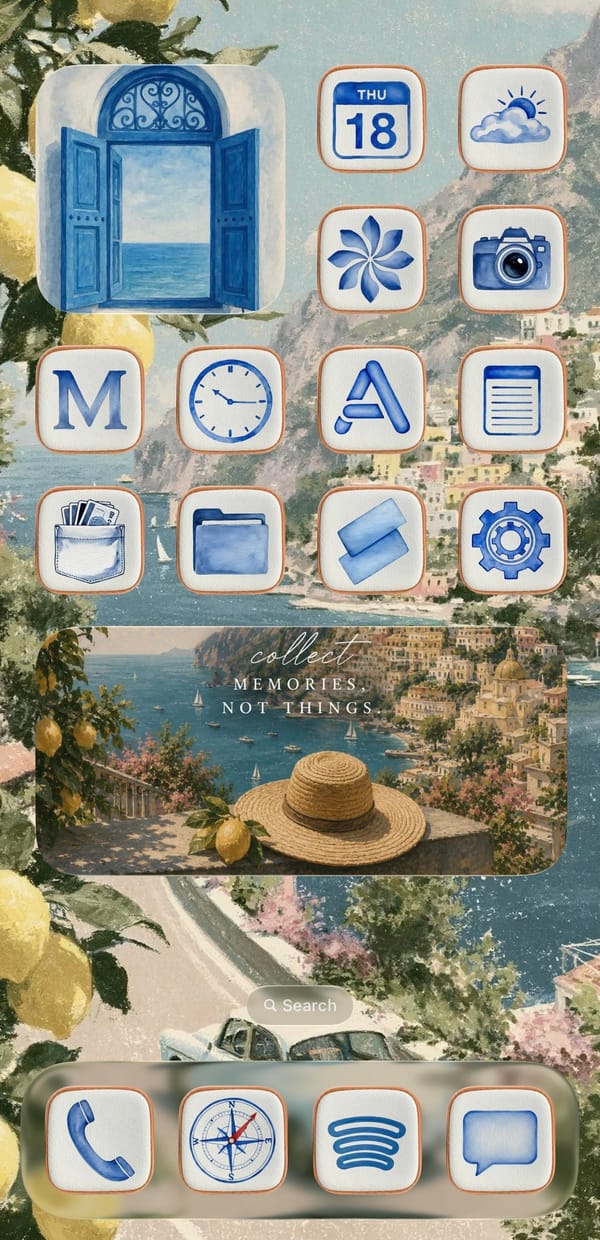
A traveler-at-heart iPhoner wraps a social-forward grid in blue watercolor icons, lemon tiles, and a painted Positano coast that runs across both pages.
A dark-mode iPhoner home screen with no app icons in sight. Two full-width Widgy widgets stack across the entire screen above the dock, turning the home screen into a single-purpose dashboard of weather, time, calendar, and upcoming bills.
The top Widgy widget organizes four mini-panels: a large clock on the left, a weather card, a day-of-week card, and a bill-reminder slot tracking a Klarna payment. Below it, the second full-width widget carries a month calendar and an agenda list showing upcoming payments. No apps sit between the dock and the widgets.
The dock holds Phone, Messages, WhatsApp, and a social-and-utility folder. The wallpaper carries through to the lock screen: a moody green forest reflected in a still lake, shot in near-dark light with trees disappearing into mist above. Large glass-carved numerals overlay the trees. A commute ETA widget at the bottom left shows the estimated drive time to a saved home address.
Worth copying for iPhoners who want financial reminders and a calendar on the home screen without any icon grid getting in the way.
A dark-mode iPhoner with no icons on the home screen at all: two full-width Widgy widgets tracking weather, calendar, and bills on a misty forest wallpaper.

Avec wins App Store praise for voice replies that draft a Gmail response from a few spoken points, though Outlook and iCloud users are still left out.

Eva's digest runs past weather into biorhythms and a natal chart, but one App Store reviewer still asked for a Pomodoro timer Eva already ships.

Even App Store reviewers who love Granola's transcripts report calls that never uploaded, and with no recording on file, those meetings don't come back.
Newsletter
Check your inbox
Check your inbox for the confirmation link.

Rusty Lake's prequel to Roots casts you as the Vanderbooms' servant for one weekend, and in my book it leads the series as a newcomer's first stop.
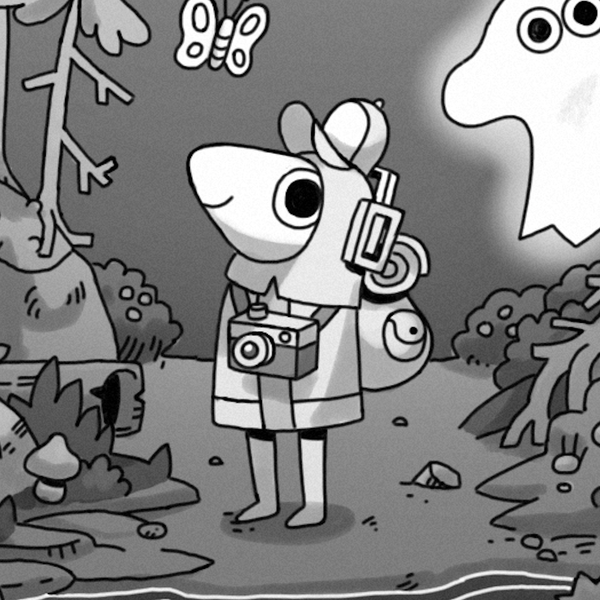
Pocket Gamer says TOEM's gyroscope camera feels like shooting with the actual phone, though App Store reviews keep calling the hand-drawn trip short.

Even with App Store reviews flagging red-dot shop prompts, Duck Survival's build-by-day, defend-by-night zombie loop holds up for short sessions.
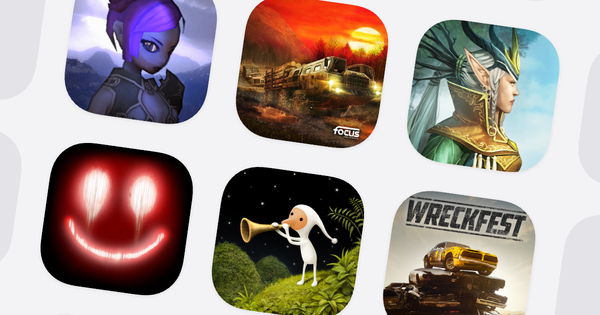
Samorost 3 and Happy Game sit at $1.99 and Mystic Vale at $0.99 in the US App Store, with three more games no higher than $2.99, all checked live.
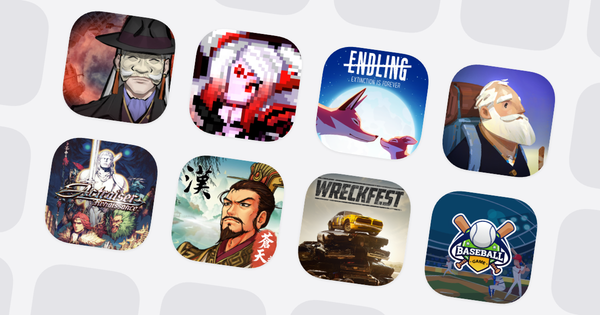
Endling drops to $1.99 and PARANORMASIGHT to $8.99 in the US App Store, with six more between $1.99 and $9.99, every price confirmed at publish time.