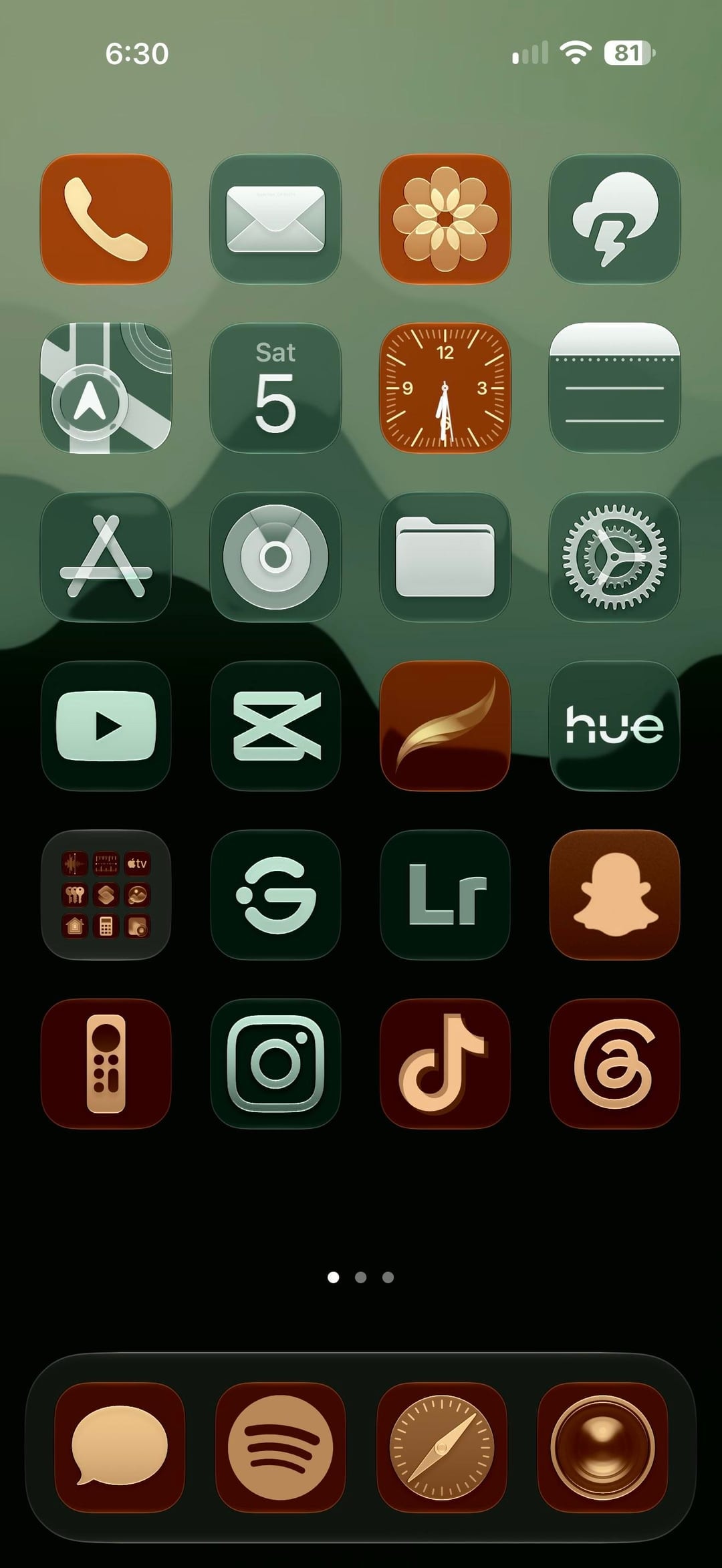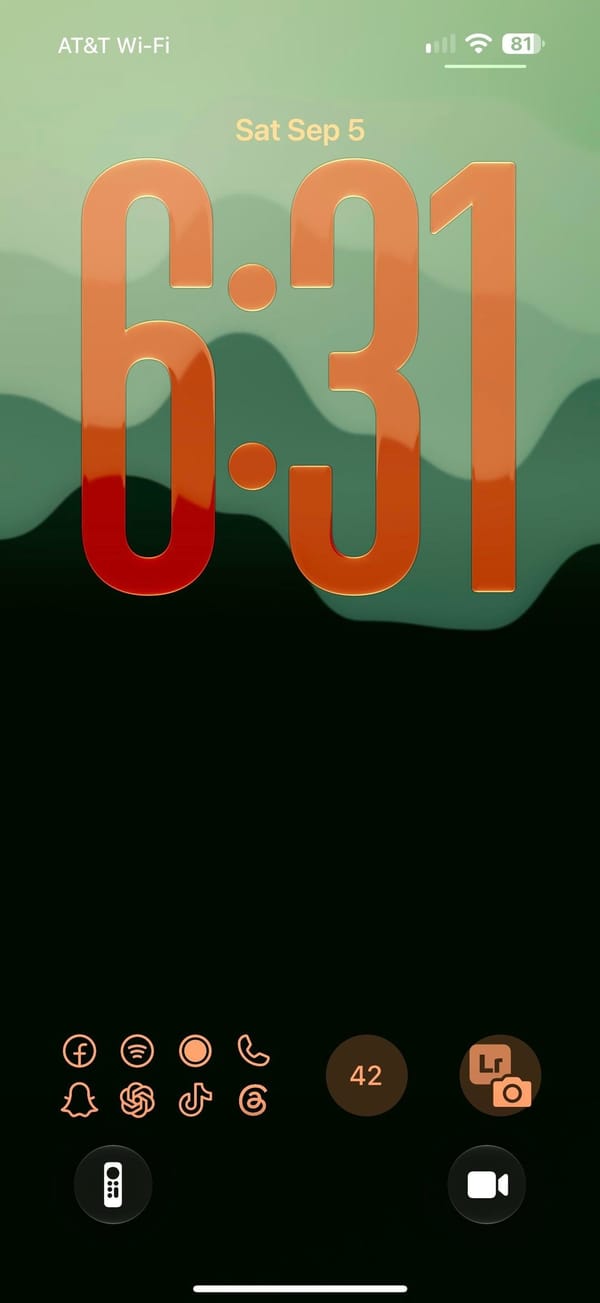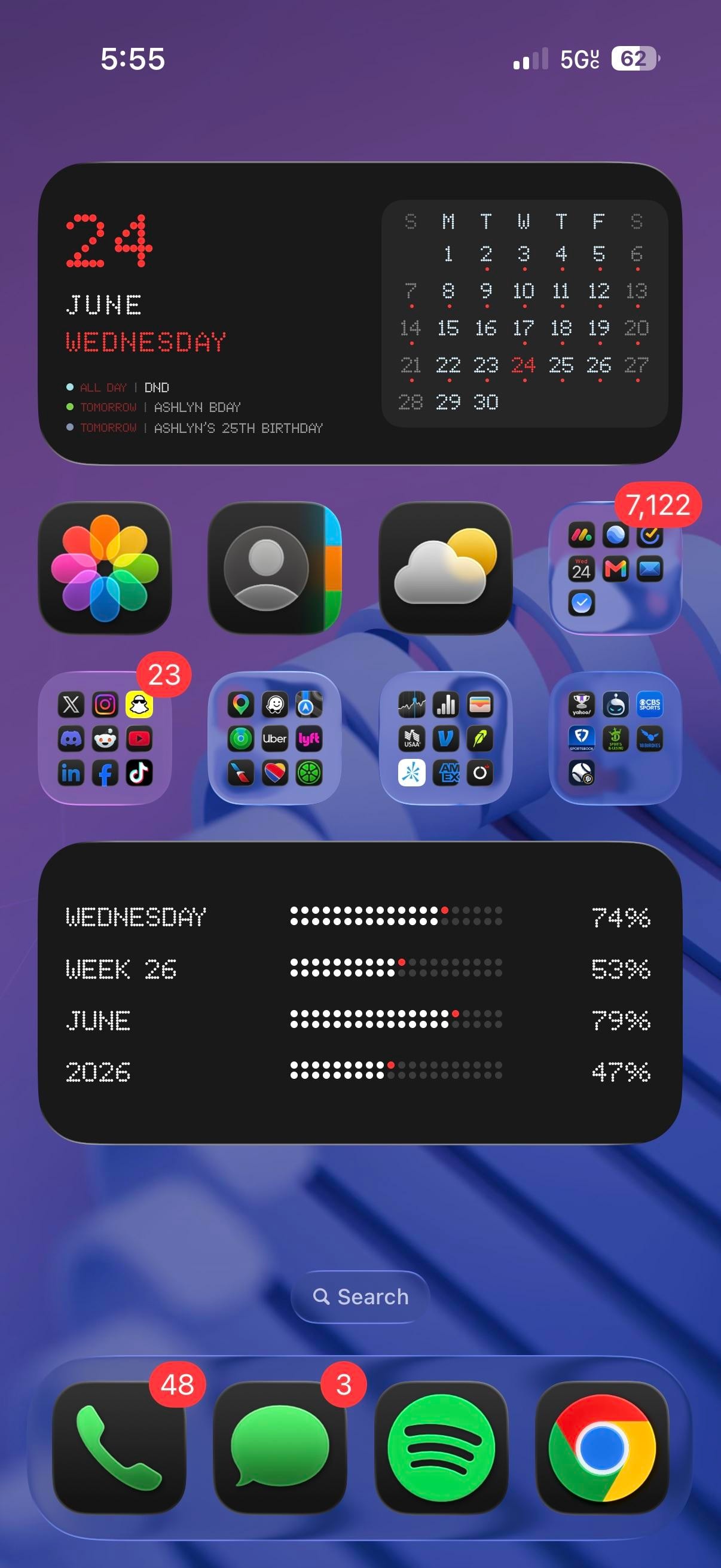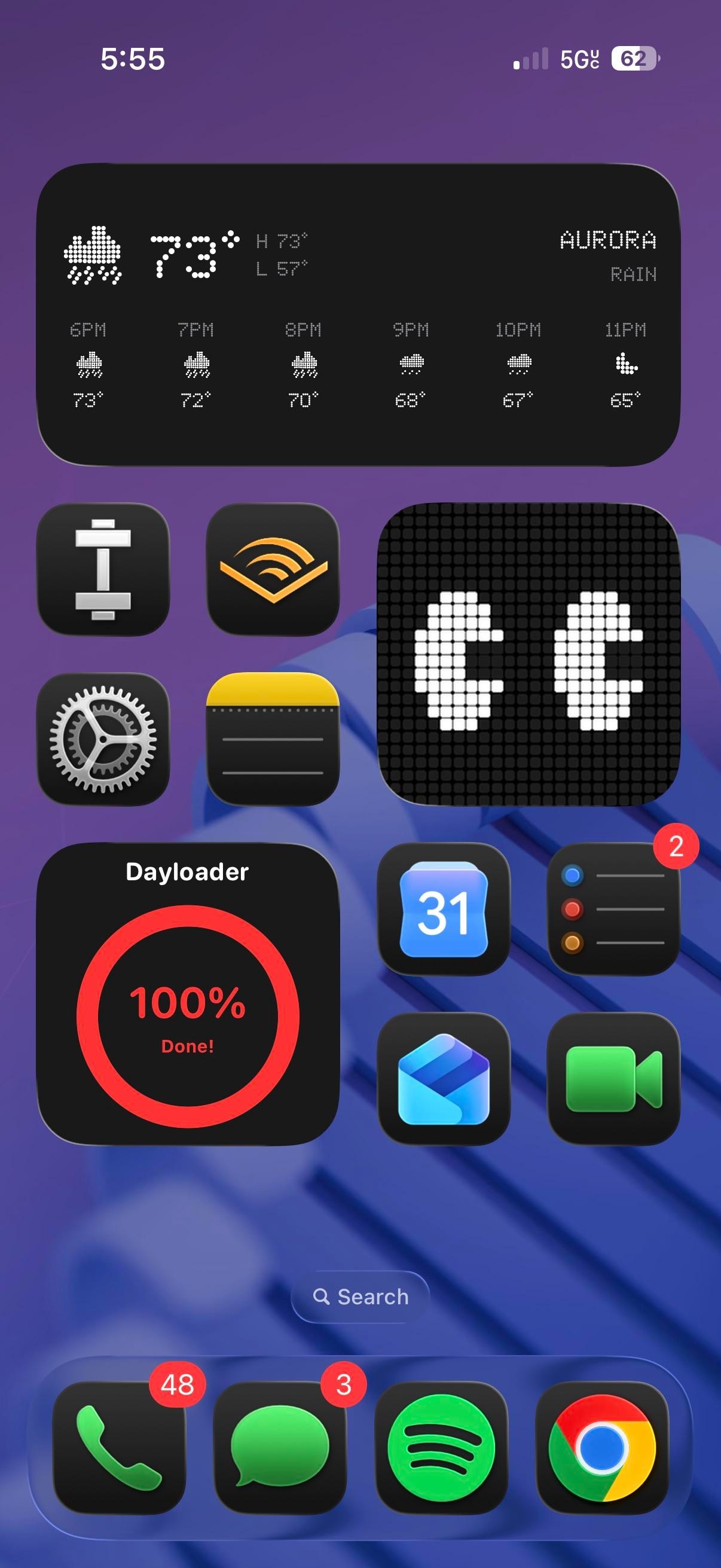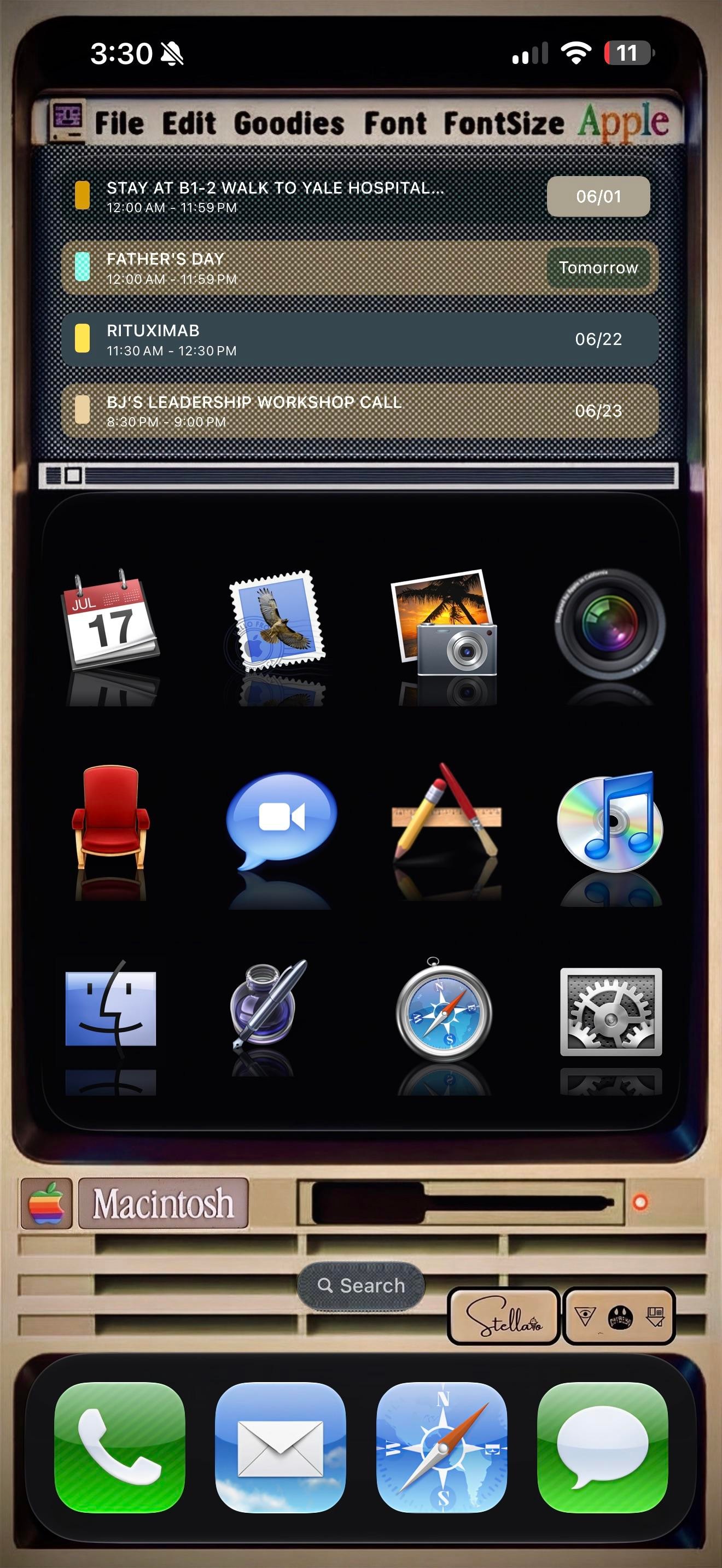
A rainbow Apple logo up top, a menu bar reading File, Edit, Goodies, Font, and a beige Macintosh parked where the wallpaper usually goes. This is a retro iPhoner rebuilding the classic Mac desktop on an iPhone, menu bar and all.
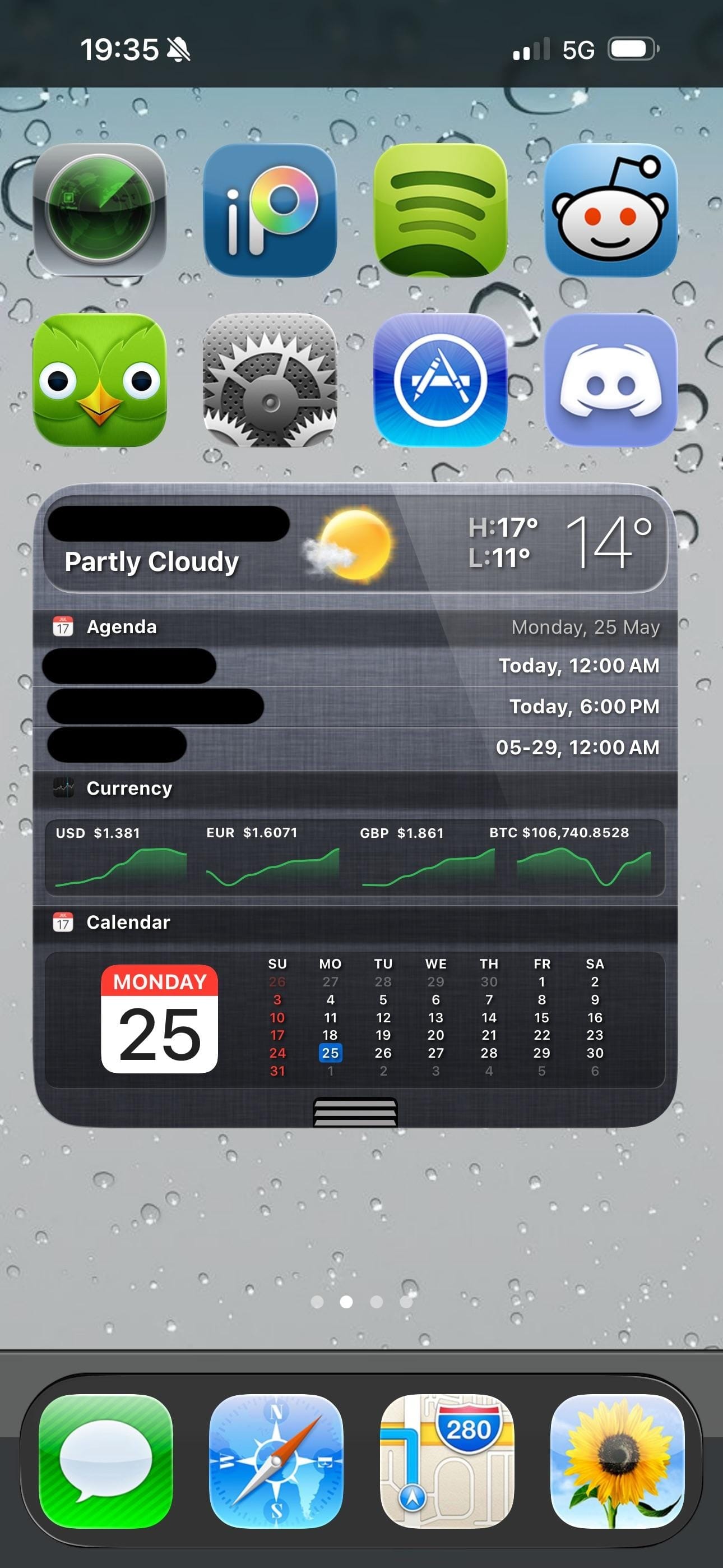
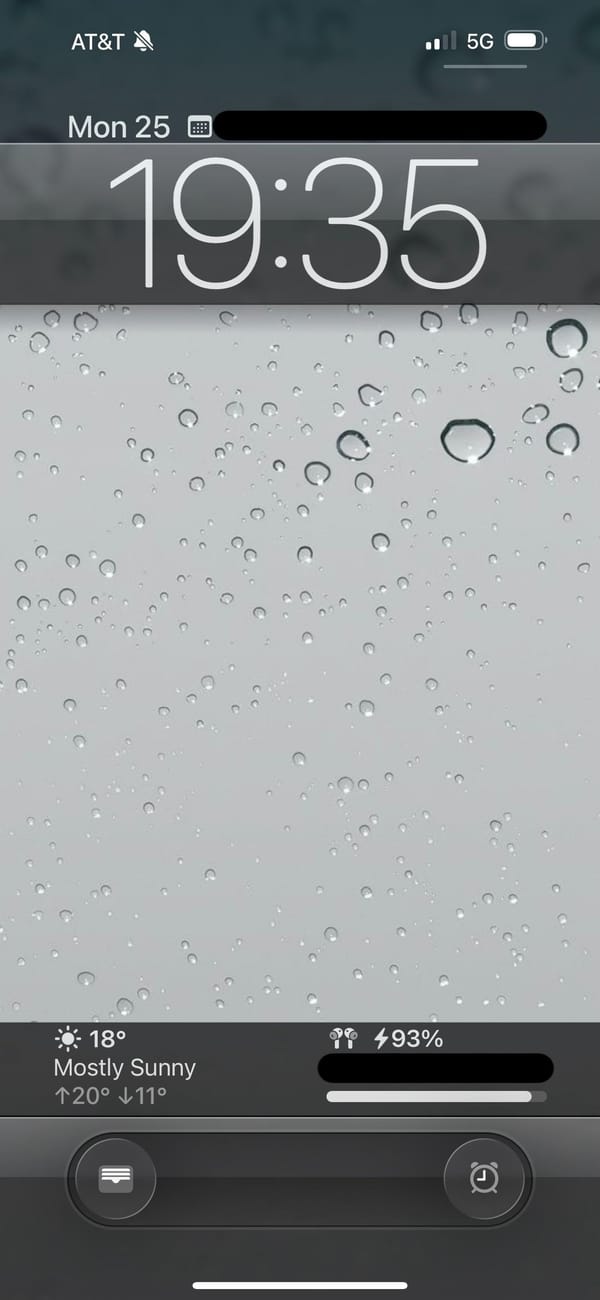
The theme, credited to a Stellario signature by the search bar, leans hard on skeuomorphism. The top of the home screen is a Widgy widget dressed as an old SimpleText window, complete with a title bar, a scroll track, and a working agenda list inside. Below it, twelve app icons sit on a glossy black shelf with mirror reflections, the exact look of early Mac OS X. The lock screen keeps the bit going, a chunky retro clock on a black monitor, then the cream Macintosh case underneath with its floppy slot, vents, and a Macintosh nameplate.
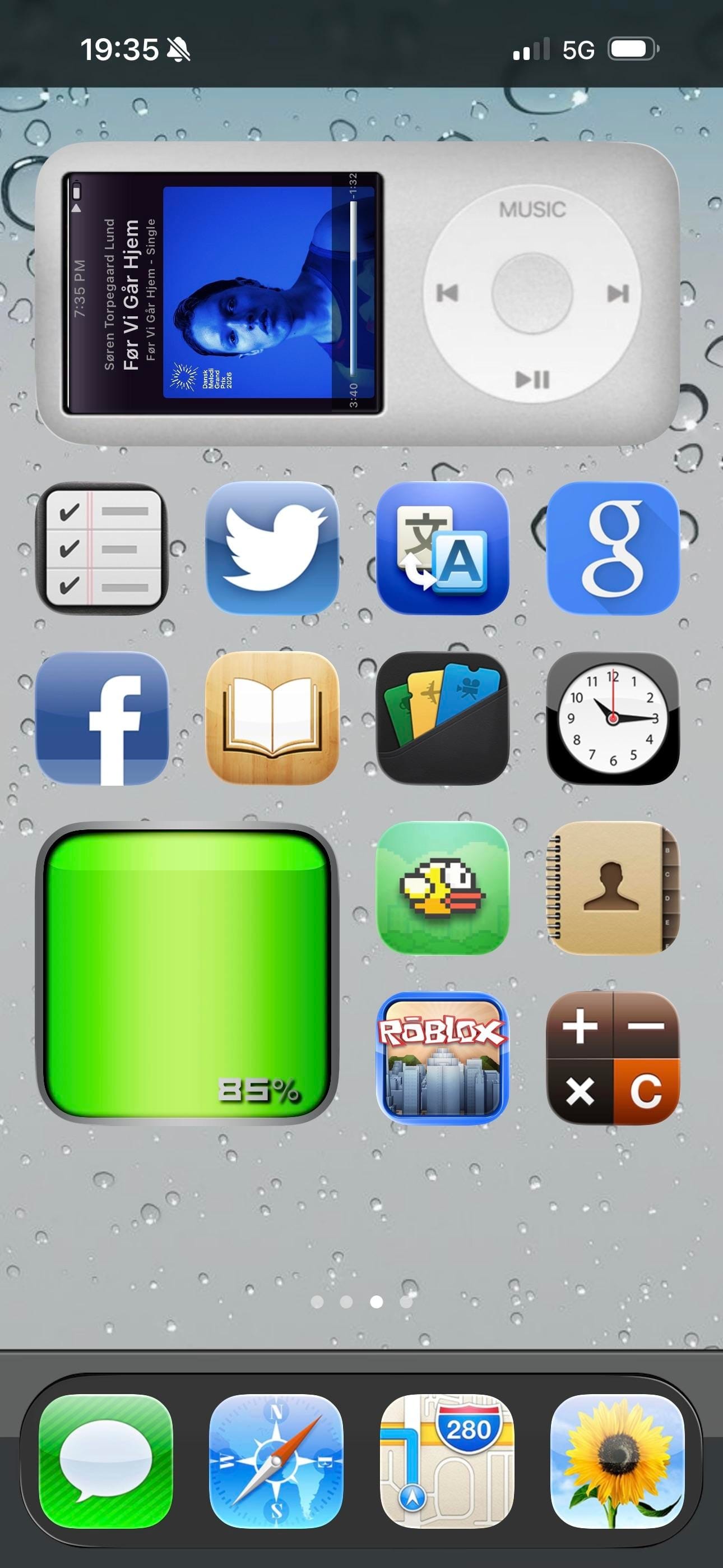
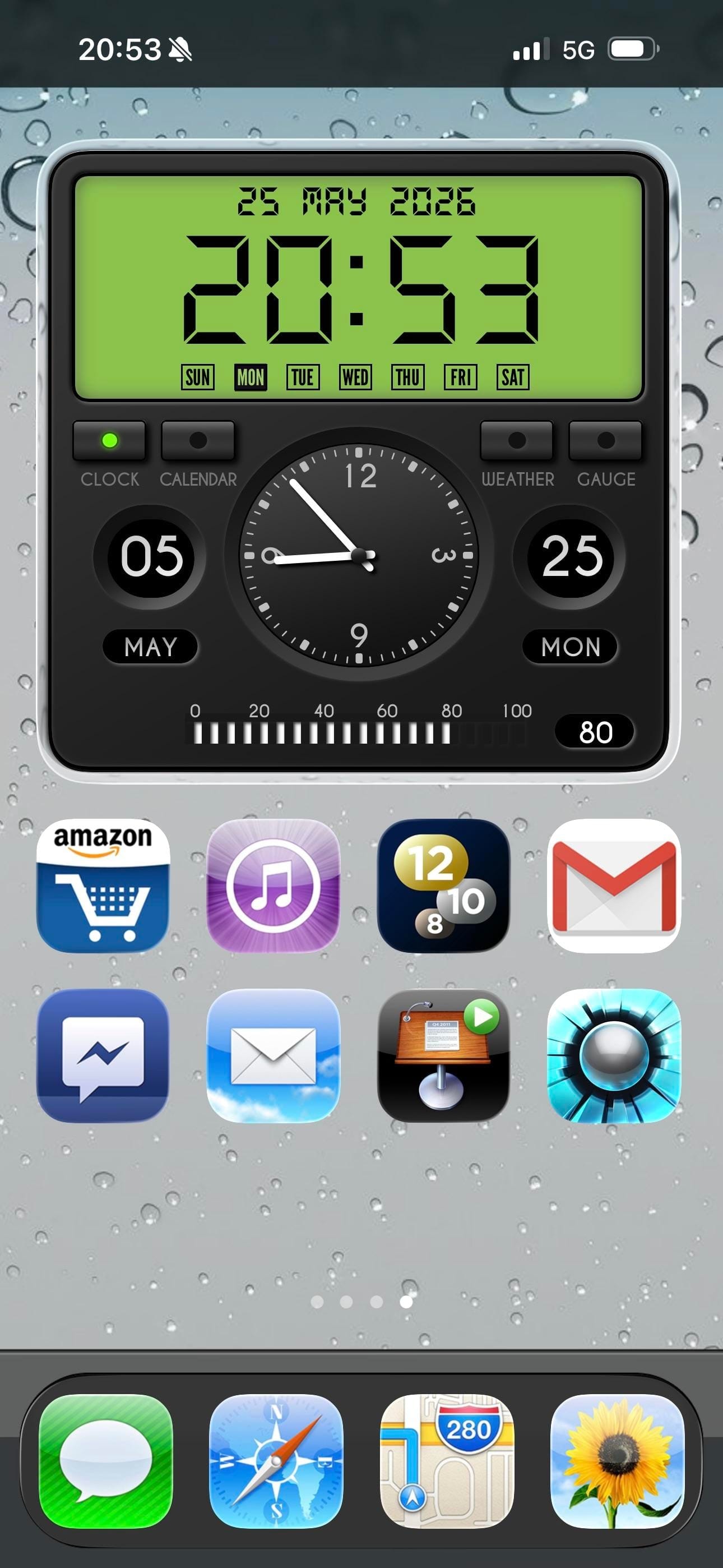
The icons are the love letter. Calendar is the tear-off July block, Mail is the old postage-stamp bird, Photos is the palm-tree iPhoto shot, and the Finder smiley, the silver Safari compass, and the geared System Preferences all come straight from an old Mac OS X dock. iTunes even shows up as a CD with the rainbow note, an app Apple retired years ago. The dock swaps in matching skeuomorphic Phone, Mail, Safari, and Messages, so nothing gives away that this is a modern iPhone until you read the status bar.
Copying this is a real commitment, since every icon is a custom Shortcut and the menu bar is just a widget faking it. But for a retro iPhoner who grew up on the beige Macs, or just misses when software had texture, it turns the phone into a tiny museum piece you actually carry.