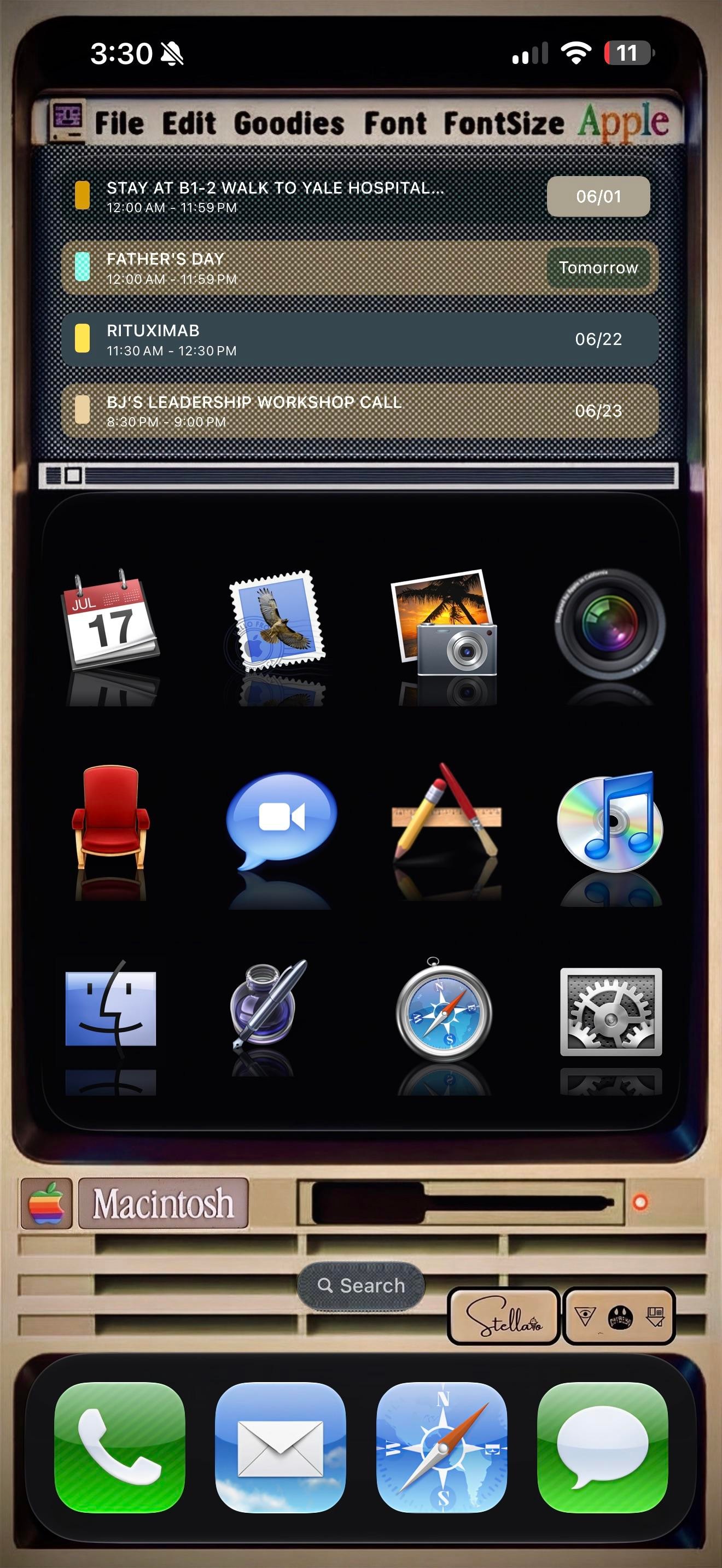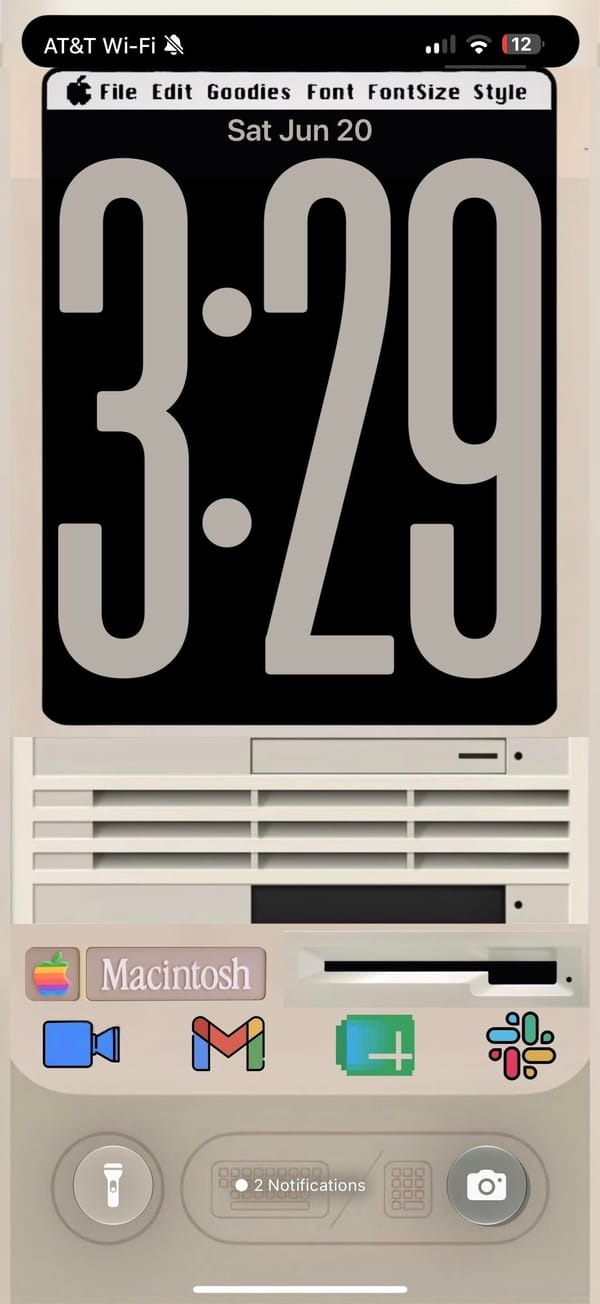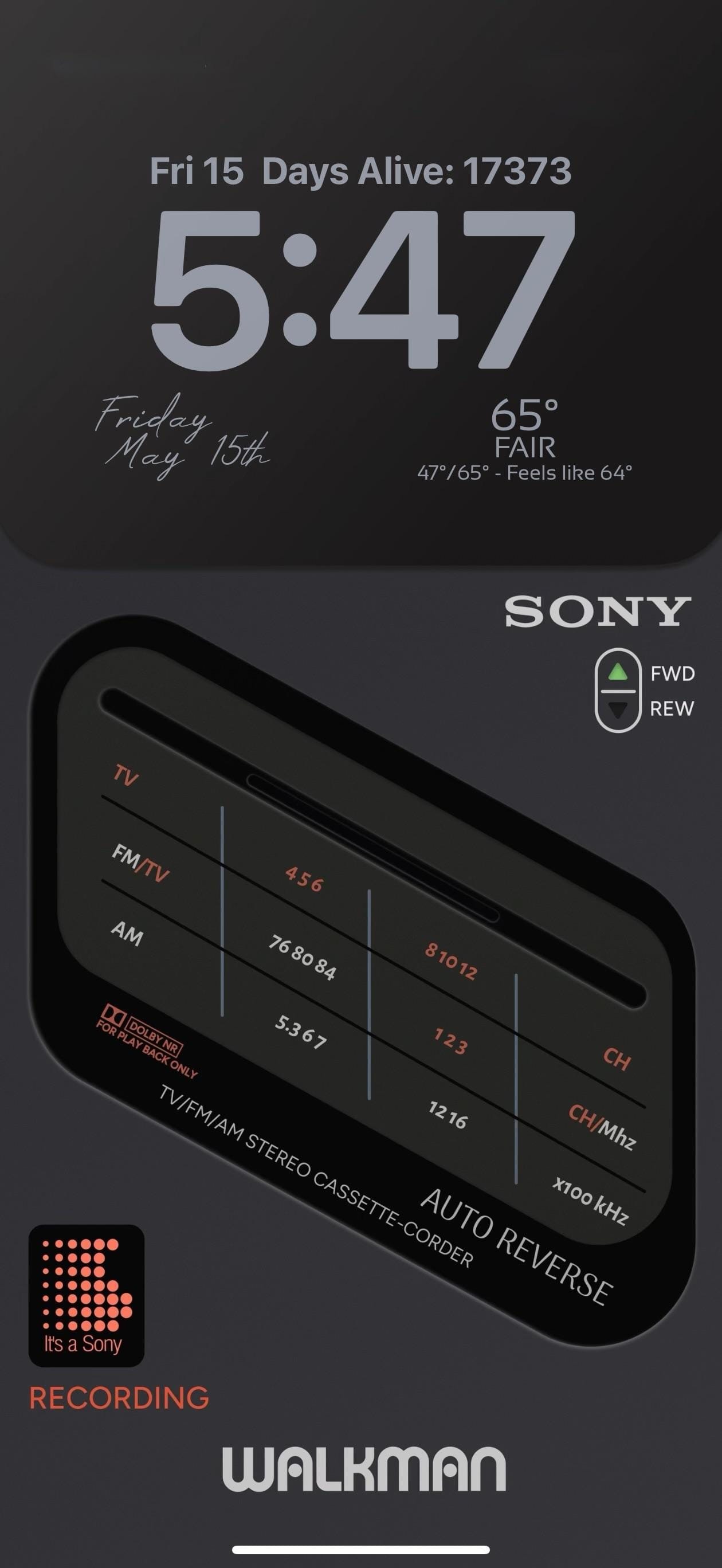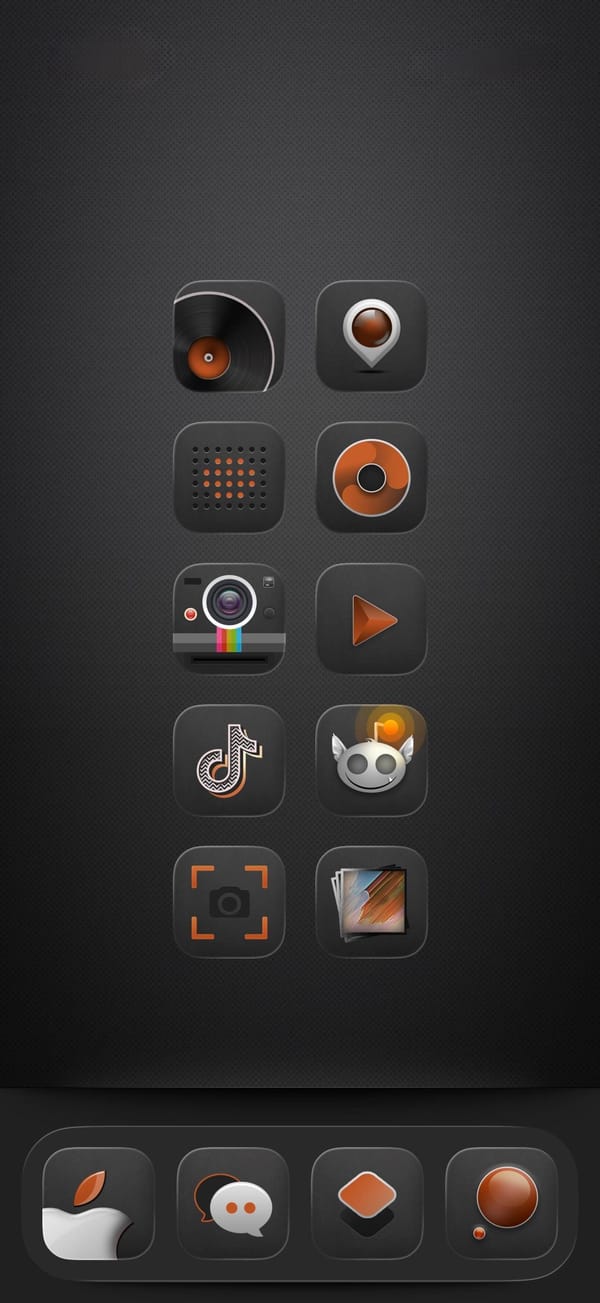
A retro iPhoner setup that makes the iPhone look like a Windows XP desktop. The entire home screen is built inside a simulated Explorer window: white background, title bar with toolbar icons, apps labeled as Settings, Calendar.exe, Clock.exe, Instagram.exe, Discord.exe, YouTube.url, Calculator.exe, Notepad.exe.
Windows XP folder icons fill three rows, labeled google stuffs, 日本語, games, and arts. A Windows Media Player icon and a Recycle Bin icon sit at the very bottom of the window, where real taskbar icons would be. A green Ready status bar and media playback buttons close the frame.
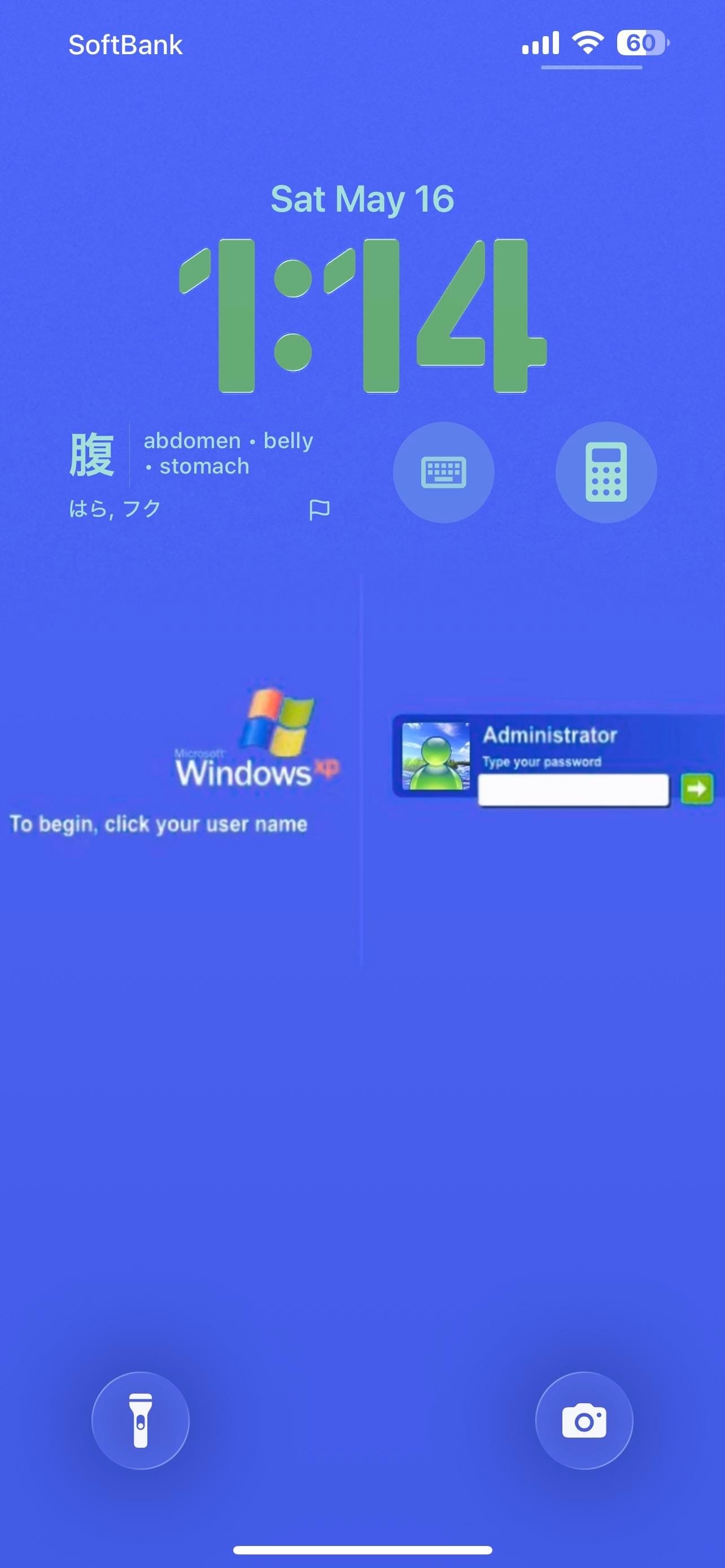
The taskbar is the dock: a Windows logo as the first slot, Windows Messenger as the second, and a fax icon and Internet Explorer globe to round it out. The lock screen is a solid blue Windows XP login page, complete with the XP flag logo and a password-entry dialog for a user named Administrator. A Japanese vocabulary card on the lock screen shows a kanji character with English translations. Calculator and keyboard icons sit as lock screen widget shortcuts.
Worth copying for iPhoners who want the most committed retro aesthetic in the home screen gallery.