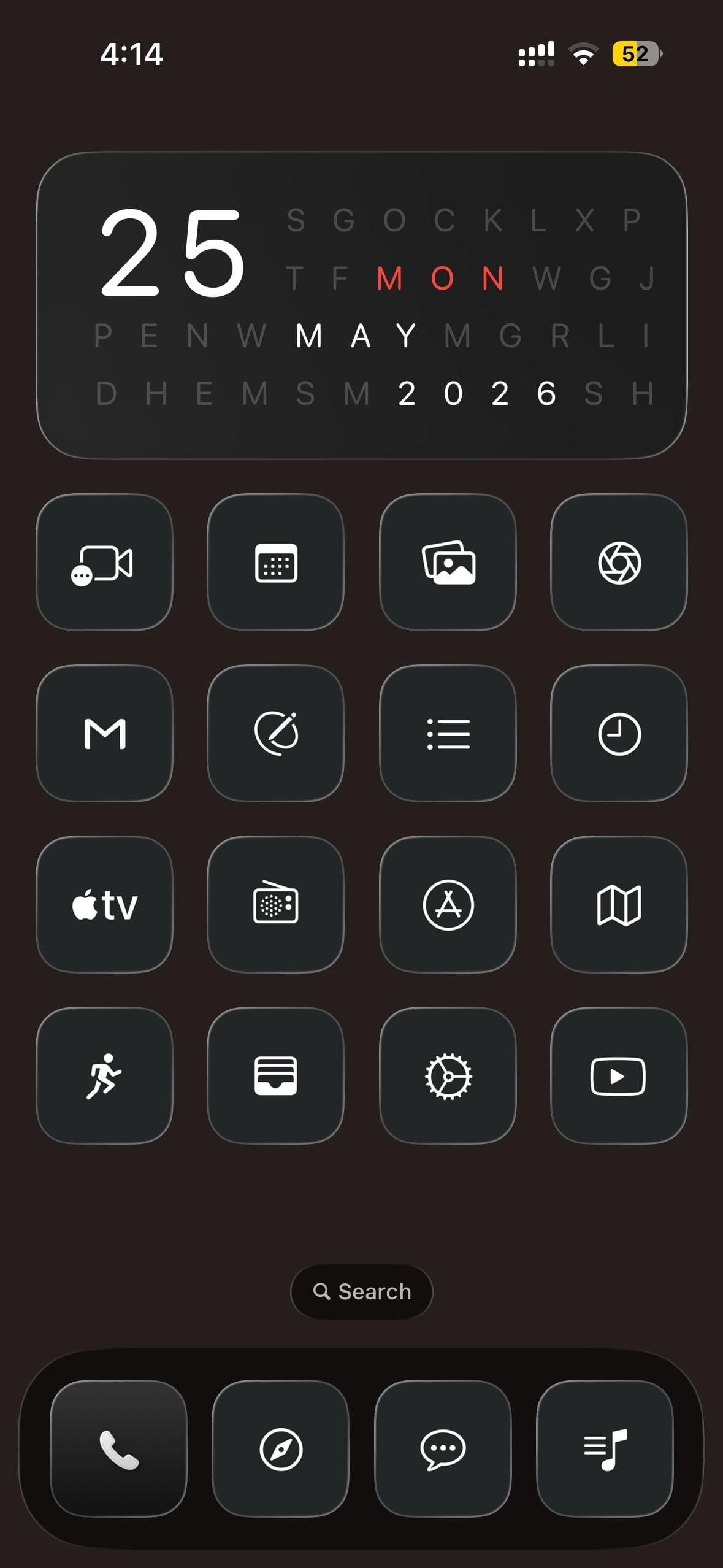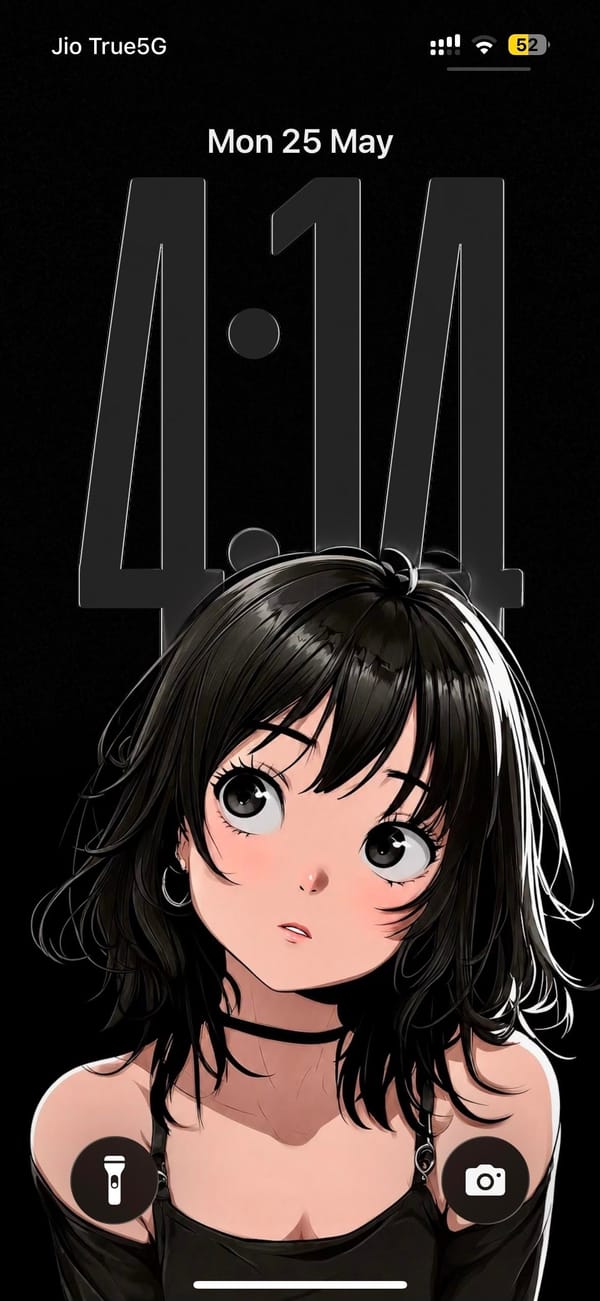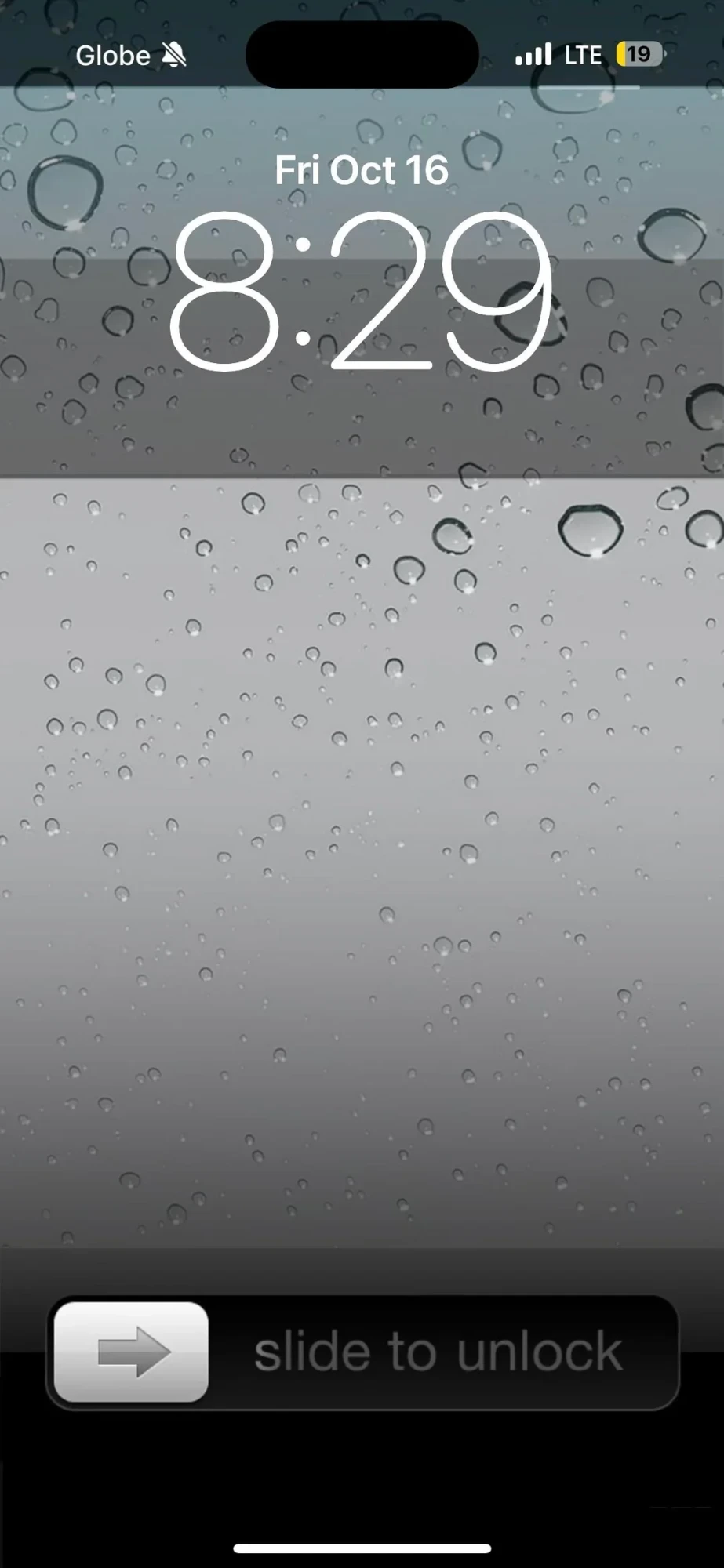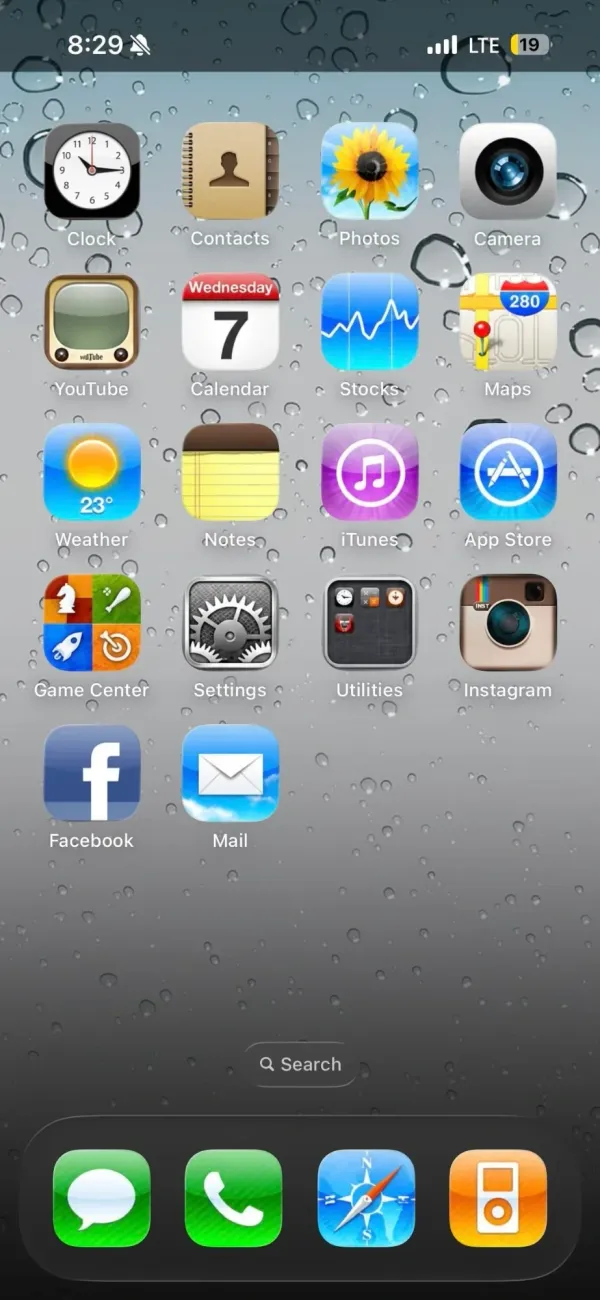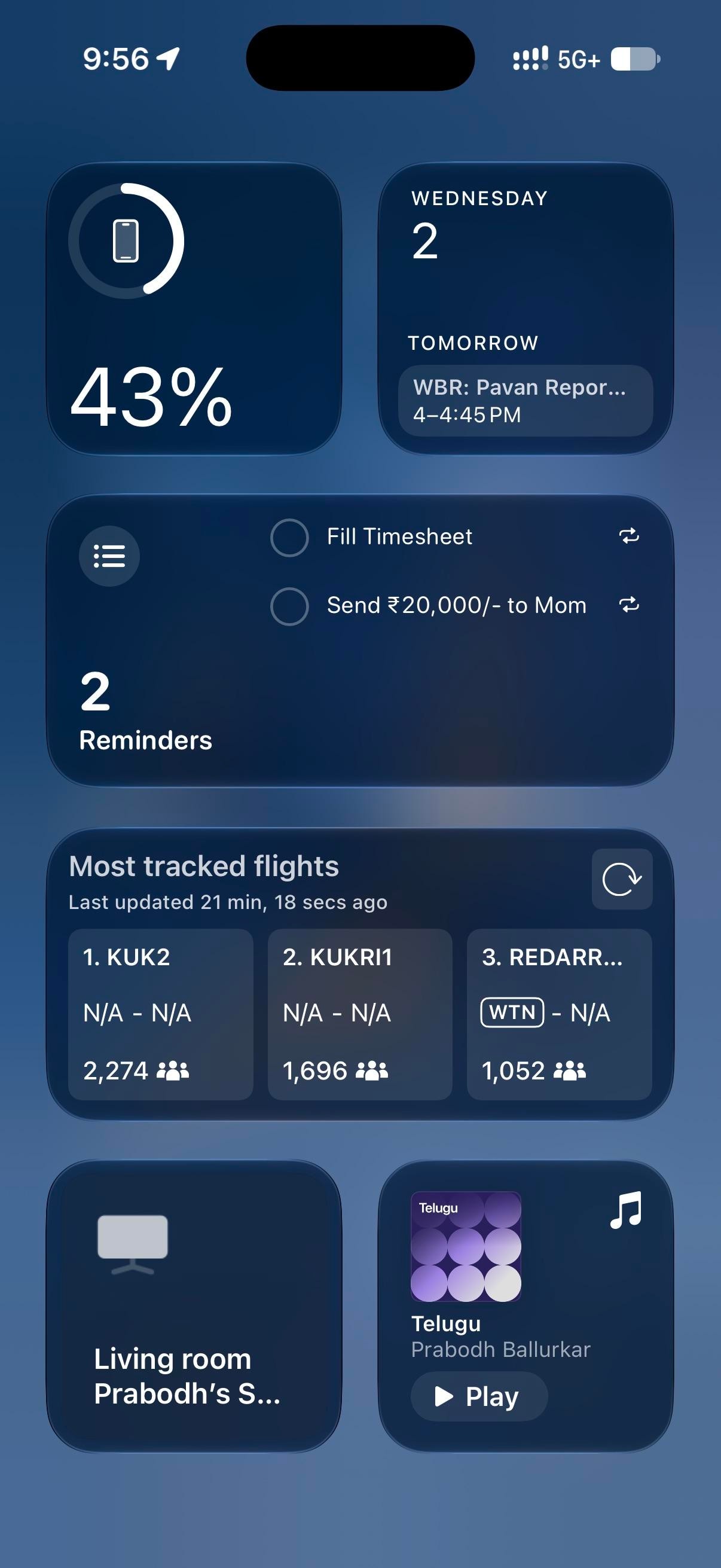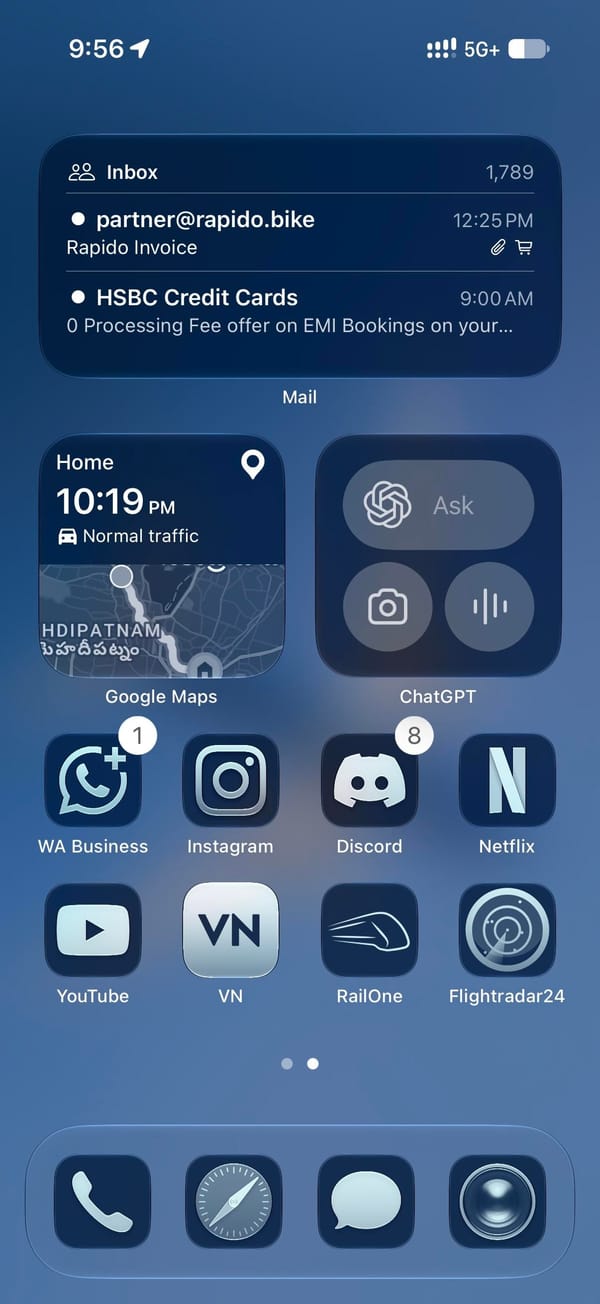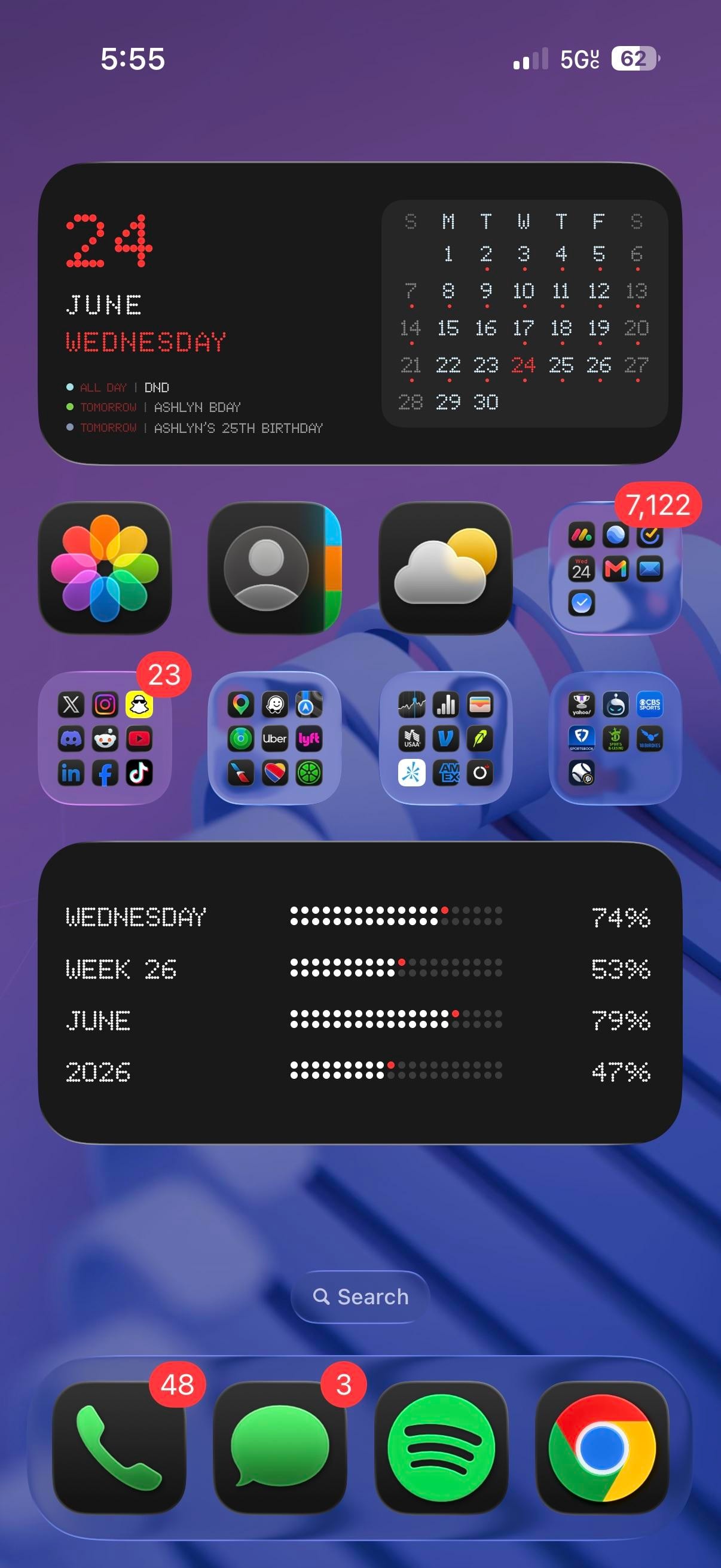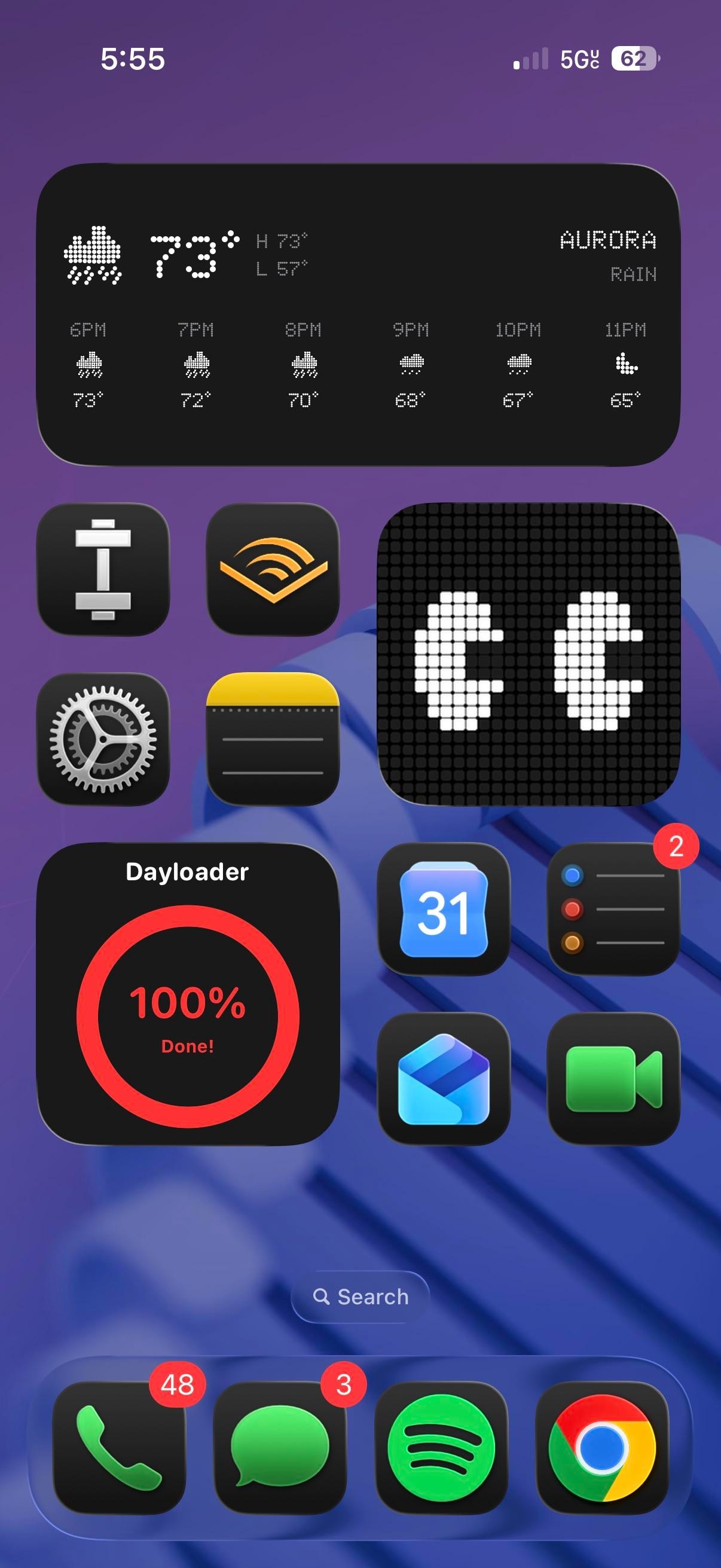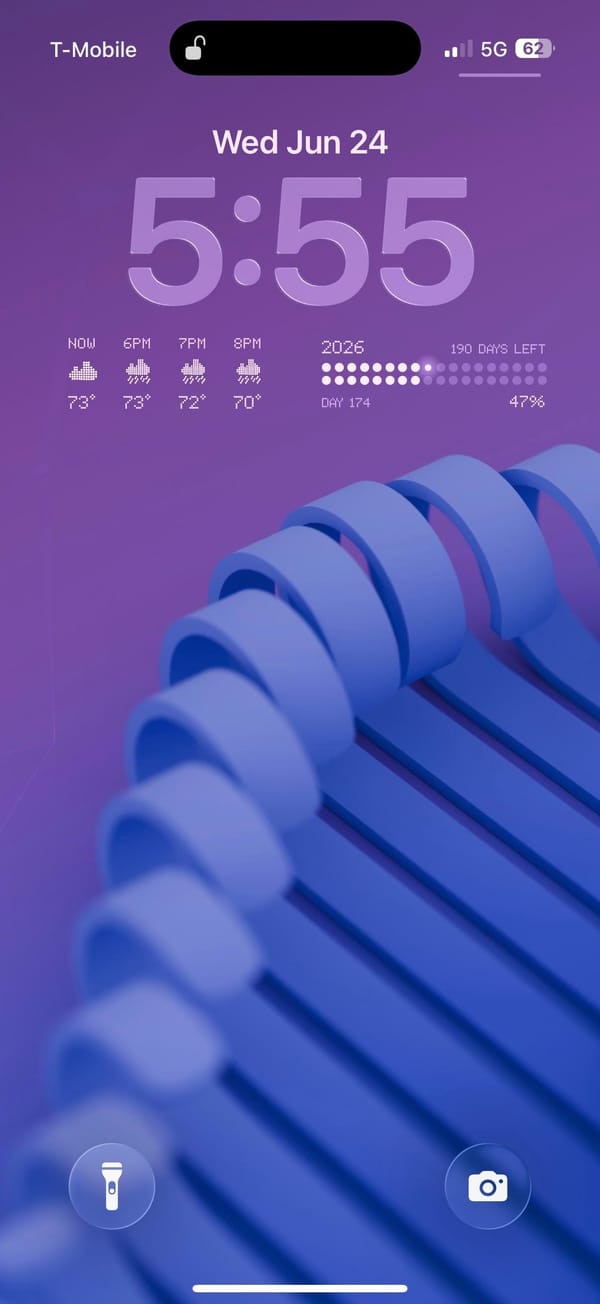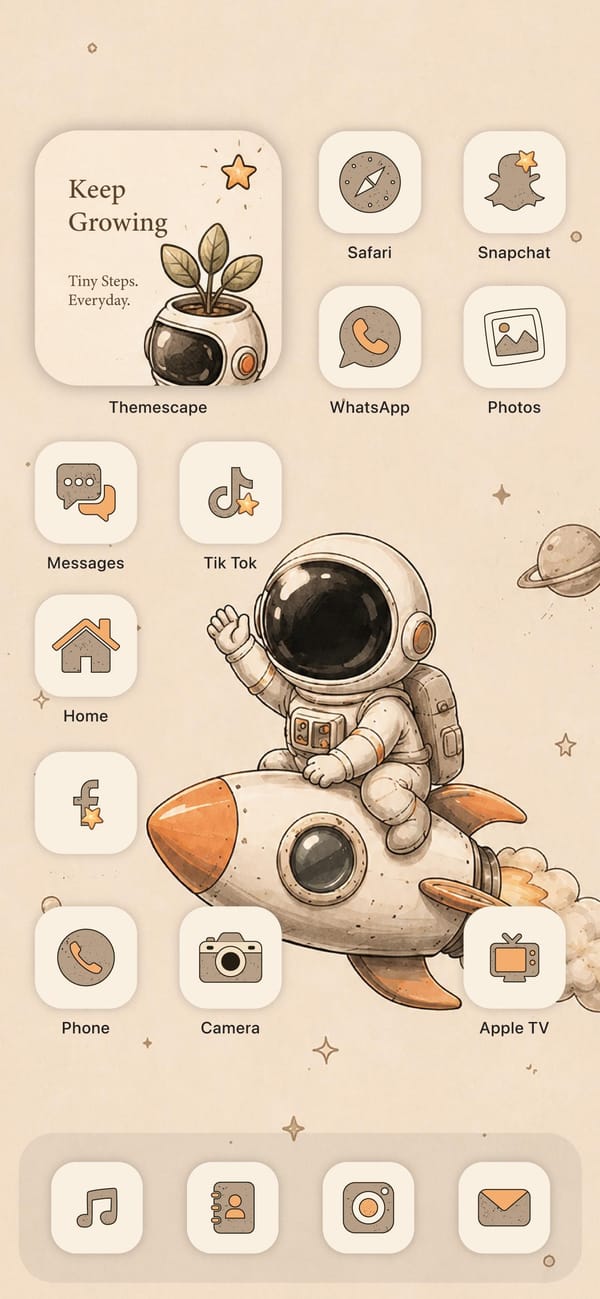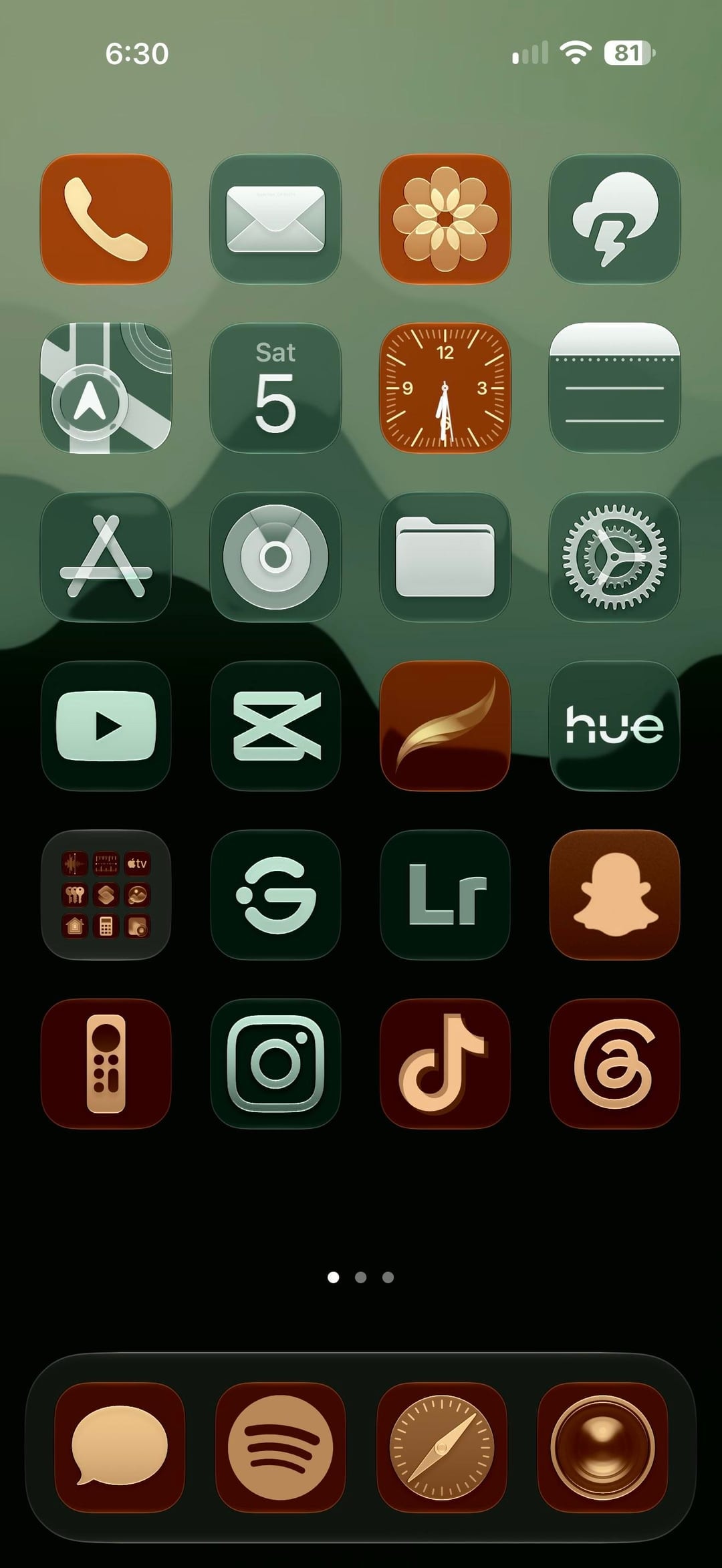
Two colors do all the work here: every icon on the Home Screen is either forest green with a pale mint glyph or terracotta with a cream one, on a mountain-ridge gradient from sage to black, and the Lock Screen answers with the same ridge and a clock stretched to a third of the screen in an orange-to-red gradient. It reads as a creative iPhoner's phone: Lightroom and CapCut on the first page, a Lightroom camera shortcut on the Lock Screen.
The wallpaper carries from Lock Screen to Home Screen without a blur. The Lock Screen uses iOS 26's resizable clock, pulled tall and tinted peach to red, with the widgets moved to the bottom edge: a launcher tile of eight outlined app glyphs, a round counter, and the Lightroom camera button, and the two quick-action buttons swapped for the Apple TV remote and video. The Home Screen is a full six-row grid with no labels and no widgets, three pages deep, over a dock of four terracotta tiles.
The green tiles hold the utilities: Mail, Weather, Maps, Calendar, Notes, App Store, Files, Settings, YouTube, CapCut, Hue, Instagram, and Lightroom. The terracotta tiles hold the social and creative half: Phone, Photos, Clock, a brush-stroke app, Snapchat, the Apple TV remote, TikTok, and Threads, with Messages, Spotify, Safari, and Camera in the dock. A folder of stock apps sits in the fifth row, next to two green tiles: a ring with a dot, and a G in a circle.
The recipe is a two-color icon set with every glyph in the same pale tint; the wallpaper does the rest, and the clock color is a slider in the iOS 26 Lock Screen editor. It suits an iPhoner who wants a dark phone without a black one, and the terracotta keeps it from going gloomy.