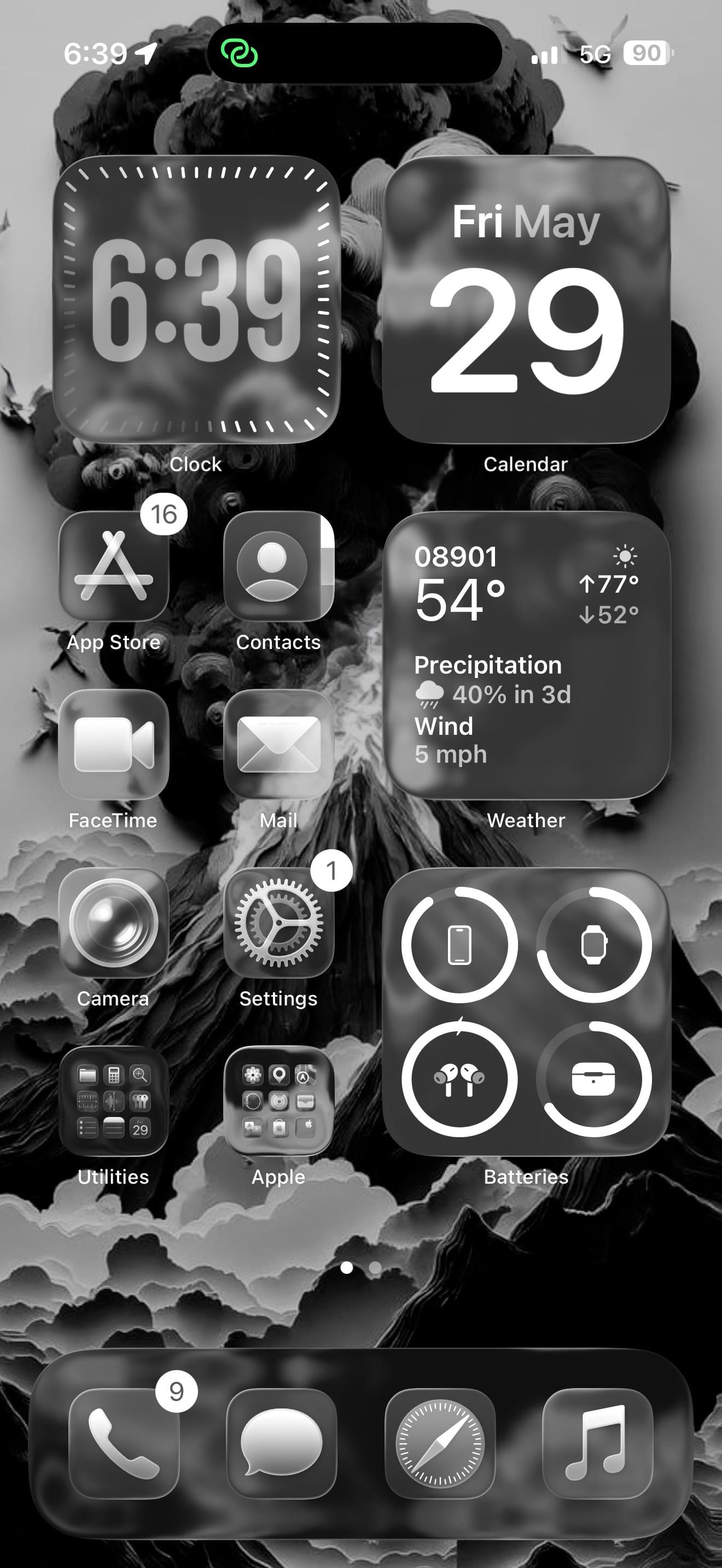
A dark-mode iPhoner setup built around a volcanic wallpaper, with Apple Watch, AirPods, and Shazam all accessible from the lock screen.
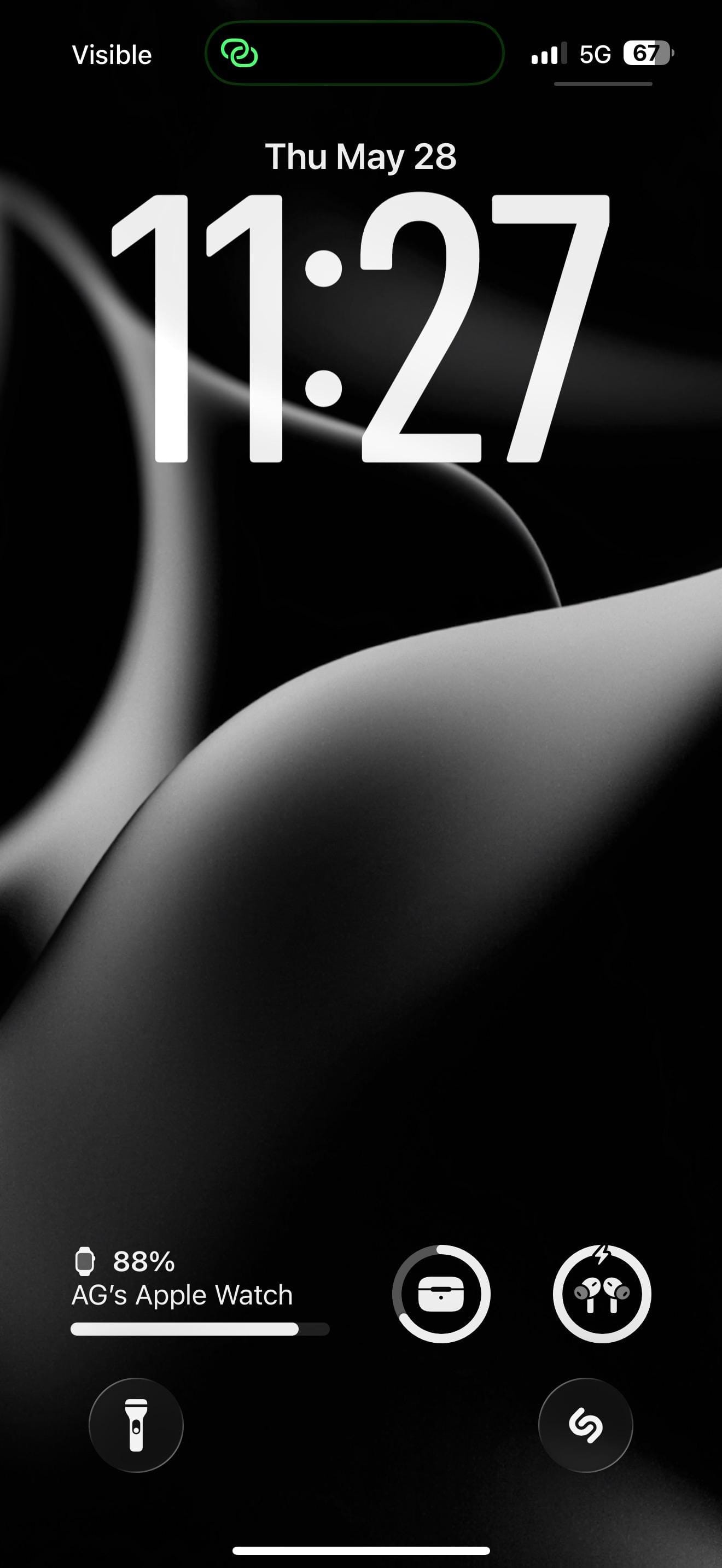
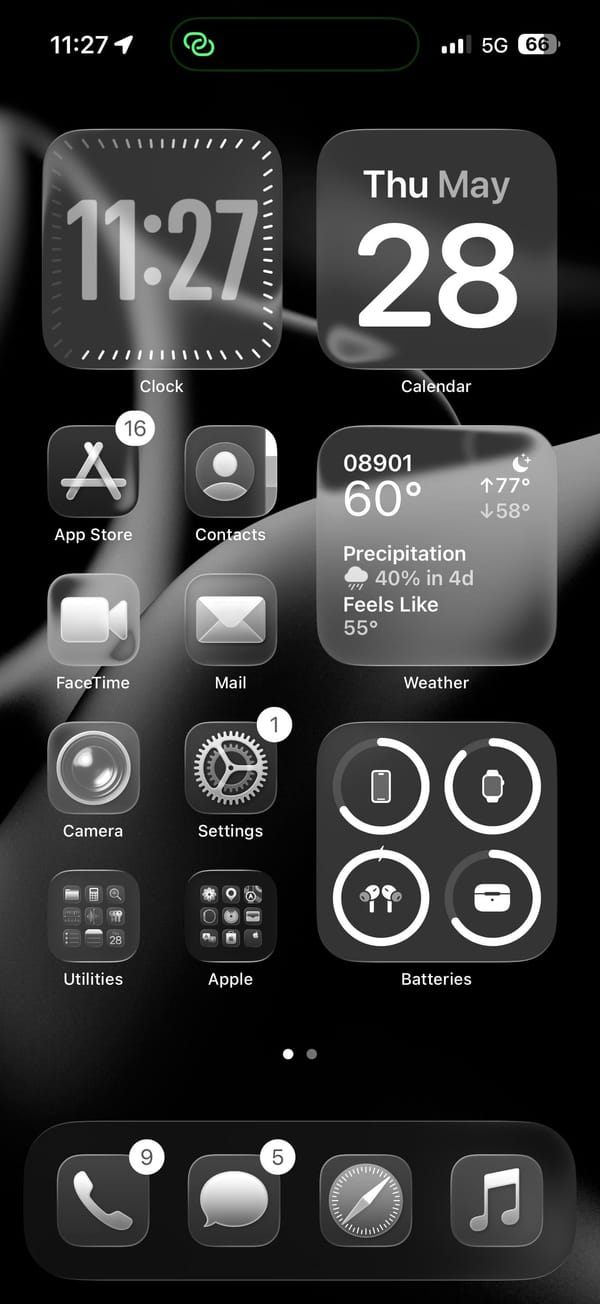
A dark-mode iPhoner, lock screen to home screen, with a volcanic eruption as the wallpaper. The lock screen shows the eruption in full: a dark volcano with an orange-yellow glow at the base and a dense plume of ash-black smoke filling the top half of the image. On the home screen, the same image renders almost entirely in monochrome.
The home screen runs two medium widgets at the top (Clock and Calendar) and fills the right column further down with a detailed Weather widget and a Batteries widget tracking the iPhone, Apple Watch, AirPods, and their case. The left column carries four app icons in two rows. Every icon renders as a dark grey square; there's no color left in the layout once the wallpaper's glow is behind glass.
App Store, Contacts, FaceTime, Mail, Camera, and Settings line the left column. Two folders (Utilities and Apple) sit at the bottom. Shazam sits on the lock screen as a quick-launch shortcut, a tap from whatever's currently playing. The dock holds Phone, Messages, Safari, and Music.
Worth copying for iPhoners who want a dramatic wallpaper to do all the visual work while the layout stays functional and predictable.
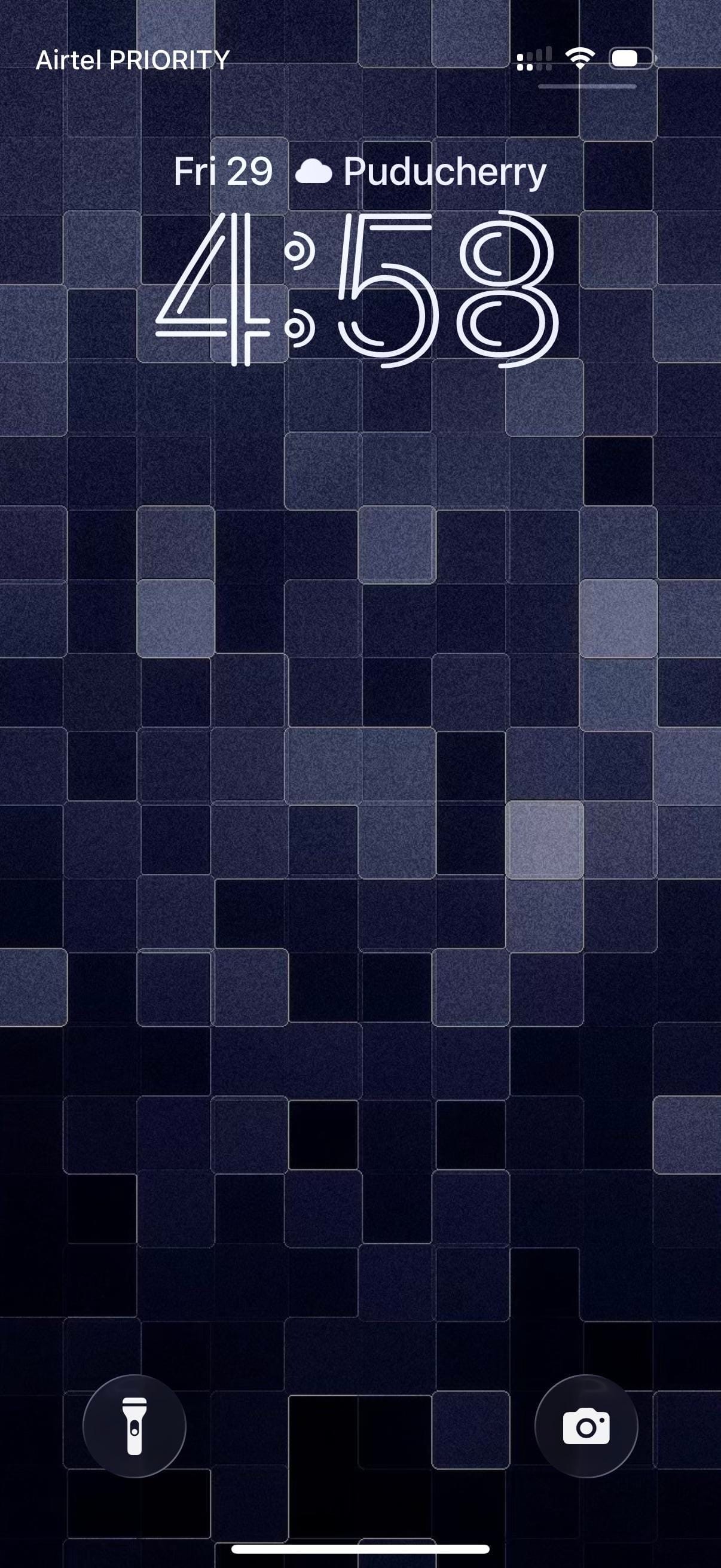
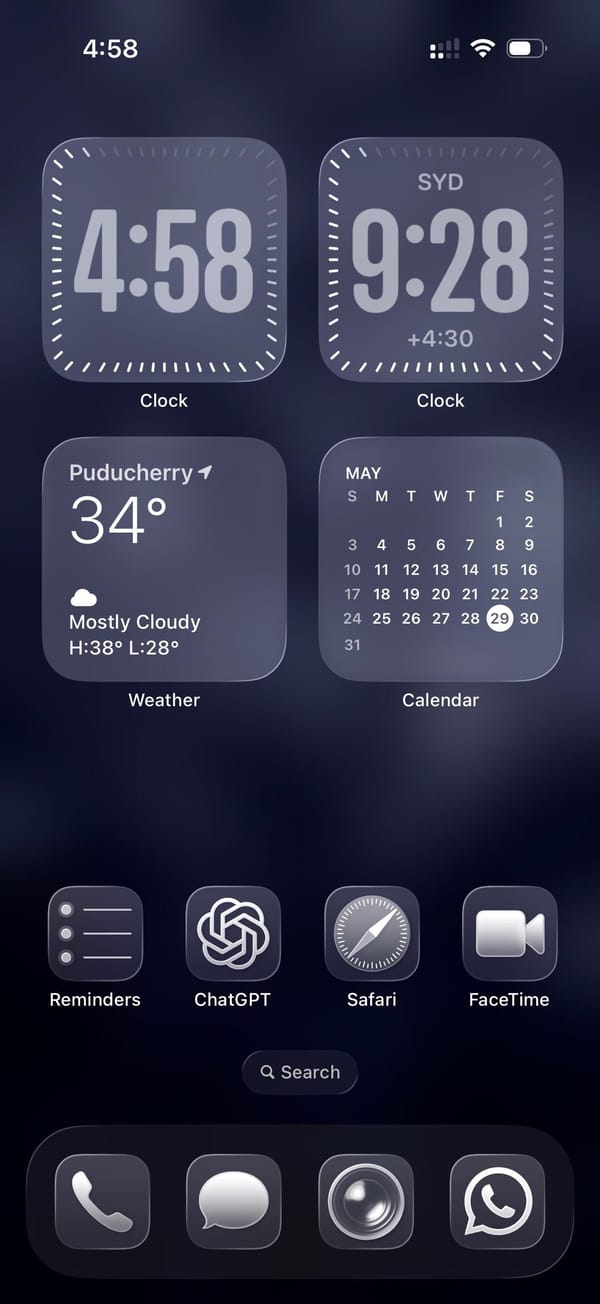
A traveler iPhoner home screen. The wallpaper is a mosaic of deep navy and indigo tiles shifting across four shades of blue-grey, landing somewhere between a pixel grid and a stone mosaic depending on how far back you hold the phone.
Four medium widgets fill the top two-thirds of the home screen in a 2x2 grid. Two Clock widgets sit at the top: one for local time, the other locked to Sydney, which puts the same face in two different time zones. Below them, Weather and a Calendar month-view take the remaining two slots. A single row of apps separates the widget block from an empty stretch of wallpaper before the dock.
Reminders, ChatGPT, Safari, and FaceTime make up that row. Just stock icons throughout. The dock holds Phone, Messages, what looks like Camera, and WhatsApp, four apps that cover the obvious communication bases across platforms. The whole setup runs in fours, top to bottom.
Worth copying for iPhoners who track two time zones daily and want the clocks on the home screen without building out a full widget stack.
A dual-timezone home screen and a mosaic wallpaper
A traveler iPhoner setup built on dual Clock widgets for two time zones, a deep navy mosaic lock screen, and ChatGPT in the main row.
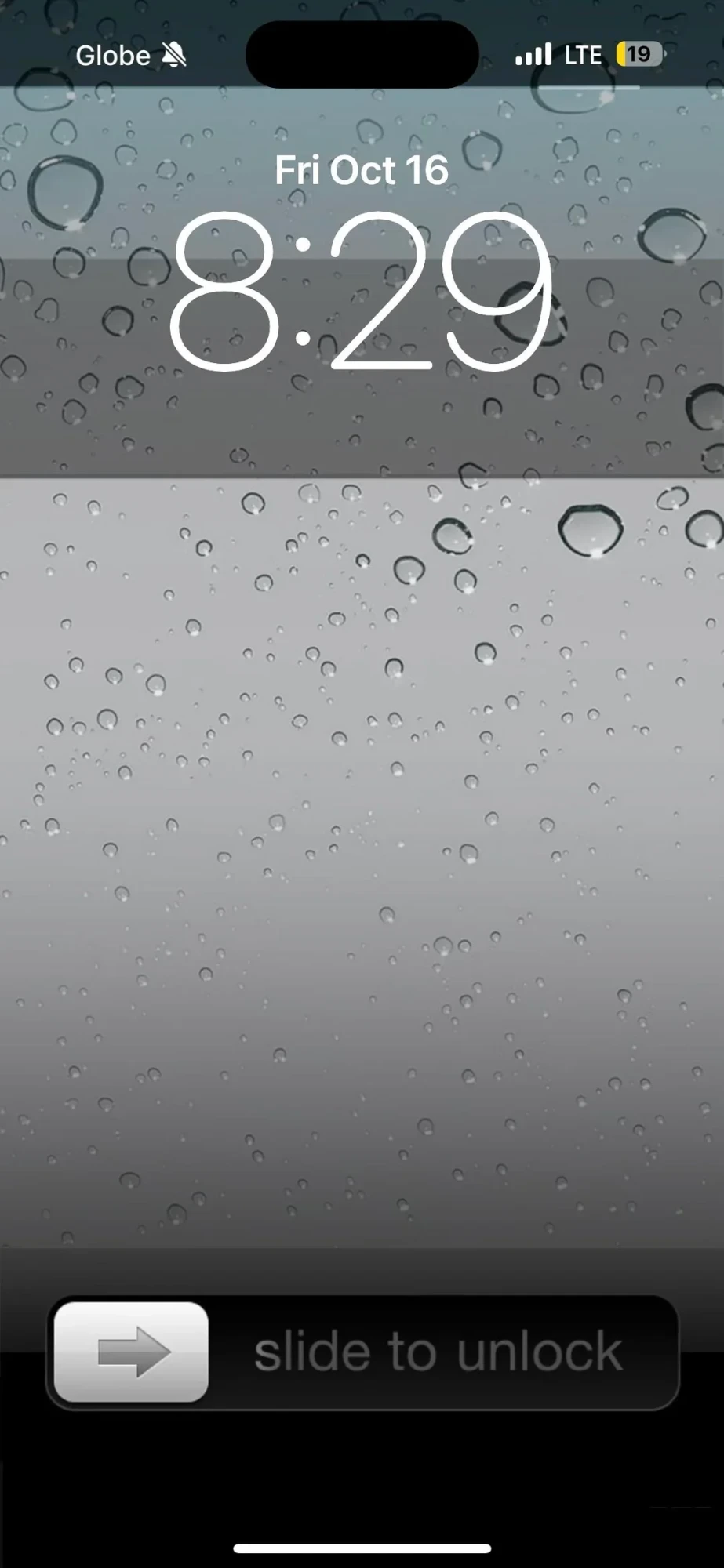
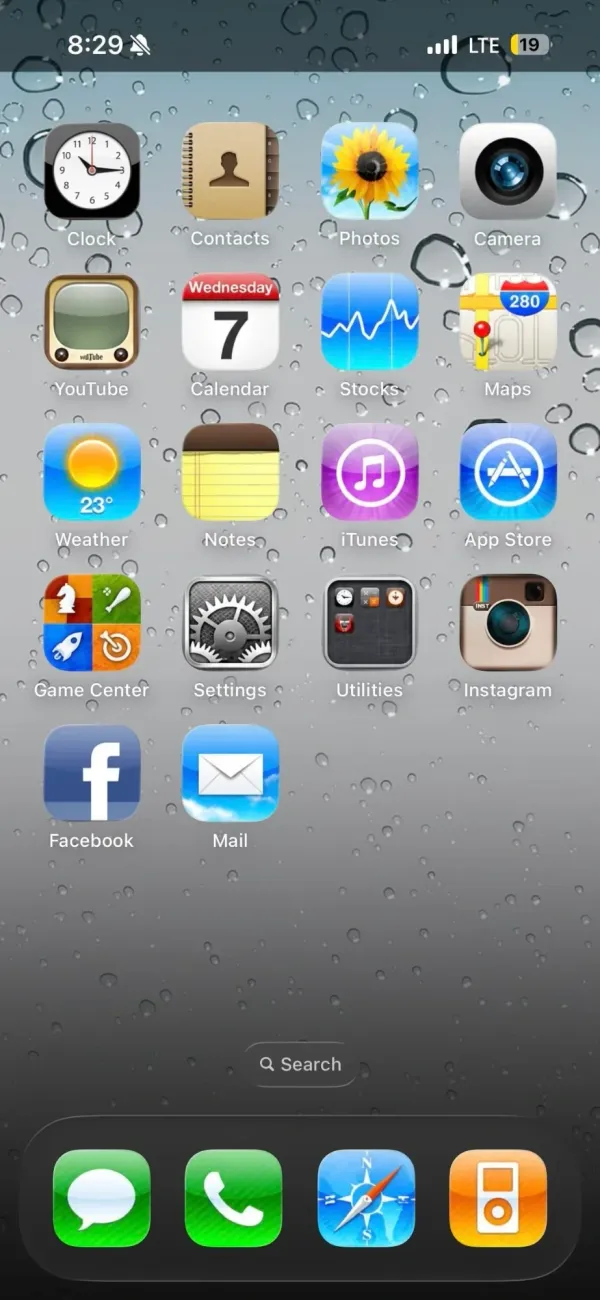
A retro iPhoner setup that goes all the way back. The lock screen wallpaper is a close-up macro of rain on glass, hundreds of grey droplets on a silver surface. On the home screen, every icon is rendered in the old skeuomorphic style: textured, dimensional, shaded like something you could actually touch.
Four pages of icons cover the whole range of the iOS 6 era: a wooden iBooks-style bookshelf, a retro television icon, the old Compass with its parchment-style surround, the original Instagram camera, and the old Maps icon with its road-map styling. The old Weather, Notes, Siri, and Music icons appear exactly as they shipped more than a decade ago. A rain-on-glass wallpaper carries across every page and the lock screen, making the visual continuity between screens unusually consistent.
Page three is the highlight: an iPod classic widget fills the top half of the screen, complete with a scroll wheel and album art from a currently playing track. A Flappy Bird icon sits two rows below it. Further pages bring a currency widget tracking USD, EUR, GBP, and BTC, a skeuomorphic clock and calendar widget, and a green battery readout styled like an old status bar. Modern apps including Duolingo, Discord, Reddit, and Spotify sit alongside the vintage icons without much friction.
Worth copying for iPhoners who miss the era when every icon looked like a real thing, not a flat colored square.
iOS 6 revival home screen with an iPod widget
A retro iPhoner setup that brings back iOS 6 skeuomorphic icons across four pages, with an old-school rain lock screen and an iPod classic widget.
A minimal iPhoner home screen built around a stormy lighthouse photograph. The wallpaper is a moody teal-grey scene: a tall lighthouse at the edge of rocky surf, lit from within against a foggy overcast sky.
Eight black square icons run in a left-column grid, each with a minimal white line icon inside: Phone, a weather app, Photos, DuckDuckGo, Reddit, WhatsApp, Messages, and a grid-view app. The right side of the home screen is left open, giving the lighthouse room to stand in the frame. The single dock app is a list icon centered at the bottom.
A date and weather widget anchors the top left, rendered in plain white text directly on the wallpaper with no background card. That left column continues straight down with the icons below it. The lock screen uses the same lighthouse image with a glass weather widget at the bottom left, showing the current conditions and a two-day forecast. A sunset-time complication sits in the row above that.
Worth copying for iPhoners who want a dramatic landscape photograph to carry the visual weight while the icons stay out of the way.
A stormy lighthouse wallpaper and a minimal black icon set
A minimal iPhoner with eight black line-icon apps, a stormy lighthouse wallpaper on both screens, and a detailed weather widget on the lock screen.