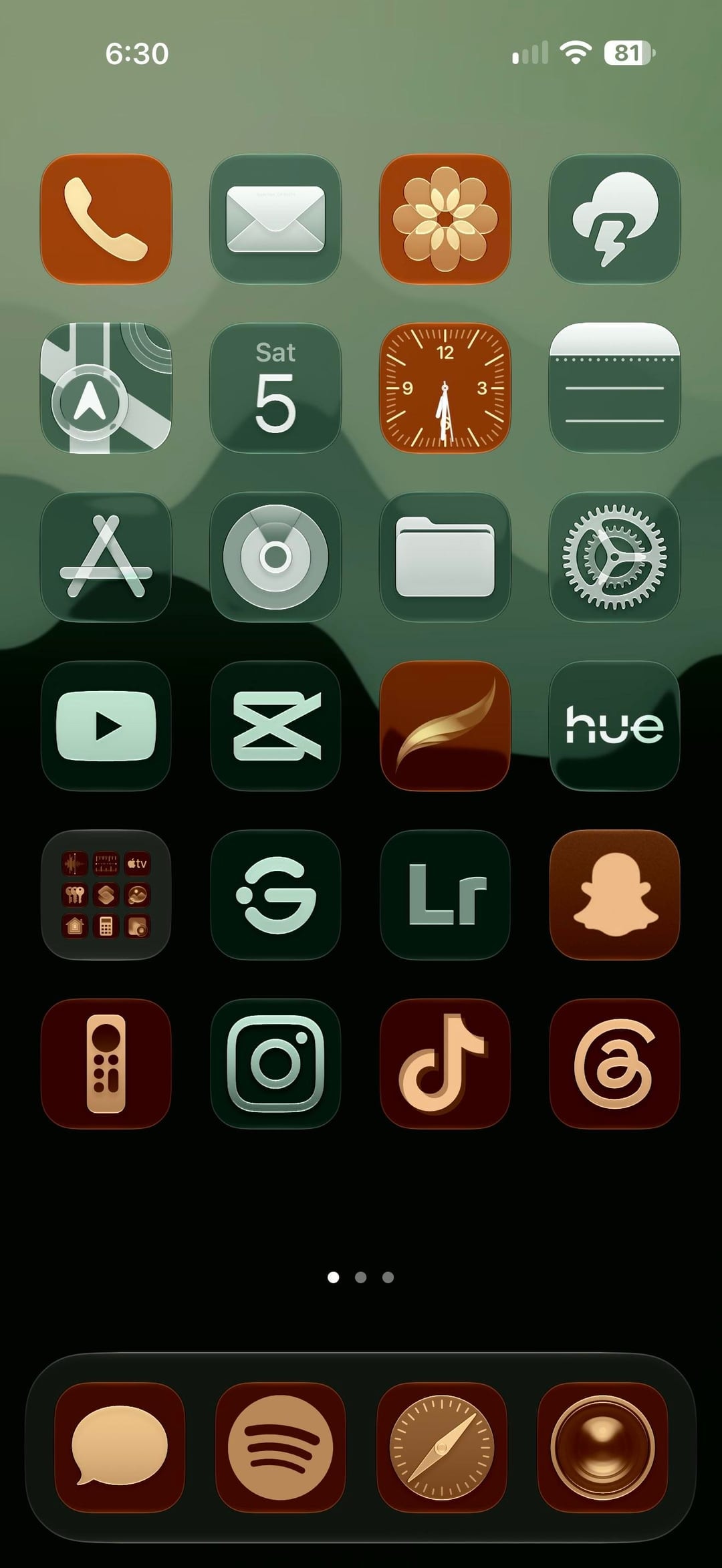
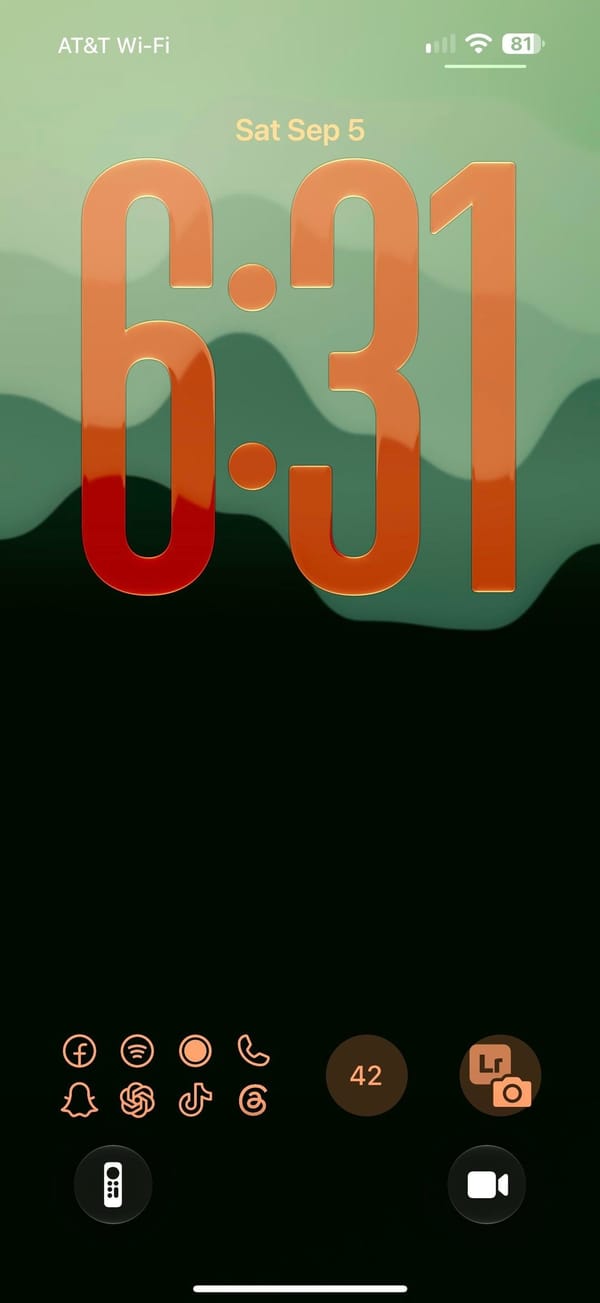
Two colors do all the work here: every icon on the Home Screen is either forest green with a pale mint glyph or terracotta with a cream one, on a mountain-ridge gradient from sage to black, and the Lock Screen answers with the same ridge and a clock stretched to a third of the screen in an orange-to-red gradient. It reads as a creative iPhoner's phone: Lightroom and CapCut on the first page, a Lightroom camera shortcut on the Lock Screen.
The wallpaper carries from Lock Screen to Home Screen without a blur. The Lock Screen uses iOS 26's resizable clock, pulled tall and tinted peach to red, with the widgets moved to the bottom edge: a launcher tile of eight outlined app glyphs, a round counter, and the Lightroom camera button, and the two quick-action buttons swapped for the Apple TV remote and video. The Home Screen is a full six-row grid with no labels and no widgets, three pages deep, over a dock of four terracotta tiles.
The green tiles hold the utilities: Mail, Weather, Maps, Calendar, Notes, App Store, Files, Settings, YouTube, CapCut, Hue, Instagram, and Lightroom. The terracotta tiles hold the social and creative half: Phone, Photos, Clock, a brush-stroke app, Snapchat, the Apple TV remote, TikTok, and Threads, with Messages, Spotify, Safari, and Camera in the dock. A folder of stock apps sits in the fifth row, next to two green tiles: a ring with a dot, and a G in a circle.
The recipe is a two-color icon set with every glyph in the same pale tint; the wallpaper does the rest, and the clock color is a slider in the iOS 26 Lock Screen editor. It suits an iPhoner who wants a dark phone without a black one, and the terracotta keeps it from going gloomy.
Forest green and clay icons under a stretched glass clock
A creative iPhoner's two-tone setup, where every icon is either forest green or terracotta and the iOS 26 clock stretches into an orange-to-red gradient.
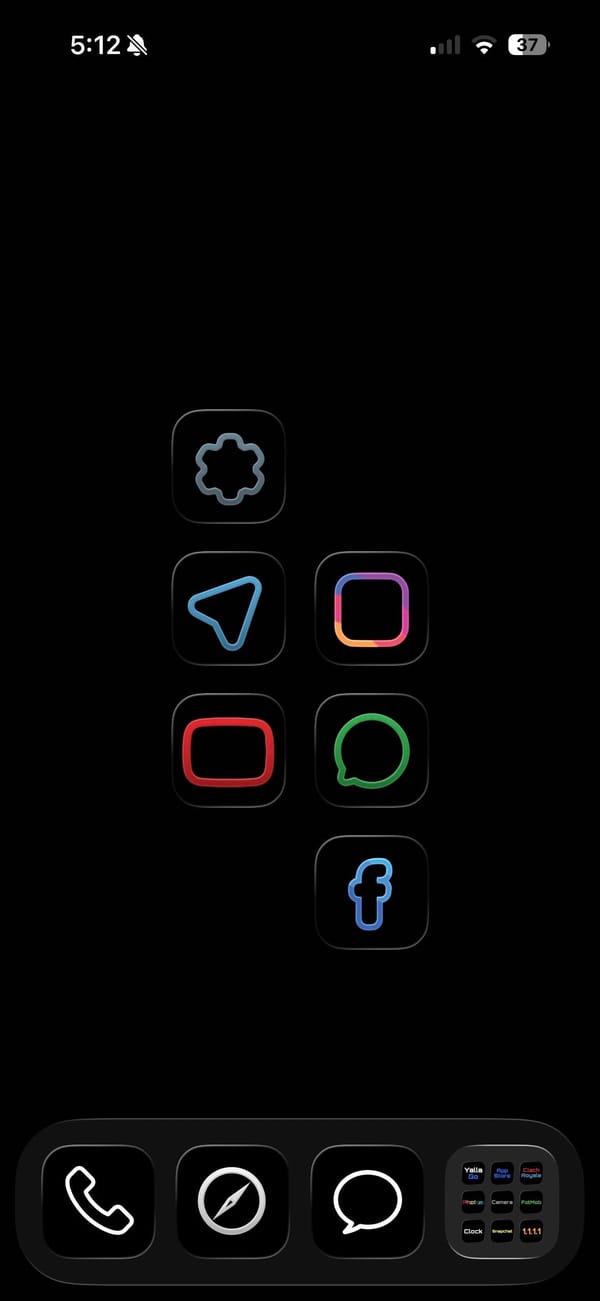
A dark theme usually still shows off its icons. This one hides them. It's a pure-black home screen for a minimalist iPhoner, a few thin neon outlines floating in the OLED with nothing else competing for attention.
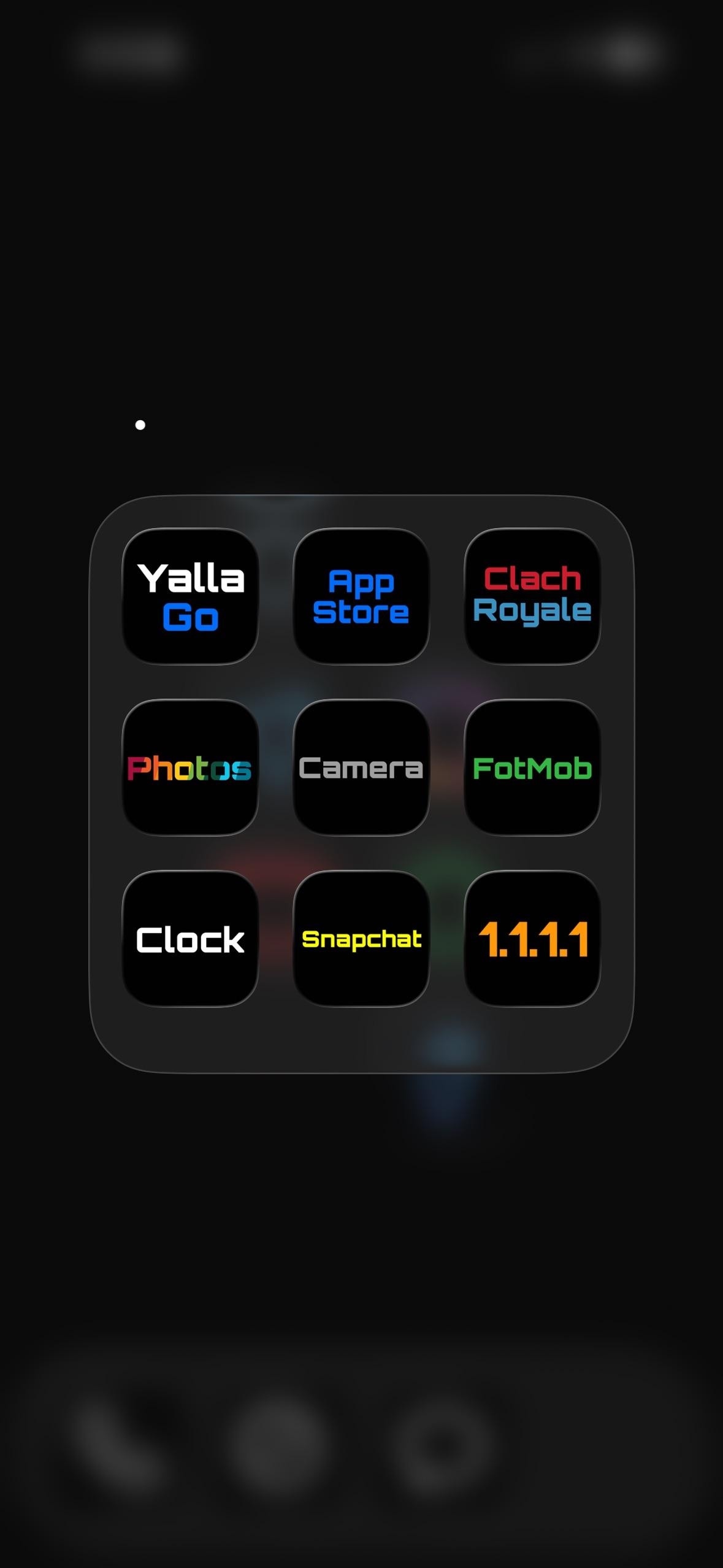
The wallpaper is just black, so on an OLED panel the empty space reads as switched-off screen. Six apps sit on the main page as colored line art: a blue paper plane for Telegram, a pink square for Instagram, a red rounded rectangle for YouTube, a green ring for WhatsApp, a gray cog for Settings, and a blue f for Facebook. The dock folder does the rest. Open it and the icons become plain text labels, each app's name in a different neon color on a black tile.
Inside that folder the labels are the icons, each a colored word on black:
App Store and 1.1.1.1 (Cloudflare's DNS app) as the utilities
Clash Royale and FotMob for a game and match scores
Snapchat and Yalla Go for chat
Photos, Camera, and Clock as the stock trio
Anyone who finds a wall of glossy icons more stressful than useful is the audience here, and a minimalist iPhoner ends up with a screen that looks powered off until it's tapped. The pure black sips less OLED battery too. It's a home screen built to disappear, and on this phone it mostly does.
Pure-black setup with neon and word icons
A minimalist iPhoner runs a pure-black home screen where the dock folder turns every app into its name, set in a different neon color per tile.
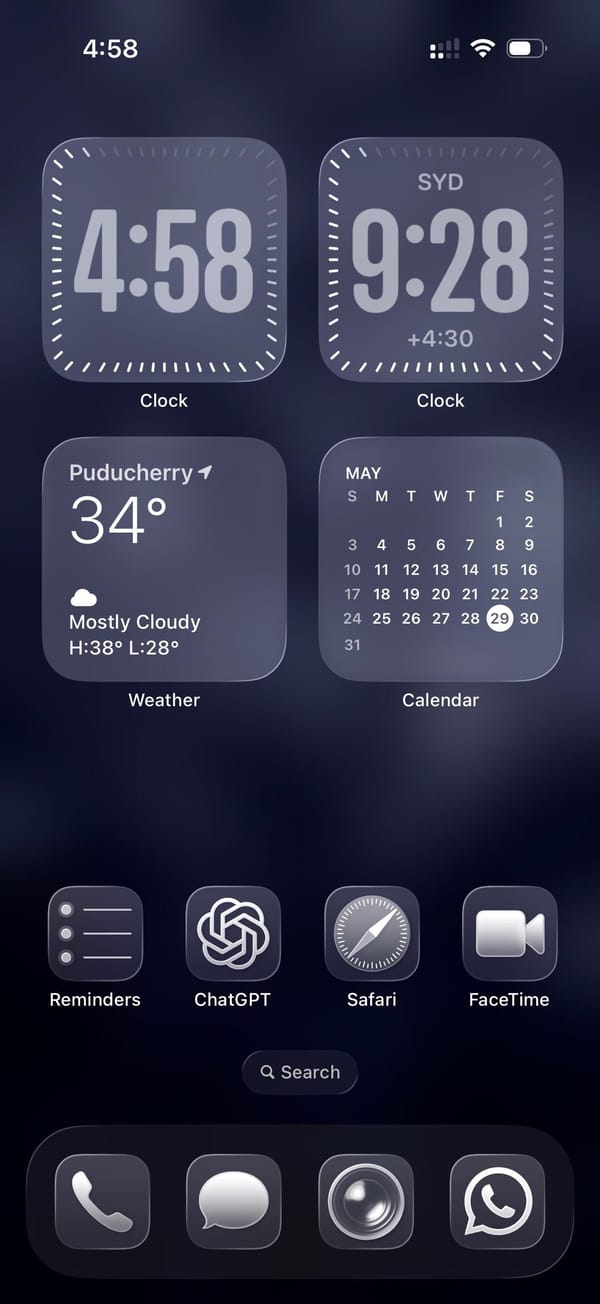
A traveler iPhoner home screen. The wallpaper is a mosaic of deep navy and indigo tiles shifting across four shades of blue-grey, landing somewhere between a pixel grid and a stone mosaic depending on how far back you hold the phone.
Four medium widgets fill the top two-thirds of the home screen in a 2x2 grid. Two Clock widgets sit at the top: one for local time, the other locked to Sydney, which puts the same face in two different time zones. Below them, Weather and a Calendar month-view take the remaining two slots. A single row of apps separates the widget block from an empty stretch of wallpaper before the dock.
Reminders, ChatGPT, Safari, and FaceTime make up that row. Just stock icons throughout. The dock holds Phone, Messages, what looks like Camera, and WhatsApp, four apps that cover the obvious communication bases across platforms. The whole setup runs in fours, top to bottom.
Worth copying for iPhoners who track two time zones daily and want the clocks on the home screen without building out a full widget stack.
A dual-timezone home screen and a mosaic wallpaper
A traveler iPhoner setup built on dual Clock widgets for two time zones, a deep navy mosaic lock screen, and ChatGPT in the main row.
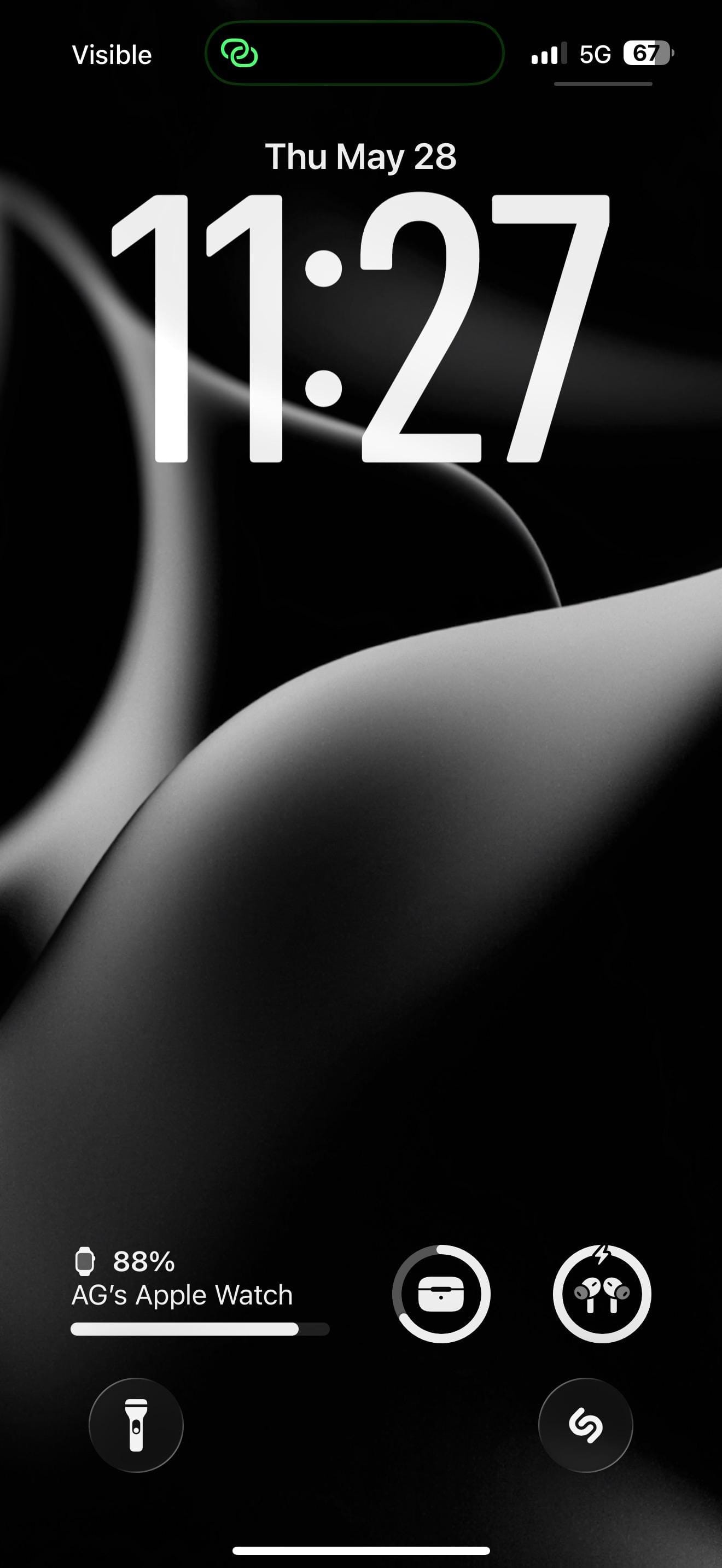
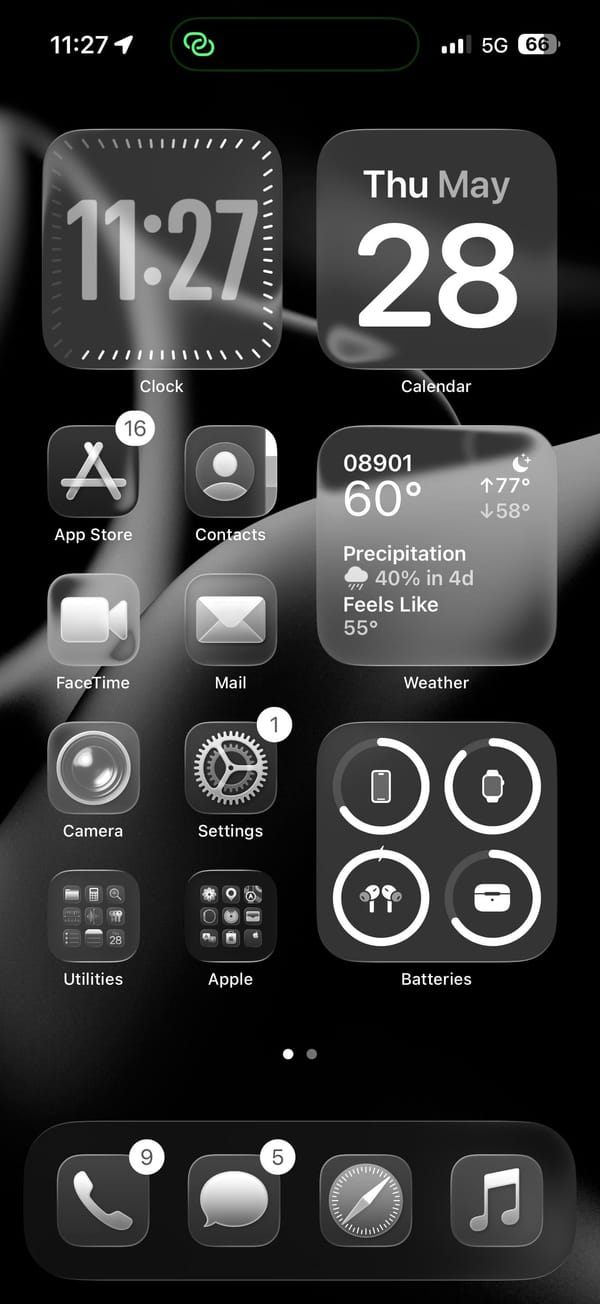
A monochrome iPhoner setup, all icons rendered as near-black shapes on a pure-black background. The lock screen wallpaper is what gives it form: smooth flowing abstract curves that read like fabric folds, a dark petal, or a 3D-rendered surface, depending on how closely you look.
The home screen runs a pair of medium widgets across the top row and fills the right column with Weather and Batteries below. The Batteries widget tracks iPhone, Apple Watch, AirPods, and their case. Four app icons and two folders fill the left column, all rendered as near-black shapes against the wallpaper.
App Store, Contacts, FaceTime, Mail, Camera, and Settings fill the icon column, with Utilities and Apple folders at the bottom row. Shazam sits on the lock screen as a quick-launch shortcut, a tap from whatever's playing. The dock holds Phone, Messages, Safari, and Music. On pure black, the icons read as floating grey shapes, barely distinguishable from the wallpaper between them.
Worth copying for iPhoners who want the darkest possible home screen without customizing a single icon.
Pure-black setup with abstract curves on the lock screen
A monochrome iPhoner on pure black, where smooth abstract curves are the only texture and Apple Watch, AirPods, and Shazam all sit on the lock screen.
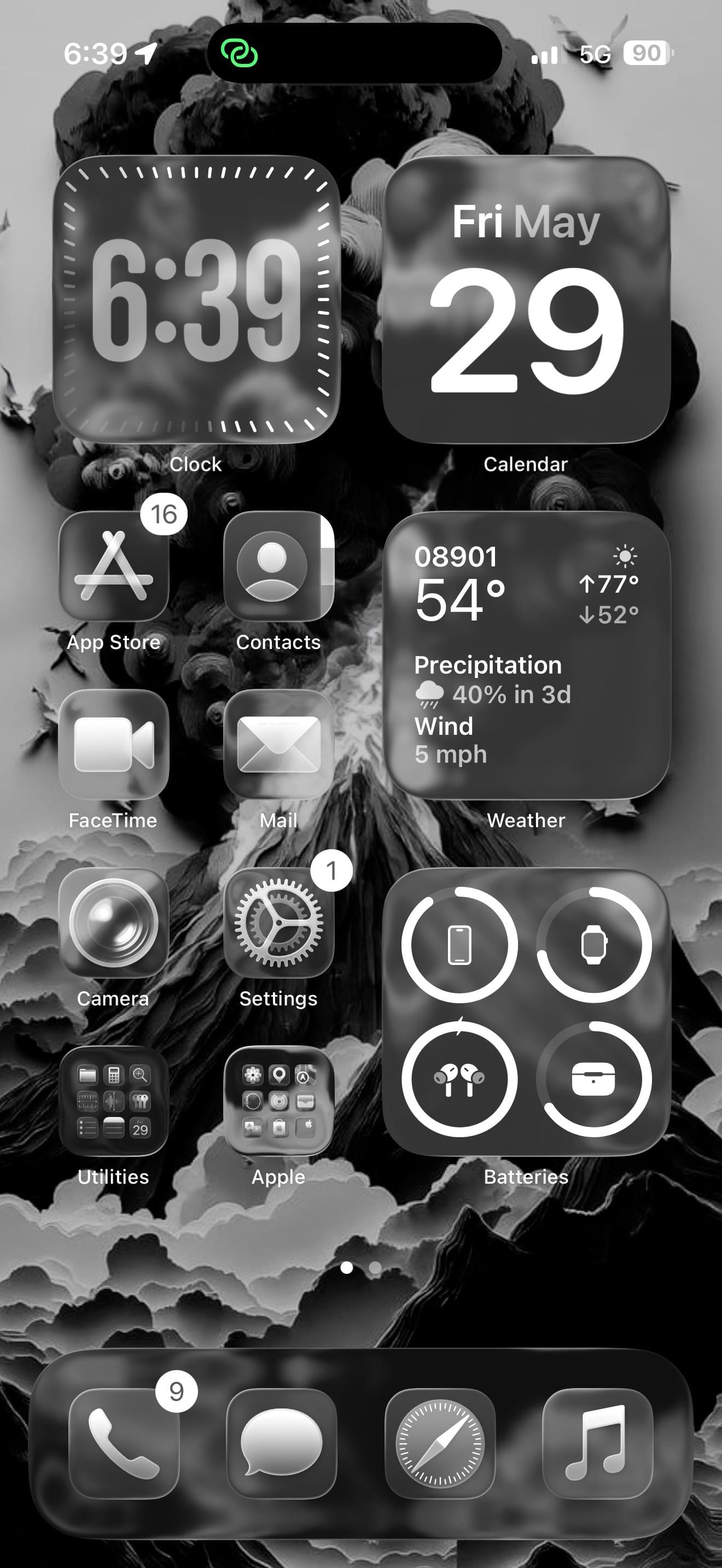
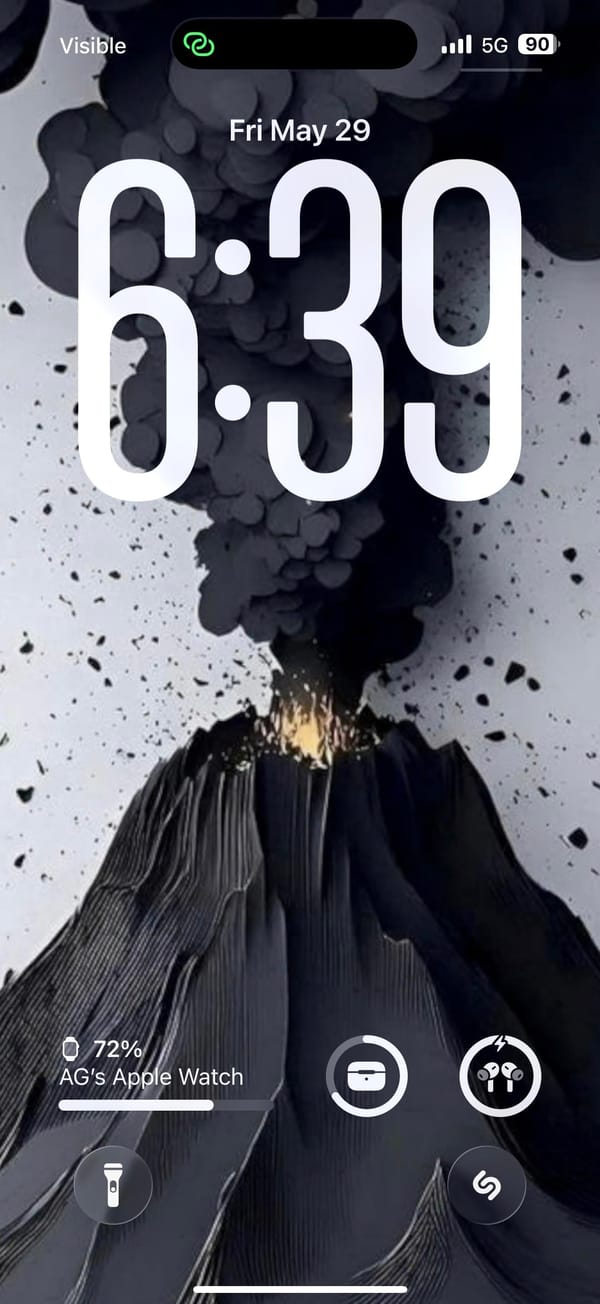
A dark-mode iPhoner, lock screen to home screen, with a volcanic eruption as the wallpaper. The lock screen shows the eruption in full: a dark volcano with an orange-yellow glow at the base and a dense plume of ash-black smoke filling the top half of the image. On the home screen, the same image renders almost entirely in monochrome.
The home screen runs two medium widgets at the top (Clock and Calendar) and fills the right column further down with a detailed Weather widget and a Batteries widget tracking the iPhone, Apple Watch, AirPods, and their case. The left column carries four app icons in two rows. Every icon renders as a dark grey square; there's no color left in the layout once the wallpaper's glow is behind glass.
App Store, Contacts, FaceTime, Mail, Camera, and Settings line the left column. Two folders (Utilities and Apple) sit at the bottom. Shazam sits on the lock screen as a quick-launch shortcut, a tap from whatever's currently playing. The dock holds Phone, Messages, Safari, and Music.
Worth copying for iPhoners who want a dramatic wallpaper to do all the visual work while the layout stays functional and predictable.
Dark monochrome setup with a volcanic lock screen
A dark-mode iPhoner setup built around a volcanic wallpaper, with Apple Watch, AirPods, and Shazam all accessible from the lock screen.
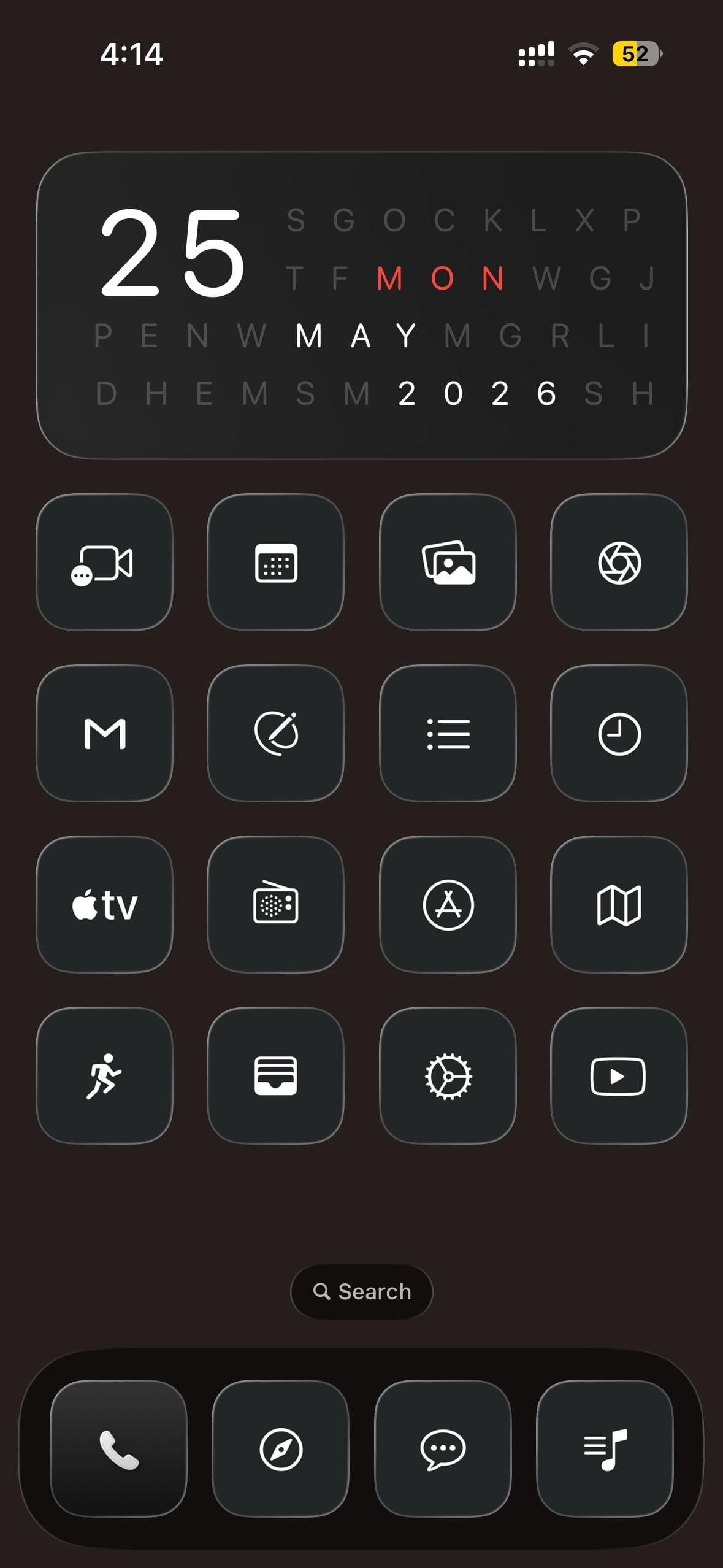
A dark-mode iPhoner home screen built around a cryptic date widget. The widget fills the top half of the screen as a letter-search grid, with the day, month, and year hidden in rows of random letters and highlighted in white and red.
Sixteen custom icons fill a 4x4 grid below, every one greyscale: a dark square with a thin white outline icon inside. FaceTime, a calendar grid, photo gallery, and an aperture icon open the first row; Gmail, a circle-strike, a list, and a clock fill the second; Apple TV, a radio dial, App Store, and Maps make up the third; a running figure, card wallet, settings gear, and YouTube close the bottom. No color anywhere in the layout.
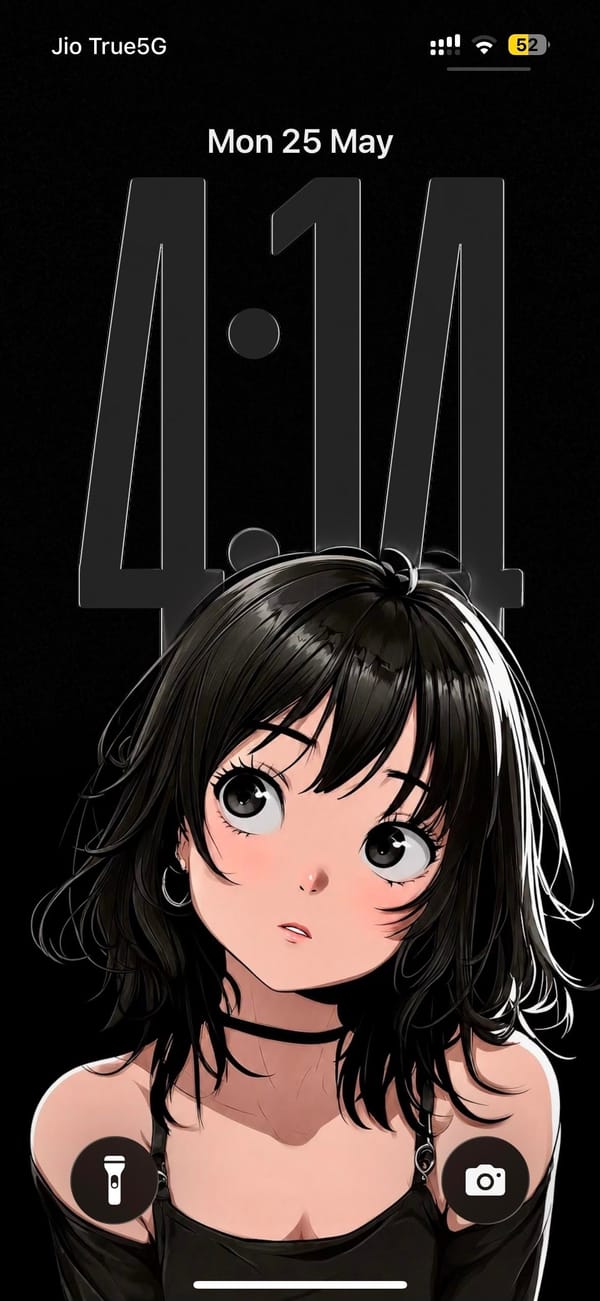
The lock screen sits on the opposite end of the mood. The wallpaper is a manga-style illustration of a dark-haired girl looking upward, rendered in high-contrast black, white, and soft pink on a pure black background. The oversized clock numerals hover as a near-transparent overlay across her face. The dock holds Phone, a navigation app, a messaging app, and a music notes app, all in the same greyscale treatment.
Worth copying for iPhoners who want to run a high-contrast anime aesthetic all the way through, lock screen and icons both.
Dark monochrome icon set and an anime lock screen
A dark-mode iPhoner with a letter-search date widget, a 4x4 monochrome icon grid, and a manga-style anime girl on the lock screen.
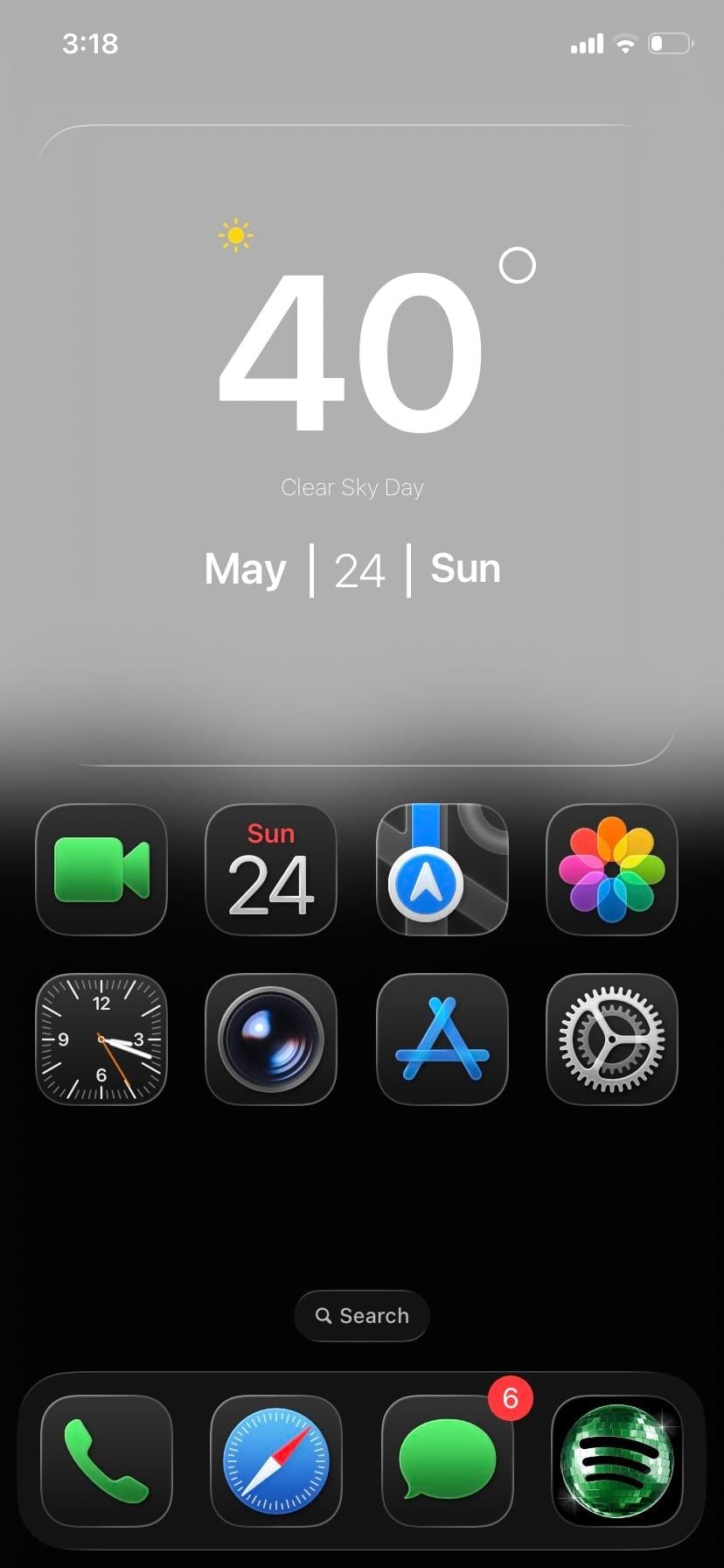
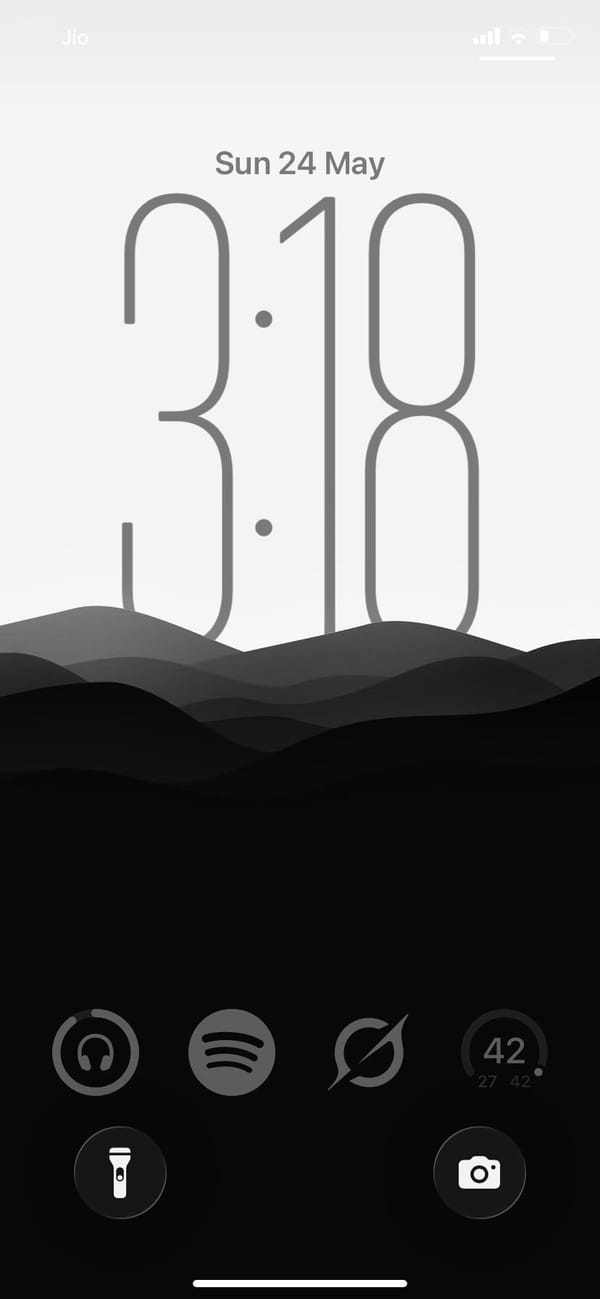
A minimal iPhoner home screen. The wallpaper fades from pure white at the top into pure black at the bottom, with a layer of soft dark mountain silhouettes floating just below the midpoint.
One full-width glass weather widget spans the top, sitting against the white sky portion of the wallpaper. Below it, eight stock icons sit in two rows of four: FaceTime, Calendar, Maps, and Photos in the first; Clock, Camera, App Store, and Settings in the second. The bottom half of the screen is empty.
The dock holds Phone, Safari, Messages, and Spotify. That fourth slot has a custom dark-square Spotify icon, the only third-party app in the visible layout. The lock screen uses the same gradient: same mountain silhouette, same white-to-black fade, and a clock rendered in thin hairline numerals that nearly dissolve into the grey. Everything from the widget card to the dock to the lock screen sits inside the same grey-to-black range.
Worth copying for iPhoners who want the fewest possible moving parts and no color anywhere.
Greyscale setup, mountain lock screen, eight apps
A minimal iPhoner on greyscale only: eight stock apps, a glass weather widget, and a mountain silhouette that fades from white to black.
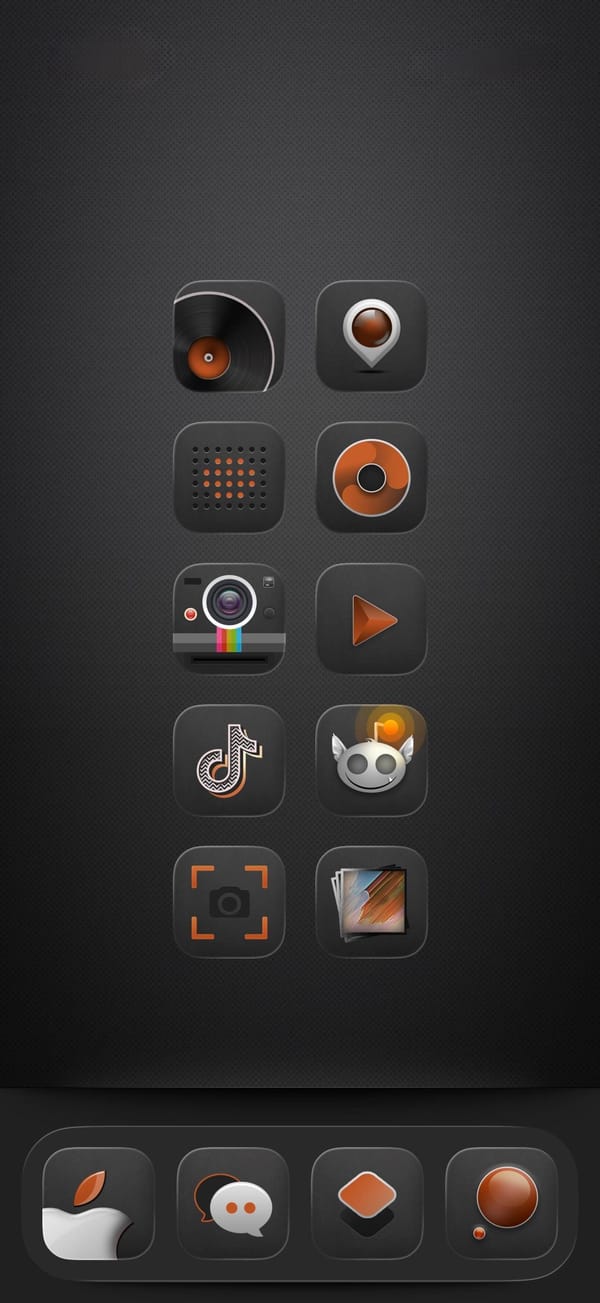
A dark-mode iPhoner home screen on a near-black carbon-fiber texture, designed entirely around a custom audio-equipment icon pack. Every icon wears the same amber-and-black treatment: a vinyl record, a speaker, a Polaroid camera, a music disc, a play button, and several more all in the same two-color vocabulary.
The layout runs ten icons in two columns of five with no widgets and no folders, leaving nothing between the user and the icon set. The dock has just four custom icons, none of them immediately identifiable without the label. Every default icon has been replaced.
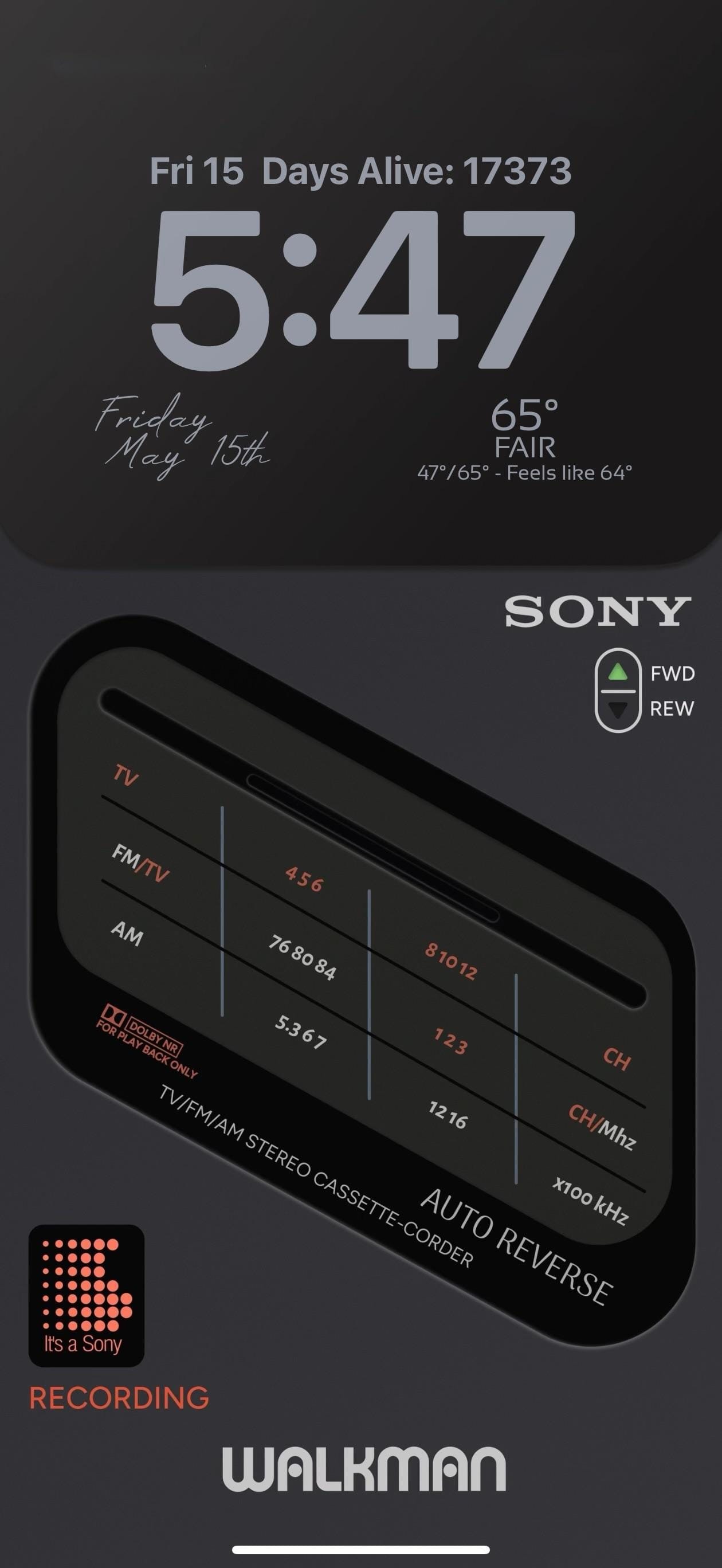
The lock screen is the showpiece. A full-screen photorealistic image of a Sony TV/FM/AM Stereo Cassette-Corder fills the screen: detailed tuner frequency scales, a Dolby NR label, an AUTO REVERSE badge, and a FWD/REW selector. "WALKMAN" runs in bold white letters at the very bottom. A small "It's a Sony" dot-matrix pixel widget in orange-red and the word "RECORDING" in matching text sit at the lower left.
Worth copying for iPhoners who want the retro audio aesthetic to run from every icon all the way to the lock screen.
Dark amber icon pack and a Sony Walkman lock screen
A dark-mode iPhoner setup with a custom audio-equipment icon pack in amber and black, and a photorealistic Sony Walkman cassette player on the lock screen.
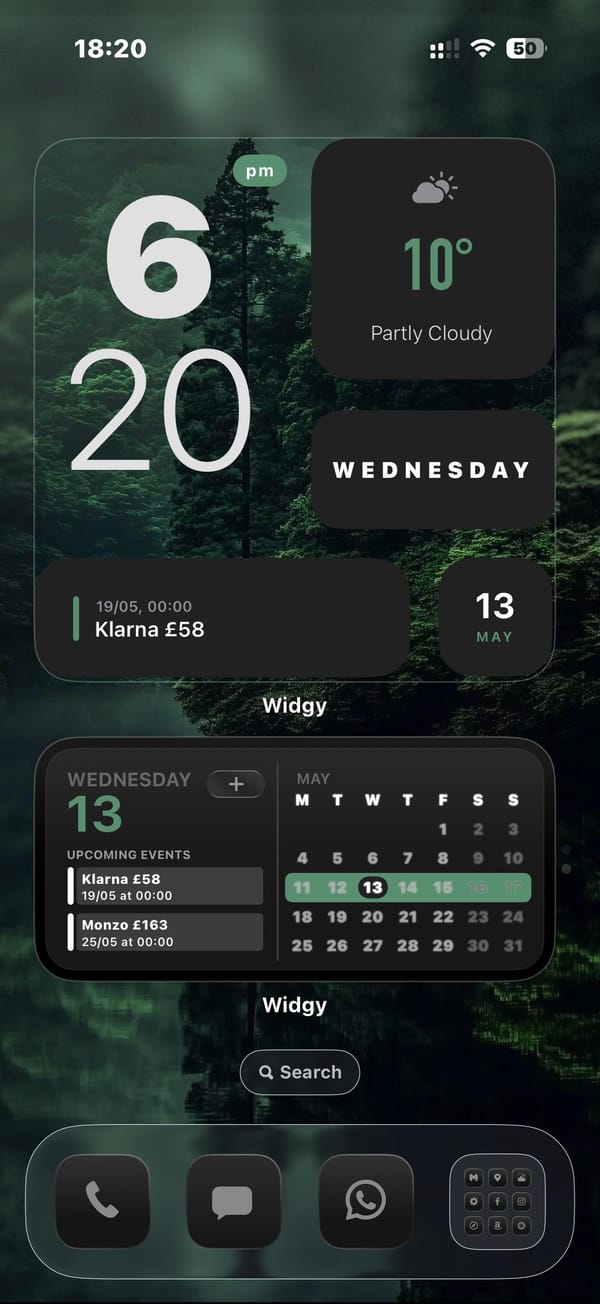
A dark-mode iPhoner home screen with no app icons in sight. Two full-width Widgy widgets stack across the entire screen above the dock, turning the home screen into a single-purpose dashboard of weather, time, calendar, and upcoming bills.
The top Widgy widget organizes four mini-panels: a large clock on the left, a weather card, a day-of-week card, and a bill-reminder slot tracking a Klarna payment. Below it, the second full-width widget carries a month calendar and an agenda list showing upcoming payments. No apps sit between the dock and the widgets.
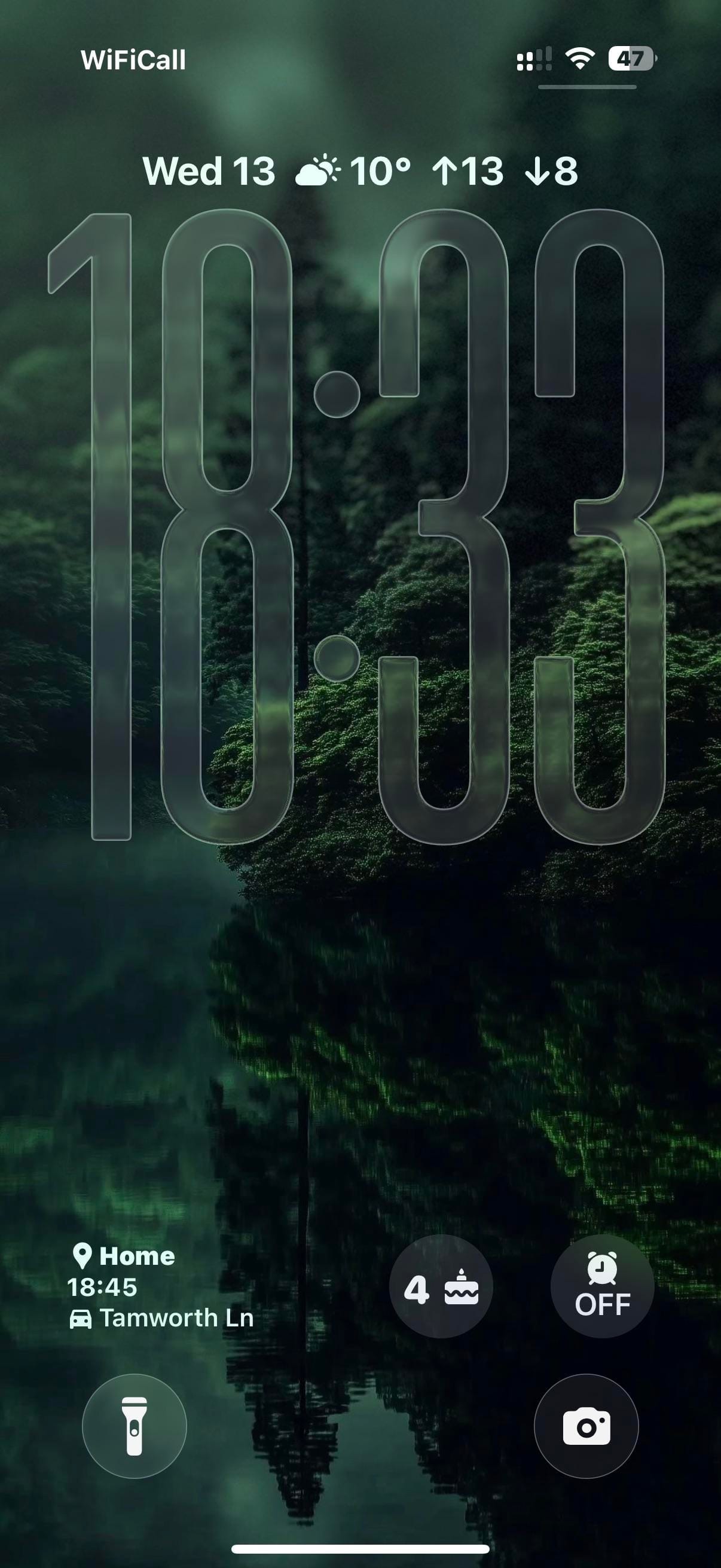
The dock holds Phone, Messages, WhatsApp, and a social-and-utility folder. The wallpaper carries through to the lock screen: a moody green forest reflected in a still lake, shot in near-dark light with trees disappearing into mist above. Large glass-carved numerals overlay the trees. A commute ETA widget at the bottom left shows the estimated drive time to a saved home address.
Worth copying for iPhoners who want financial reminders and a calendar on the home screen without any icon grid getting in the way.
Dark forest home screen with two Widgy widgets and no icons
A dark-mode iPhoner with no icons on the home screen at all: two full-width Widgy widgets tracking weather, calendar, and bills on a misty forest wallpaper.