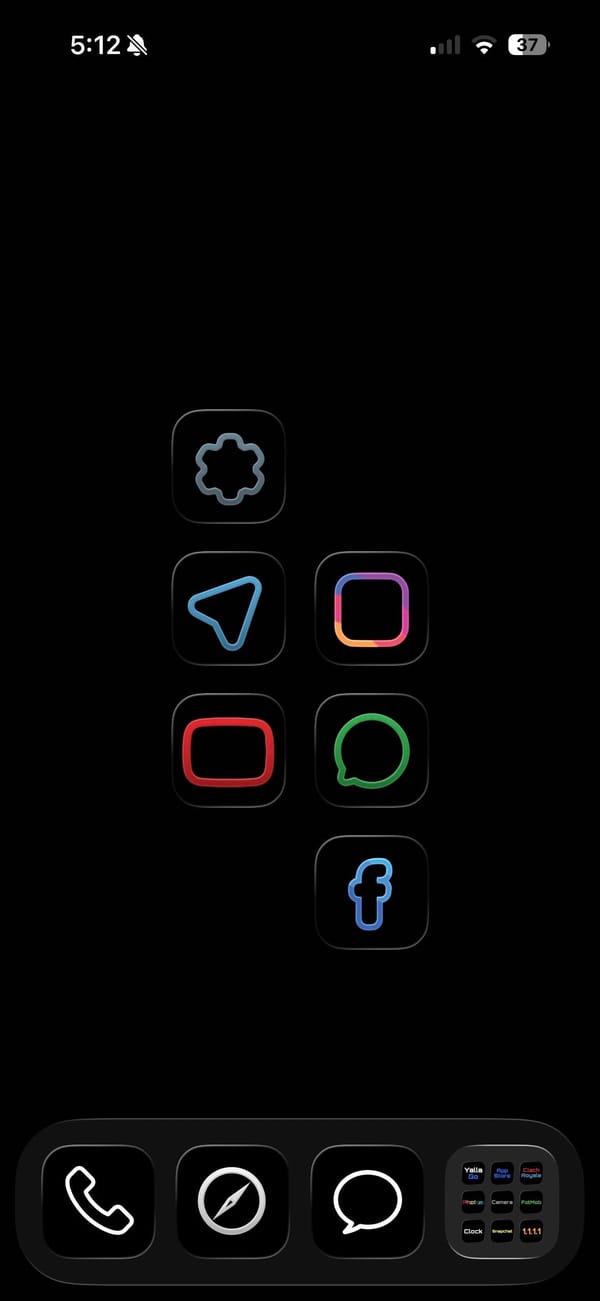
A dark theme usually still shows off its icons. This one hides them. It's a pure-black home screen for a minimalist iPhoner, a few thin neon outlines floating in the OLED with nothing else competing for attention.
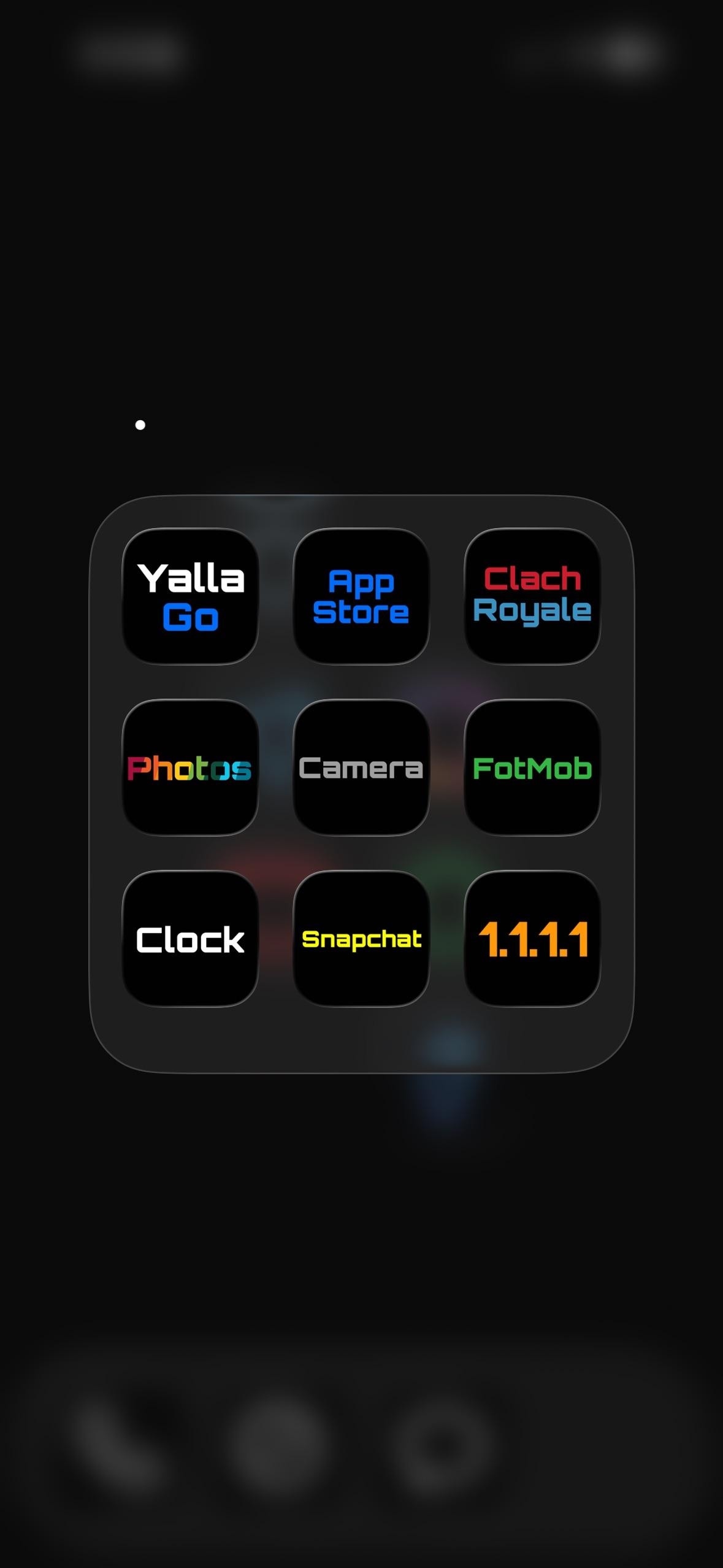
The wallpaper is just black, so on an OLED panel the empty space reads as switched-off screen. Six apps sit on the main page as colored line art: a blue paper plane for Telegram, a pink square for Instagram, a red rounded rectangle for YouTube, a green ring for WhatsApp, a gray cog for Settings, and a blue f for Facebook. The dock folder does the rest. Open it and the icons become plain text labels, each app's name in a different neon color on a black tile.
Inside that folder the labels are the icons, each a colored word on black:
App Store and 1.1.1.1 (Cloudflare's DNS app) as the utilities
Clash Royale and FotMob for a game and match scores
Snapchat and Yalla Go for chat
Photos, Camera, and Clock as the stock trio
Anyone who finds a wall of glossy icons more stressful than useful is the audience here, and a minimalist iPhoner ends up with a screen that looks powered off until it's tapped. The pure black sips less OLED battery too. It's a home screen built to disappear, and on this phone it mostly does.
Pure-black setup with neon and word icons
A minimalist iPhoner runs a pure-black home screen where the dock folder turns every app into its name, set in a different neon color per tile.
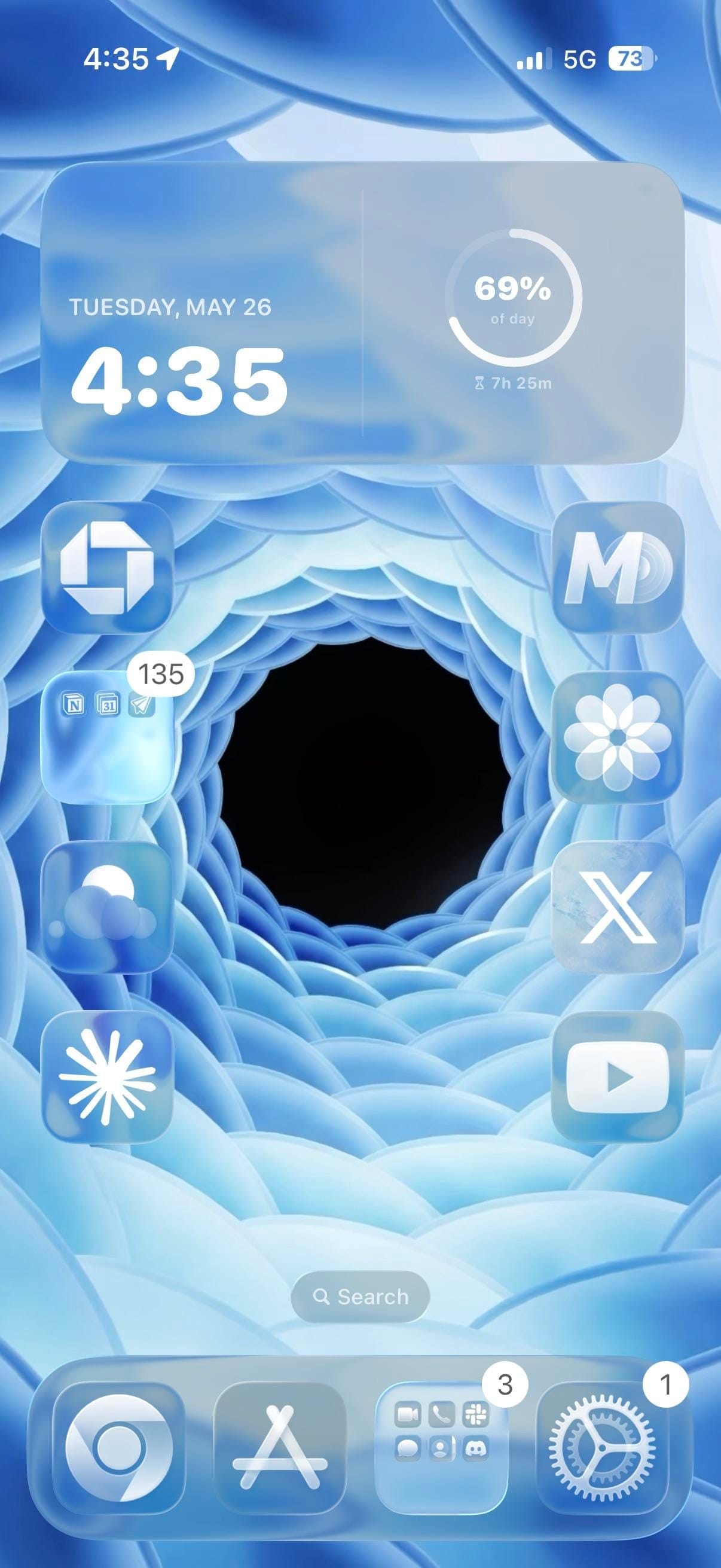
A minimal iPhoner home screen, laid out to let the wallpaper do all the work. The image is a 3D-rendered blue spiral: concentric rings of frosted petal-like shapes curving inward to a dark void at the center. Apps line the left and right edges, leaving the center of the screen open.
One extra-large widget takes the full top row. It shows date, time, and a circular progress ring tracking how far through the day you are. Below it, apps line both edges in single-file columns of four, leaving the spiral center of the wallpaper completely uncovered.
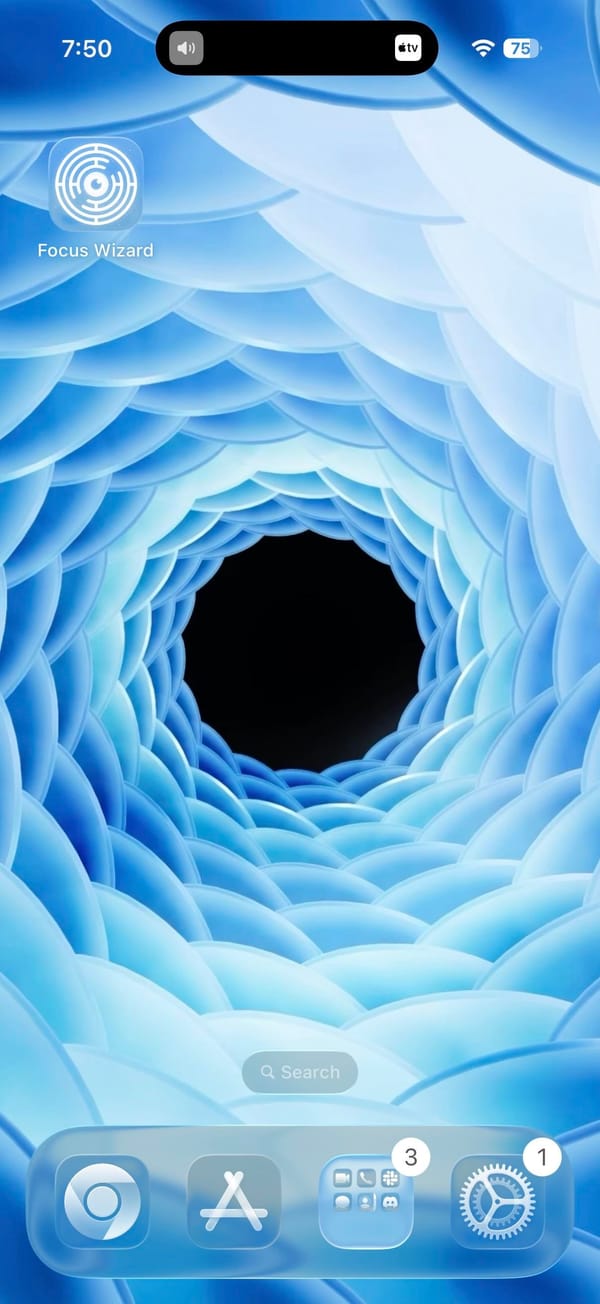
Chase and a productivity folder sit in the left column. The folder contains what looks like Notion alongside a calendar and a notes app. The right column runs MD, Craft, X, and YouTube from top to bottom, with Claude at the bottom left and Perplexity in the dock alongside App Store, a social folder, and Settings. Focus Wizard appears on a second page that leaves the vortex entirely unobstructed.
Worth copying for iPhoners who want a home screen where the wallpaper is the centerpiece, not an afterthought.
Blue vortex wallpaper, minimal layout, AI apps on both sides
A minimal iPhoner home screen where the apps frame the edges of a blue spiral vortex, with Claude and Perplexity in the main layout.
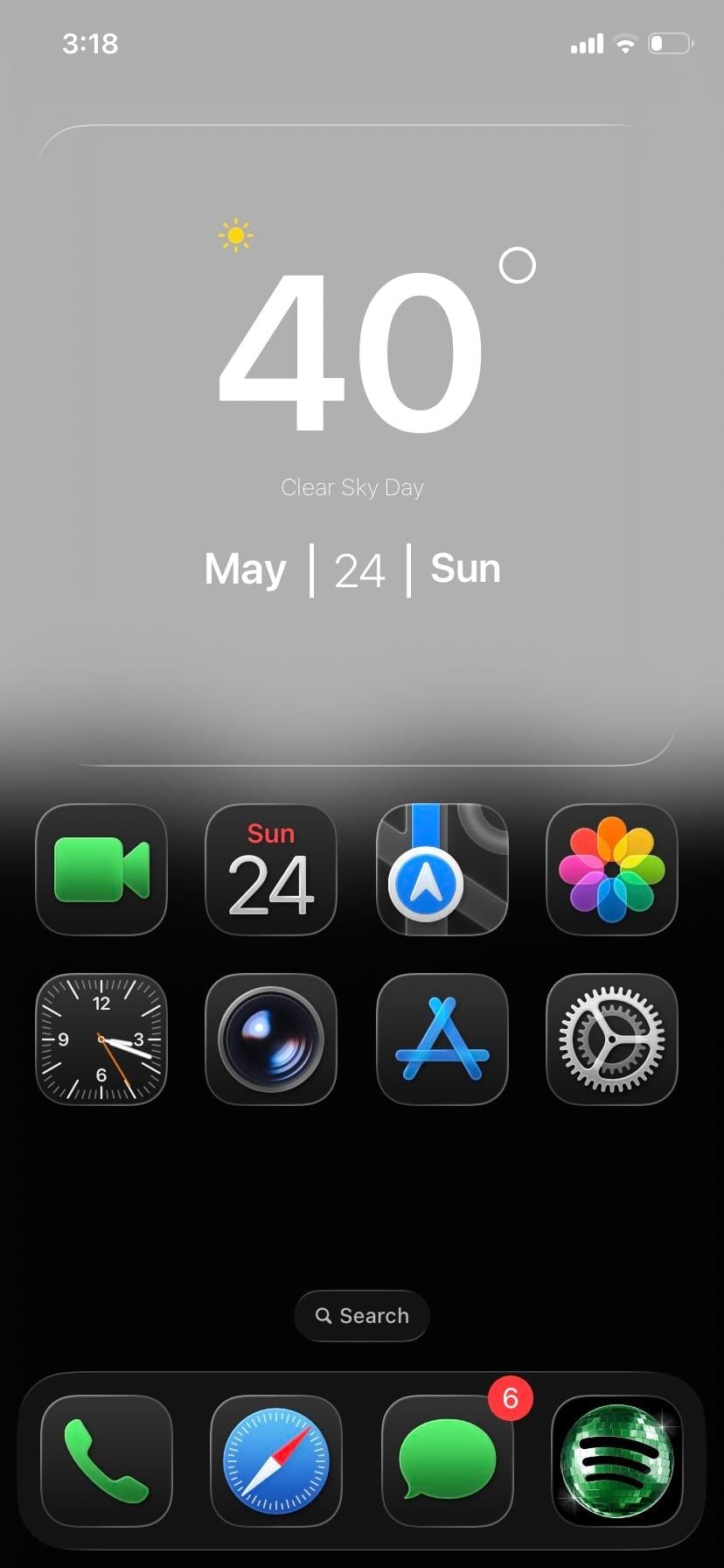
A minimal iPhoner home screen. The wallpaper fades from pure white at the top into pure black at the bottom, with a layer of soft dark mountain silhouettes floating just below the midpoint.
One full-width glass weather widget spans the top, sitting against the white sky portion of the wallpaper. Below it, eight stock icons sit in two rows of four: FaceTime, Calendar, Maps, and Photos in the first; Clock, Camera, App Store, and Settings in the second. The bottom half of the screen is empty.
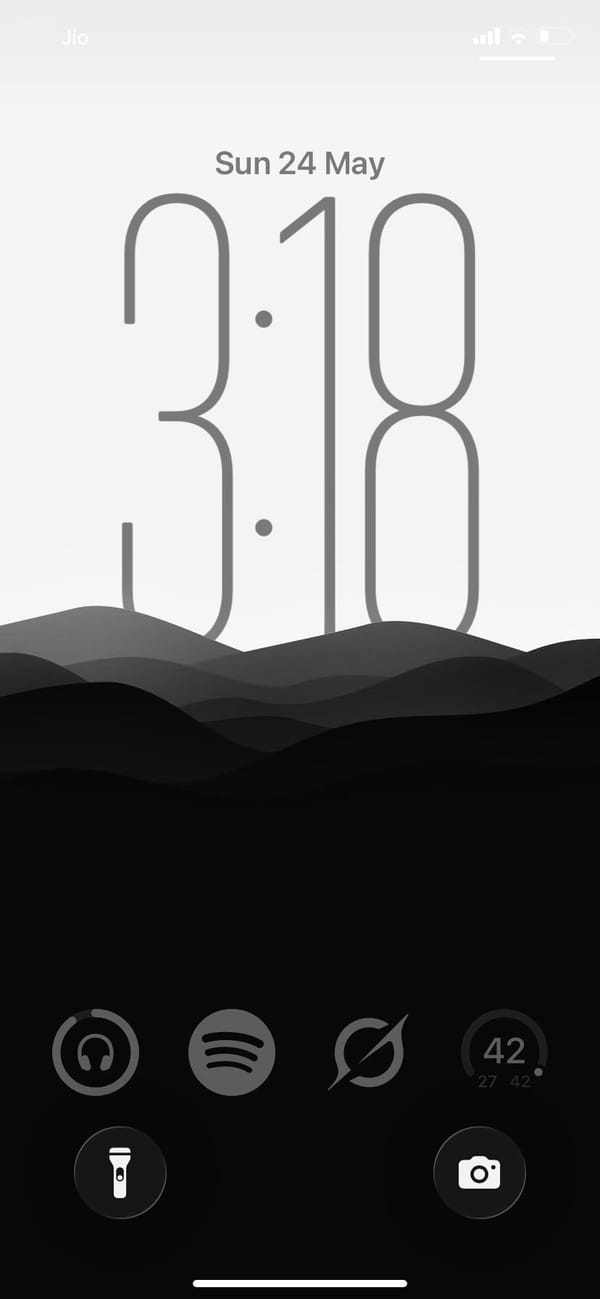
The dock holds Phone, Safari, Messages, and Spotify. That fourth slot has a custom dark-square Spotify icon, the only third-party app in the visible layout. The lock screen uses the same gradient: same mountain silhouette, same white-to-black fade, and a clock rendered in thin hairline numerals that nearly dissolve into the grey. Everything from the widget card to the dock to the lock screen sits inside the same grey-to-black range.
Worth copying for iPhoners who want the fewest possible moving parts and no color anywhere.
Greyscale setup, mountain lock screen, eight apps
A minimal iPhoner on greyscale only: eight stock apps, a glass weather widget, and a mountain silhouette that fades from white to black.
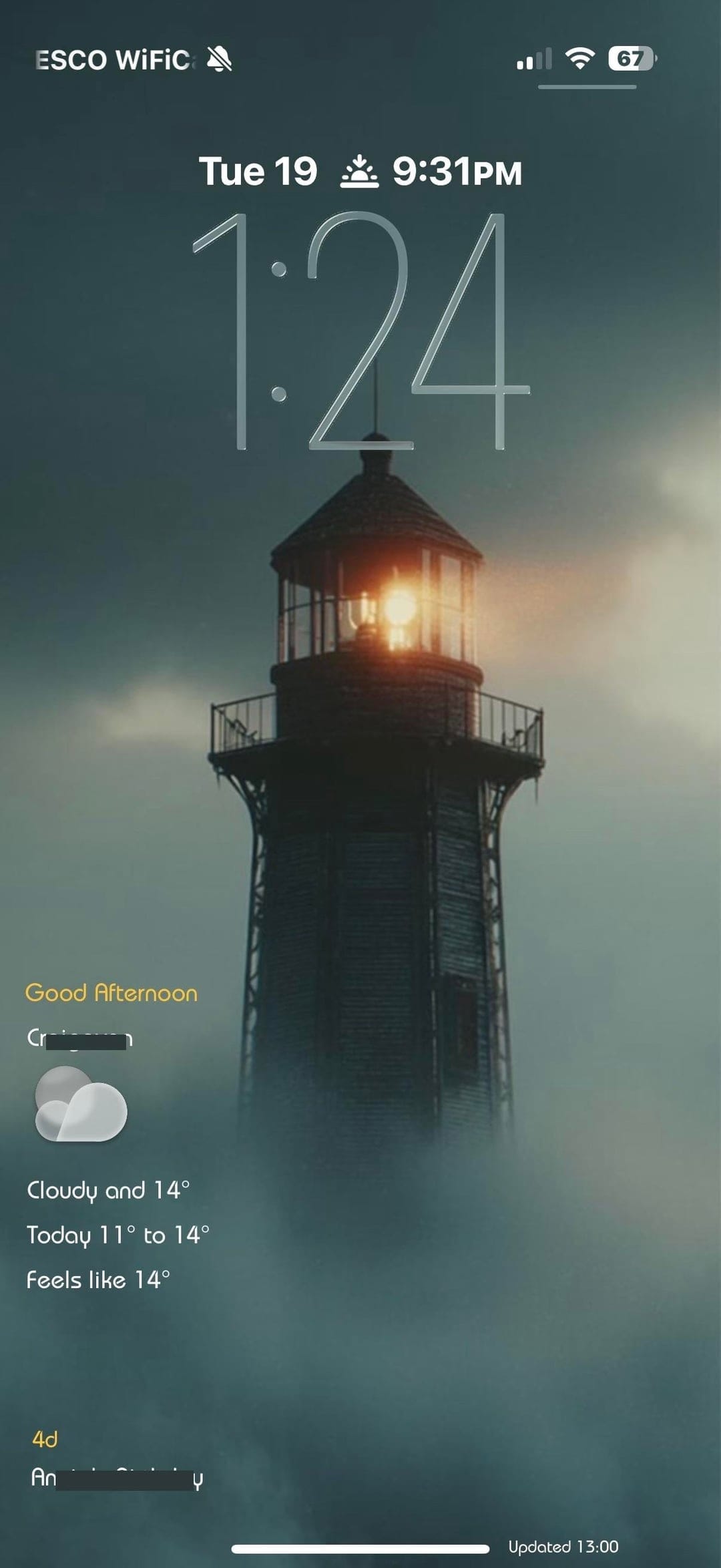
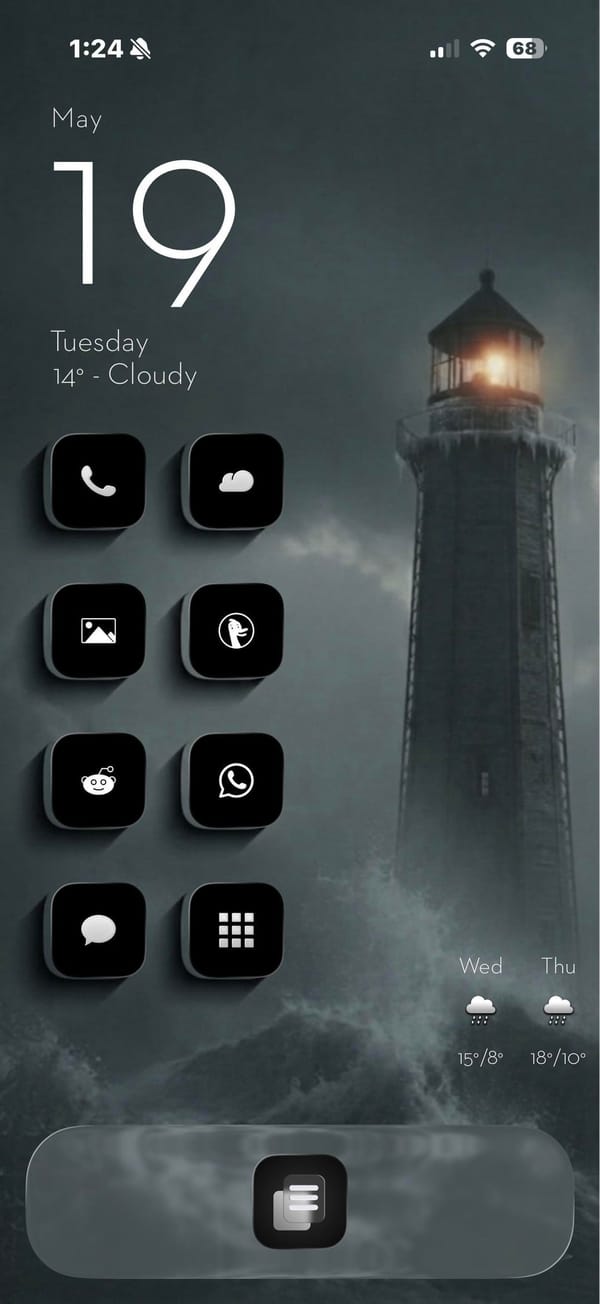
A minimal iPhoner home screen built around a stormy lighthouse photograph. The wallpaper is a moody teal-grey scene: a tall lighthouse at the edge of rocky surf, lit from within against a foggy overcast sky.
Eight black square icons run in a left-column grid, each with a minimal white line icon inside: Phone, a weather app, Photos, DuckDuckGo, Reddit, WhatsApp, Messages, and a grid-view app. The right side of the home screen is left open, giving the lighthouse room to stand in the frame. The single dock app is a list icon centered at the bottom.
A date and weather widget anchors the top left, rendered in plain white text directly on the wallpaper with no background card. That left column continues straight down with the icons below it. The lock screen uses the same lighthouse image with a glass weather widget at the bottom left, showing the current conditions and a two-day forecast. A sunset-time complication sits in the row above that.
Worth copying for iPhoners who want a dramatic landscape photograph to carry the visual weight while the icons stay out of the way.
A stormy lighthouse wallpaper and a minimal black icon set
A minimal iPhoner with eight black line-icon apps, a stormy lighthouse wallpaper on both screens, and a detailed weather widget on the lock screen.