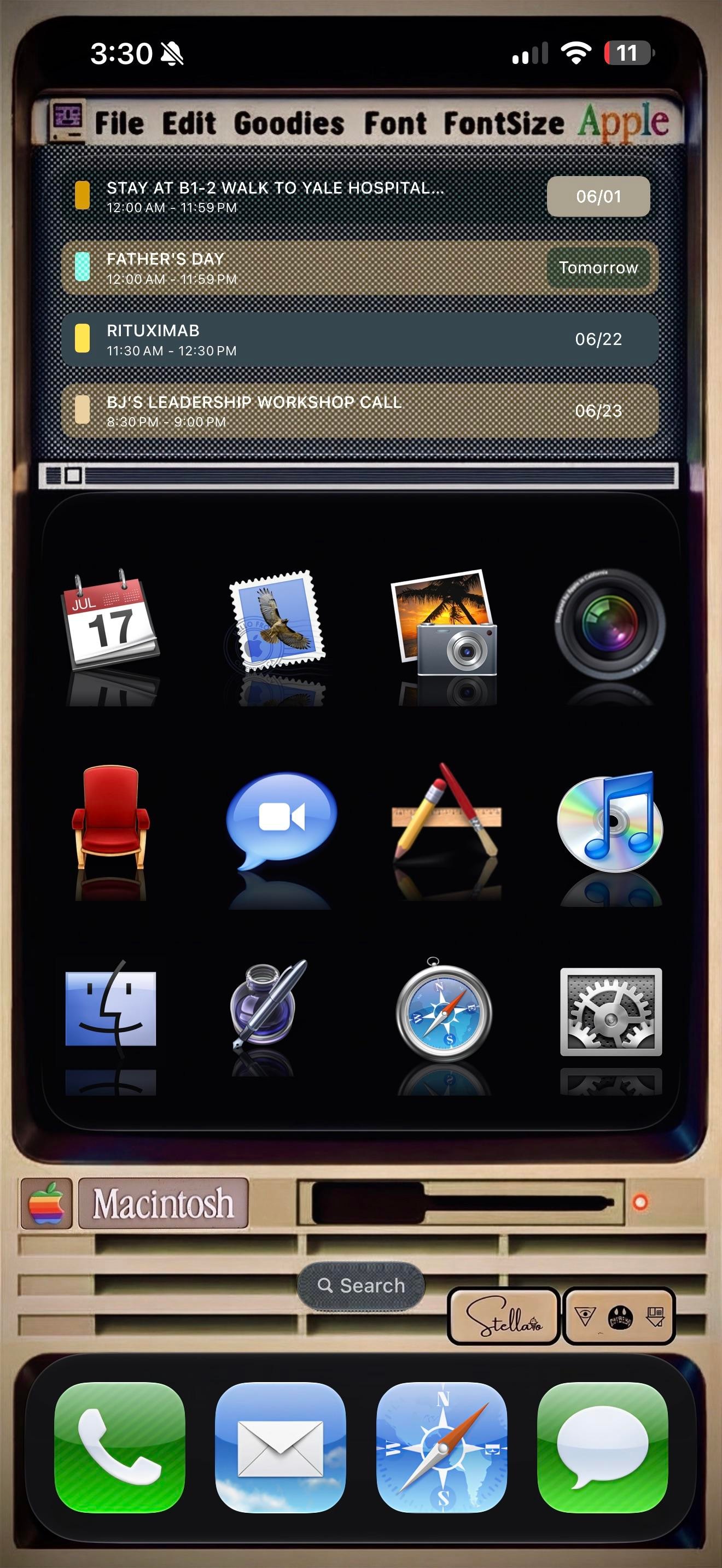
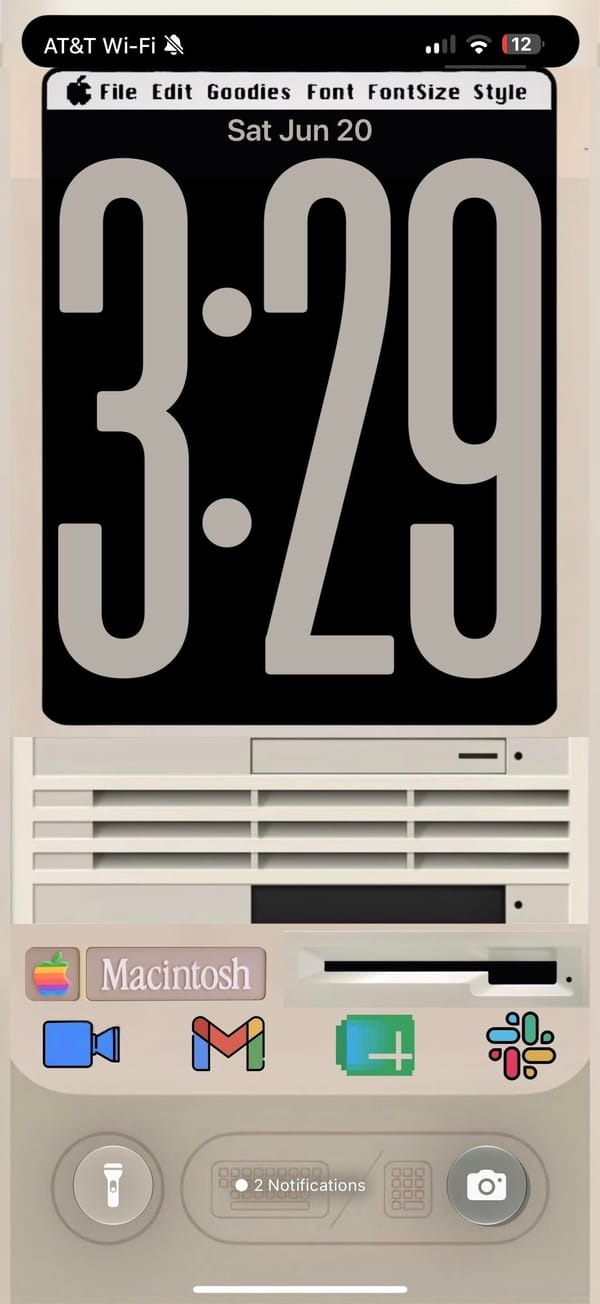
A rainbow Apple logo up top, a menu bar reading File, Edit, Goodies, Font, and a beige Macintosh parked where the wallpaper usually goes. This is a retro iPhoner rebuilding the classic Mac desktop on an iPhone, menu bar and all.
The theme, credited to a Stellario signature by the search bar, leans hard on skeuomorphism. The top of the home screen is a Widgy widget dressed as an old SimpleText window, complete with a title bar, a scroll track, and a working agenda list inside. Below it, twelve app icons sit on a glossy black shelf with mirror reflections, the exact look of early Mac OS X. The lock screen keeps the bit going, a chunky retro clock on a black monitor, then the cream Macintosh case underneath with its floppy slot, vents, and a Macintosh nameplate.
The icons are the love letter. Calendar is the tear-off July block, Mail is the old postage-stamp bird, Photos is the palm-tree iPhoto shot, and the Finder smiley, the silver Safari compass, and the geared System Preferences all come straight from an old Mac OS X dock. iTunes even shows up as a CD with the rainbow note, an app Apple retired years ago. The dock swaps in matching skeuomorphic Phone, Mail, Safari, and Messages, so nothing gives away that this is a modern iPhone until you read the status bar.
Copying this is a real commitment, since every icon is a custom Shortcut and the menu bar is just a widget faking it. But for a retro iPhoner who grew up on the beige Macs, or just misses when software had texture, it turns the phone into a tiny museum piece you actually carry.
A classic Macintosh theme down to the menu bar
A retro iPhoner rebuilds the classic Mac look, from the rainbow Apple logo to skeuomorphic Finder and iTunes icons over a beige Macintosh.
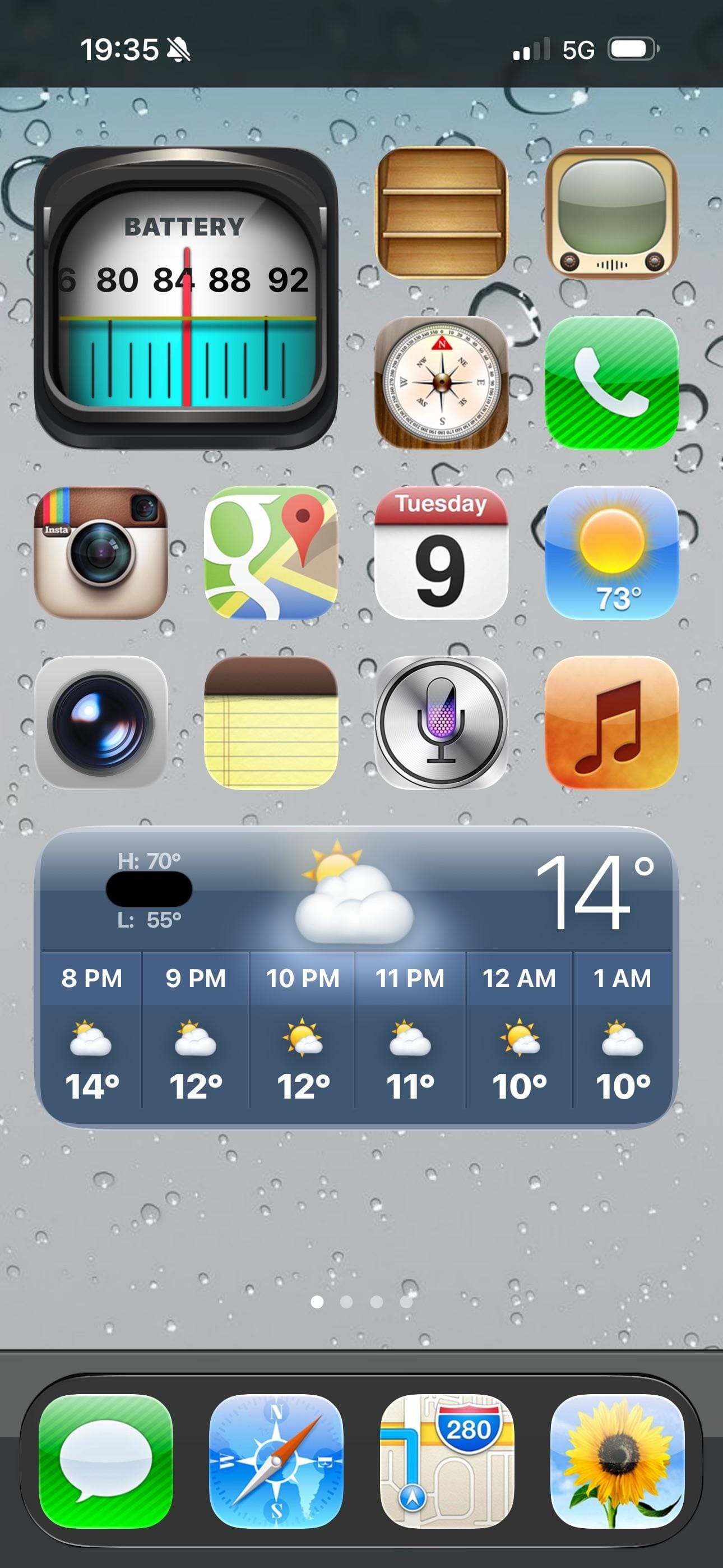
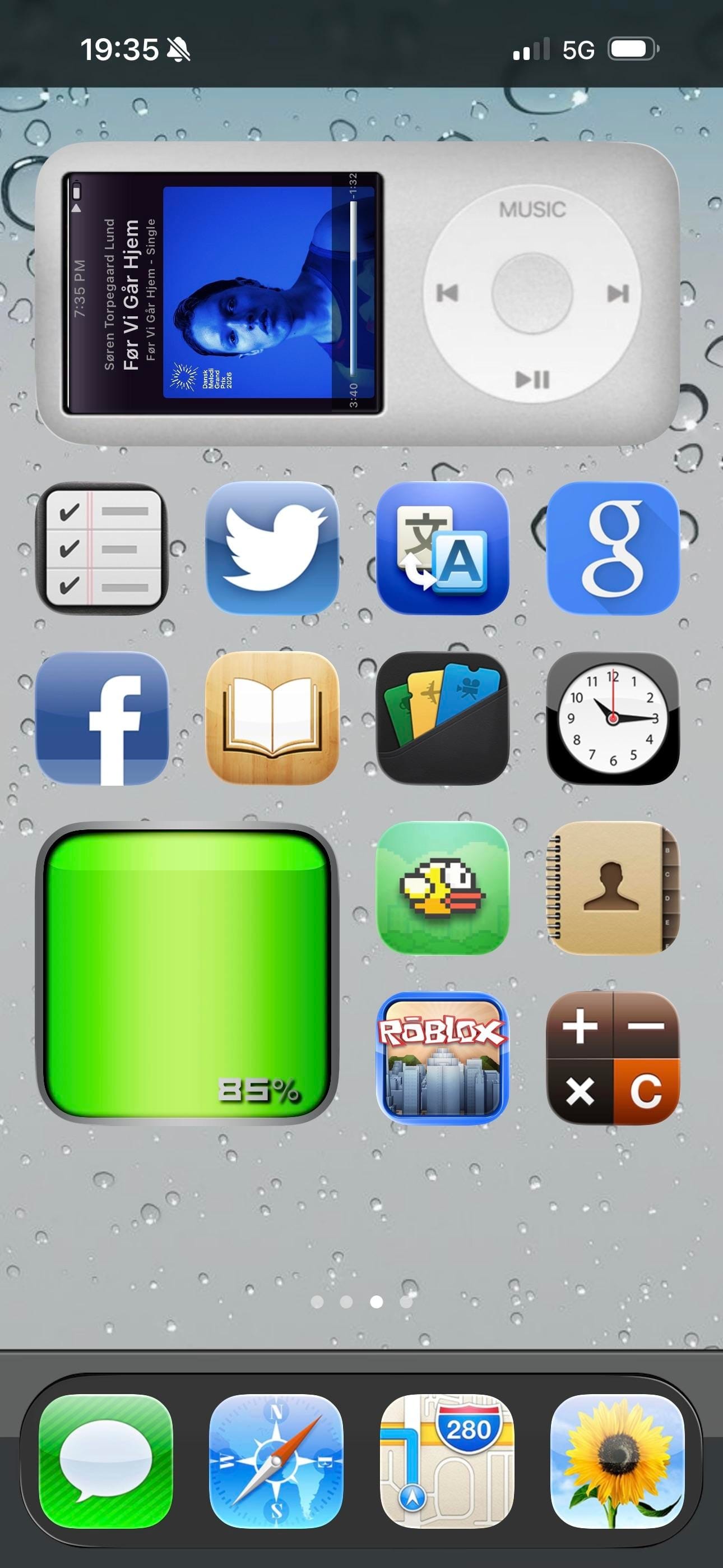
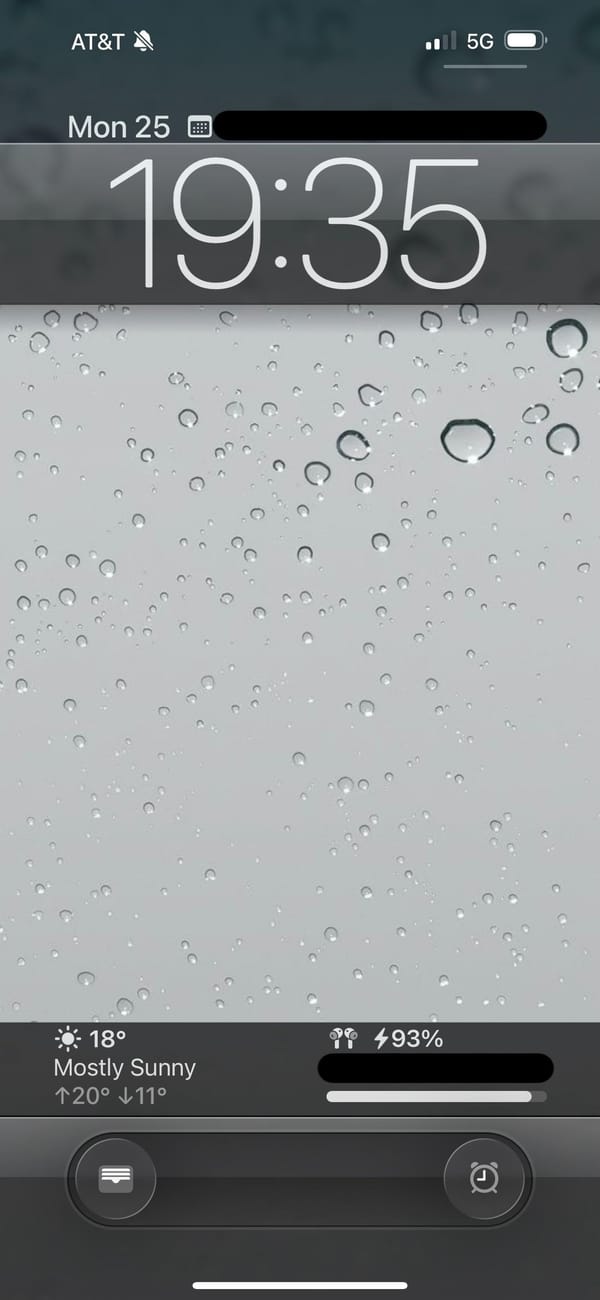
A retro iPhoner setup that goes all the way back. The lock screen wallpaper is a close-up macro of rain on glass, hundreds of grey droplets on a silver surface. On the home screen, every icon is rendered in the old skeuomorphic style: textured, dimensional, shaded like something you could actually touch.
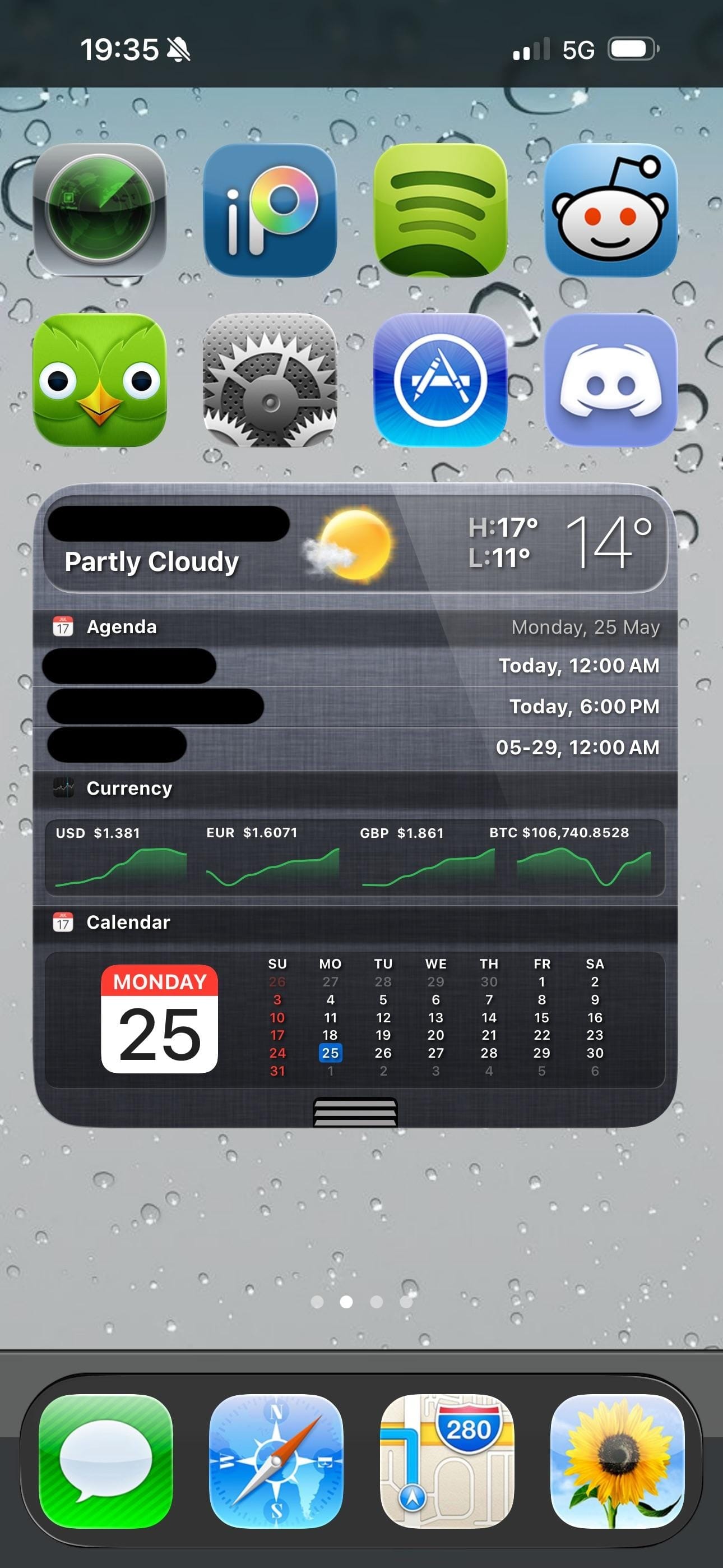
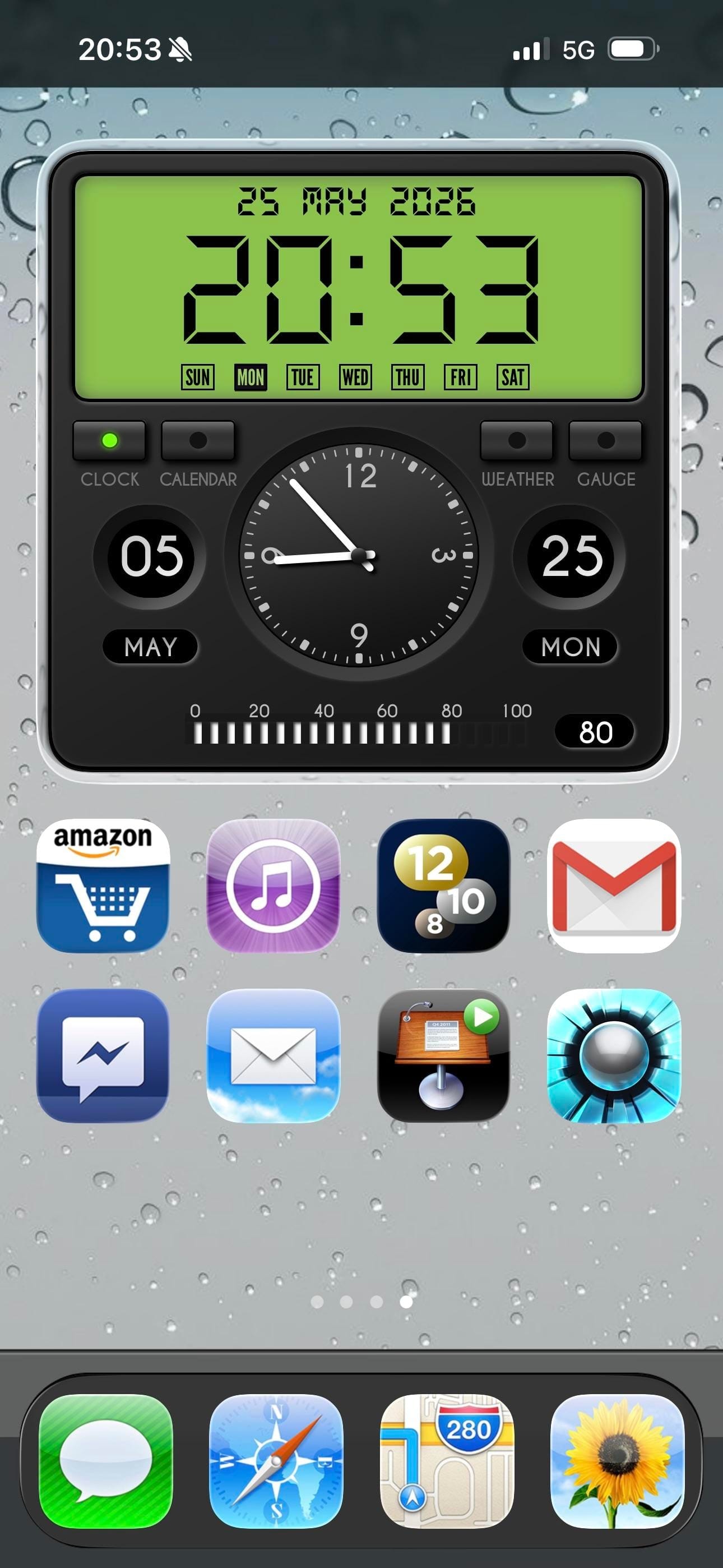
Four pages of icons cover the whole range of the iOS 6 era: a wooden iBooks-style bookshelf, a retro television icon, the old Compass with its parchment-style surround, the original Instagram camera, and the old Maps icon with its road-map styling. The old Weather, Notes, Siri, and Music icons appear exactly as they shipped more than a decade ago. A rain-on-glass wallpaper carries across every page and the lock screen, making the visual continuity between screens unusually consistent.
Page three is the highlight: an iPod classic widget fills the top half of the screen, complete with a scroll wheel and album art from a currently playing track. A Flappy Bird icon sits two rows below it. Further pages bring a currency widget tracking USD, EUR, GBP, and BTC, a skeuomorphic clock and calendar widget, and a green battery readout styled like an old status bar. Modern apps including Duolingo, Discord, Reddit, and Spotify sit alongside the vintage icons without much friction.
Worth copying for iPhoners who miss the era when every icon looked like a real thing, not a flat colored square.
iOS 6 revival home screen with an iPod widget
A retro iPhoner setup that brings back iOS 6 skeuomorphic icons across four pages, with an old-school rain lock screen and an iPod classic widget.
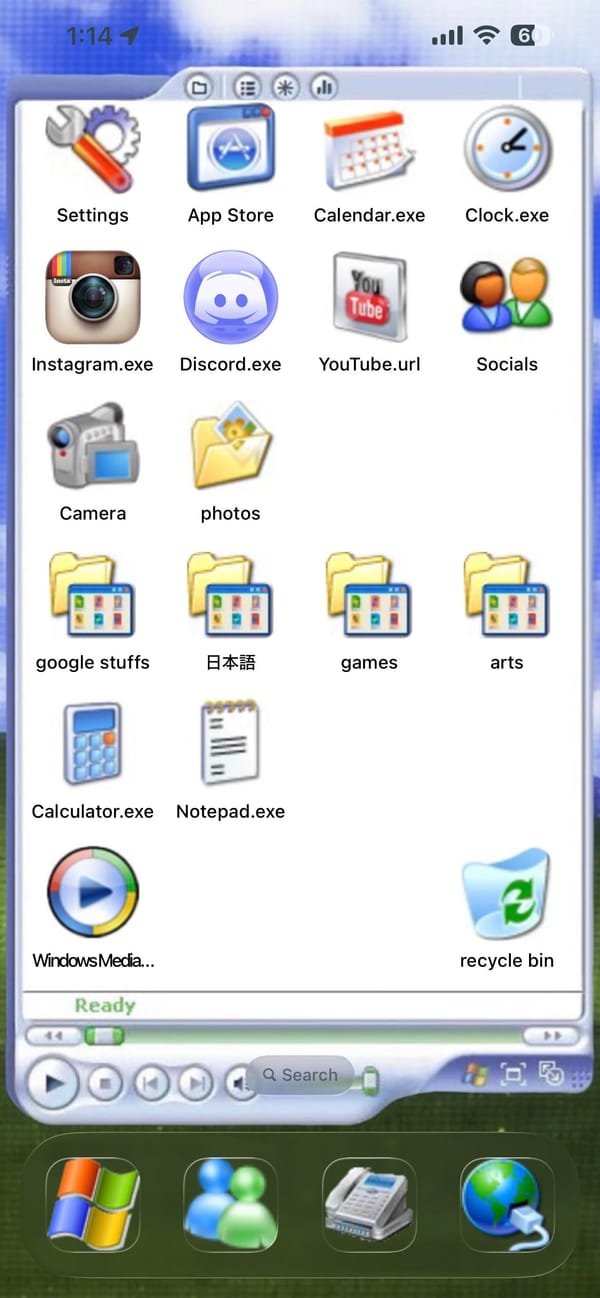
A retro iPhoner setup that makes the iPhone look like a Windows XP desktop. The entire home screen is built inside a simulated Explorer window: white background, title bar with toolbar icons, apps labeled as Settings, Calendar.exe, Clock.exe, Instagram.exe, Discord.exe, YouTube.url, Calculator.exe, Notepad.exe.
Windows XP folder icons fill three rows, labeled google stuffs, 日本語, games, and arts. A Windows Media Player icon and a Recycle Bin icon sit at the very bottom of the window, where real taskbar icons would be. A green Ready status bar and media playback buttons close the frame.
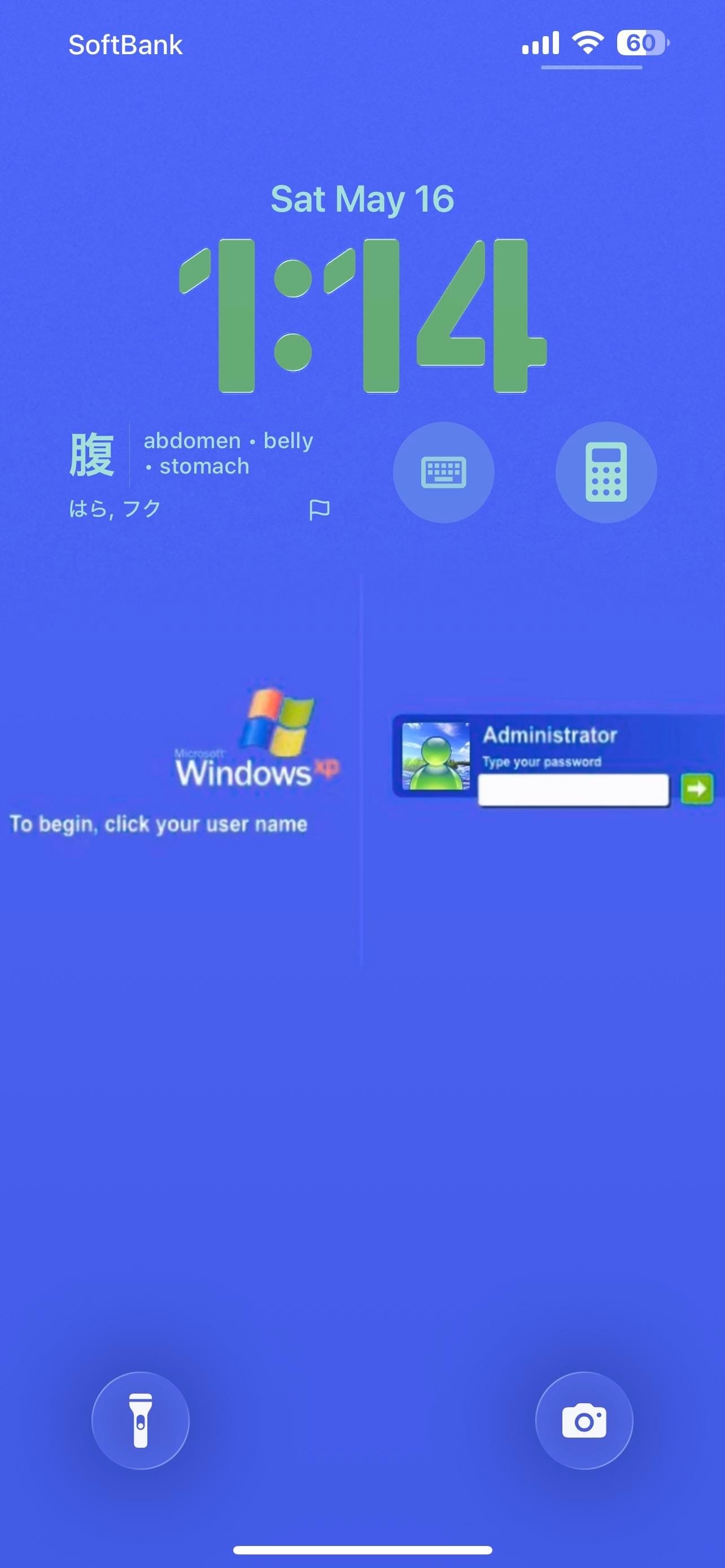
The taskbar is the dock: a Windows logo as the first slot, Windows Messenger as the second, and a fax icon and Internet Explorer globe to round it out. The lock screen is a solid blue Windows XP login page, complete with the XP flag logo and a password-entry dialog for a user named Administrator. A Japanese vocabulary card on the lock screen shows a kanji character with English translations. Calculator and keyboard icons sit as lock screen widget shortcuts.
Worth copying for iPhoners who want the most committed retro aesthetic in the home screen gallery.
A Windows XP home screen built on an iPhone
A retro iPhoner who turned the iPhone home screen into a Windows XP Explorer window, complete with .exe file names and a Windows login lock screen.
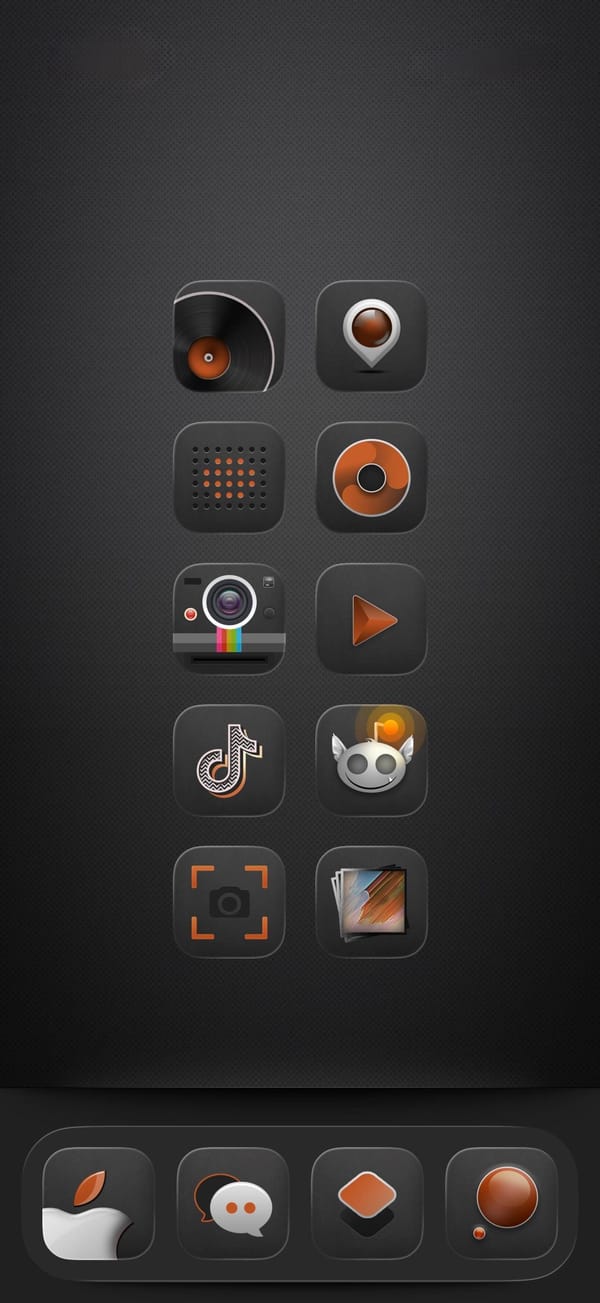
A dark-mode iPhoner home screen on a near-black carbon-fiber texture, designed entirely around a custom audio-equipment icon pack. Every icon wears the same amber-and-black treatment: a vinyl record, a speaker, a Polaroid camera, a music disc, a play button, and several more all in the same two-color vocabulary.
The layout runs ten icons in two columns of five with no widgets and no folders, leaving nothing between the user and the icon set. The dock has just four custom icons, none of them immediately identifiable without the label. Every default icon has been replaced.
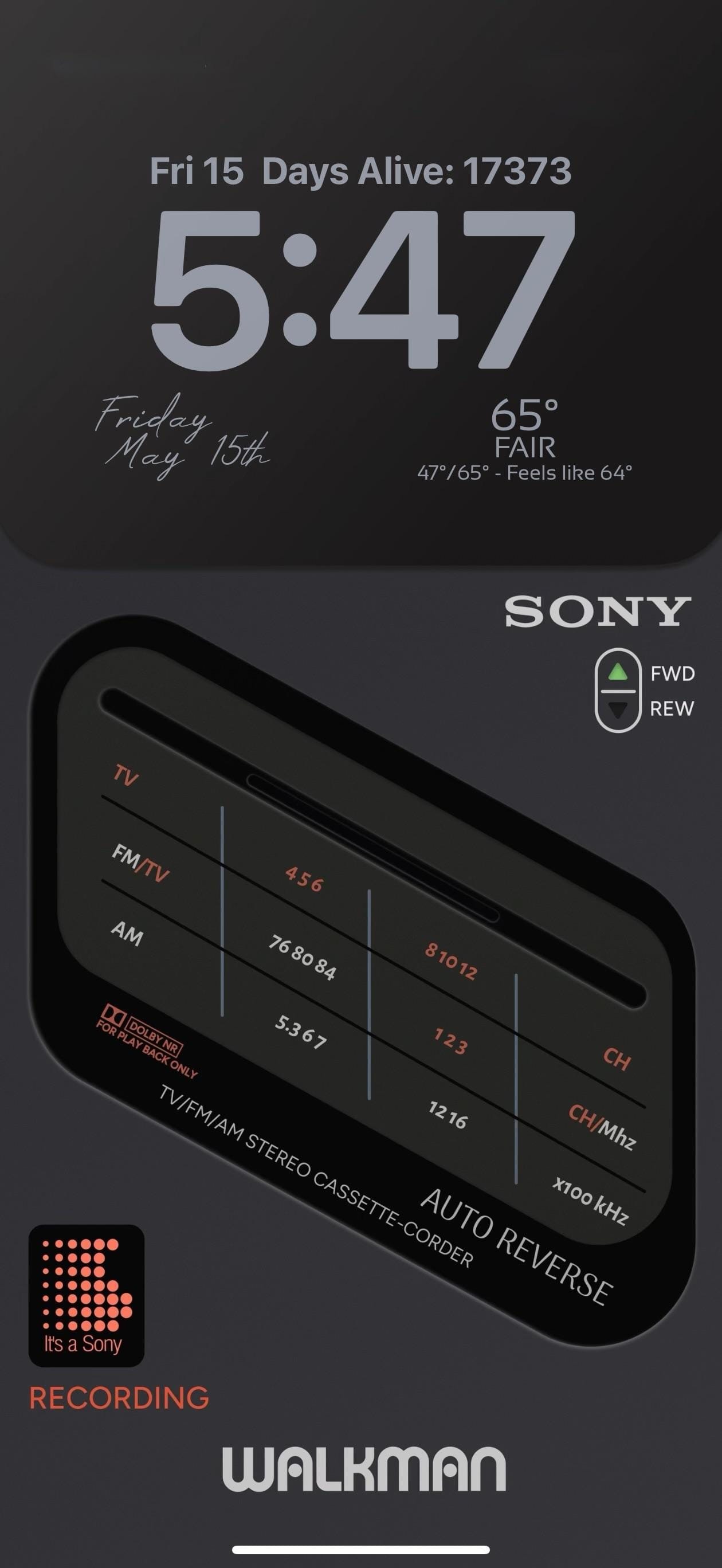
The lock screen is the showpiece. A full-screen photorealistic image of a Sony TV/FM/AM Stereo Cassette-Corder fills the screen: detailed tuner frequency scales, a Dolby NR label, an AUTO REVERSE badge, and a FWD/REW selector. "WALKMAN" runs in bold white letters at the very bottom. A small "It's a Sony" dot-matrix pixel widget in orange-red and the word "RECORDING" in matching text sit at the lower left.
Worth copying for iPhoners who want the retro audio aesthetic to run from every icon all the way to the lock screen.
Dark amber icon pack and a Sony Walkman lock screen
A dark-mode iPhoner setup with a custom audio-equipment icon pack in amber and black, and a photorealistic Sony Walkman cassette player on the lock screen.