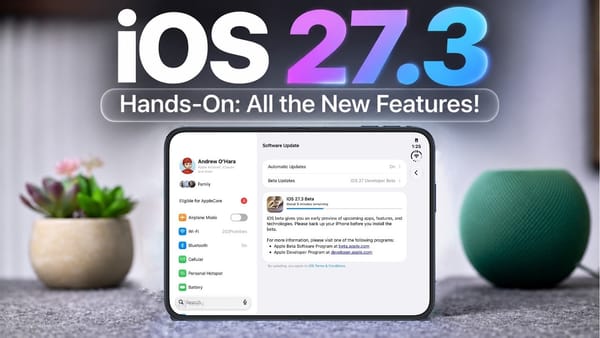
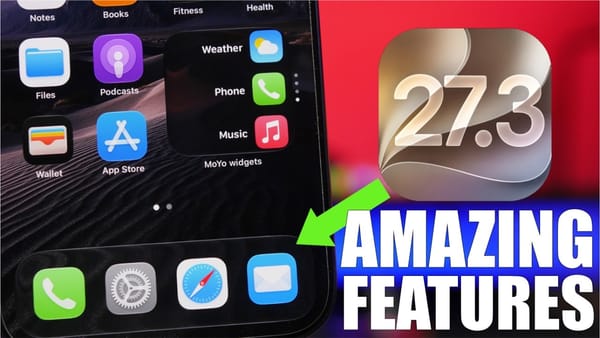
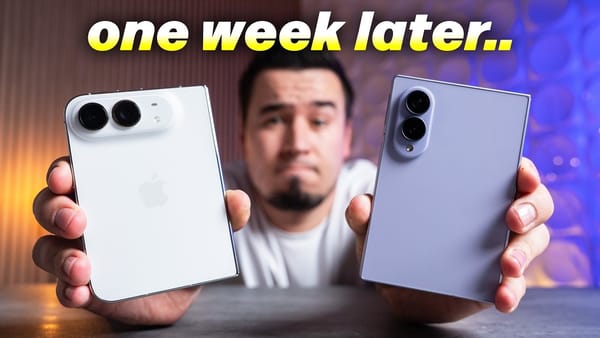
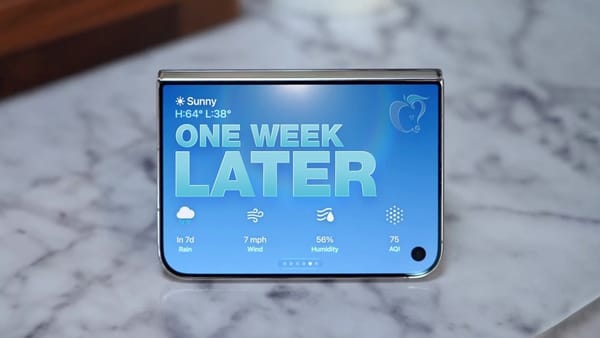
Vertical Safari tabs work on the iPhone Duo in 9to5Mac's iOS 27.3 beta 1 walkthrough. 9to5Mac also tests Siri's new app actions live, creating a playlist and a Safari tab group while a Journal request chooses the wrong photos. Its install weighed nearly 25 GB on both a Duo and an iPhone 17 Pro.
At a glance
| Tested install | Nearly 25 GB on the Duo and 17 Pro, per 9to5Mac |
|---|---|
| Free space advised | 35 to 40 GB, per 9to5Mac |
The Duo's inner display gets the most visible changes, while the StandBy update reaches regular iPhones too.
Changes you can see
- Vertical Safari tabs. Settings offers separate or vertical tabs for the Duo's inner display. 9to5Mac turns the vertical layout on and scrolls a left-side strip of site icons, then expands it to show more page context.
- Adaptive dark mode. Safari offers to restyle a bright Target page when the phone is in dark mode. The video shows a preview and then accepts the darker page; it doesn't claim the site itself added a dark theme.
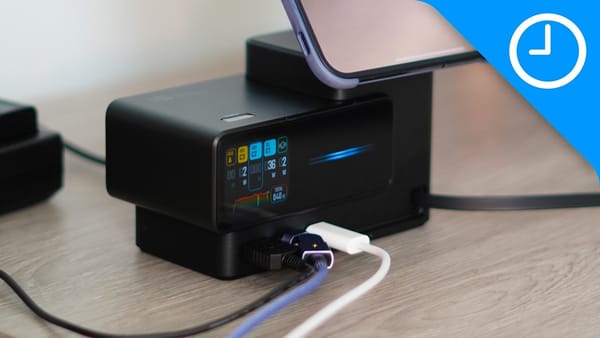
- StandBy on regular iPhones. Long-pressing the charging display reveals revised Analog and Digital faces, more color choices, Calendar, Weather, Shared Albums, and multiple swipeable configurations.
- Duo reachability. A short swipe from either edge moves the interface closer to one hand. The walkthrough shows it on the outer screen and with an app that isn't optimized for the inner display.
9to5Mac's live Siri tests are more revealing than a feature checklist. A playlist and Safari tab group appear as requested, but a Journal entry pulls two recent photos that aren't the specific Duo shots requested.
Other beta changes
- Siri actions. The video creates an Apple Music playlist, groups Safari tabs, and schedules a message by voice. The Journal miss shows that completing a task doesn't guarantee Siri picked the right inputs.
- Health redesign. The update restores a Health layout that 9to5Mac says appeared in the iOS 27.2 beta before Apple removed it. The Duo view includes Sleep, Readiness, Fitness, Vitals, and Longevity tabs.
- Watch features. The walkthrough mentions Live Rewind and Siri Recap in watchOS 27.3 but saves the detailed demo for another video.
The Journal mistake is the useful beta moment for iPhoners. I'd test Siri's new actions on low-stakes tasks before trusting it with a message or calendar appointment that has to be right the first time.