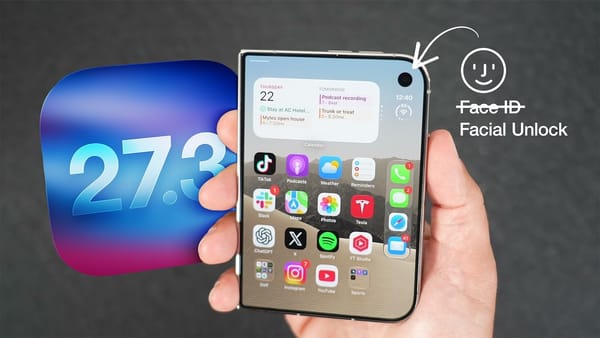
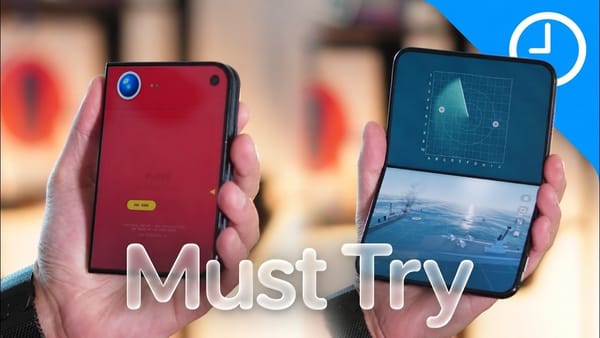
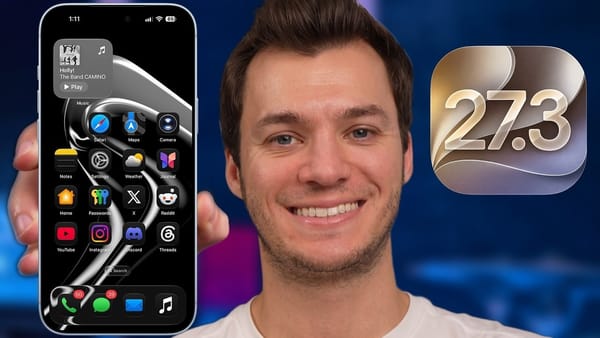
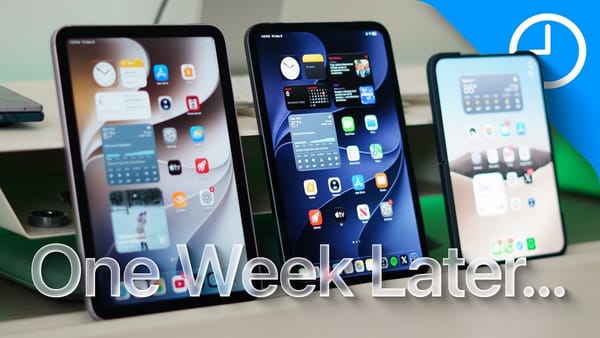
9to5Mac takes off an Apple Watch before trying the headline feature in iOS 27.3 developer beta 2. The watch could already open the reviewer's iPhone Duo, and either of two fingers could trip Touch ID. With those possibilities out of the way, a tap on the outer screen and a swipe take the reviewer straight into the phone.
Three steps in using the Duo folded
- Register a face. Setup uses the outer camera. With the phone closed, the reviewer looks into the frame and turns left, right, up and down. The setup screen says that the recognition data stays on the device.
- Wake the outside screen. The feature depends on a recent Touch ID or passcode check. In the demonstration the reviewer can keep a finger off the side button for repeated quick looks at the phone. Paying with Apple Pay and accessing saved passwords still call for Touch ID.
- Fold to finish. Under Display & Brightness, Close to Lock changes what a fold means. With it enabled, folding the Duo locks it. The reviewer can then turn it toward the camera and open it again. Leave the setting off if you want to keep using the app on the outer screen.
There's another reason to try this build even if the side button suits you. The reviewer repeats a Health query that failed a beta earlier and this time gets a figure that can be checked against the original record.
What Siri can retrieve
- Steps and sleep. On the channel's device a step-count question returns 3,746 steps for the day. A separate question about the previous night produces both a duration and a sleep score. The same Health integration hadn't worked for the reviewer in the first beta.
- Activity rings. Asked for an overall assessment, Siri reads out progress on each ring. Opening the answer full screen reveals a link back to Health. That source is the part I'd want close at hand when a broad assessment sounds better or worse than expected.
- Watch recaps. Returning to a feature introduced in the earlier watchOS beta, the channel finds a recap of a vacation conversation that includes the length of a train ride. Older summaries carry an expiration notice as they approach seven days.
The battery screen deserves a careful read, too. One of the channel's days shows eight hours and 44 minutes on screen alongside 138 percent battery use. The phone used more than one battery's worth of energy that day. The screen time isn't a single-charge result.