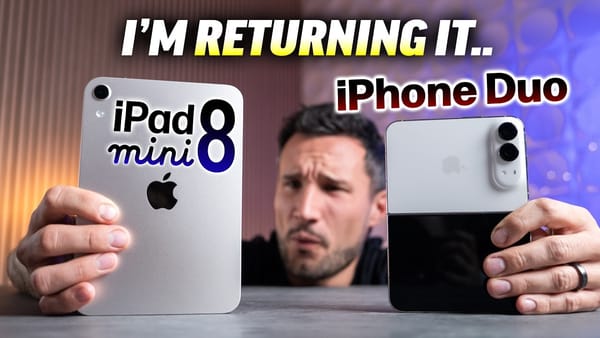
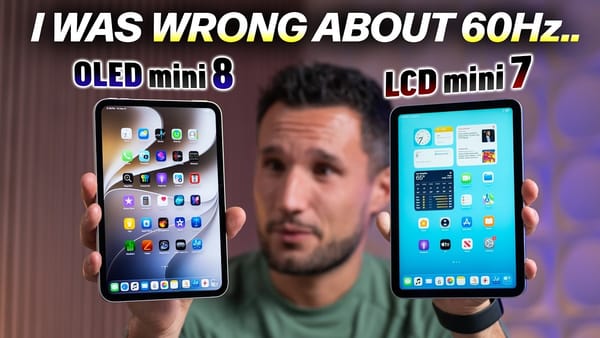
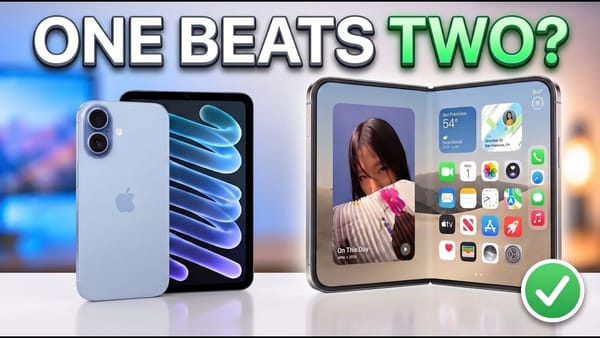
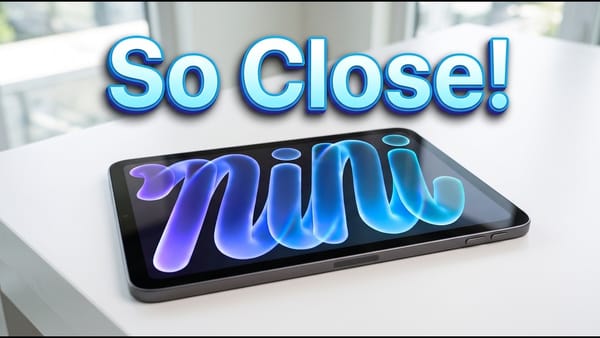
For a movie, 9to5Mac would pick the OLED iPad mini over the iPhone Duo. After about ten days with the tablet, the channel can still see the difference when moving from a 120 Hz display to the mini's 60 Hz panel. Play a video and it's the deep black of the OLED screen that holds its attention.
What changes when you hold it
- Screen borders. In the channel's comparison, slimmer borders make room for an 8.5-inch screen in much the same footprint as the previous mini. The difference is easier to appreciate with the two tablets together. You get more picture while keeping the size that made the mini comfortable to hold.
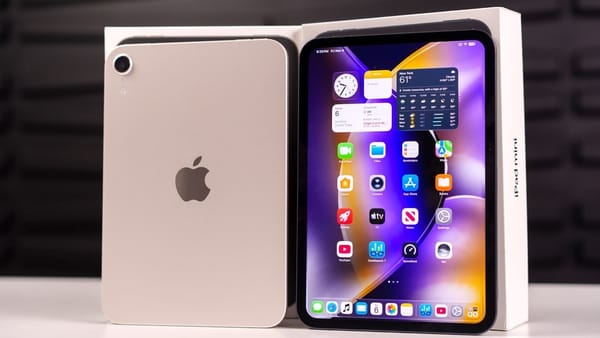
- Old folios. Similar dimensions don't guarantee that an accessory fits. The channel puts the thickness at 5.4 mm, down from 6.3 mm, and reports that cases and magnetic back folios don't transfer between the two generations. Check the generation on a case you plan to reuse.
- Scrolling. Moving directly from a ProMotion screen makes the lower refresh rate visible to the reviewer. The uneven movement sometimes called jelly scrolling is much harder for the channel to see on this panel. Those are two different things to look for if you try one in a store.
The comparison with the Duo is especially revealing here. The channel describes the foldable's inner screen as brighter and smoother, yet prefers the mini for video.
What the panel and the USB-C port can do
- Dark scenes. On the old LCD, a backlight stays on behind the image. Individual OLED pixels can go dark. That's the difference the review keeps coming back to when weighing the mini as a screen for watching video.
- Another display. The channel describes plugging in a monitor and pairing a keyboard and mouse over Bluetooth. The mini can extend its workspace onto that monitor, so the little tablet you carry around can also give you room to work at a desk.
- Storage choices. According to the review, the nano-texture option starts at 256GB, while the full GPU configuration requires 512GB. Someone choosing a model for the screen finish has a different threshold to consider from someone buying it for graphics work.
I'd try scrolling some familiar text before deciding about 60 Hz. The film comparison makes a good case for OLED, but it tells you very little about how the mini will feel if you spend most of the day reading in a browser.