Keep an edit you like. Obscura Studio is an iPhone and iPad photo editor with reusable filters and two save options: update the existing image reversibly or create a separate copy. Exposure corrections, color changes, and grain can travel together, while the tools that made the look remain available for further editing.
Open a photograph from the library. Choose a preset if you want one, then work through the adjustment controls. Curves let you change the relationship between dark and bright tones; selective color targets a particular hue. Once the image looks right, Save Filter adds that combination to the filter picker. This gives a series of photographs a common starting point without requiring the same correction on every frame.
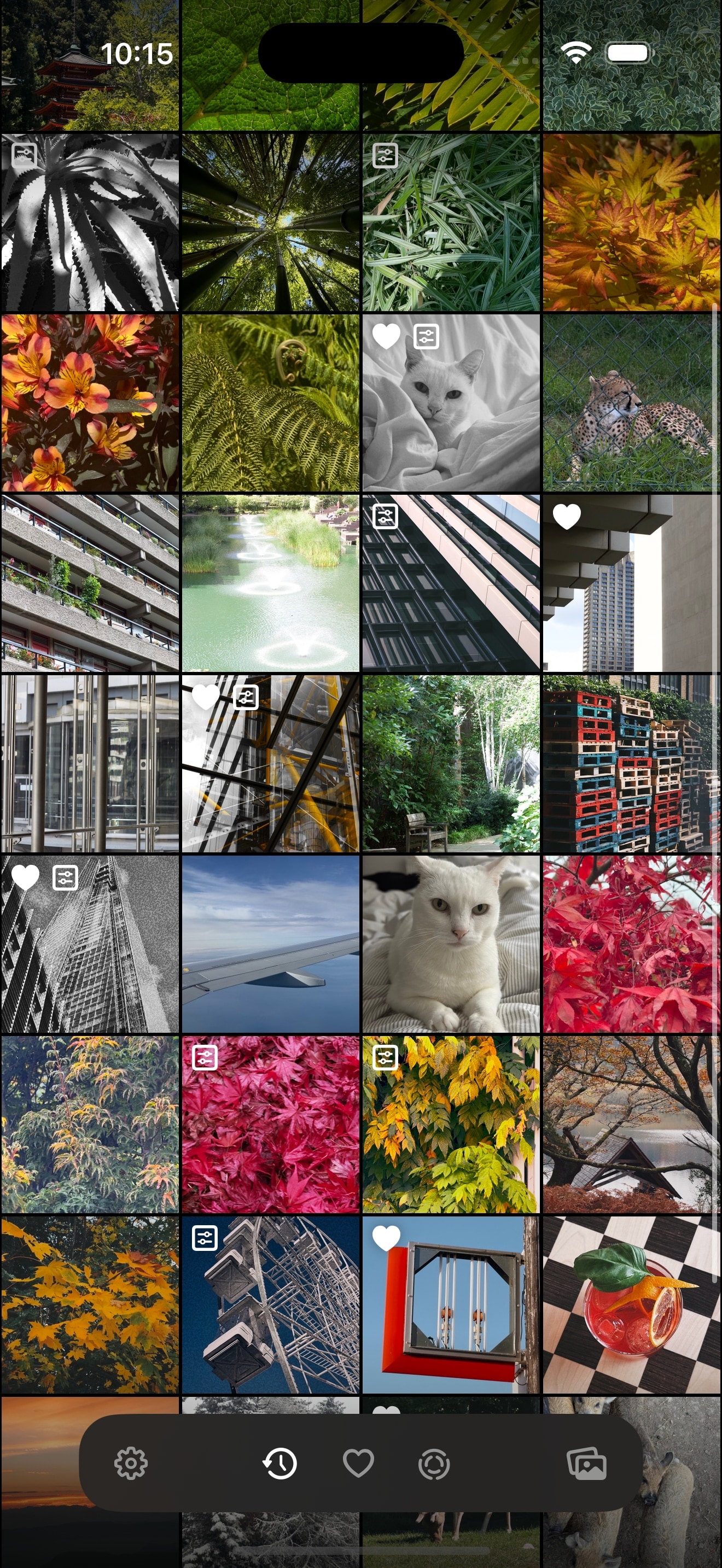
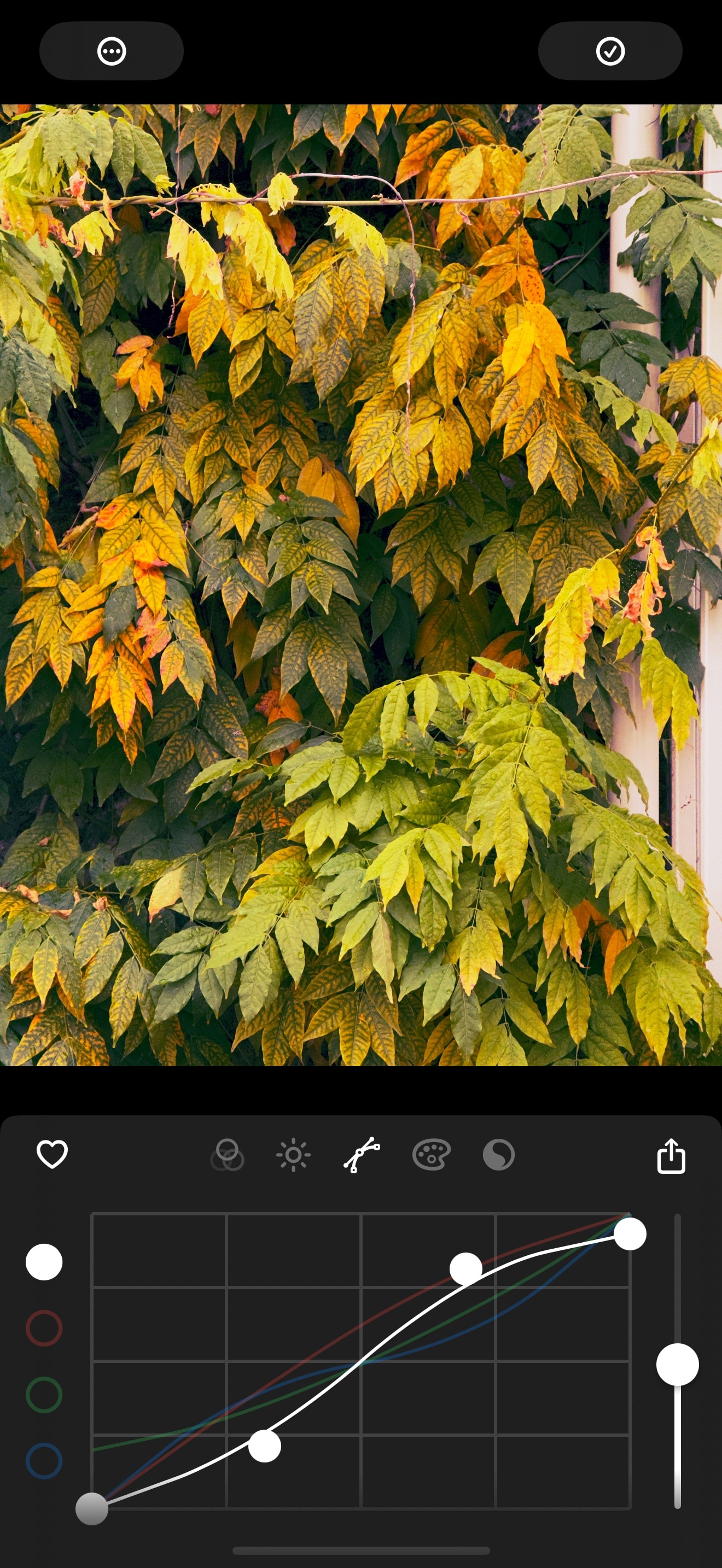
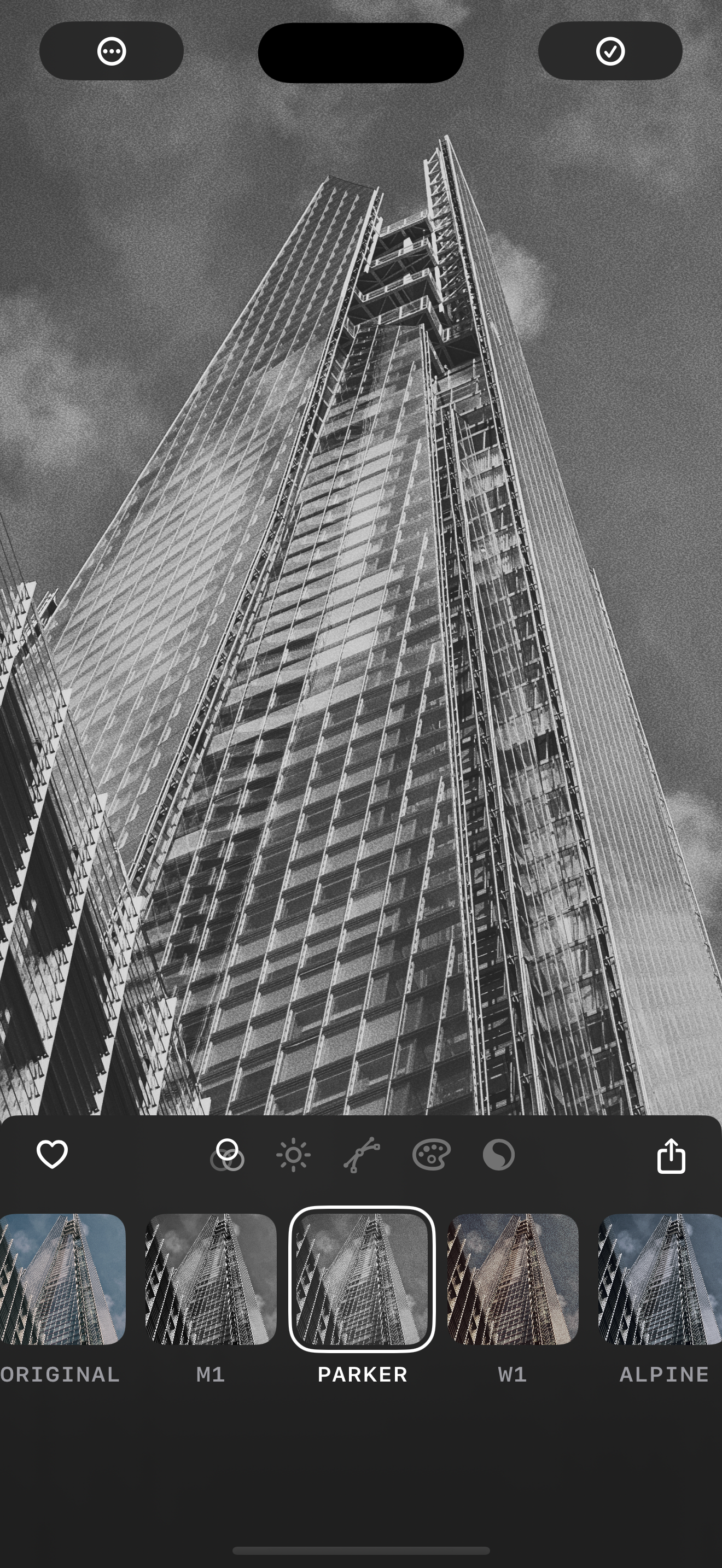
TapSmart's walkthrough describes two ways to save: keep a reversible edit on the existing photo, or create a separate edited copy. It also shows how ratings and flags help narrow the library before editing. I find that combination more useful than a large preset collection alone: choosing the photographs and refining their treatment belong in the same workflow.
- Save a filter when several shots need a related treatment.
- Keep a separate copy when the original and edited versions need to sit side by side.
I'd suggest rebuilding one familiar edit and saving it, especially for iPhoners who already have a preferred color treatment. That's a more revealing test of Studio's controls than scrolling through every supplied preset.