Choosing a film stock is only the start. Film(ish) is a photo and video editor for iOS 17 and later that separates the film simulation from the print, with controls for how color, highlights, and grain behave. That gives you several places to change a look after choosing it.
Start with a photograph and select a stock. The Film manual explains the Sync print option: turn it off and you can compare different films against the same print treatment. Strength lets some of the original image back through. Move into Grain and you can change the simulated film format, speed, and texture rather than accepting whatever noise came with the preset. For a particular color, the Hue vs curves let you sample a point directly from the photograph and adjust that range.
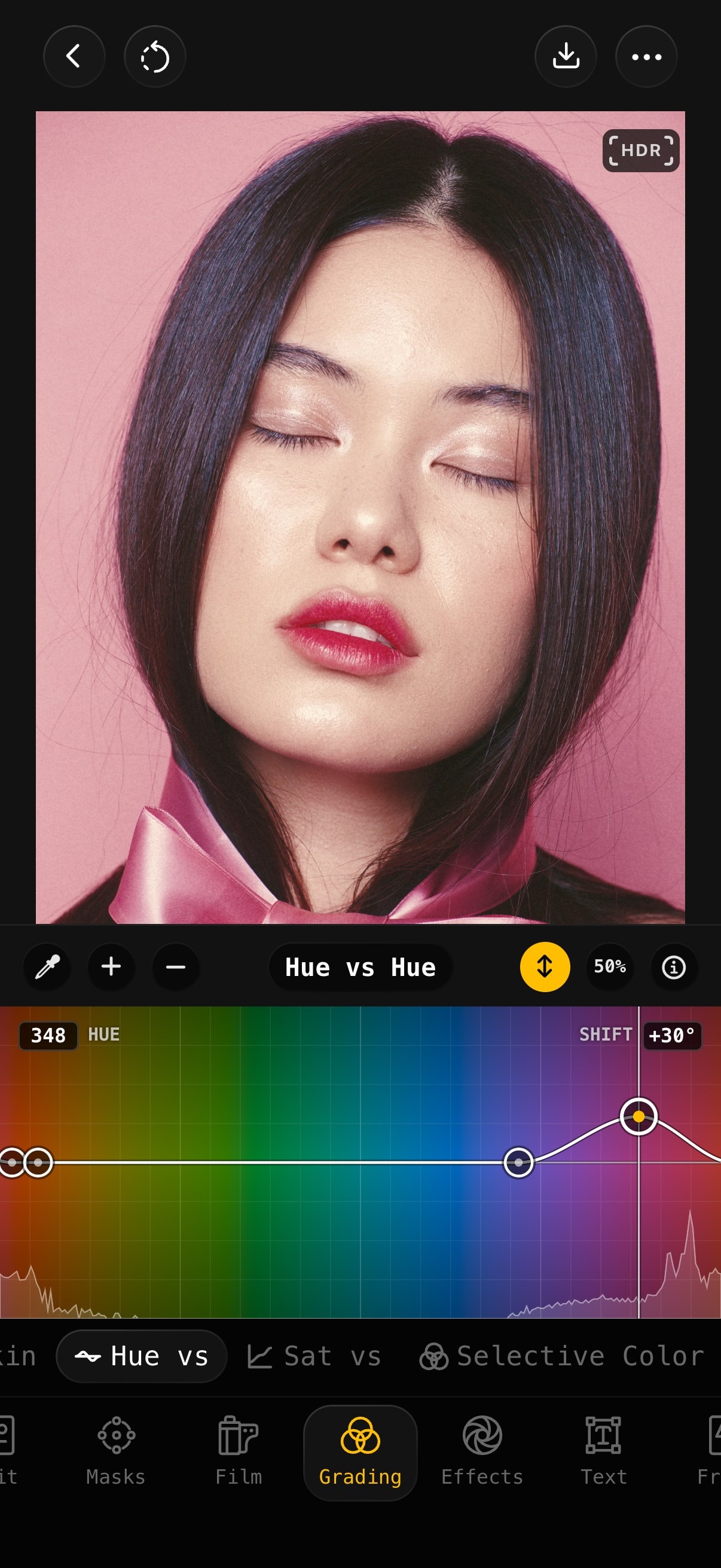
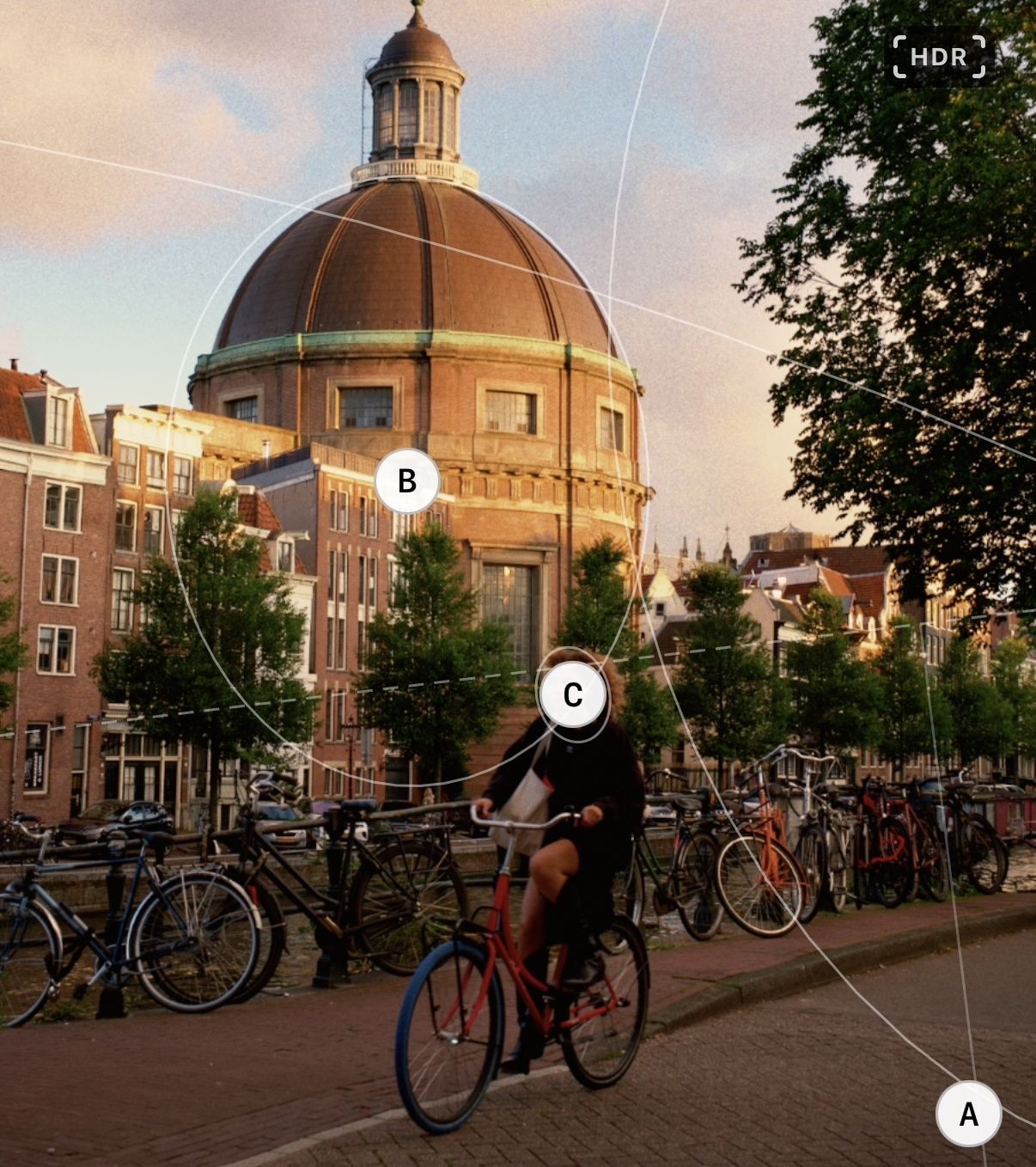
That's plenty to get lost in. The Hiro Report's beta impressions praised the editing control as much as the presets, which is the part that interests me. I'd start with one stock and learn what its controls do before collecting more looks. The separate stages make experimentation possible, but they also leave more decisions to the photographer.
Film(ish) suits iPhoners who can name what bothers them about a preset and want to change that part. Save a finished edit as a preset when you've found something you want to repeat.