Windows can see an iPhone as an audio input with Micstream. Micstream sends sound over Wi-Fi to a desktop client on Windows 10 or 11, or Linux, so a phone can fill in when a headset microphone fails. The iPhone connection requires both devices on the same network.
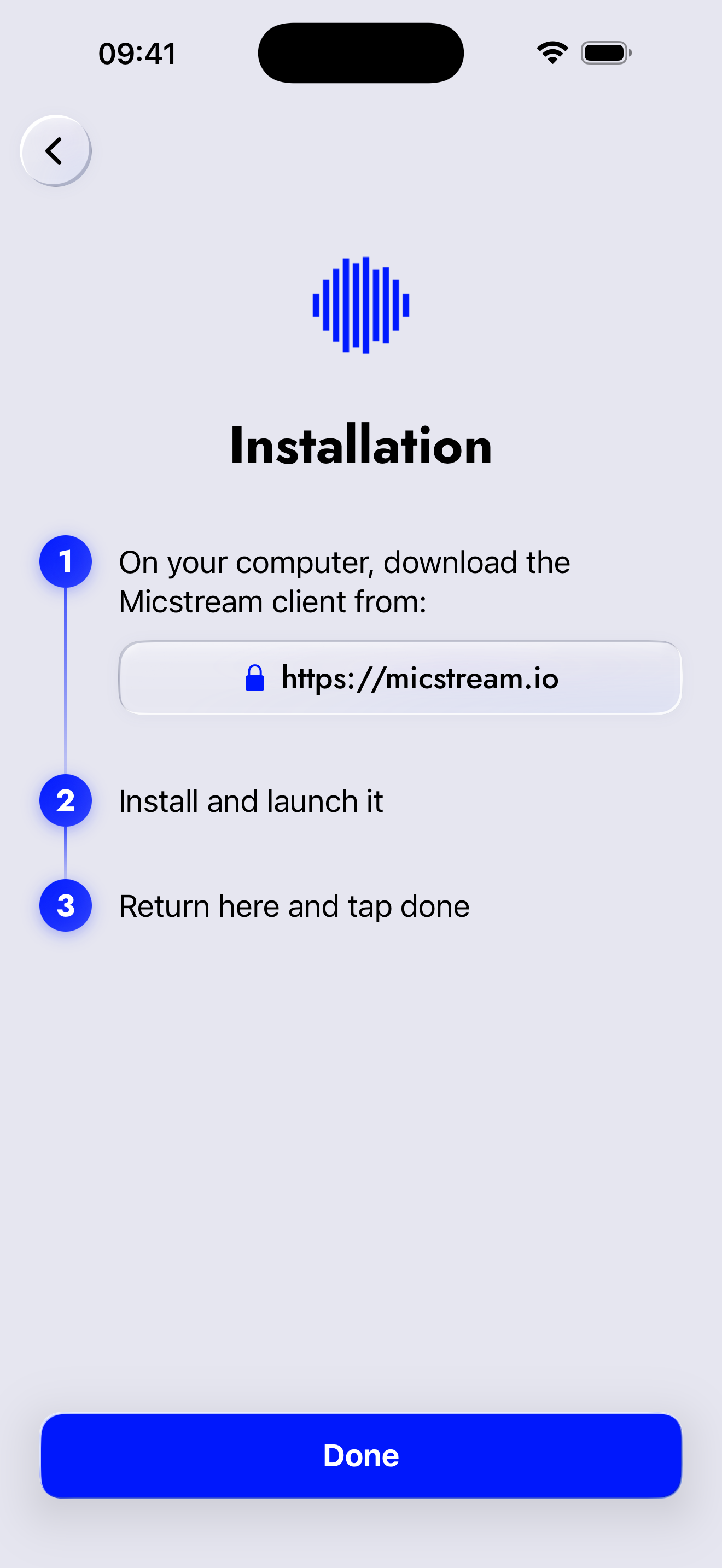
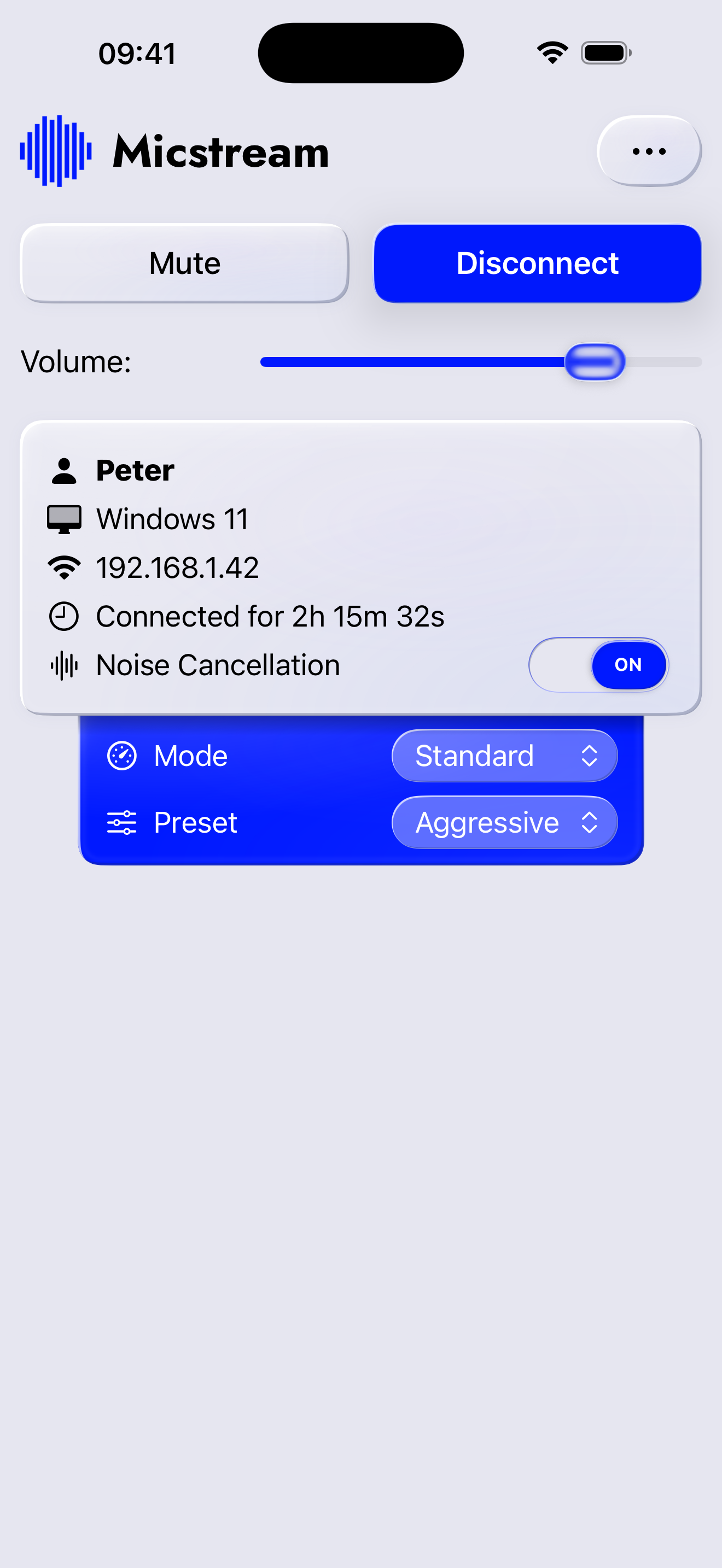
Install the computer client, allow Local Network and microphone access on the phone, then tap the discovered PC. Select Micstream as the input. On Windows, the client installs an audio driver that presents the stream as a regular microphone. Linux uses PipeWire. DeepFilterNet noise suppression runs on the computer, with controls for adjusting or disabling the processing. A phone on the desk can therefore feed an existing Discord or OBS setup.
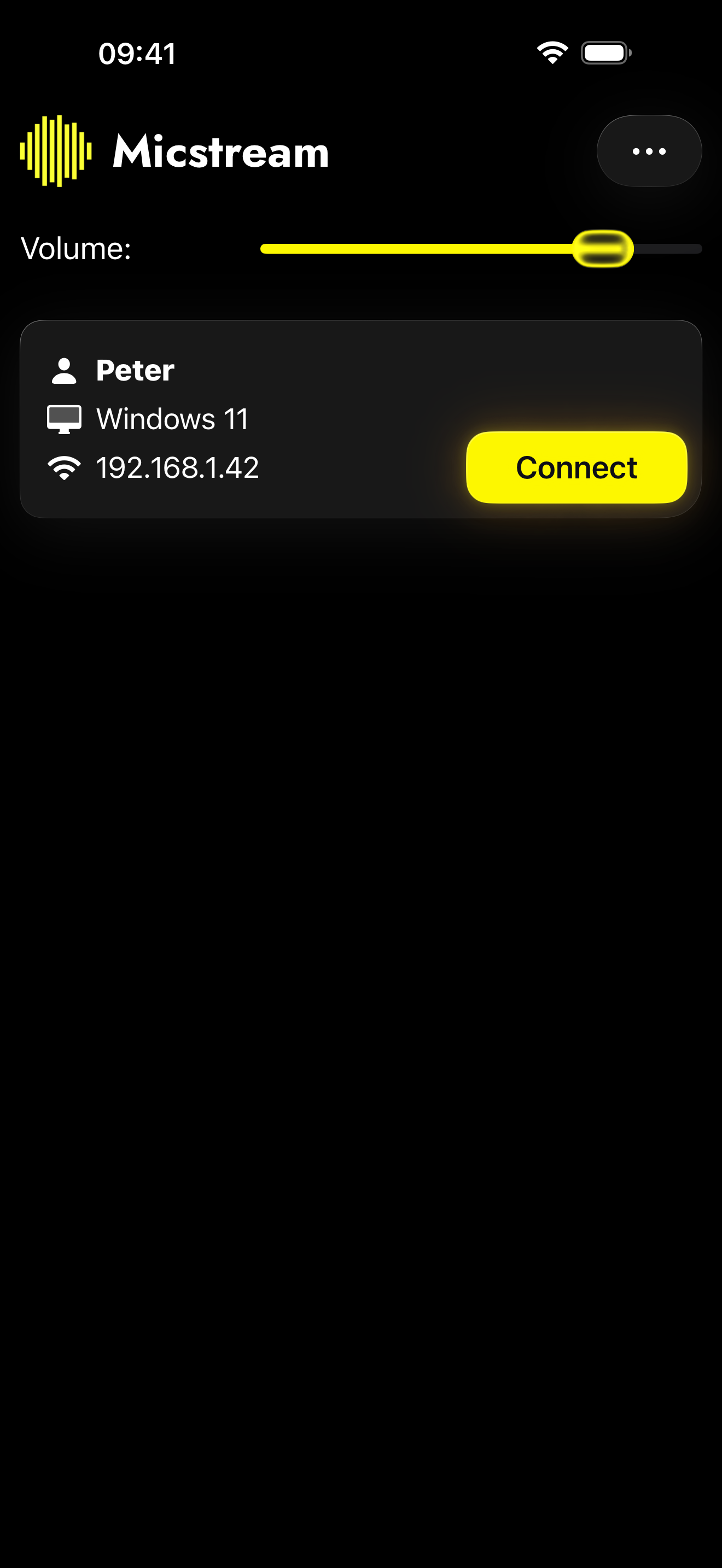
I like that it appears as an ordinary microphone input. The operational limits matter more than the advertised audio specifications, though: the iPhone setup guide says a call, Siri, or an alarm interrupts streaming, and reconnection needs a tap. USB support in the general press material applies elsewhere; the iPhone guide explicitly specifies Wi-Fi.
App Store feedback includes successful connections alongside permission and timeout trouble. The developer says the missing permission prompt was fixed, and a later update addresses registration hangs.
I'd try a complete call before relying on it for a meeting. Micstream suits someone who already has an iPhone beside a Windows or Linux computer and needs a working voice input.