Prismatic gives locally stored songs a live visualizer and a 10-band equalizer. This iPhone and iPad music player imports the audio files you own, organizes them into albums, and keeps them available without a connection.
Open Add Music, choose Files & Cloud Storage, and select a folder to copy into a library organized by the audio files' tags. Cloud placeholders need downloading first. The import guide also explains why a compilation needs an album artist tag: otherwise its tracks can split into separate albums. For a large collection, that detail matters more to me than another animation.
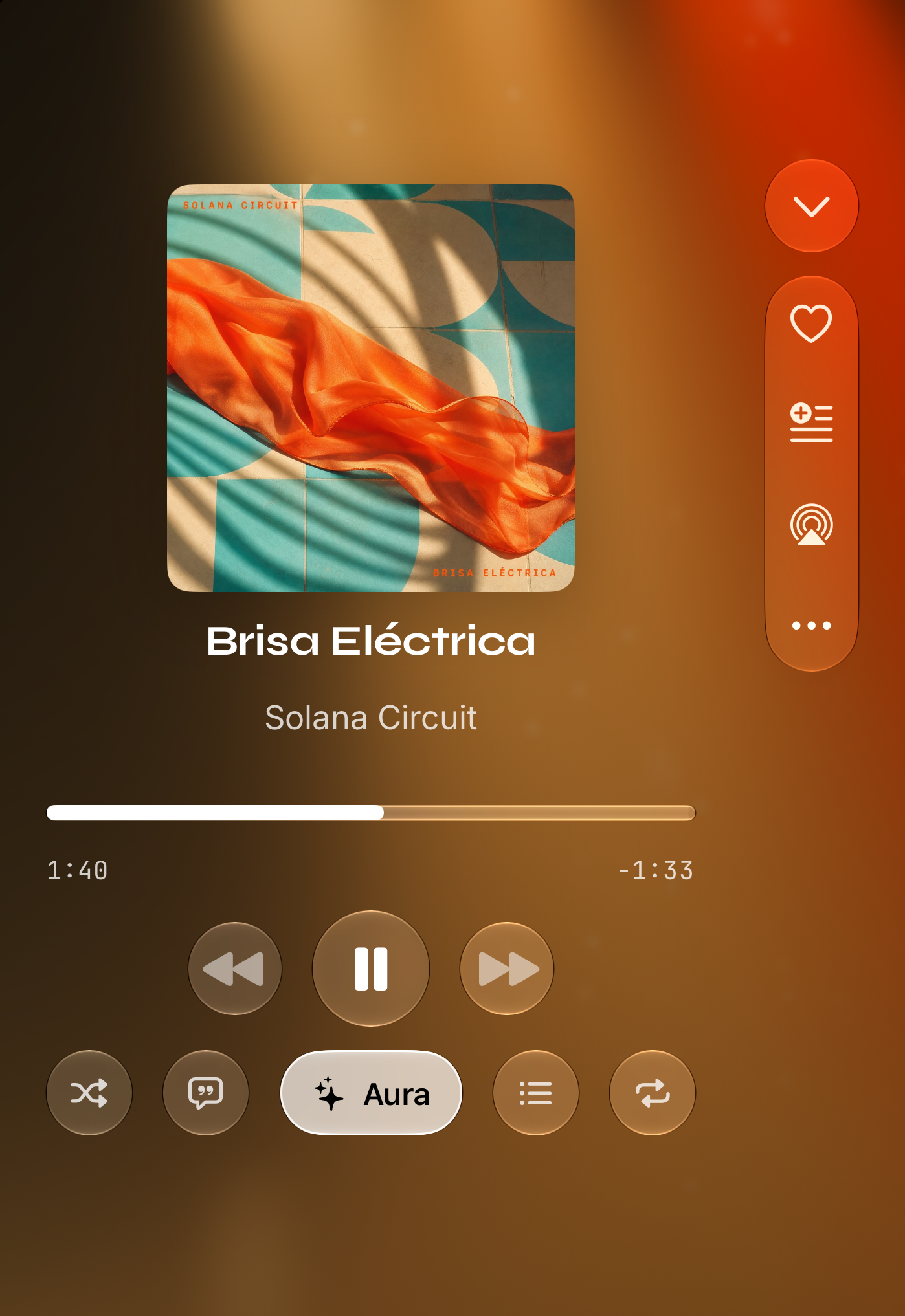
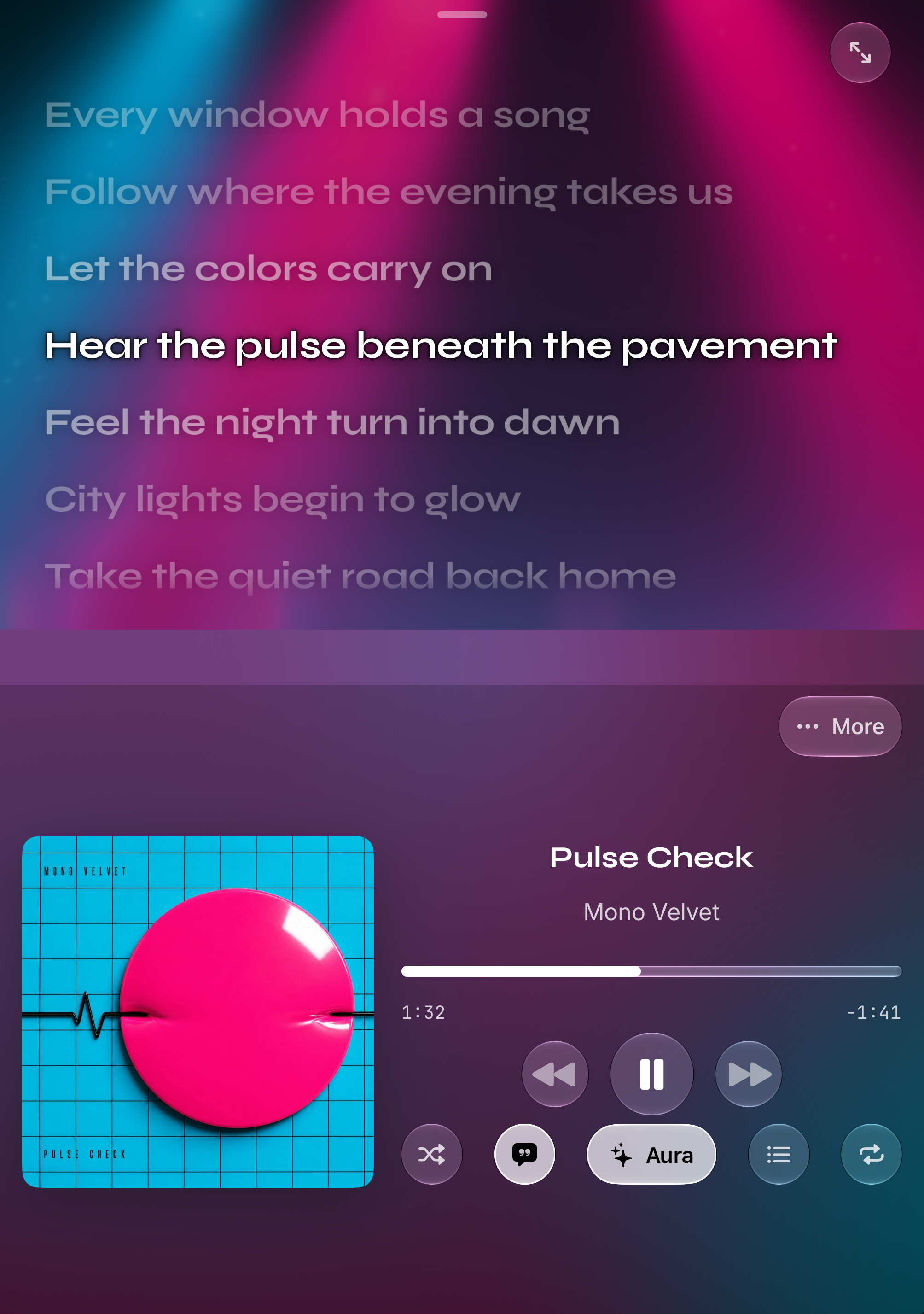
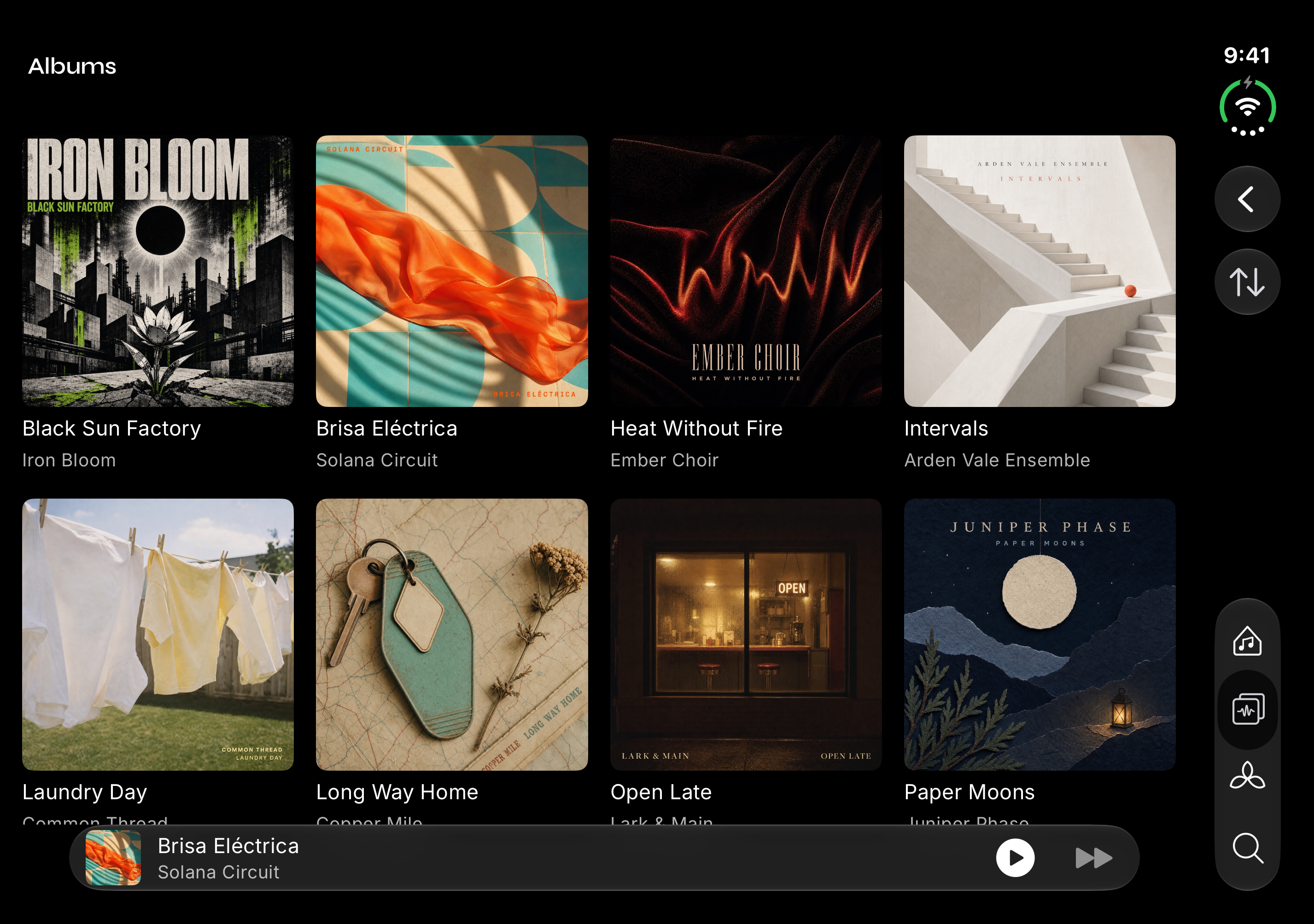
The animation still catches my attention, with Auras that respond to the playing audio behind the controls or across the screen. On iPhone Duo, the tabletop layout puts lyrics above the fold and playback below; opening the display gives the album grid more space. Those are sensible uses for a player you might leave visible while listening.
There are limits to the pitch. Protected streaming-service downloads can't be imported as your own audio files, and copying a library uses additional device storage. The single October US App Store review liked local playback but reported a crash when opening the player. A later update lists other fixes without clearly resolving that report.
I'd consider Prismatic for a well-tagged collection that deserves its own player. Test a small folder before committing the whole library.