FilmMeter pairs exposure readings with a log of your 35mm and medium-format rolls on iPhone. The meter helps before the shot; the record gives you something to consult when the developed photographs come back.
Load a roll in FilmMeter, choose its stock, and attach a camera profile. Lens profiles hold focal length and aperture limits, so the exposure controls can stay within the range your lens actually supports. Take a reading, then save a reference image with its settings and location; the My Rolls screen groups those records by roll, with statuses for film you're shooting, have finished, or have developed. You can export the exposure data to CSV.
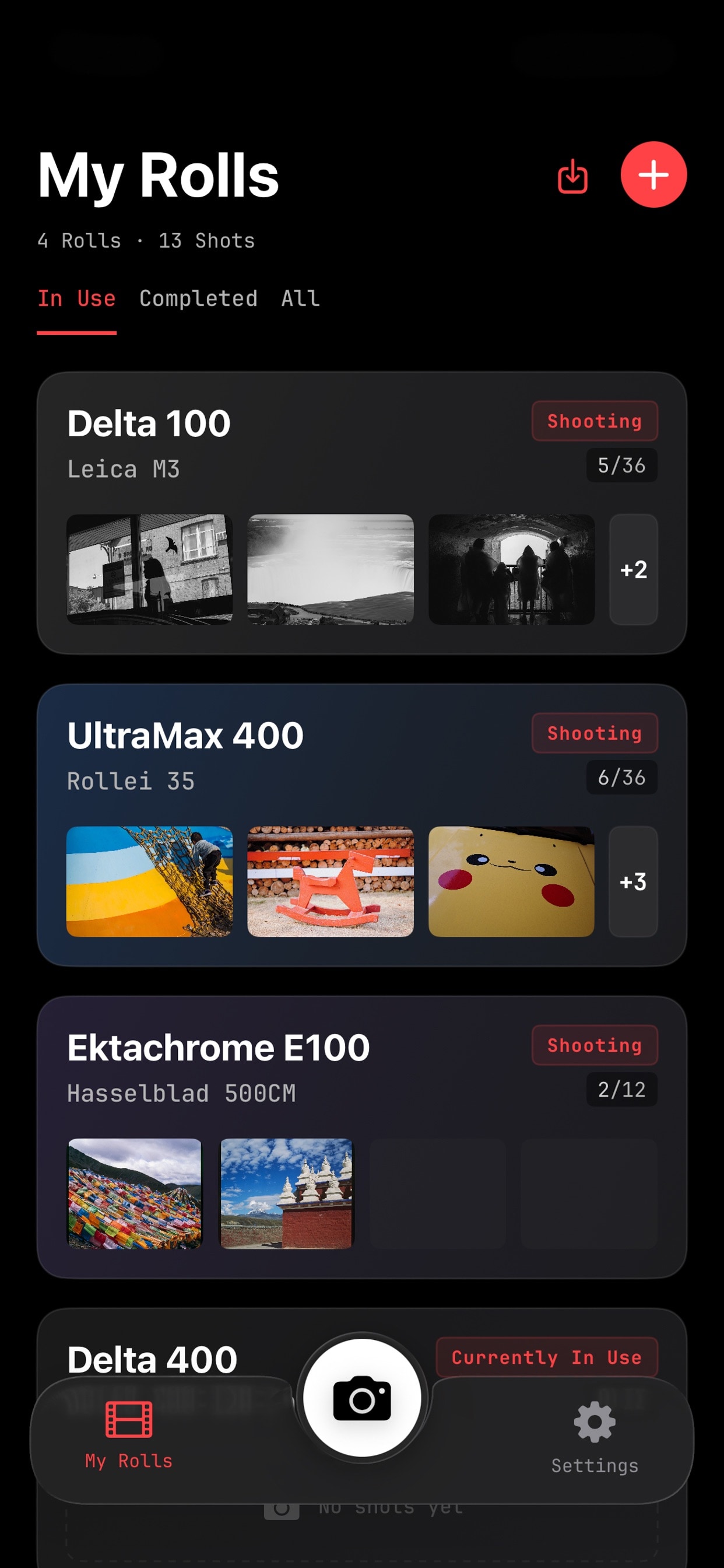
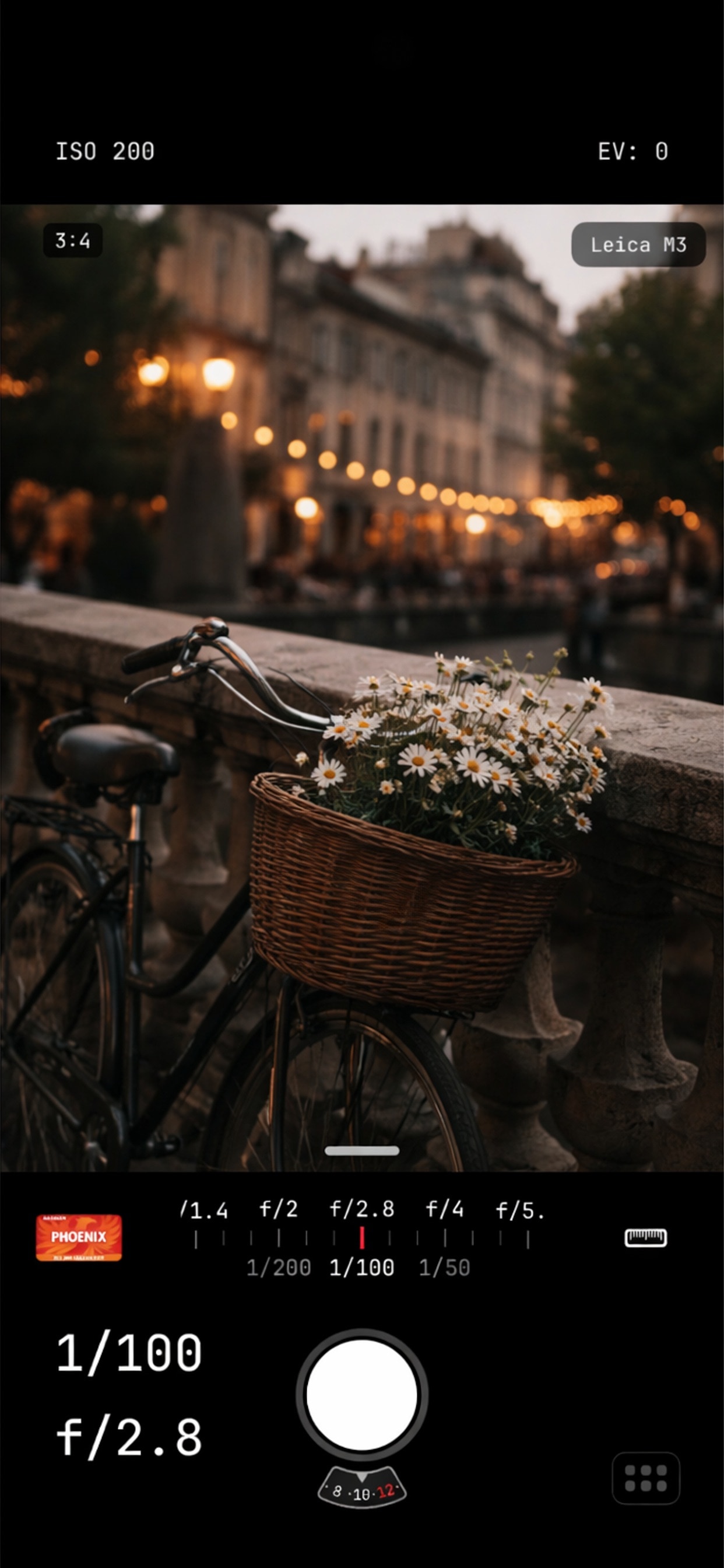
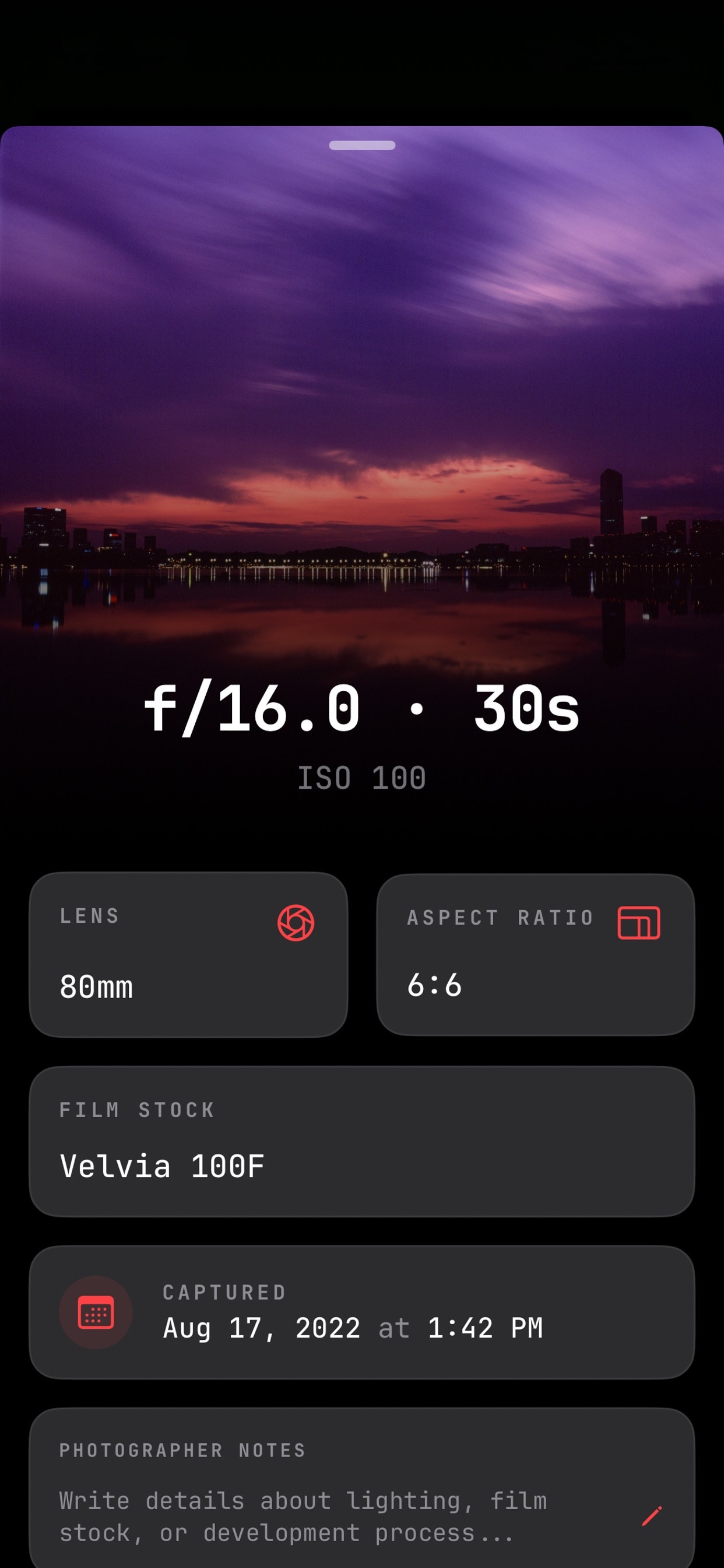
The rangefinder needs the right hardware. LiDAR-equipped iPhones can measure distance and display a depth-of-field scale; other iPhones still provide the metering and logging tools. PetaPixel especially liked keeping track of which stock went into which camera and whether it was intended for push or pull processing. That's the part I'd keep open while shooting. A September US App Store reviewer found the range of controls hard to understand, so I'd learn one workflow before relying on everything.
FilmMeter makes sense for iPhoners juggling analog cameras or trying to connect their settings with the eventual scan. The log is useful only if you remember to make the entry.