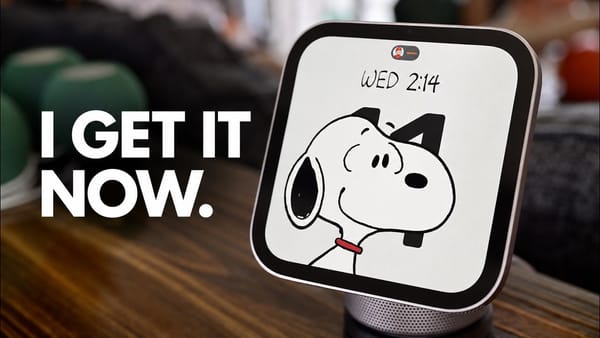
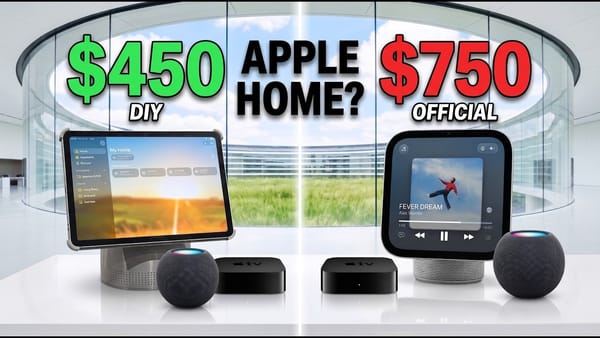
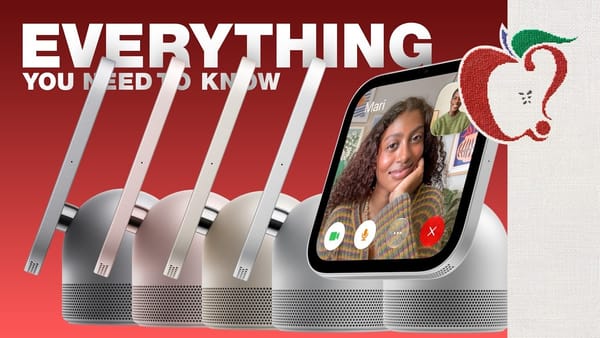
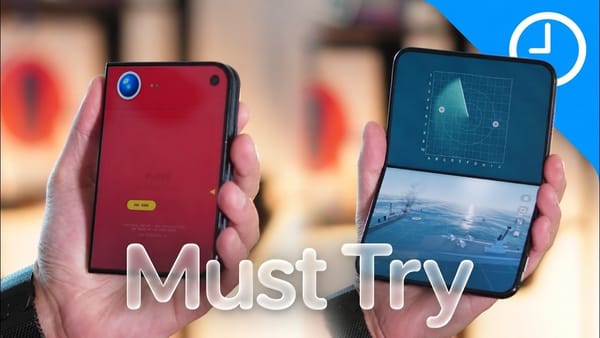
HomeView's cooking mode is the demonstration I'd start with: in Brandon Butch's setup and review, Safari strips a recipe into an ingredient checklist and step-by-step instructions, then turns a cooking duration into a timer with a tap. It's a concrete kitchen task for a screen that otherwise risks looking like a stationary iPhone.
Tasks that suit a shared screen
- Cooking without losing the step. The recipe's Live Activity keeps the timer and current step visible after leaving Safari. The channel also demonstrates asking Siri for the next page, avoiding a touch when hands are messy.
- Finding a recommendation. Siri searches Messages for a restaurant mentioned earlier, then takes a follow-up request to create a reminder. The channel uses that sequence to explain personal context through an ordinary forgotten detail.
- Bedside use. The walkthrough shows dim red night-mode text, an alarm and a calendar view. The channel reports a minimum brightness of 0.3 nits; its camera demonstration supports the use case without proving how every bedroom will look.
Household setup deserves attention
- Facial recognition. In the demonstration, HomeView restricts personal apps when an unfamiliar person appears. Recognized household members can receive their own calendar and messages. The channel shows invitations through Apple Home on an iPhone.
- Guest access. Guests can use shared functions such as timers, music and home controls without seeing the owner's personal messages or locations. The walkthrough also shows options for what unrecognized visitors may access. Owners receive an iPhone notification when Siri responds to personal-content requests.
- App support. Compatible audio and video apps appear through the connected iPhone's CarPlay support. Spotify and MLB are among the examples. That mechanism doesn't make HomeView a general-purpose iPad with every third-party app available.
Placement changes the job. There are familiar controls, too. The channel demonstrates AirPlay handoff, a music queue and configurable faces, then moves between kitchen and bedside placement. For iPhoners sharing one device, the recognition behavior matters as much as the display: it's the difference between a family control panel and someone's private phone left open.
For a recipe-first setup, that kitchen placement beside the ingredients matters more than the number of faces.