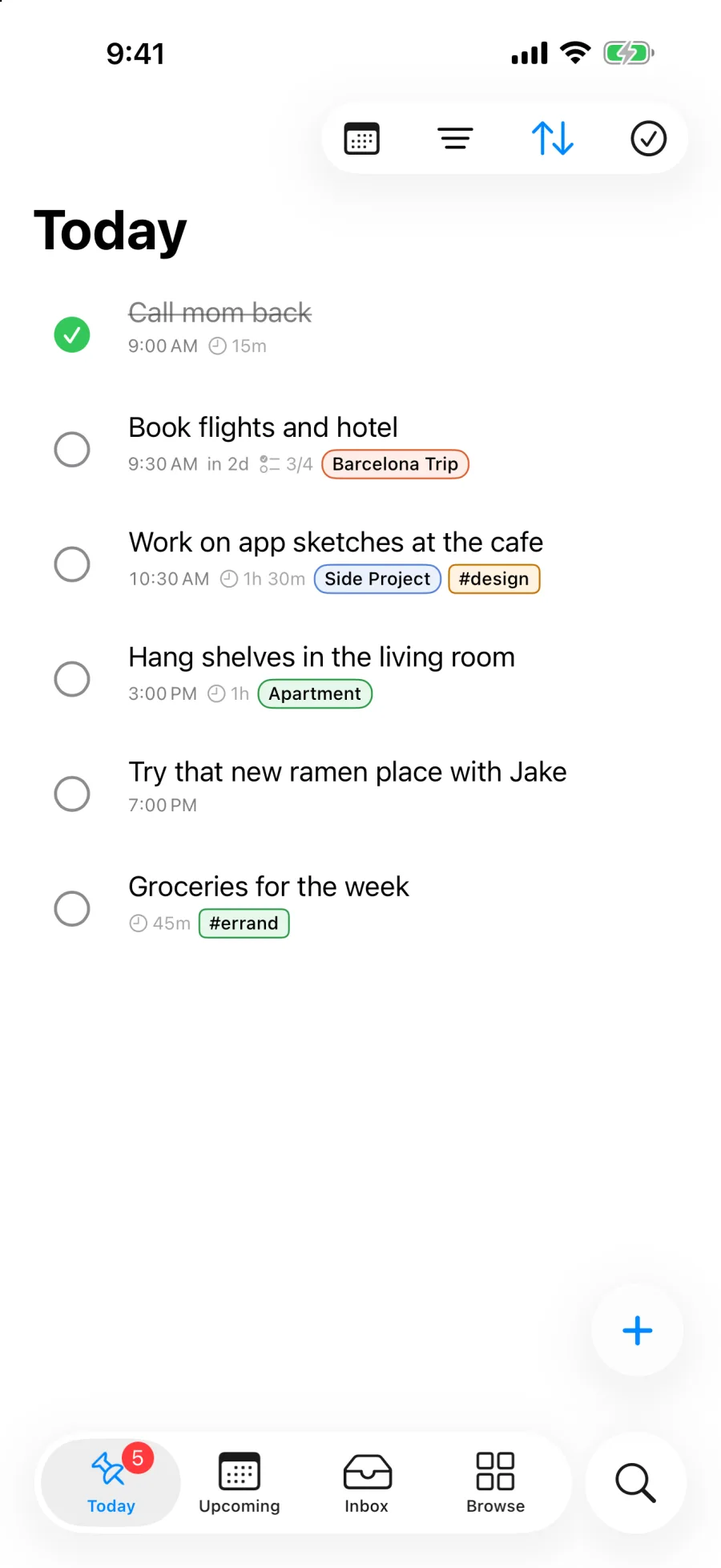
A task can be planned for Tuesday and still be due on Friday. Pinwork, a task manager for iPhone, iPad, Mac, and Apple Watch, keeps those dates separate as When and Deadline. Pinwork requires iOS 18 or later.
Type a task with a time and duration, then add a deadline if there's one. Set When before creating a calendar entry. From the task menu, Add to Calendar creates a linked Apple Calendar event whose length follows the estimate. Moving the work can update that event, and calendar edits can flow back when that option is enabled. The calendar guide explains the permissions and link controls.
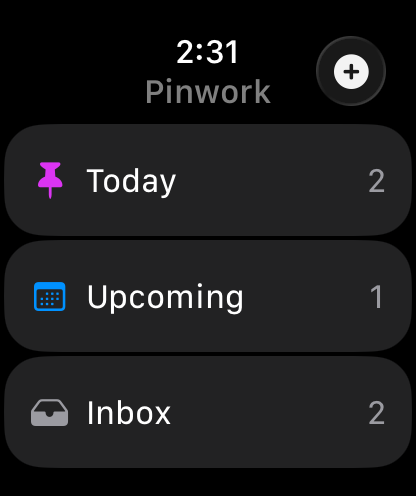
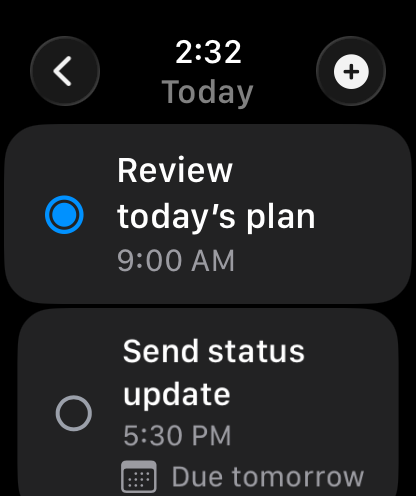
The Watch view is smaller. Today, Inbox, and Upcoming are the three lists. Open a task for details, or use its checkbox to complete or reopen it. The Watch guide says changes are stored locally and sent back to the phone when communication is available. That makes the wrist view useful for checking the next commitment, although it isn't a promise of immediate sync.
The US review feed was empty when checked, so the calendar behavior here comes from the developer's documentation.
I like the distinction between an intention and a deadline. Pinwork is worth considering if a single due-date field keeps turning your daily plan into an overdue list.