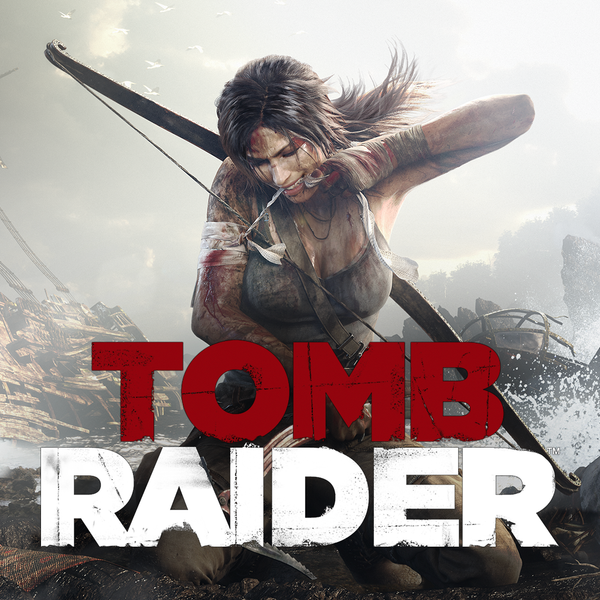
You can resize the buttons and change their opacity in Tomb Raider, the iPhone and iPad port of Lara Croft's 2013 survival adventure on Yamatai.
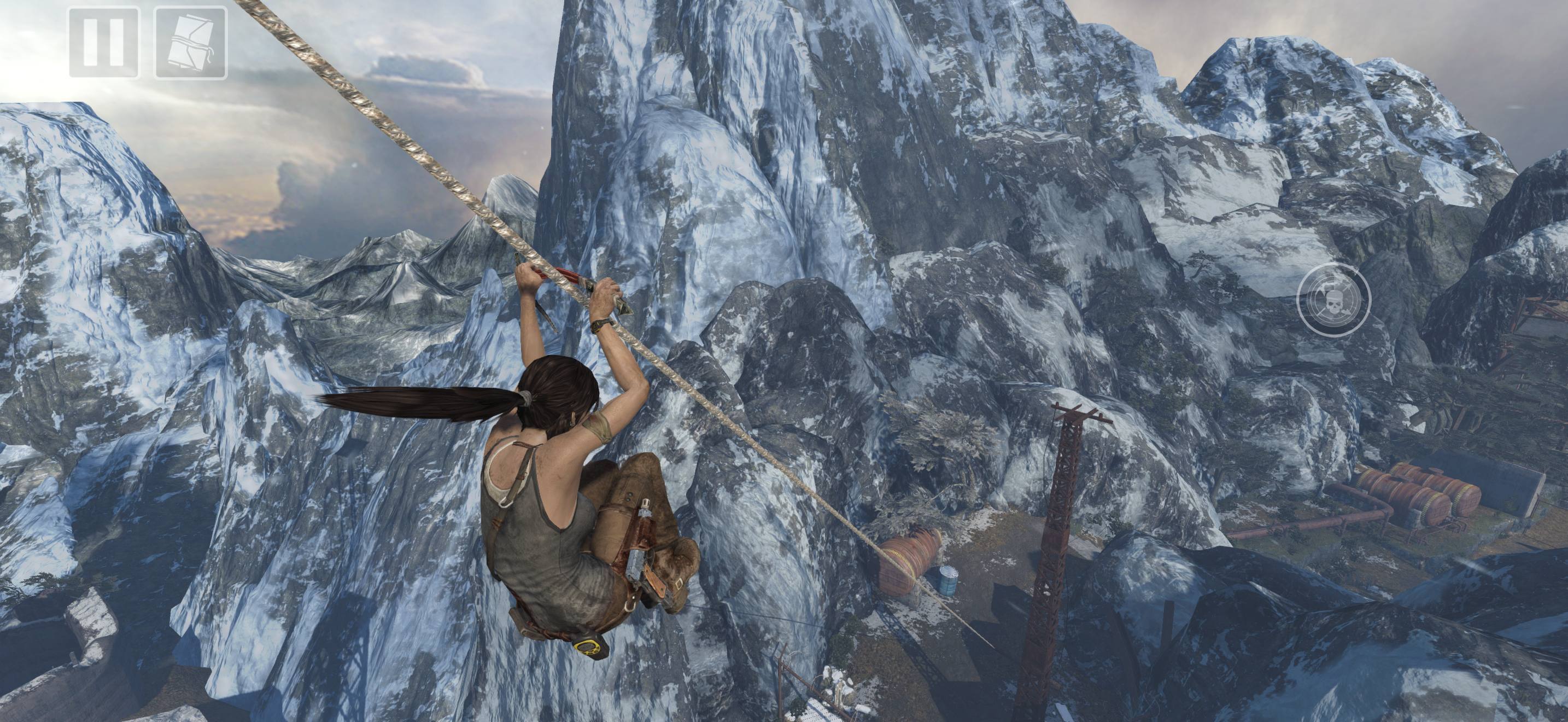
Shipwrecked and poorly equipped, Lara searches the island for salvage to spend on equipment upgrades. Fights and climbing routes lead toward the next part of her escape. Line up a bow shot using the camera controls on the right, then look for an optional tomb when you want a puzzle between fights. On supported devices, motion aiming lets you tilt the phone for finer adjustments; a connected gamepad provides physical controls instead.
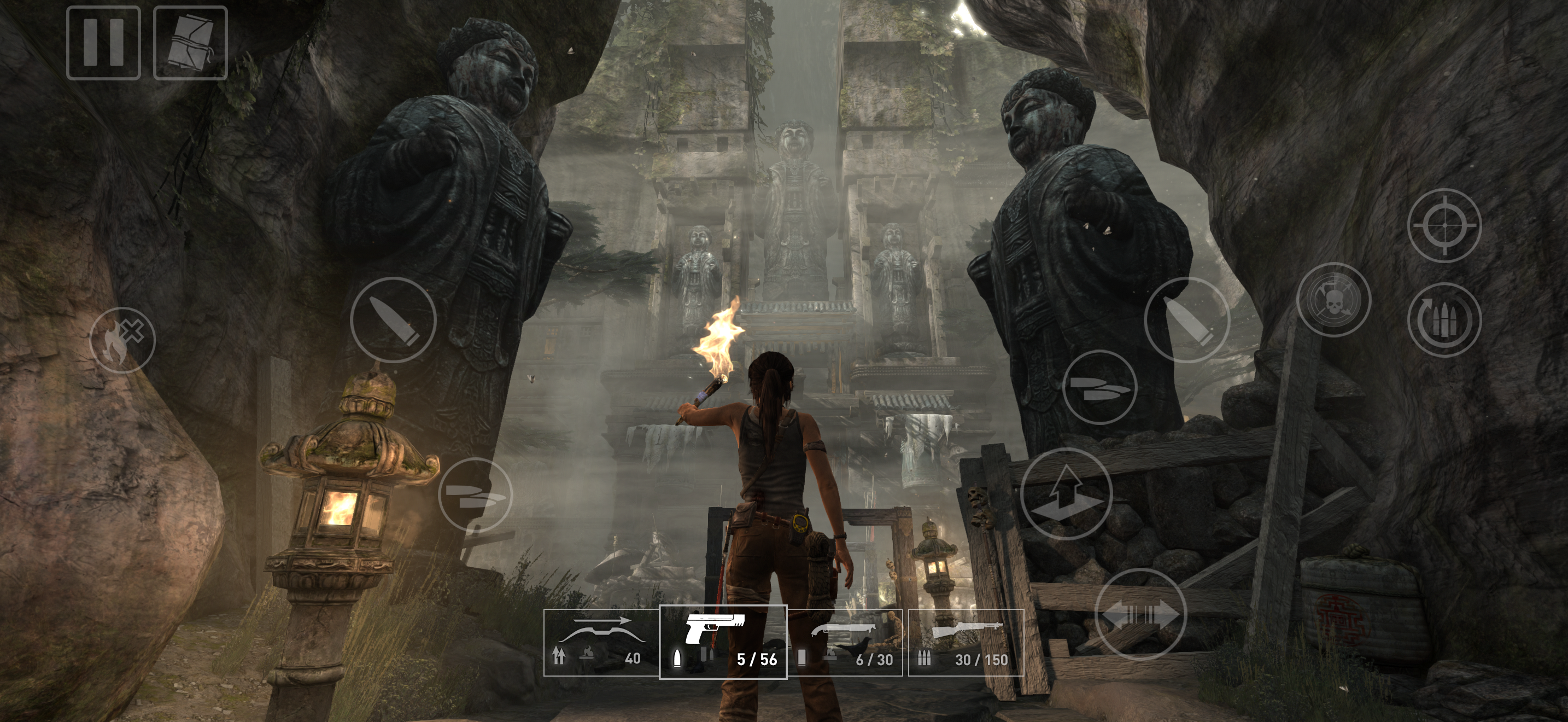
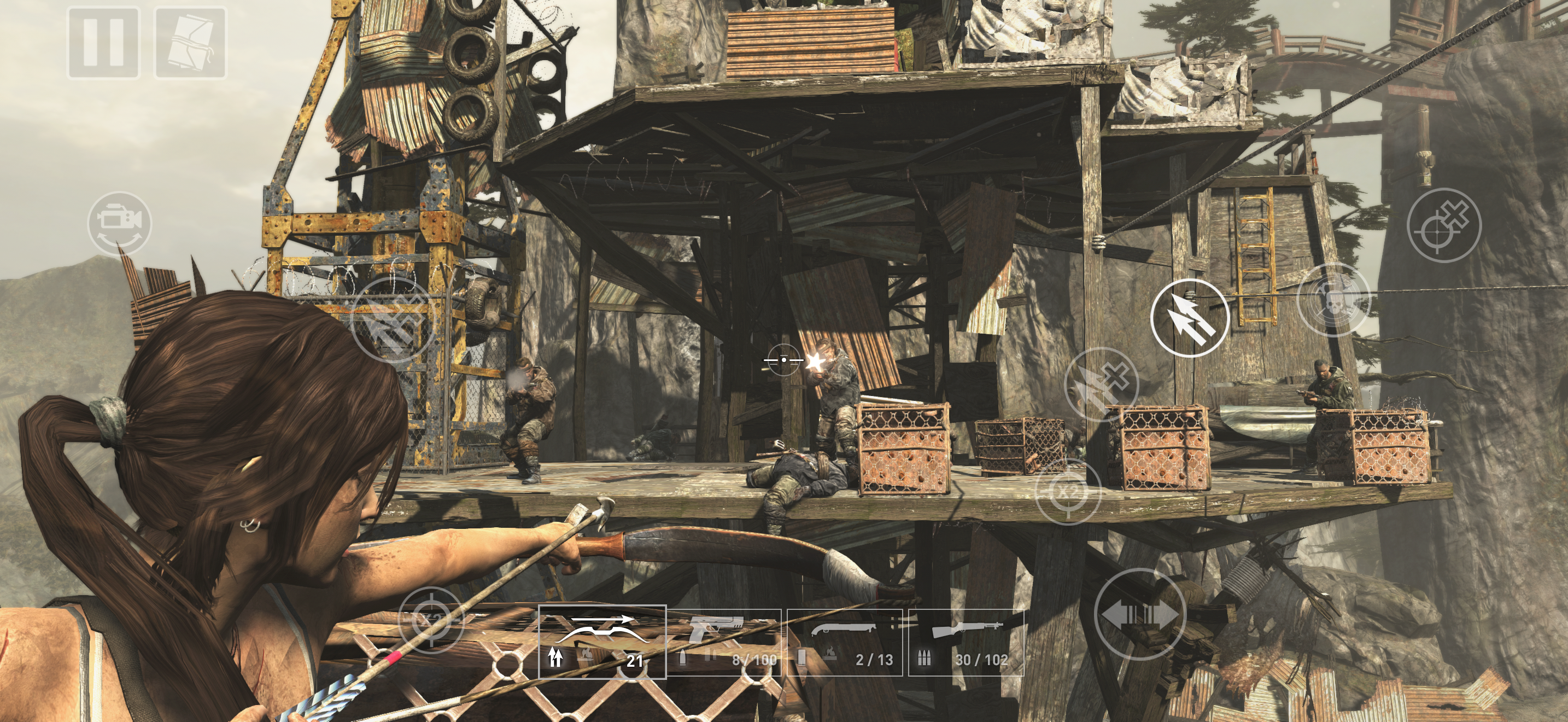
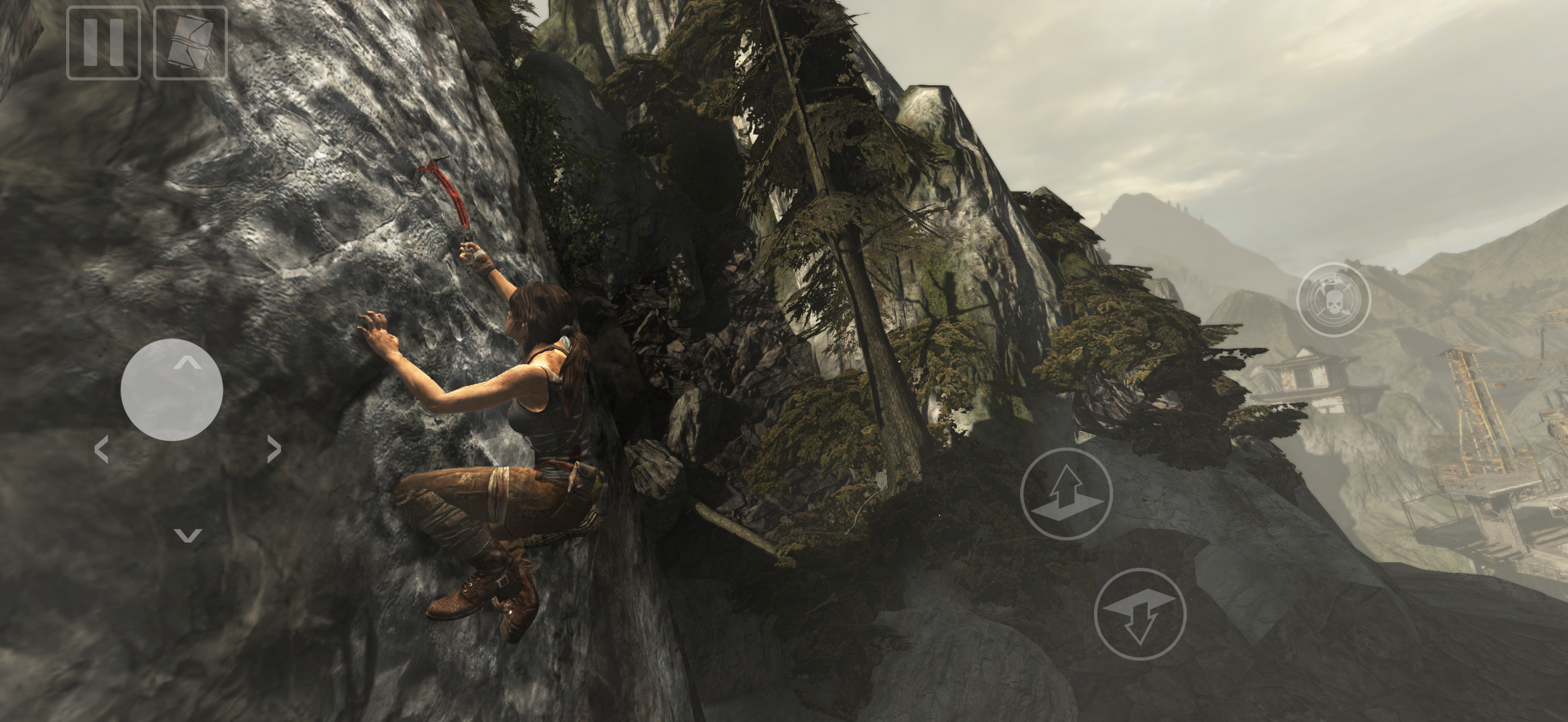
The accessibility choices are the draw for me. Pocket Tactics liked the adjustable interface on an iPhone 13 and the option to hold a button through quick-time events. That gives a player who dislikes frantic tapping a practical way through those scenes.
Touch still takes practice. Gadgets 360 found that crowded buttons could cause accidental deaths, while an October App Store reviewer praised the port but described an adjustment period with its controls. A controller is an alternative if arranging the buttons still leaves your thumbs covering too much of the action.
I'd pick this for someone who wants a story-led action game with room to stop and explore ruins. The control settings deserve a visit before the first long session.