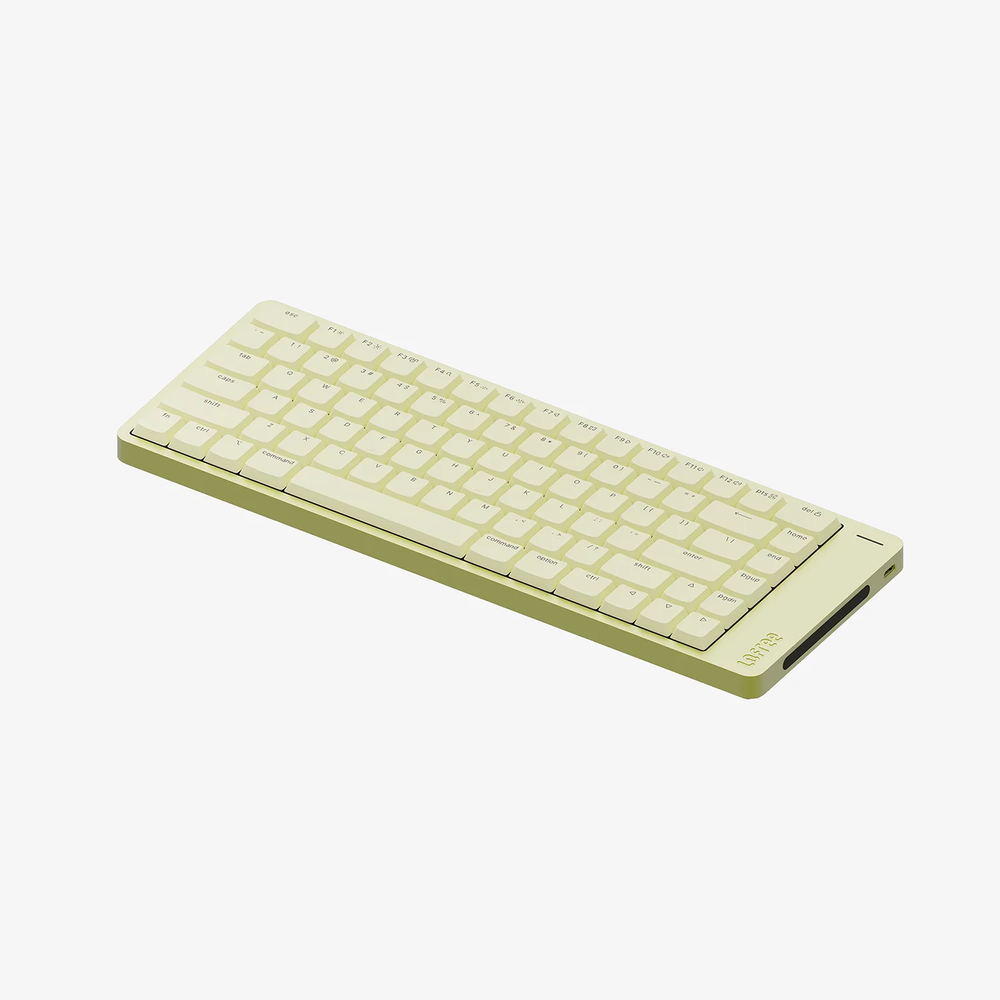
Lofree Flow 2 for Mac is an 84-key low-profile mechanical keyboard with an aluminum body and a touch strip along the side. It looks at home beside a Mac without copying Apple's Magic Keyboard. The keycaps have a familiar Mac layout, while the switches offer a different typing feel.
The board comes in multiple finishes, but I would choose a switch feel before a color. The low-profile design changes both travel and sound, and those are the parts you will notice after the desk photo stops being new.
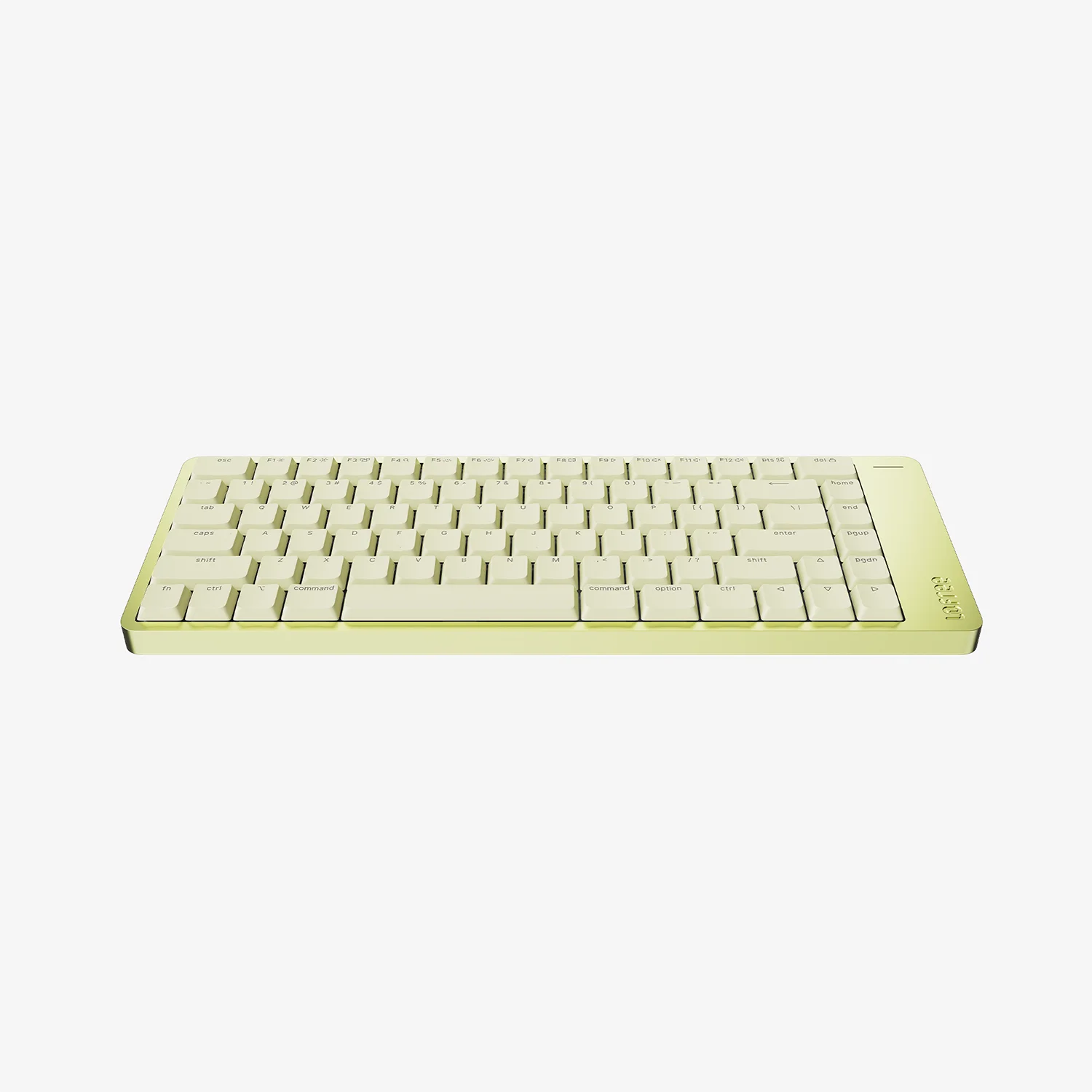
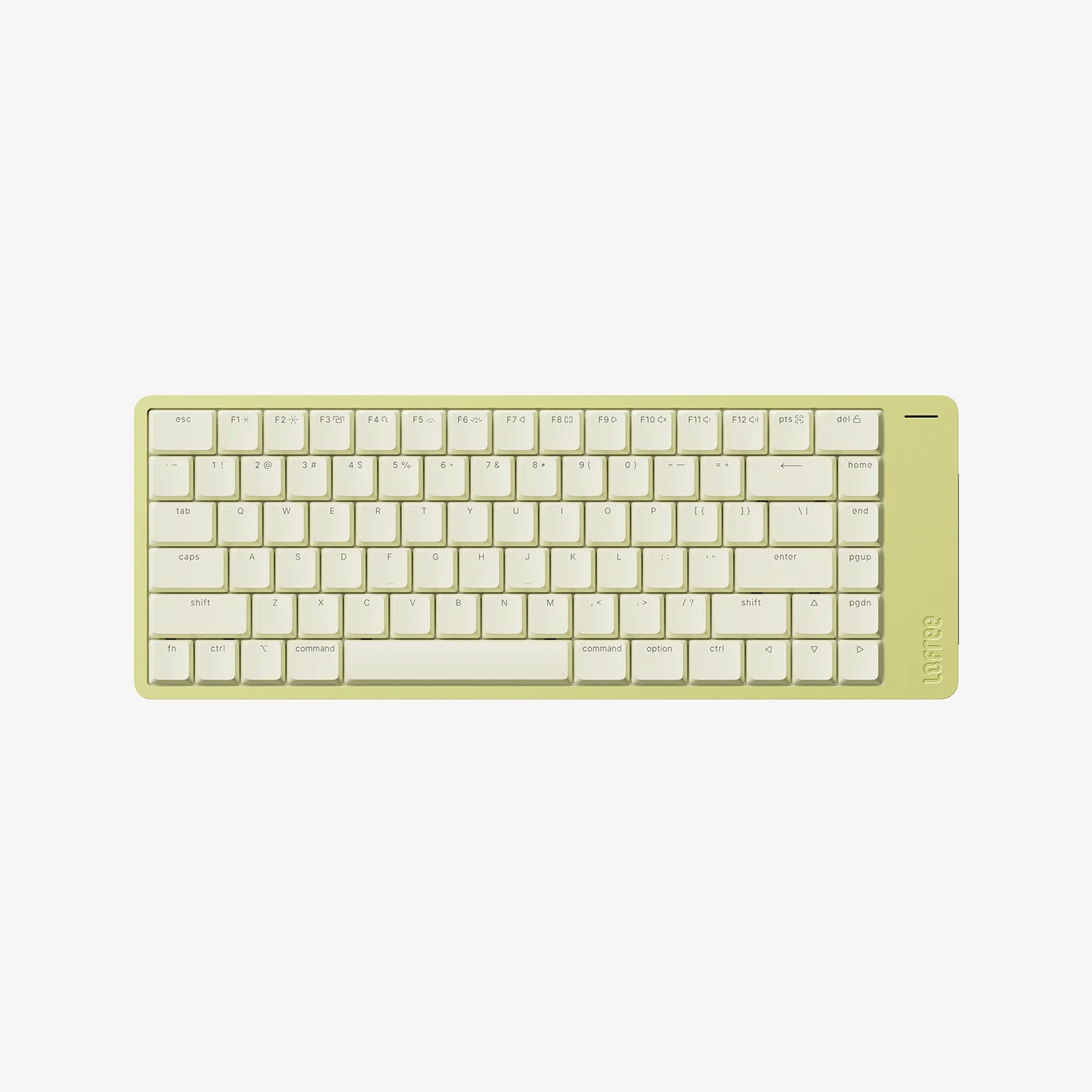
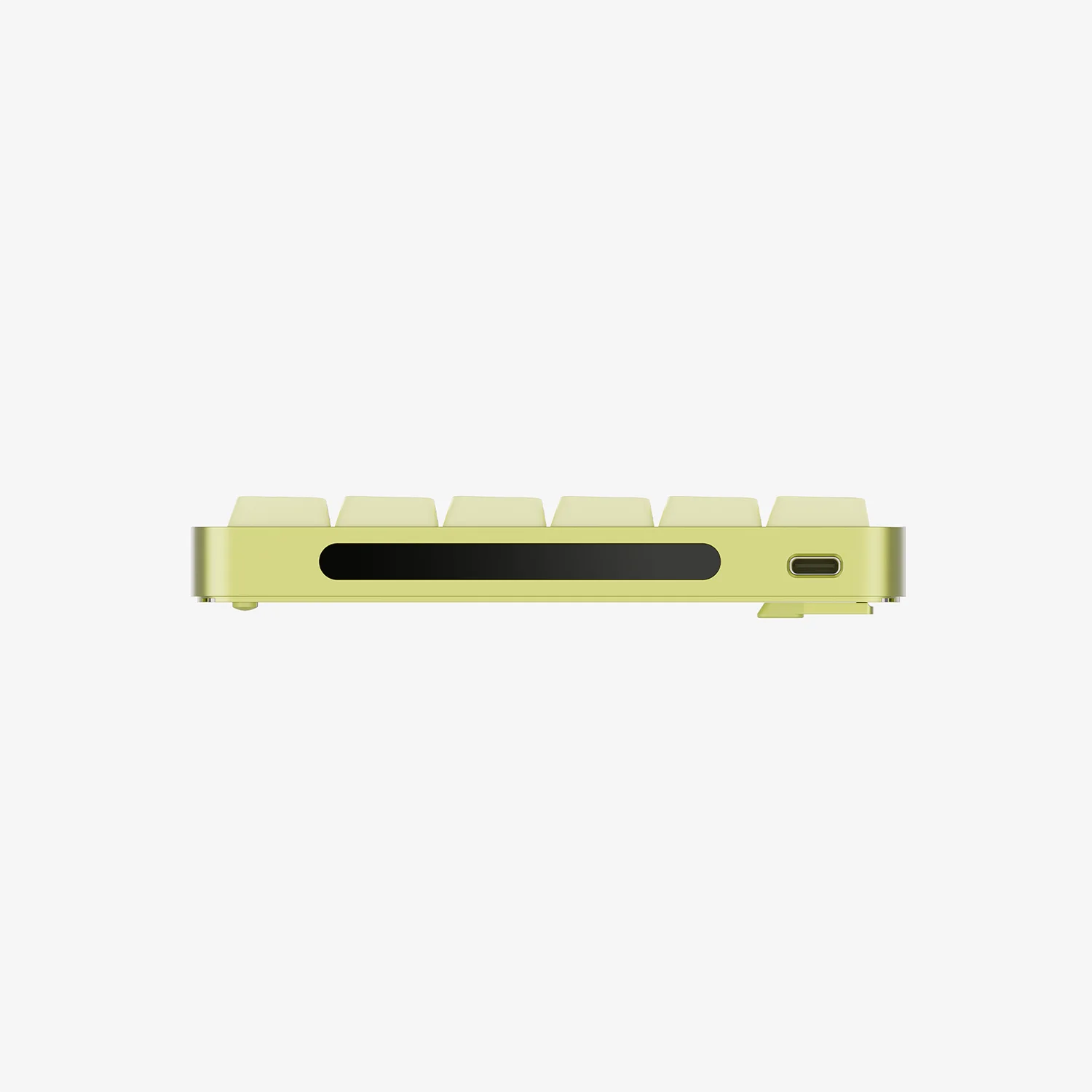
Lofree offers Bluetooth, 2.4 GHz wireless, and USB-C connections, so the keyboard can move between a desk and a laptop bag. The touch strip adjusts volume and screen brightness. Digital Trends liked the typing feel in its hands-on review, but found that VIA setup could require a separate JSON file and the Fn key could not be remapped. That is a concrete limit if you rely on a custom Mac layout.
The Flow 2's low profile reduces the visual bulk of a conventional mechanical board. It doesn't remove the usual compromises: an 84-key layout drops the number pad, and a mechanical board still takes more physical space than a laptop keyboard. For writing at a fixed desk, those are reasonable choices. For a bag that only sometimes needs keys, they may be harder to justify.
Key specs
| Layout | 84 keys, Mac legends |
|---|---|
| Connection | Bluetooth, 2.4 GHz, or USB-C |
| Body | Aluminum |
| Extra control | Side touch strip |
Flow 2 is for someone who wants the calm look of a Mac desk with the feel of mechanical keys. Check the shortcuts you use every day before choosing it for work.