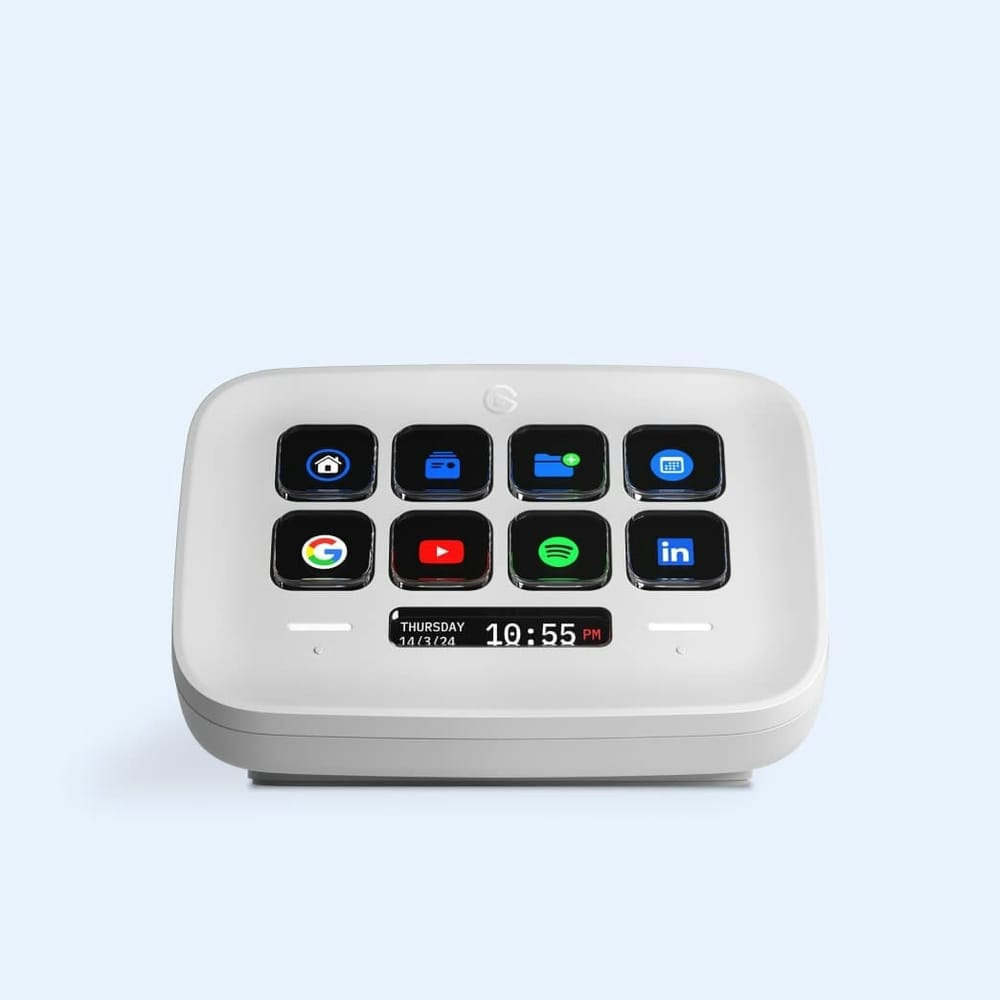
Elgato Stream Deck Neo is a small desk controller with eight customizable LCD keys and a pair of touch points beneath them. It lets you keep repeat actions off the keyboard: mute a microphone, open a workspace, or start a shortcut without memorizing another key combination.
Its white shell and shallow angle fit a Mac desk more quietly than Elgato's larger control panels. The software does the real work. Each key can show its current label or icon, so a bank of actions stays readable when you change apps or profiles. A key can open a Mac app or trigger a keyboard shortcut, so the panel can handle daily actions even without a plug-in for every service.
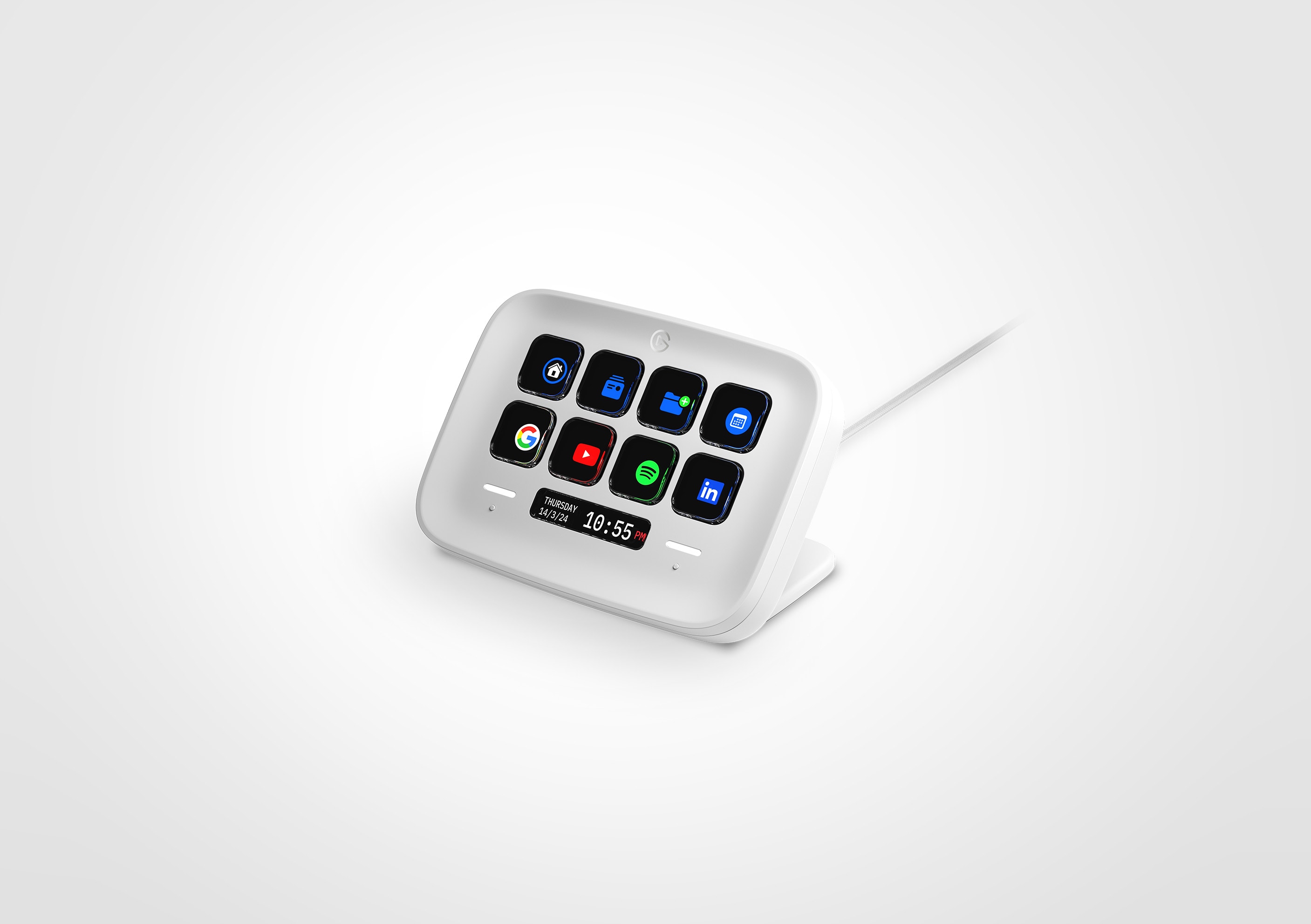
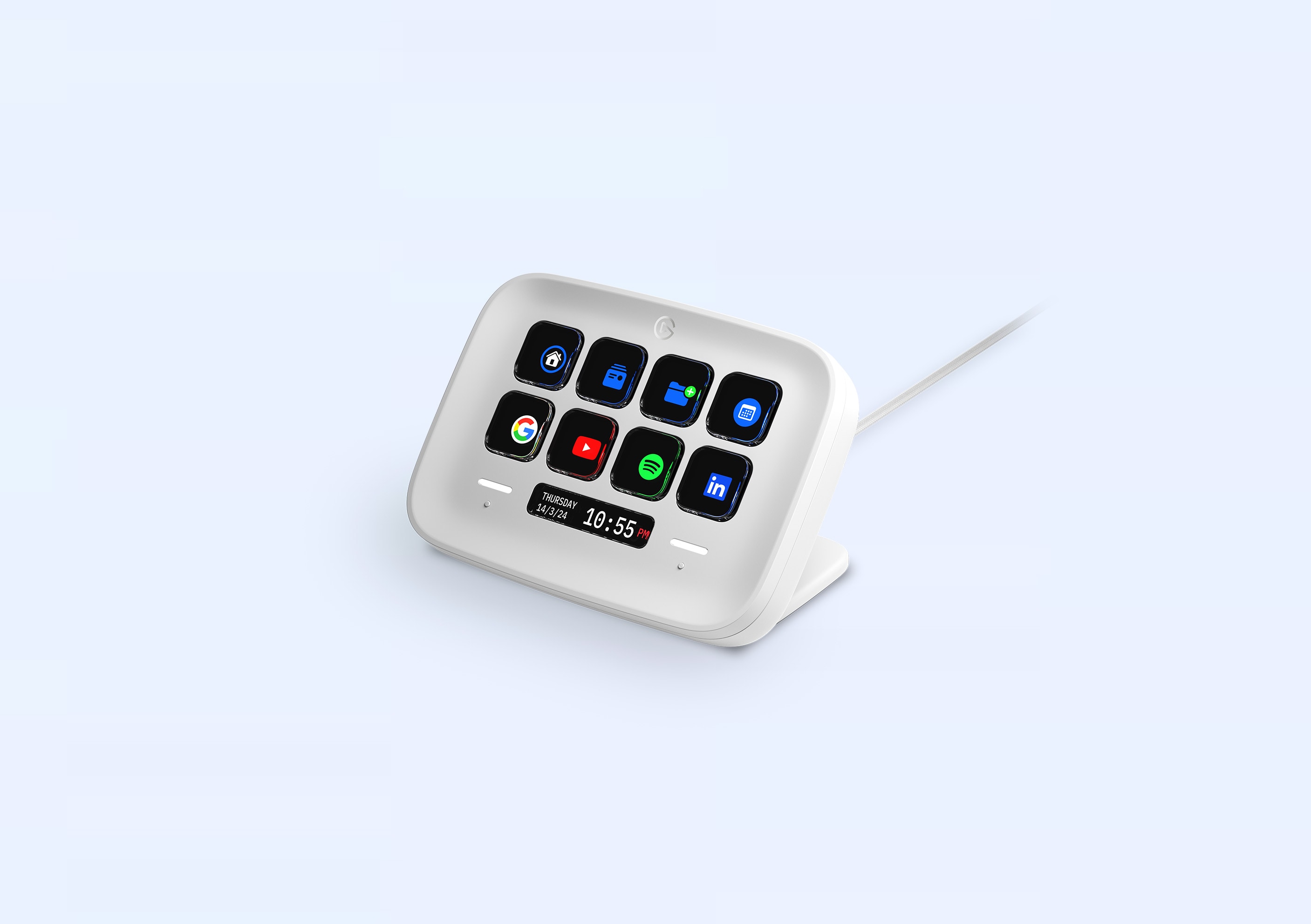
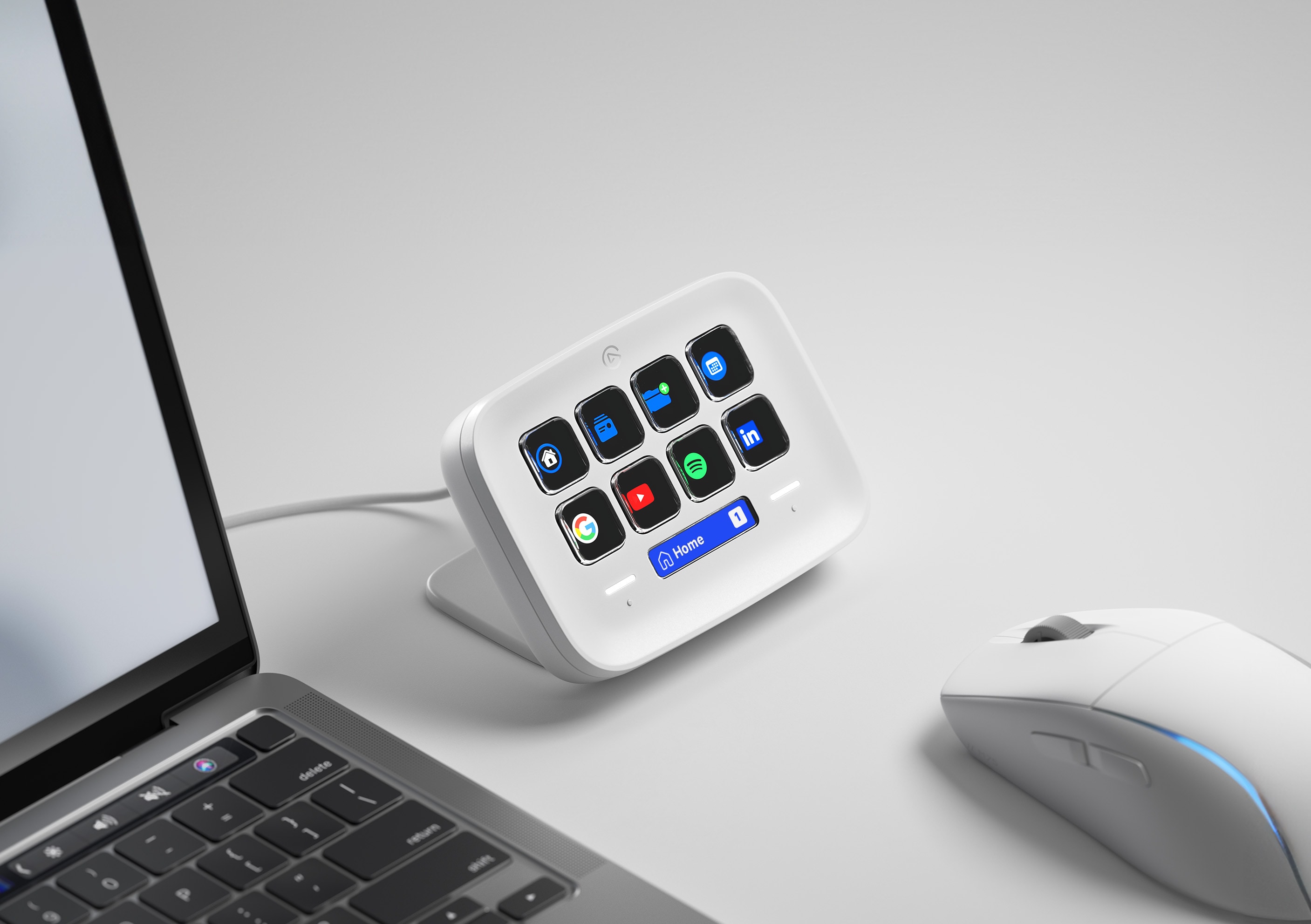
The two touch points let you move between pages while keeping the eight labeled keys available for actions. That makes a small controller more useful than its button count suggests. I would start with microphone mute and a workspace shortcut, then add actions only when they become routine.
The Stream Deck app also supports profiles for different workflows. A call profile can keep mute and camera controls in view; an editing profile can put timeline shortcuts on the same physical keys. The labels change with each profile.
Key specs
| Keys | Eight customizable LCD keys |
|---|---|
| Extra controls | Two touch points |
| Connection | USB-C |
For video calls and simple Mac automations, Neo has enough physical controls without turning the desk into a broadcast console. Its software is part of the purchase, so make sure the actions you care about have a straightforward Elgato integration.