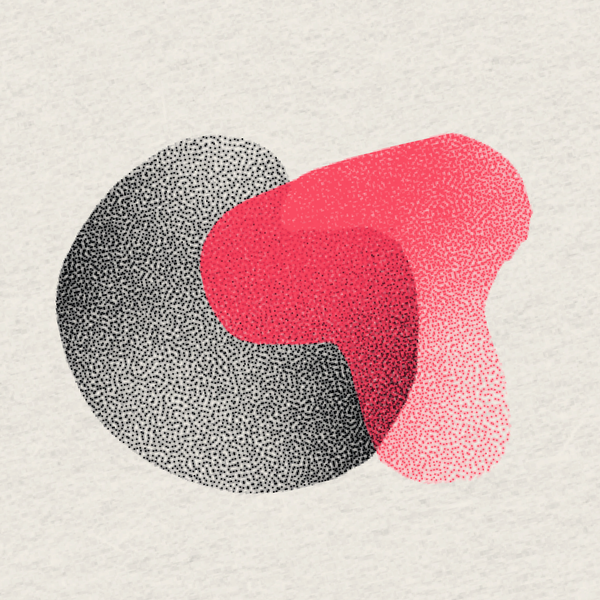
Graintouch is a drawing app for iPhone and iPad that gives you 18 separate inks. Draw a shape in one ink and lay a second shape across it. The sliver where they meet takes on a color of its own, even though the printer still needs just two ink stencils.
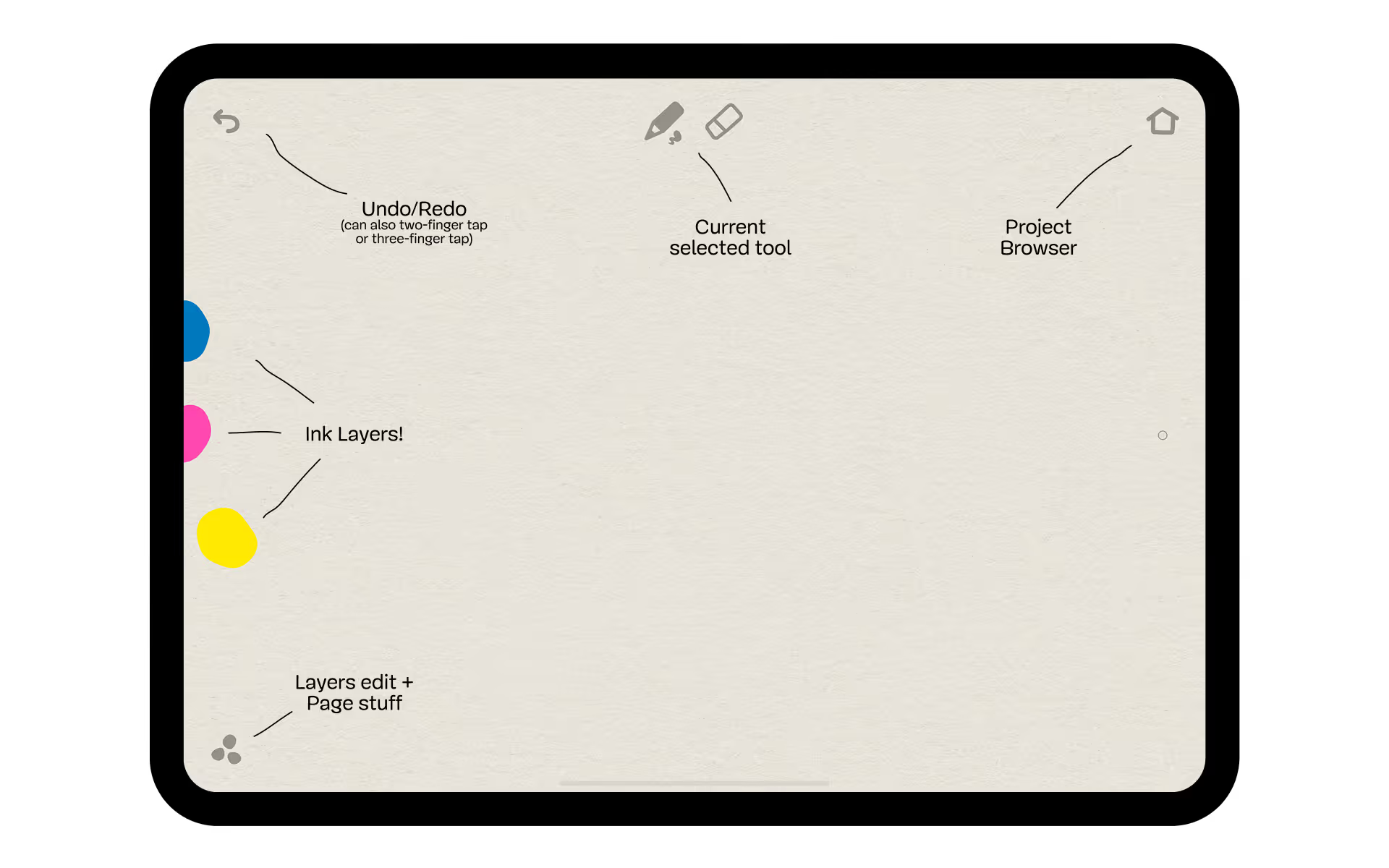
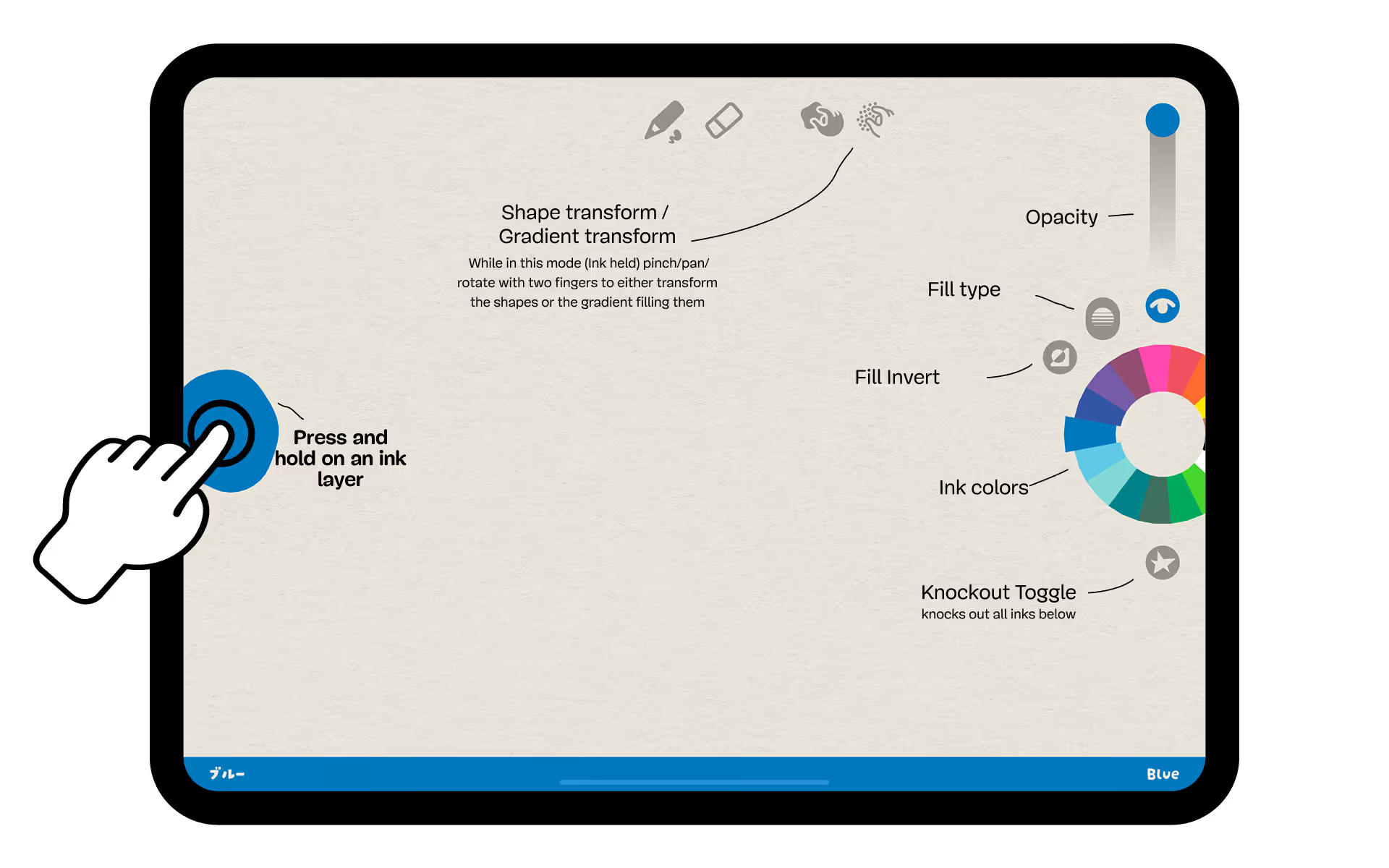
Once you've picked two inks, another choice follows: does the second shape print over the first, or cut a hole in it? A portrait is a good example. The shadow under a chin can be a patch where two colors meet. Cut that same patch out and the paper shows through instead. The illustrated manual is useful here because it puts a name to each of the little symbols around the canvas.
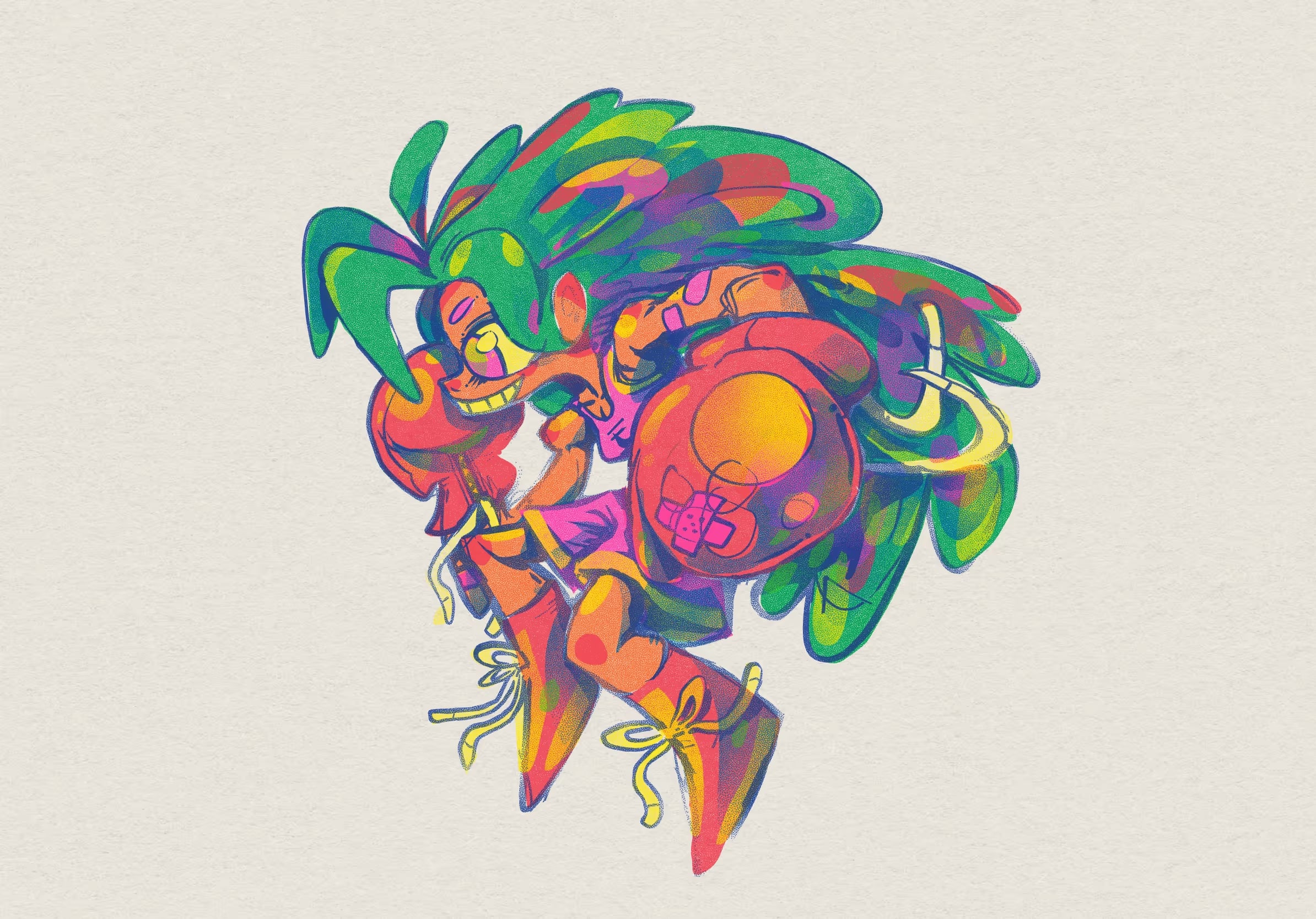
For someone preparing a print, the reason to keep those shapes separate is the export. Each ink layer can leave the app as a vector stencil. You can scale the stencil for a larger sheet without having to trace its edges again. The grain you see on the screen and the shape you hand to the printer serve different purposes.
One US App Store reviewer liked the feel of the inks on a phone but found the saved image too low in resolution to share. If you're sending the finished picture to someone rather than printing separate inks, export a small test drawing and check it at the size they'll see.