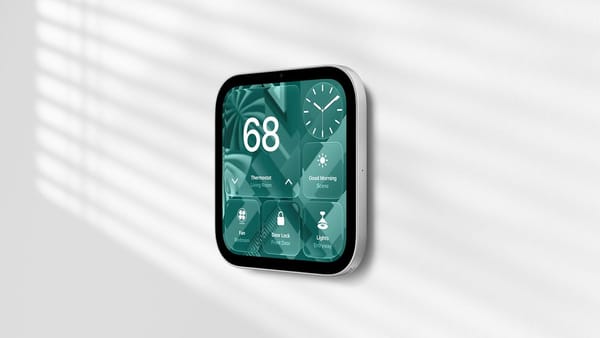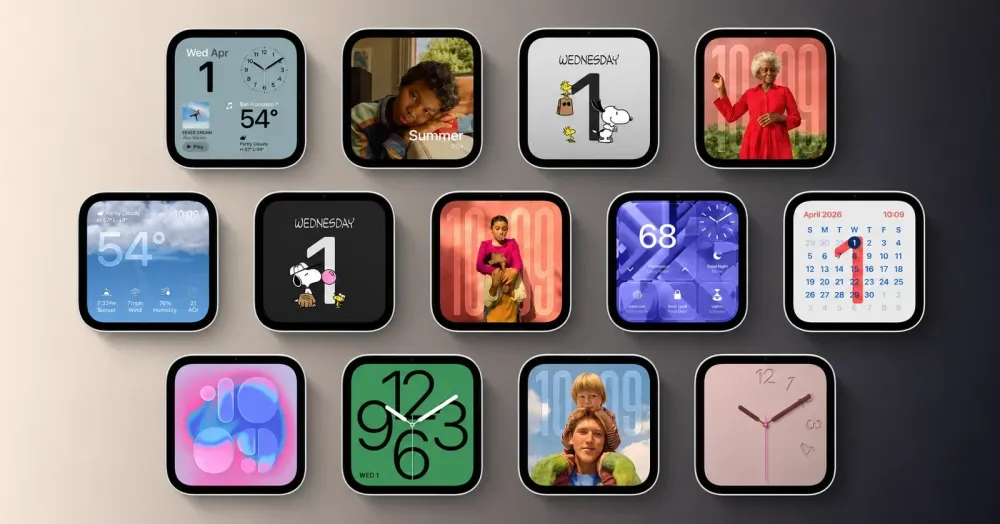
HomeView gives automatic Dark Mode three choices: Ambient, Sunset to Sunrise and Custom; the Ambient option follows the light in the room, as 9to5Mac's settings photos demonstrate, which makes more sense to me than assuming sunset means the lights are off.
The control sits under Appearance, where selecting Automatic opens an Automatic Options menu. Choose Ambient. The sensor then determines whether HomeView should use its light or dark appearance, a decision about the interface's color scheme rather than only its brightness.
Room lighting doesn't follow a calendar. A kitchen can stay bright under ceiling lights long after sunset, while drawn curtains can leave a bedroom dark in the afternoon. iPhoners moving between those spaces have a reason to want appearance to follow the room. A fixed hour can't account for both situations on its own.
That's the case 9to5Mac makes for bringing the option to iPhone, iPad and Mac in their next major software releases, an editorial request rather than an announced Apple feature. The photos establish what HomeView offers; they don't establish when another platform might get it.
I'd also want the scheduled choices to remain. Someone who prefers Dark Mode throughout a brightly lit evening should be able to keep that preference, rather than have a sensor overrule it. The useful change is adding a room-aware option alongside an explicit schedule.
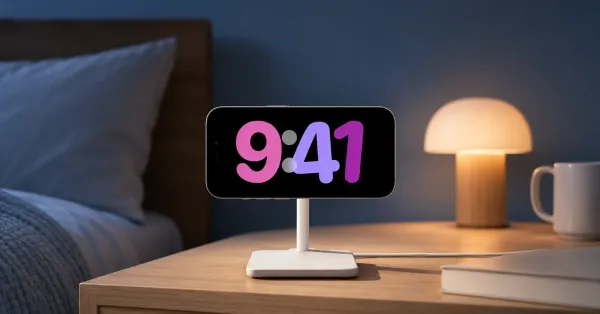
The HomeView setup walkthrough shows how placement changes its role between a kitchen and a bedside table. Ambient appearance is the sort of control that belongs in that setup conversation, before choosing a clock face.