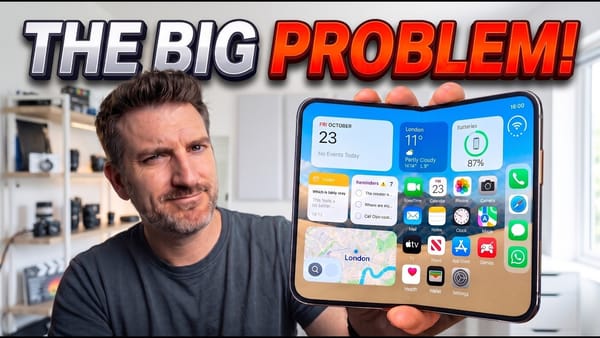
Twenty-odd small things in ten minutes, sorted by app: iReviews' hidden-features tour of iOS 27 skips the keynote material and goes straight to settings and gestures. The one I'd set first is in Messages. Under Settings, Apps, Messages, a Show in Text Field option now offers Record Audio, Start Dictation, or None, and None removes the voice-memo button that gets tapped by accident.
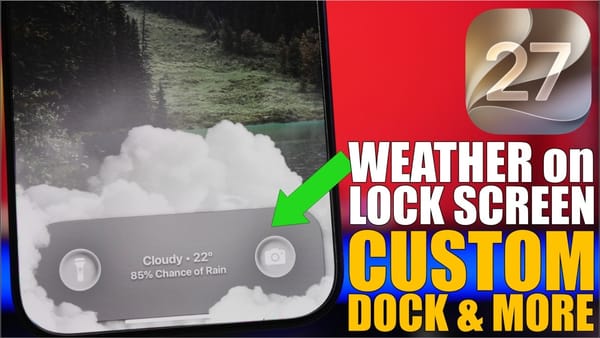
Messages also gets voice playback at 1.25x, 1.5x, and 2x, inline replies in RCS threads with Android contacts, a drawing tool with markup controls that collapse into a corner, and an AI prompt to merge two emoji into one. Elsewhere: the Lock Screen media player swipes away like a notification (it returns on the next play), a warning fires at 1 percent battery, the Control Center timer gets a slider from one minute to two hours, its connectivity toggles resize by dragging, Photos adds keywords and a save-video-frame-as-photo command, and a call shows a banner when it's the other person's birthday.
Two of the Safari items carry a catch the video doesn't mention. Notify Me, which watches a page for a change you describe, and automatic tab grouping both need Apple Intelligence, so an iPhone 15 Pro or later, per MacRumors. The Shortcuts change has no such limit, and it gets the line I'd clip from the video.
How long did it take for Apple to actually add this button?
Automations finally get an on-off switch instead of delete-and-rebuild, and a Notification trigger runs a shortcut when a chosen app posts one, with up to three text filters, per the MacStories review. Reminders and Shortcuts keep quietly getting good. iPhoners who never open Shortcuts have a reason to now.