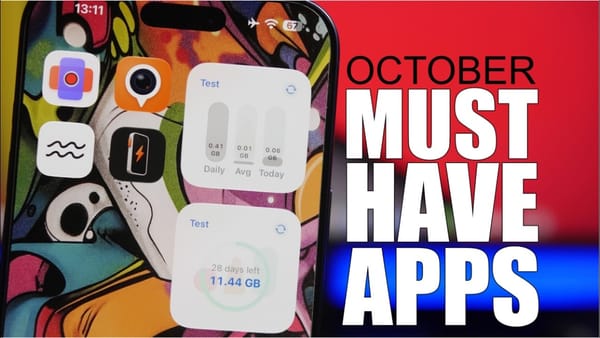
Two fingers and one drag down the list select a whole group of contacts for deletion. That gesture is the one I'd try first from the ten in iReviews' iOS 27 video, and it needs nothing installed. Five of the ten run through the Shortcuts app instead.
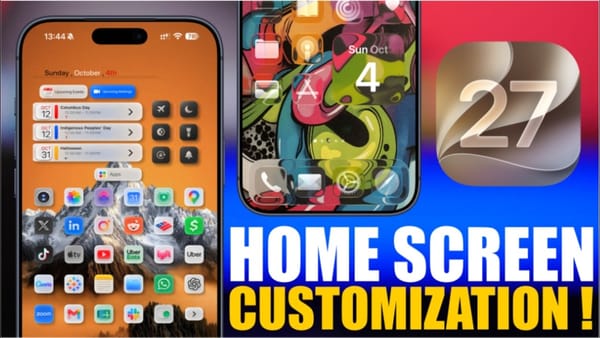
Lock Screen and Home Screen looks
- Weather on the Lock Screen. A downloadable shortcut sets a wallpaper with the day's conditions and forecast, and a time-of-day automation reruns it every morning. Location Services has to be on; the video shows it working on iOS 27.2.
- Your name on the Lock Screen. Create a custom Focus, give it your name and an icon, and switch nothing else on. Turning it on puts the name and glyph on the Lock Screen without silencing a thing.
- Half-blurred wallpaper. The Vertiblur shortcut blurs the left or right half of any photo, leaving one side for icons and the other for widgets.
- Dock backgrounds. The Dockland app bakes a custom band behind the Dock into a wallpaper, with a color picker for each part of the pattern. Save it to Photos and set it as the Home Screen wallpaper.
The two downloadable shortcuts come from a third-party site, not Apple's Shortcuts Gallery, and they ask for location and Photos access on the first run. iPhoners installing them should open each action before tapping Allow.
One press to any app
- Action button. In Settings, under Action Button, pick Shortcut and then Open App. A press and hold opens whatever you chose. iPhones without the button skip this one.
- Control Center. Add a control, search for Shortcuts, and pick Open App; the app is then a swipe away from anywhere.
- Passwords search. A single Search Passwords action saved to the Home Screen opens the Passwords app's search behind Face ID, skipping two screens.
Gestures already in iOS
- Photos in Messages. Press and hold the plus button instead of tapping it and Messages jumps straight to your library, on any iOS version.
- Safari reads aloud. Press and hold the Reader icon, tap the listen button, and Siri reads the page.
- Bulk-delete contacts. Put the contacts in a list, drag two fingers down to select them, then press and hold one to delete the lot.
Vertiblur and Dockland are wallpaper tricks wearing a hacks label, and they pair well with the iOS 27 Home Screen setups built the same way. The keepers are the three gestures Apple already ships and doesn't point out.