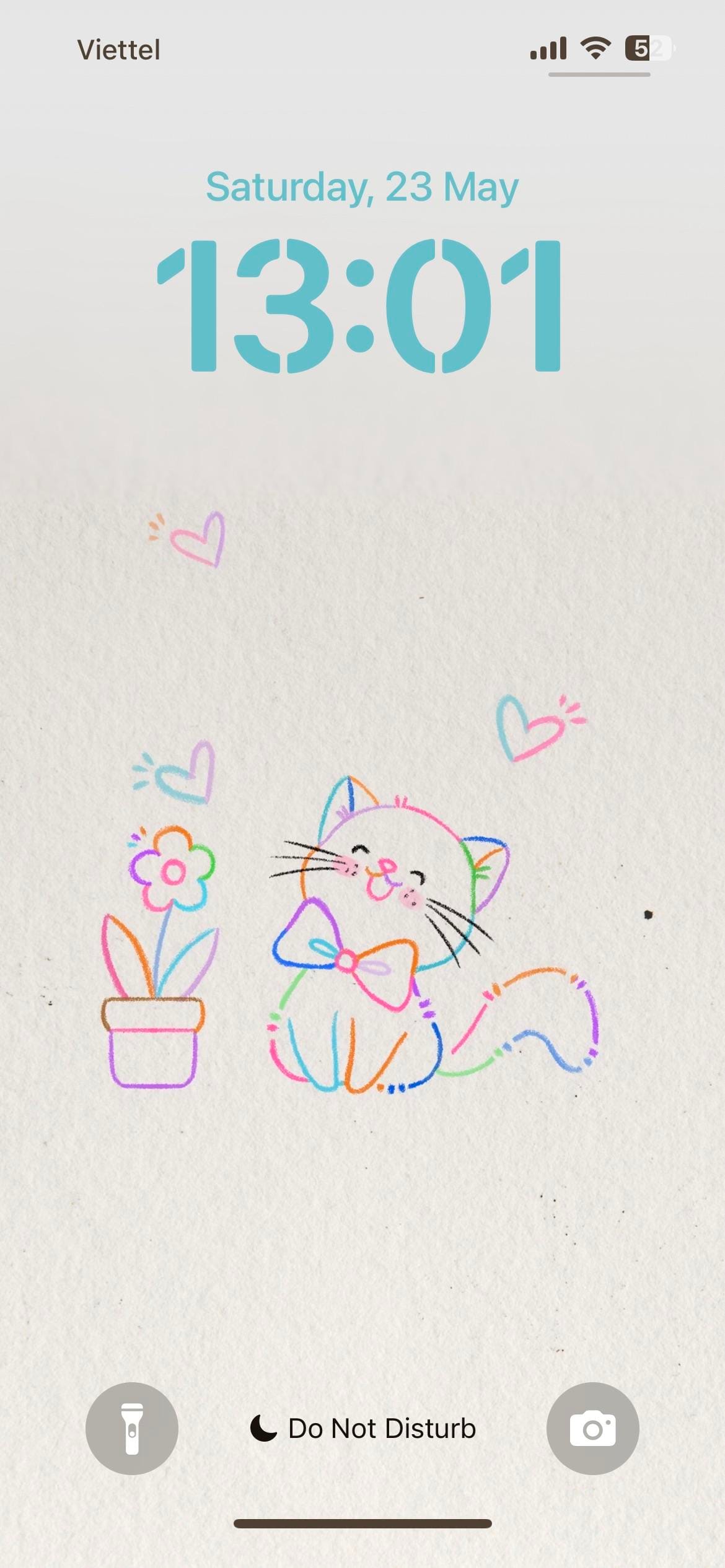
A themed iPhoner from the lock screen to the dock. The wallpaper is a light paper-texture illustration: a bow-tied cat and a potted flower in multicolor line art, surrounded by small hearts in pink, blue, and purple.
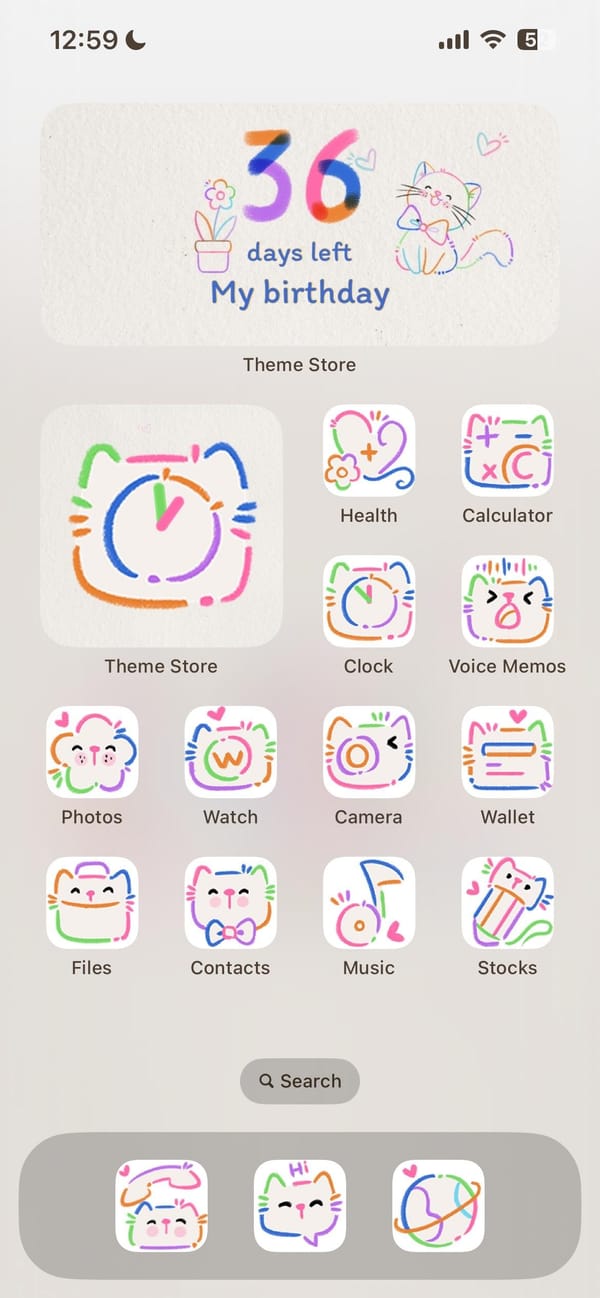
The same illustration carries from the lock screen directly into the home screen, which is one of those rare setups where both surfaces actually agree. Every system icon has been replaced with a doodle-style version: white rounded squares with hand-drawn cat faces, flowers, and abstract motifs in looping lines of orange, green, blue, pink, and purple. Nothing breaks the palette.
Theme Store sits as the oversized feature icon, which explains how this was built. Underneath it, the standard iOS set (Health, Calculator, Clock, Voice Memos, Photos, Watch, Camera, Wallet, Files, Contacts, Music, Stocks) wears the full doodle treatment. A birthday countdown widget at the top of the home screen doubles the cat-and-flower illustration as functional art. The dock holds three apps in the same hand-drawn style.
Worth copying for iPhoners who want a setup with no visual leaks, where the theme doesn't stop at the wallpaper.
Colorful cat doodles, lock screen to dock
A themed iPhoner setup where the same doodle-cat illustration runs from the lock screen through every icon to a birthday countdown widget.
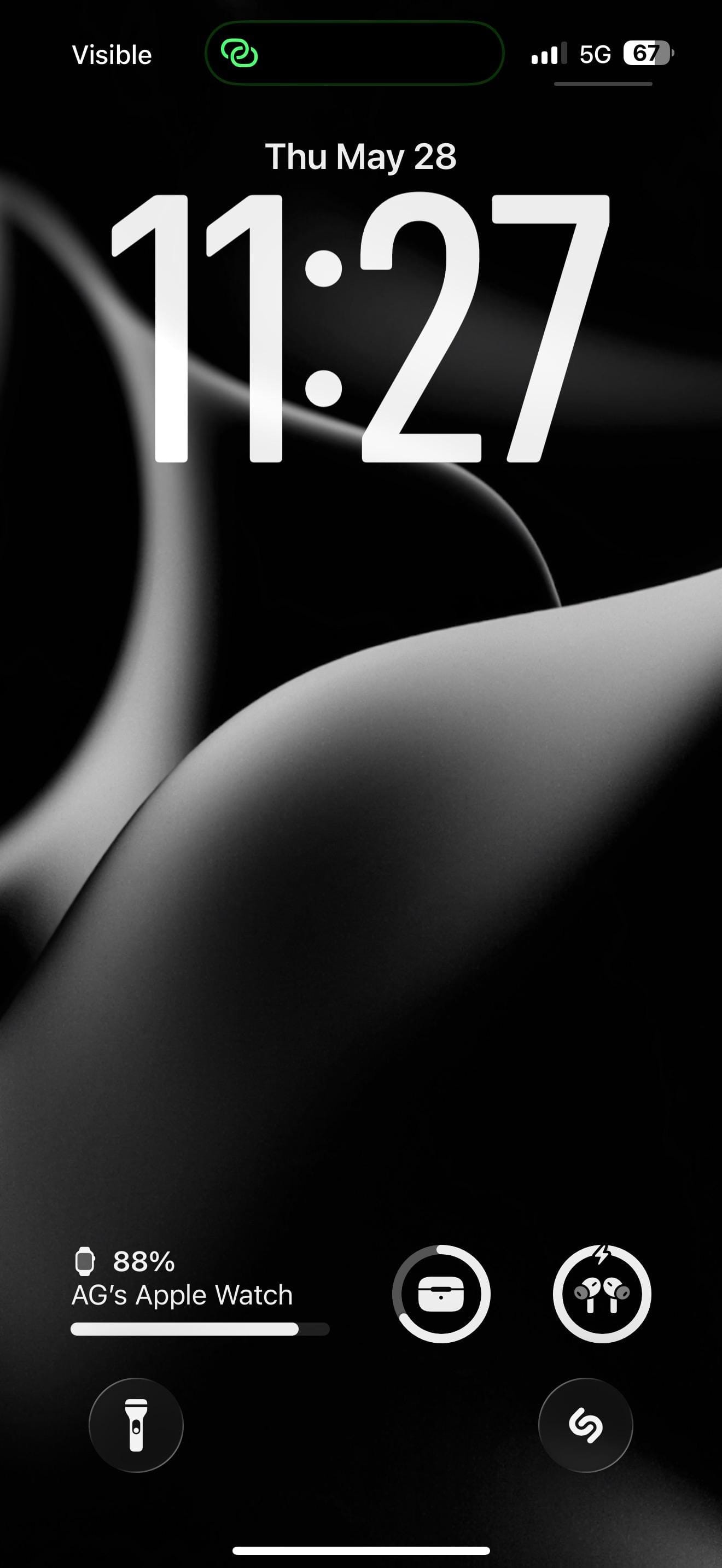
A monochrome iPhoner setup, all icons rendered as near-black shapes on a pure-black background. The lock screen wallpaper is what gives it form: smooth flowing abstract curves that read like fabric folds, a dark petal, or a 3D-rendered surface, depending on how closely you look.
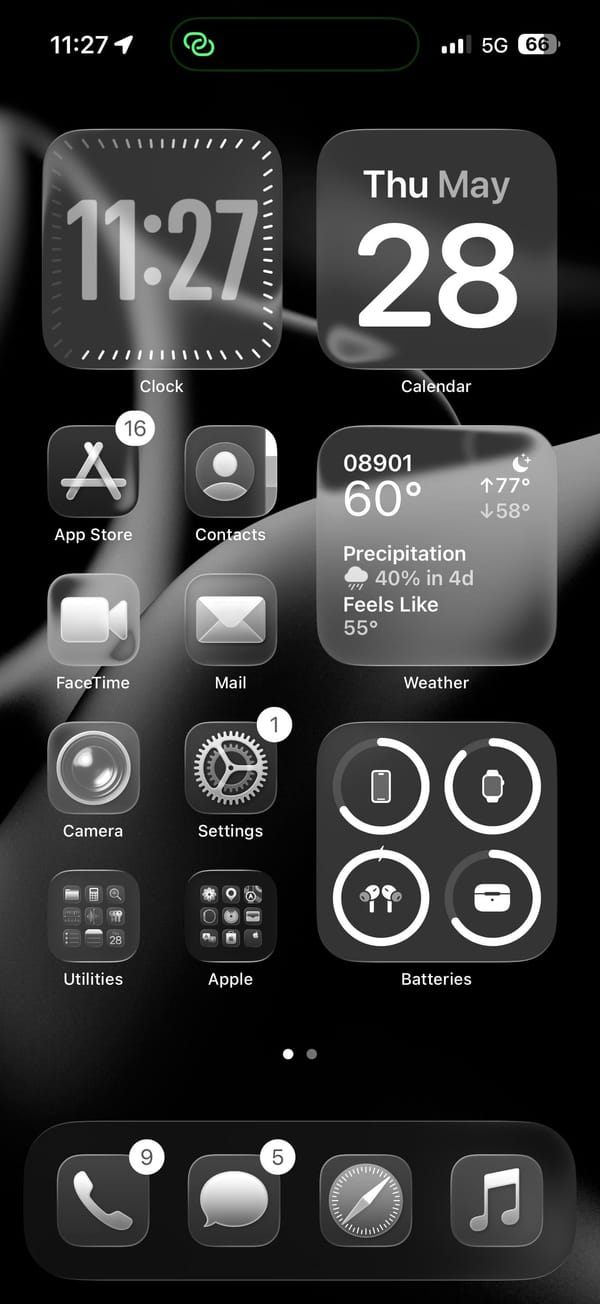
The home screen runs a pair of medium widgets across the top row and fills the right column with Weather and Batteries below. The Batteries widget tracks iPhone, Apple Watch, AirPods, and their case. Four app icons and two folders fill the left column, all rendered as near-black shapes against the wallpaper.
App Store, Contacts, FaceTime, Mail, Camera, and Settings fill the icon column, with Utilities and Apple folders at the bottom row. Shazam sits on the lock screen as a quick-launch shortcut, a tap from whatever's playing. The dock holds Phone, Messages, Safari, and Music. On pure black, the icons read as floating grey shapes, barely distinguishable from the wallpaper between them.
Worth copying for iPhoners who want the darkest possible home screen without customizing a single icon.
Pure-black setup with abstract curves on the lock screen
A monochrome iPhoner on pure black, where smooth abstract curves are the only texture and Apple Watch, AirPods, and Shazam all sit on the lock screen.
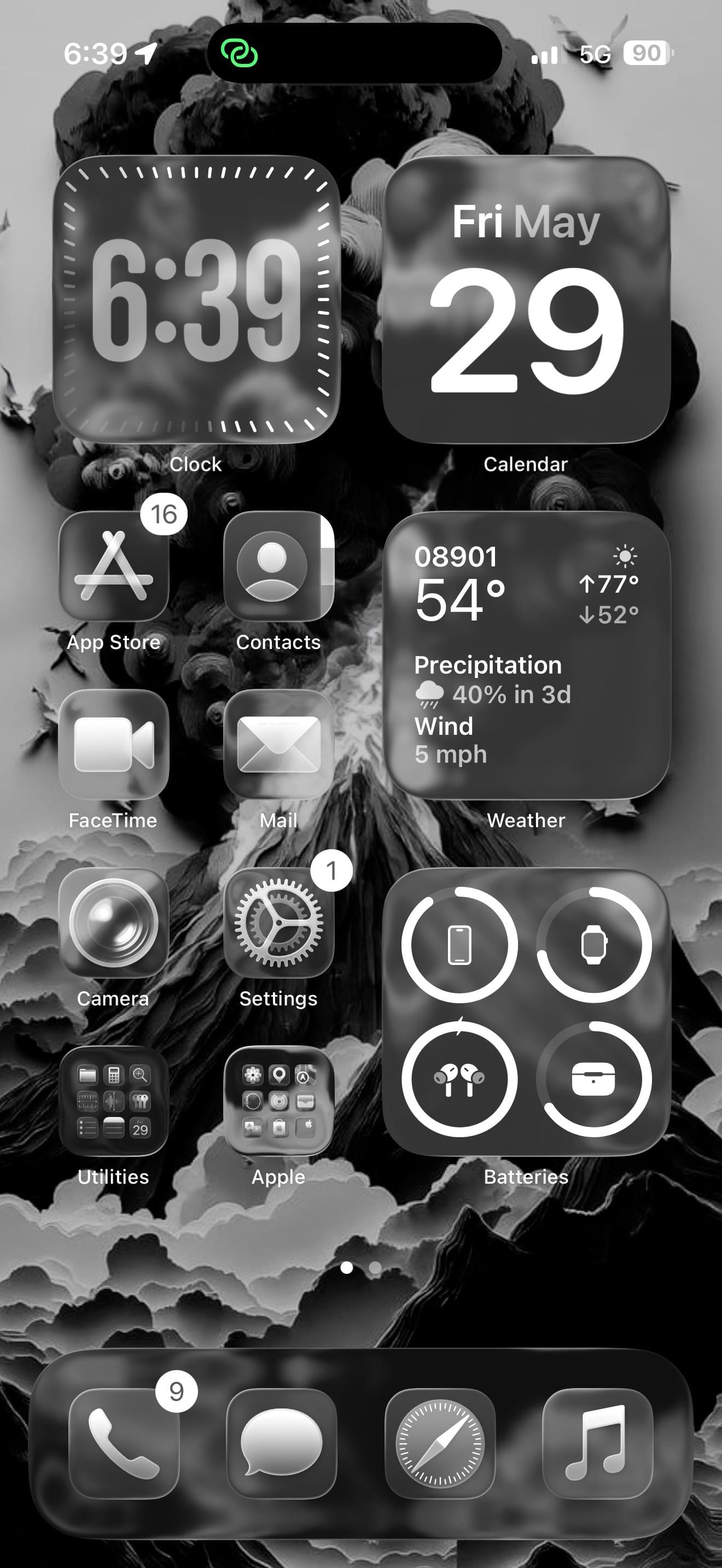
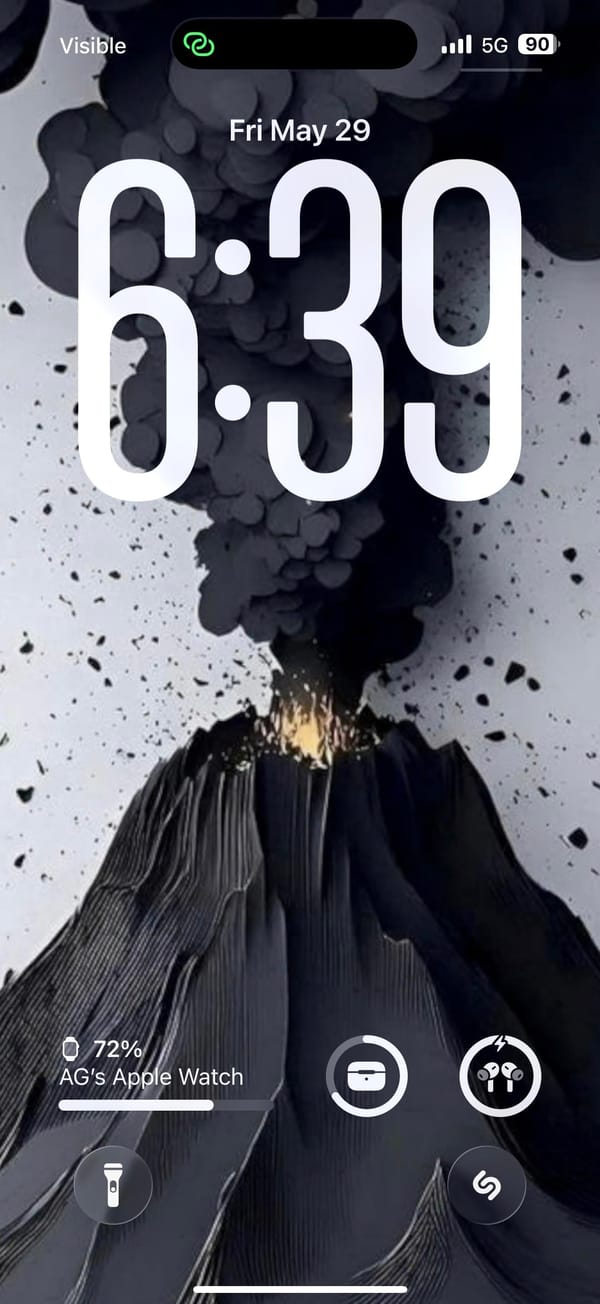
A dark-mode iPhoner, lock screen to home screen, with a volcanic eruption as the wallpaper. The lock screen shows the eruption in full: a dark volcano with an orange-yellow glow at the base and a dense plume of ash-black smoke filling the top half of the image. On the home screen, the same image renders almost entirely in monochrome.
The home screen runs two medium widgets at the top (Clock and Calendar) and fills the right column further down with a detailed Weather widget and a Batteries widget tracking the iPhone, Apple Watch, AirPods, and their case. The left column carries four app icons in two rows. Every icon renders as a dark grey square; there's no color left in the layout once the wallpaper's glow is behind glass.
App Store, Contacts, FaceTime, Mail, Camera, and Settings line the left column. Two folders (Utilities and Apple) sit at the bottom. Shazam sits on the lock screen as a quick-launch shortcut, a tap from whatever's currently playing. The dock holds Phone, Messages, Safari, and Music.
Worth copying for iPhoners who want a dramatic wallpaper to do all the visual work while the layout stays functional and predictable.
Dark monochrome setup with a volcanic lock screen
A dark-mode iPhoner setup built around a volcanic wallpaper, with Apple Watch, AirPods, and Shazam all accessible from the lock screen.
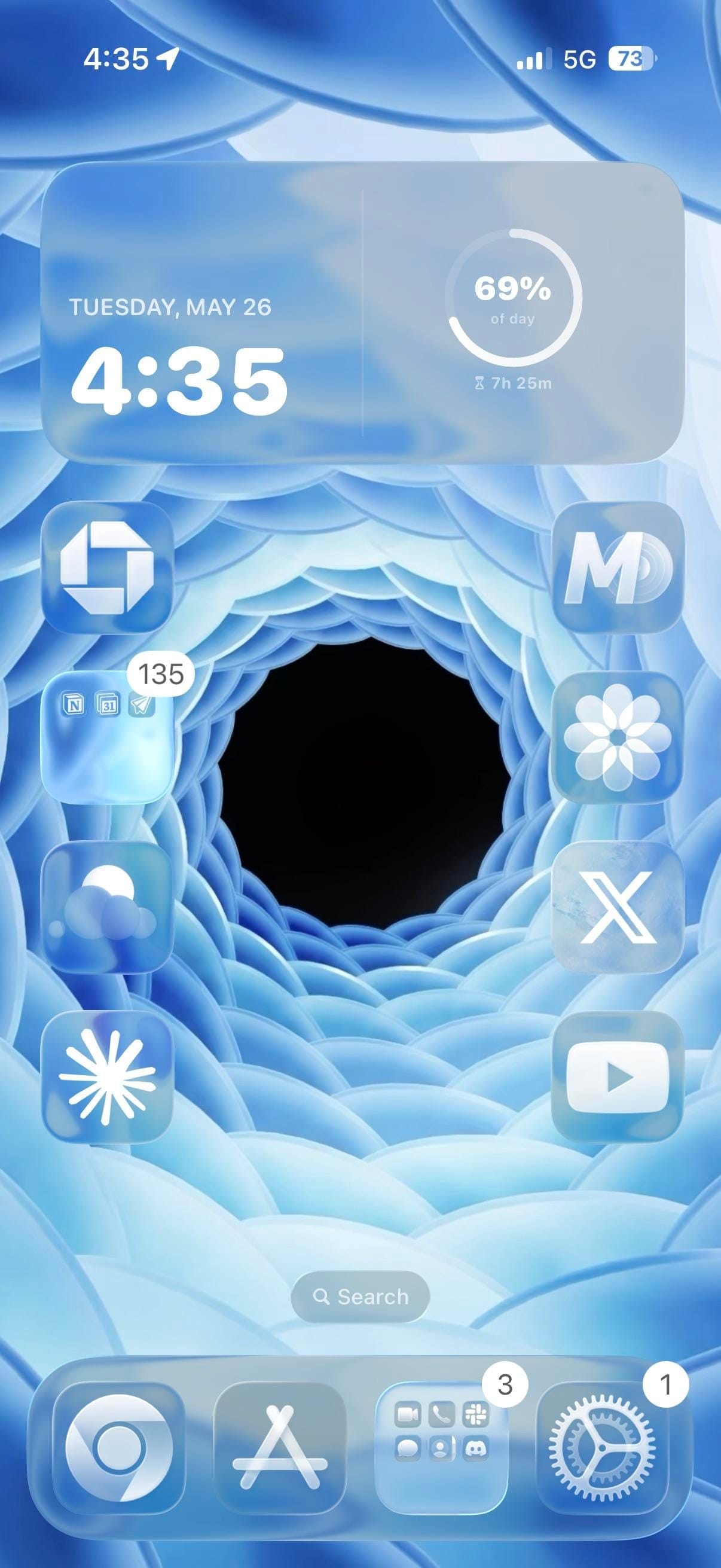
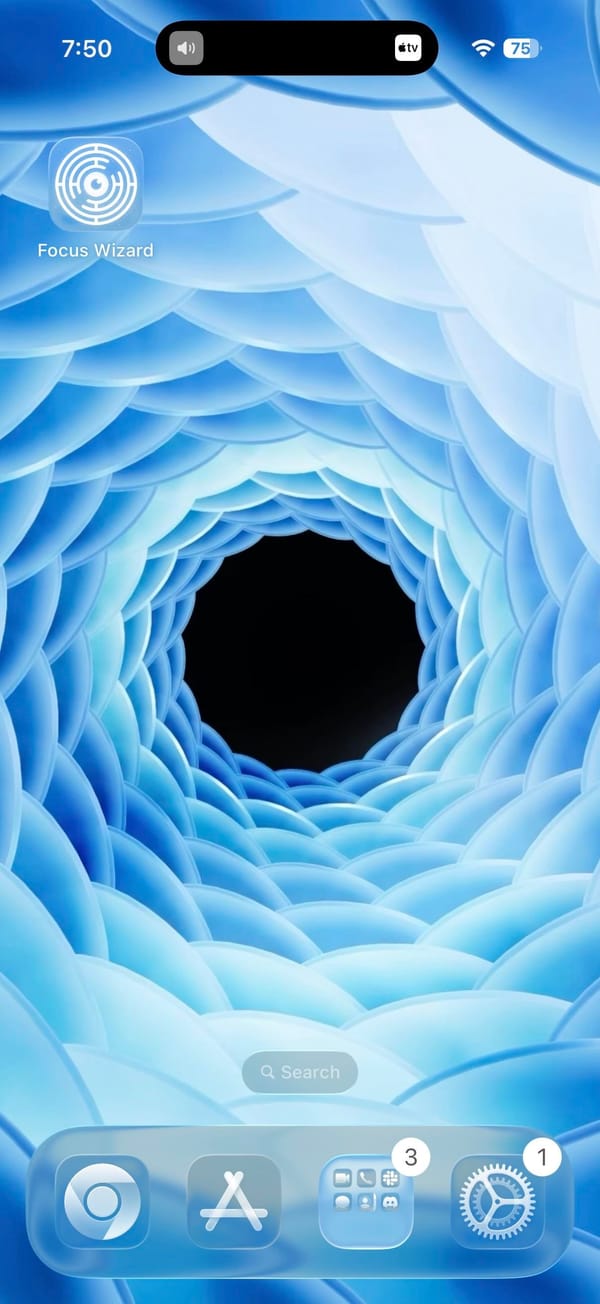
A minimal iPhoner home screen, laid out to let the wallpaper do all the work. The image is a 3D-rendered blue spiral: concentric rings of frosted petal-like shapes curving inward to a dark void at the center. Apps line the left and right edges, leaving the center of the screen open.
One extra-large widget takes the full top row. It shows date, time, and a circular progress ring tracking how far through the day you are. Below it, apps line both edges in single-file columns of four, leaving the spiral center of the wallpaper completely uncovered.
Chase and a productivity folder sit in the left column. The folder contains what looks like Notion alongside a calendar and a notes app. The right column runs MD, Craft, X, and YouTube from top to bottom, with Claude at the bottom left and Perplexity in the dock alongside App Store, a social folder, and Settings. Focus Wizard appears on a second page that leaves the vortex entirely unobstructed.
Worth copying for iPhoners who want a home screen where the wallpaper is the centerpiece, not an afterthought.
Blue vortex wallpaper, minimal layout, AI apps on both sides
A minimal iPhoner home screen where the apps frame the edges of a blue spiral vortex, with Claude and Perplexity in the main layout.
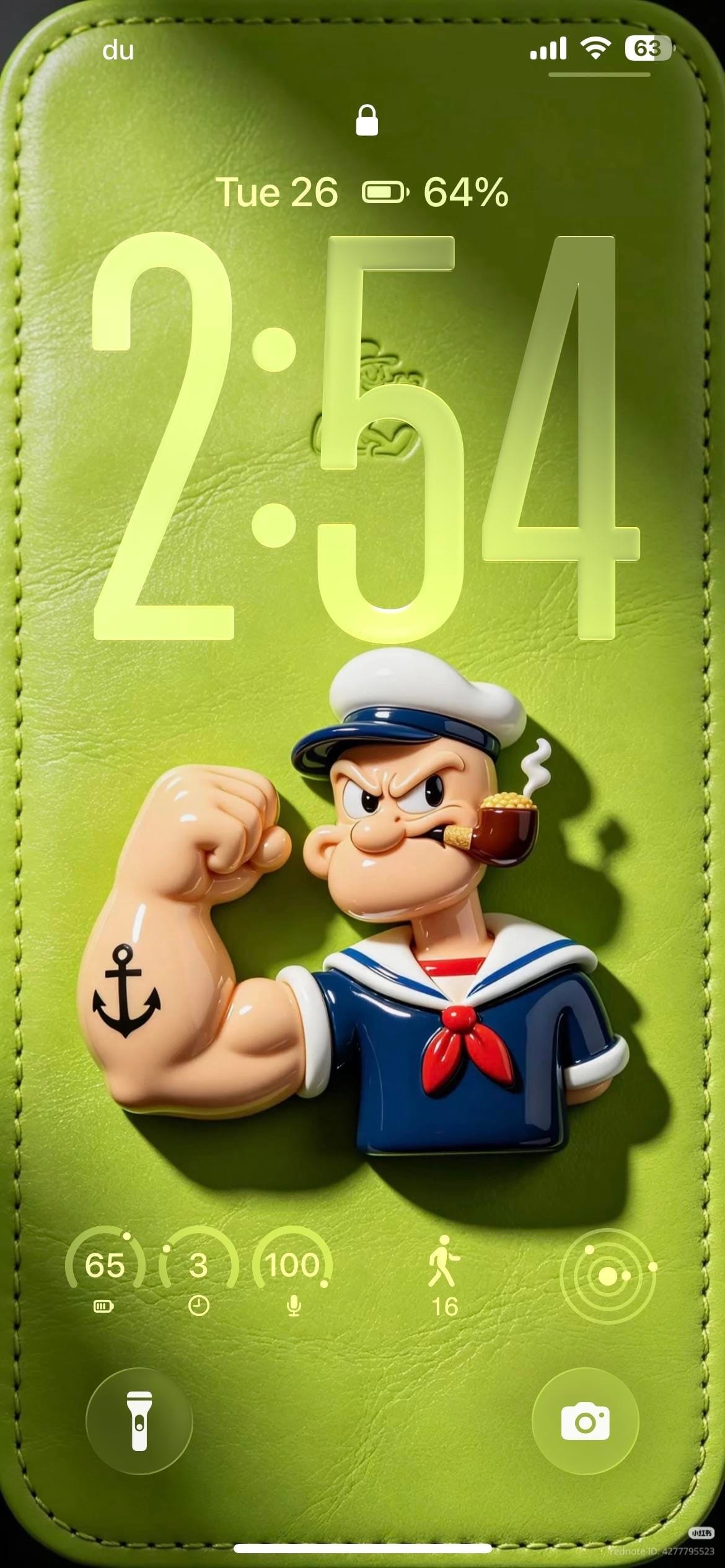
A themed iPhoner, all green and Popeye from the lock screen to the dock. The lock screen wallpaper is a photorealistic 3D render of the sailor himself: flexing his tattooed forearm on a green leather-textured surface, pipe in mouth, casting a shadow against the soft background.
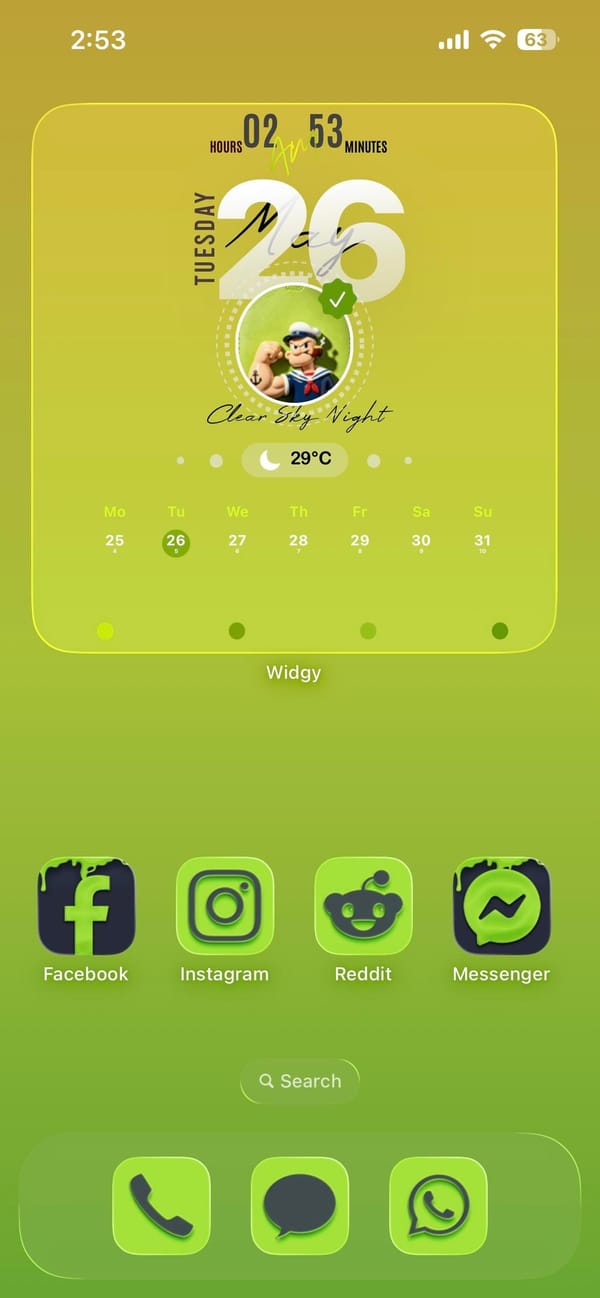
The home screen carries the character forward through Widgy. A full-width widget displays a circular Popeye portrait alongside a day-view calendar and a weather carousel, and a single row of social apps below it keeps the lower half of the screen open for the yellow-green gradient.
Facebook, Instagram, Reddit, and Messenger fill that row, all wearing custom icons in deep green with dark backgrounds matched to the wallpaper. The dock holds Phone, Messages, and WhatsApp. Every visible app has been tinted or replaced to stay within the green palette. The lock screen adds a row of circular widgets for battery, steps, and a few quick indicators, all in the same lime outline style as the leather background.
Worth copying for iPhoners who want a single character or color theme to run from the lock screen all the way into the icon set.
Popeye themed lock screen and green icon set
A themed iPhoner setup built around Popeye, with a 3D sailor figure on the lock screen, matching green custom icons, and a Widgy portrait widget.
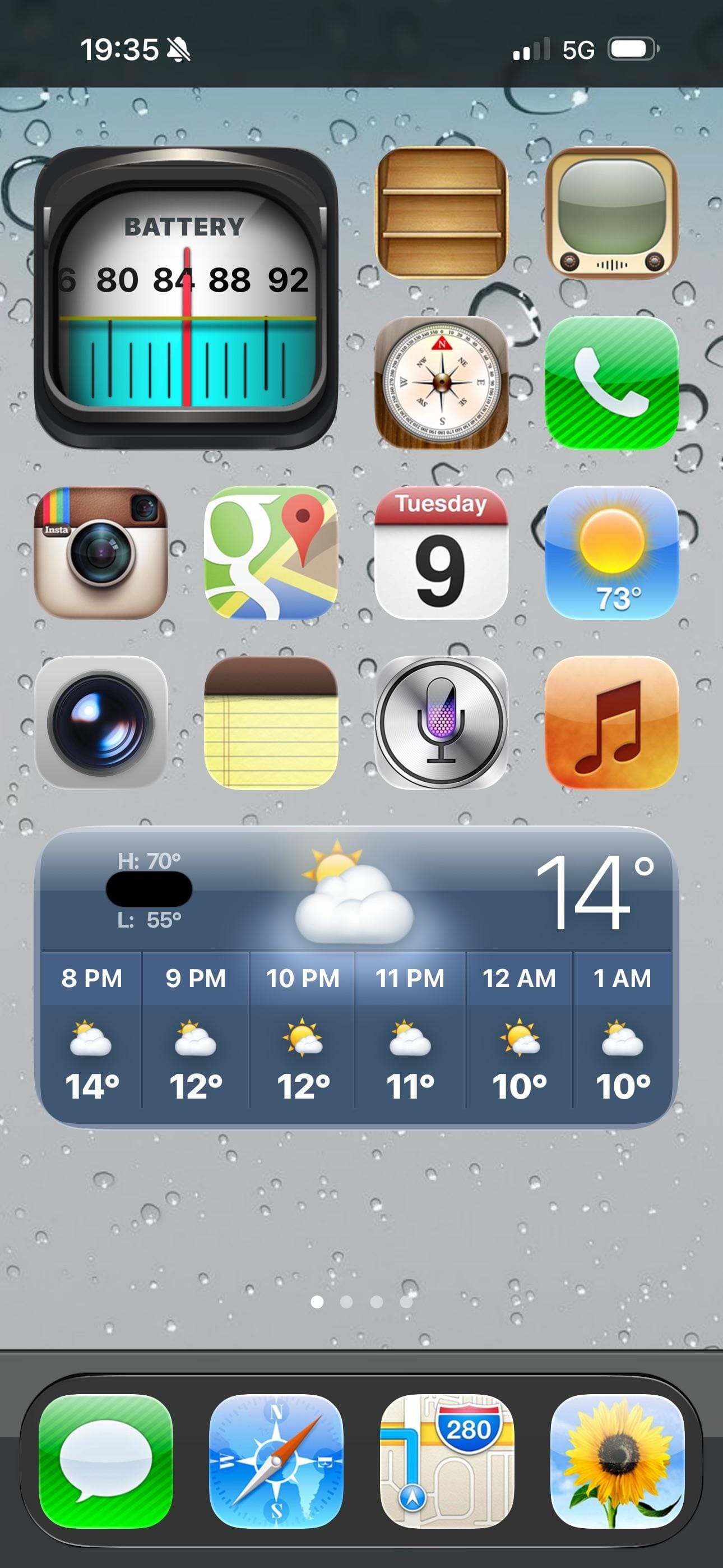
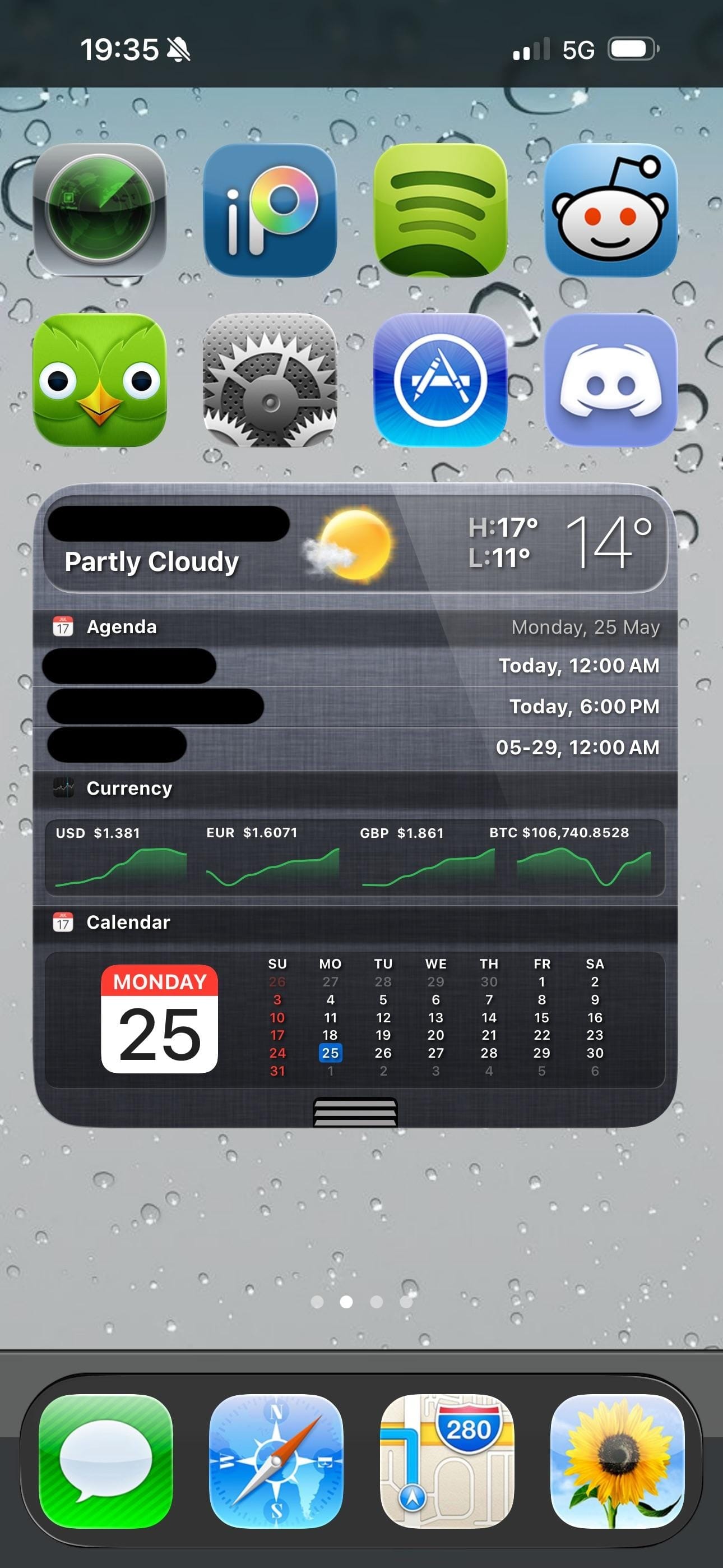
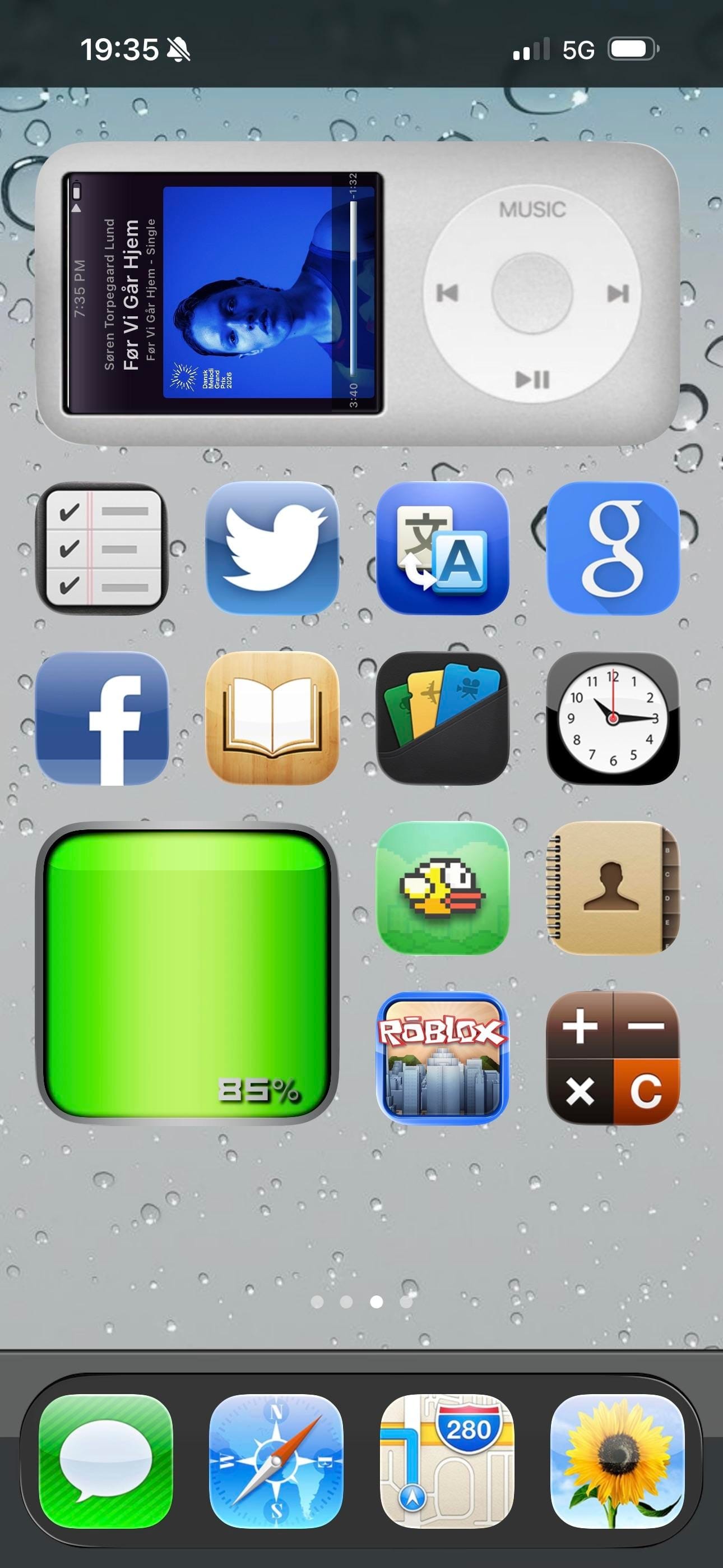
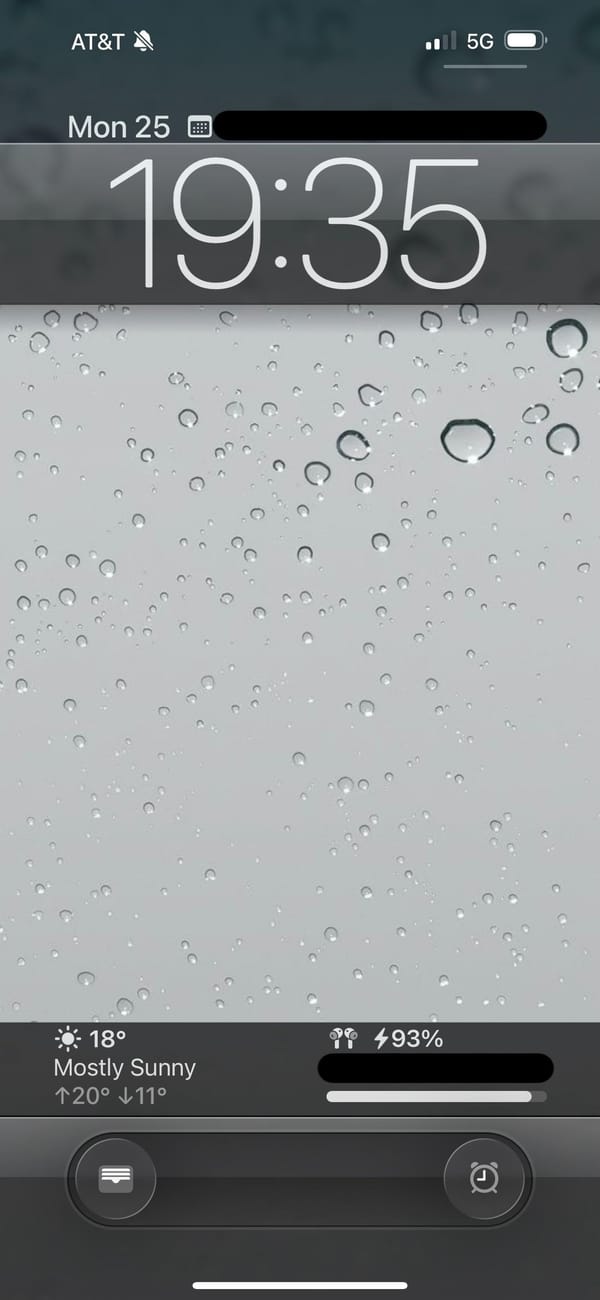
A retro iPhoner setup that goes all the way back. The lock screen wallpaper is a close-up macro of rain on glass, hundreds of grey droplets on a silver surface. On the home screen, every icon is rendered in the old skeuomorphic style: textured, dimensional, shaded like something you could actually touch.
Four pages of icons cover the whole range of the iOS 6 era: a wooden iBooks-style bookshelf, a retro television icon, the old Compass with its parchment-style surround, the original Instagram camera, and the old Maps icon with its road-map styling. The old Weather, Notes, Siri, and Music icons appear exactly as they shipped more than a decade ago. A rain-on-glass wallpaper carries across every page and the lock screen, making the visual continuity between screens unusually consistent.
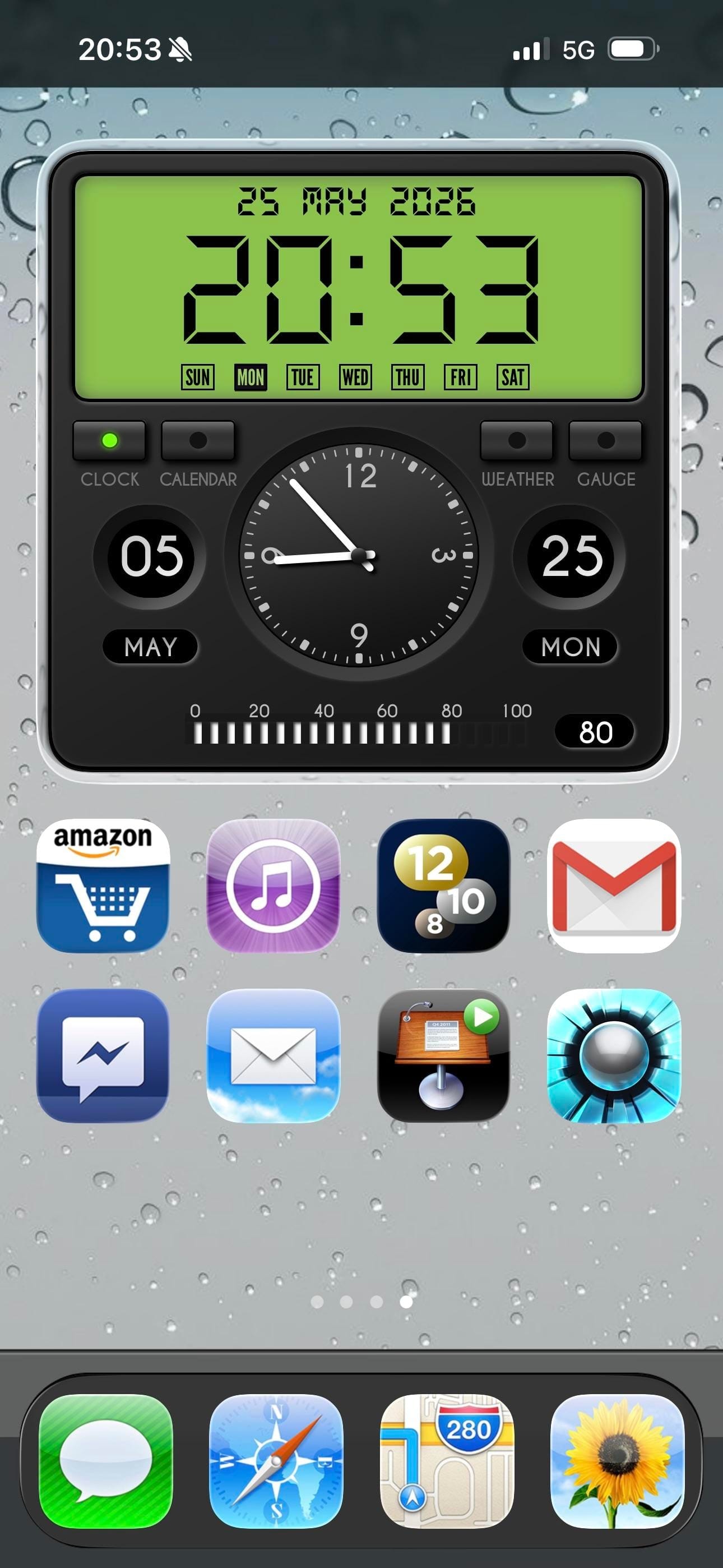
Page three is the highlight: an iPod classic widget fills the top half of the screen, complete with a scroll wheel and album art from a currently playing track. A Flappy Bird icon sits two rows below it. Further pages bring a currency widget tracking USD, EUR, GBP, and BTC, a skeuomorphic clock and calendar widget, and a green battery readout styled like an old status bar. Modern apps including Duolingo, Discord, Reddit, and Spotify sit alongside the vintage icons without much friction.
Worth copying for iPhoners who miss the era when every icon looked like a real thing, not a flat colored square.
iOS 6 revival home screen with an iPod widget
A retro iPhoner setup that brings back iOS 6 skeuomorphic icons across four pages, with an old-school rain lock screen and an iPod classic widget.
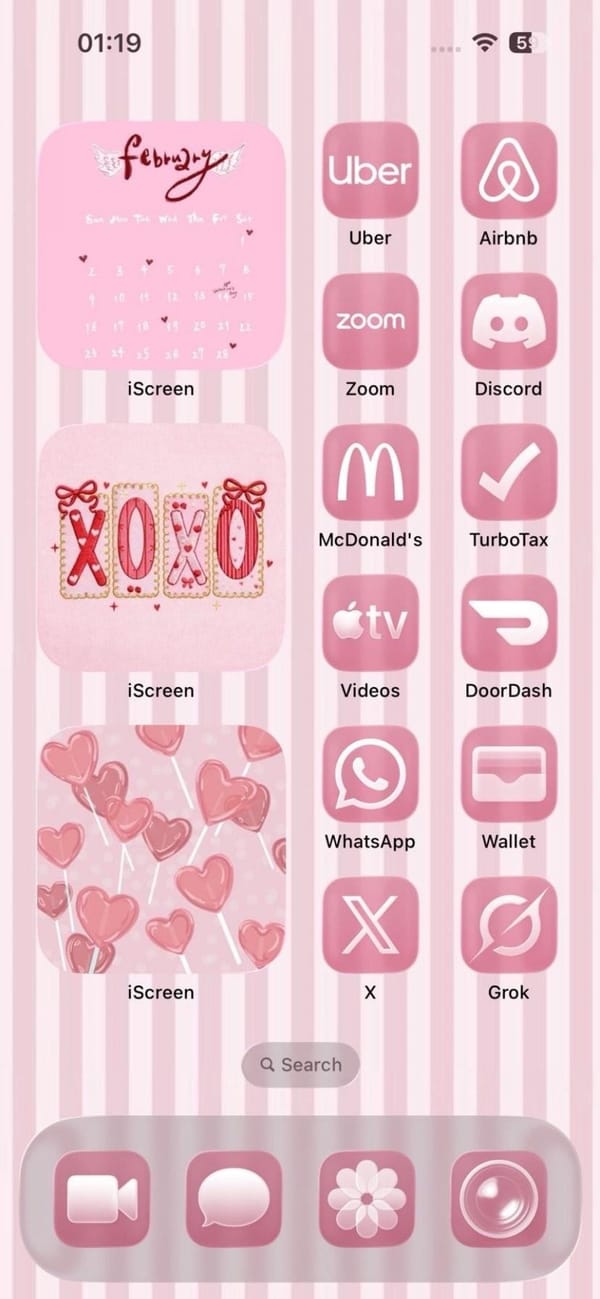
A colorful iPhoner home screen in a single candy-pink palette. The wallpaper is vertical pink and white stripes, and three iScreen widgets stack down the left column: a February calendar with wing motifs, an XOXO decorative frame, and a pink heart lollipops illustration.
The right column runs twelve apps, all tinted pink: Uber, Airbnb, Zoom, Discord, McDonald's, TurboTax, Apple TV, DoorDash, WhatsApp, Wallet, X, and Grok. The dock holds FaceTime, Messages, a flower icon, and Camera, each in the same rose-pink wash. Nothing on the home screen breaks the palette.
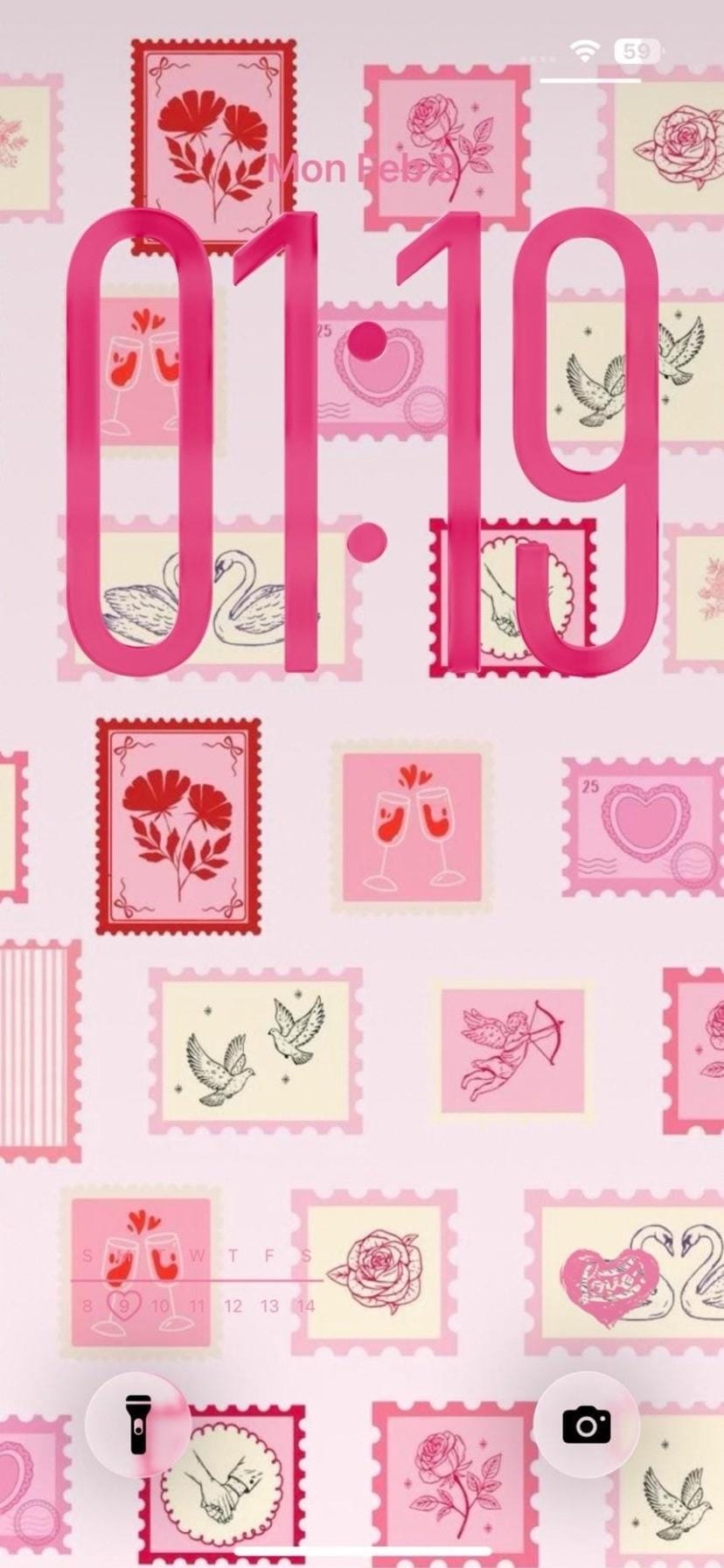
The lock screen takes a different approach to the same theme. A collage of illustrated postal stamps in pink and cream fills the wallpaper, each stamp with a Valentine motif: roses, swans, champagne glasses, a Cupid with a bow. Bold pink clock numerals overlay the stamps, matching the app tints exactly. It's the same one-note palette expressed twice over.
Worth copying for iPhoners who run a tight single-color scheme and want it to hold from the wallpaper all the way into every icon.
A candy-pink home screen with a stamp collection lock screen
A candy-pink iPhoner home screen with iScreen Valentine widgets, pink-tinted icons from Uber to Grok, and a postal stamp collage lock screen.
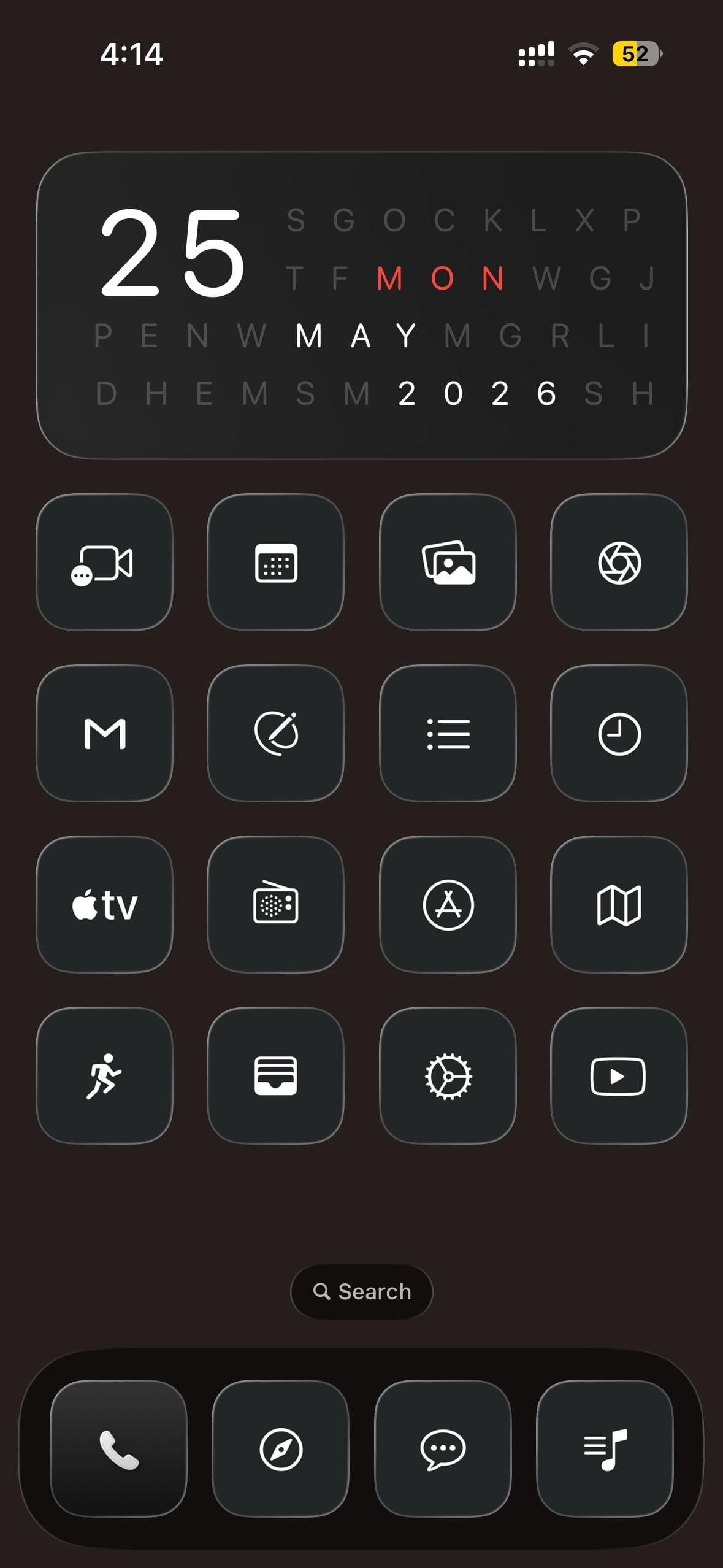
A dark-mode iPhoner home screen built around a cryptic date widget. The widget fills the top half of the screen as a letter-search grid, with the day, month, and year hidden in rows of random letters and highlighted in white and red.
Sixteen custom icons fill a 4x4 grid below, every one greyscale: a dark square with a thin white outline icon inside. FaceTime, a calendar grid, photo gallery, and an aperture icon open the first row; Gmail, a circle-strike, a list, and a clock fill the second; Apple TV, a radio dial, App Store, and Maps make up the third; a running figure, card wallet, settings gear, and YouTube close the bottom. No color anywhere in the layout.
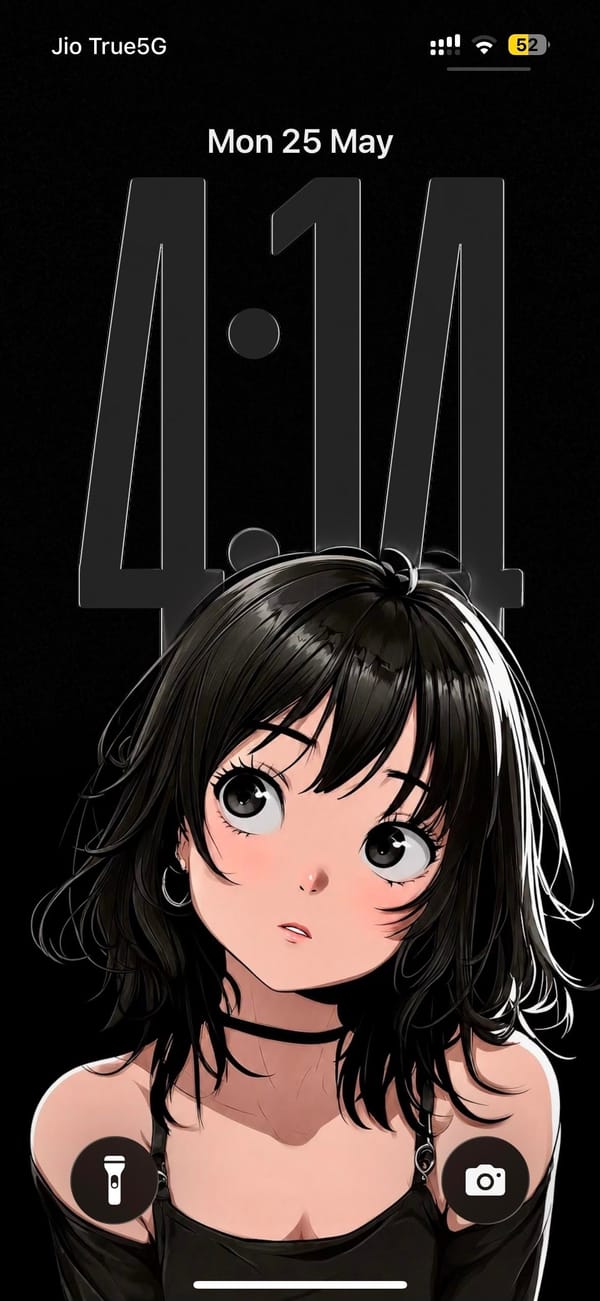
The lock screen sits on the opposite end of the mood. The wallpaper is a manga-style illustration of a dark-haired girl looking upward, rendered in high-contrast black, white, and soft pink on a pure black background. The oversized clock numerals hover as a near-transparent overlay across her face. The dock holds Phone, a navigation app, a messaging app, and a music notes app, all in the same greyscale treatment.
Worth copying for iPhoners who want to run a high-contrast anime aesthetic all the way through, lock screen and icons both.
Dark monochrome icon set and an anime lock screen
A dark-mode iPhoner with a letter-search date widget, a 4x4 monochrome icon grid, and a manga-style anime girl on the lock screen.
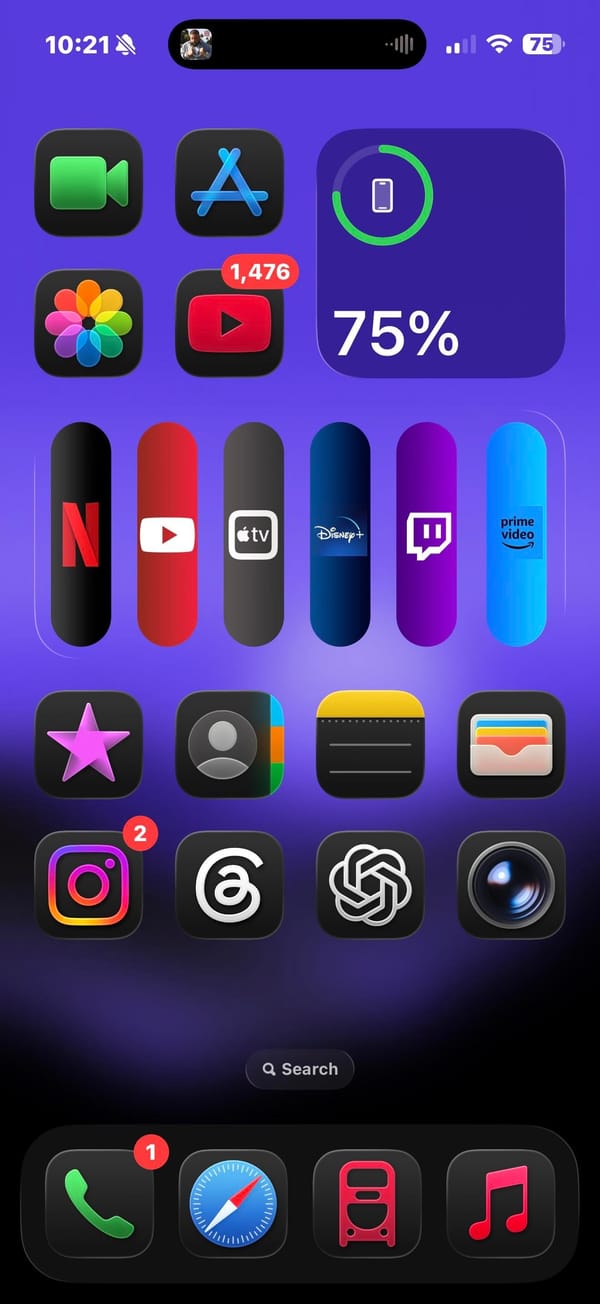
A vivid purple iPhoner home screen built around a streaming app bar unlike anything in the standard iOS icon grid. Six apps — Netflix, YouTube, Apple TV, Disney+, Twitch, and Prime Video — sit in a horizontal widget row, each in a tall capsule shape that makes the row read like a physical remote control.
Above that row, FaceTime, App Store, and a circular battery widget sit in the top section alongside Photos and YouTube. Below: Sparkles, Contacts, Notes, Wallet, then Instagram, Threads, ChatGPT, and Camera in the bottom section. The dock holds Phone, Safari, a red transit app, and Music.
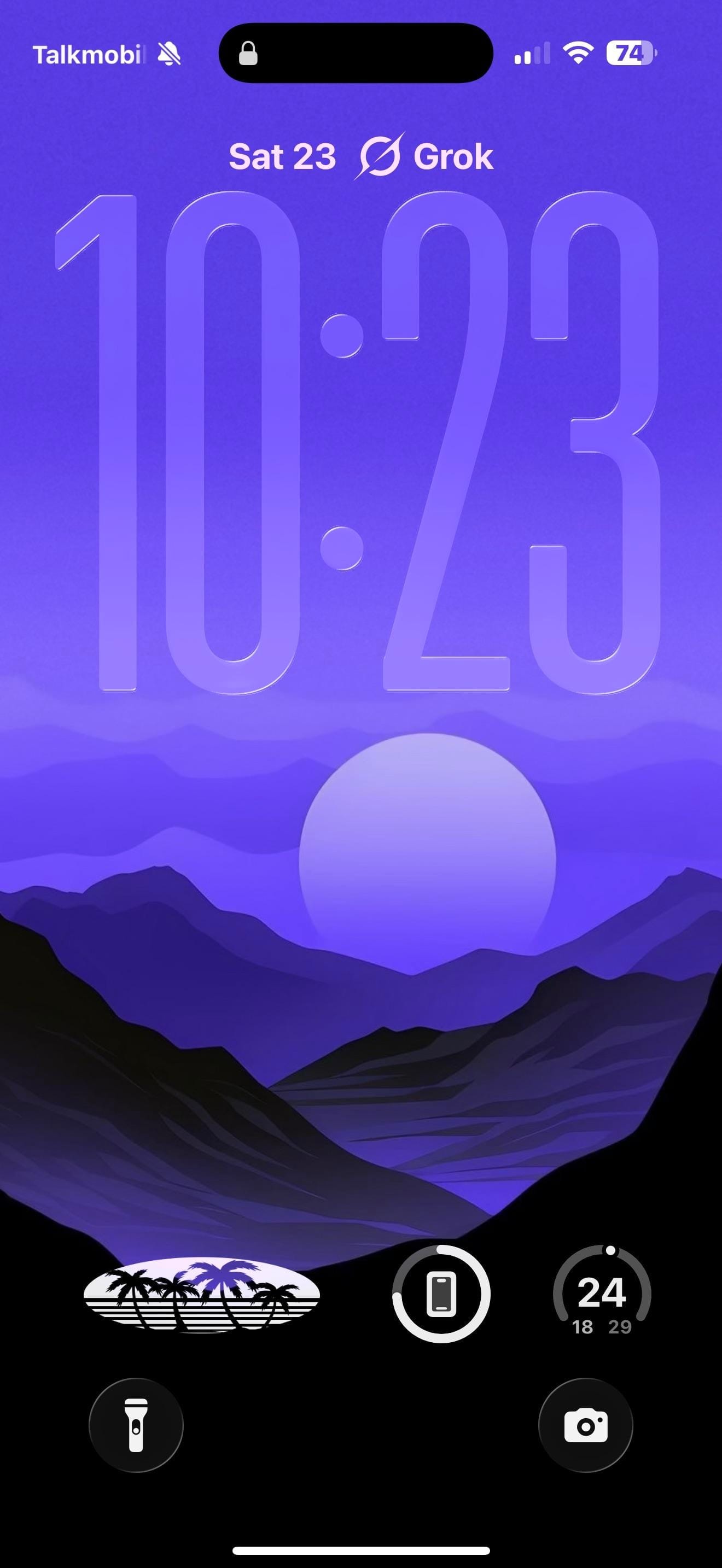
The lock screen carries the purple forward with a flat illustrated landscape: mountain silhouettes in deep blue-purple, a large pale circle hovering above the peaks, and a gradient sky fading lighter toward the top. The style is graphic and poster-like. Three circular lock screen widgets sit at the bottom: a retro palm-tree logo, a battery ring, and a step count timer. Grok sits as a text label above the date at the very top.
Worth copying for iPhoners who want their streaming apps grouped and visible without digging into folders.
Six streaming apps in a pill widget on a vivid purple home screen
A vivid purple iPhoner setup with six streaming services in a capsule widget row, Netflix through Prime Video, and an illustrated mountain lock screen.
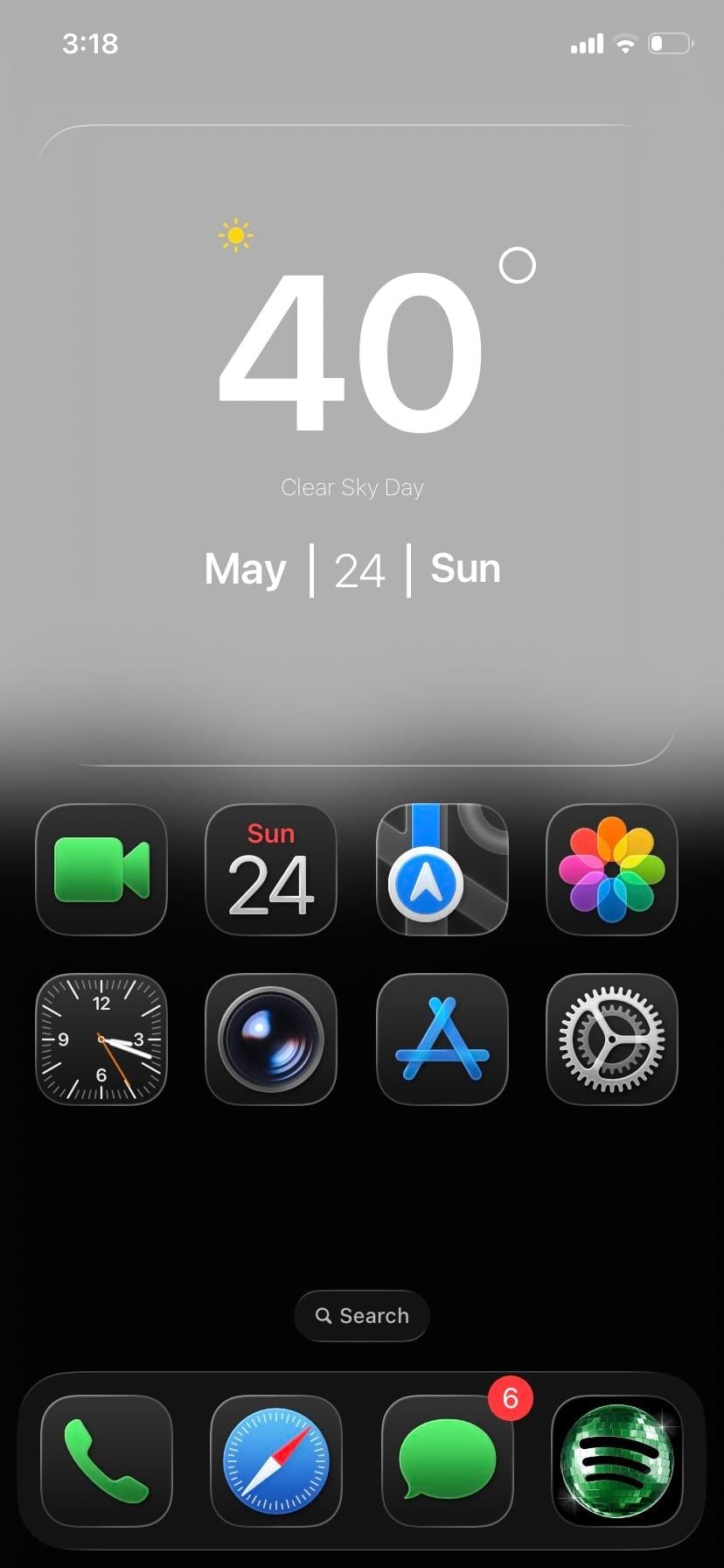
A minimal iPhoner home screen. The wallpaper fades from pure white at the top into pure black at the bottom, with a layer of soft dark mountain silhouettes floating just below the midpoint.
One full-width glass weather widget spans the top, sitting against the white sky portion of the wallpaper. Below it, eight stock icons sit in two rows of four: FaceTime, Calendar, Maps, and Photos in the first; Clock, Camera, App Store, and Settings in the second. The bottom half of the screen is empty.
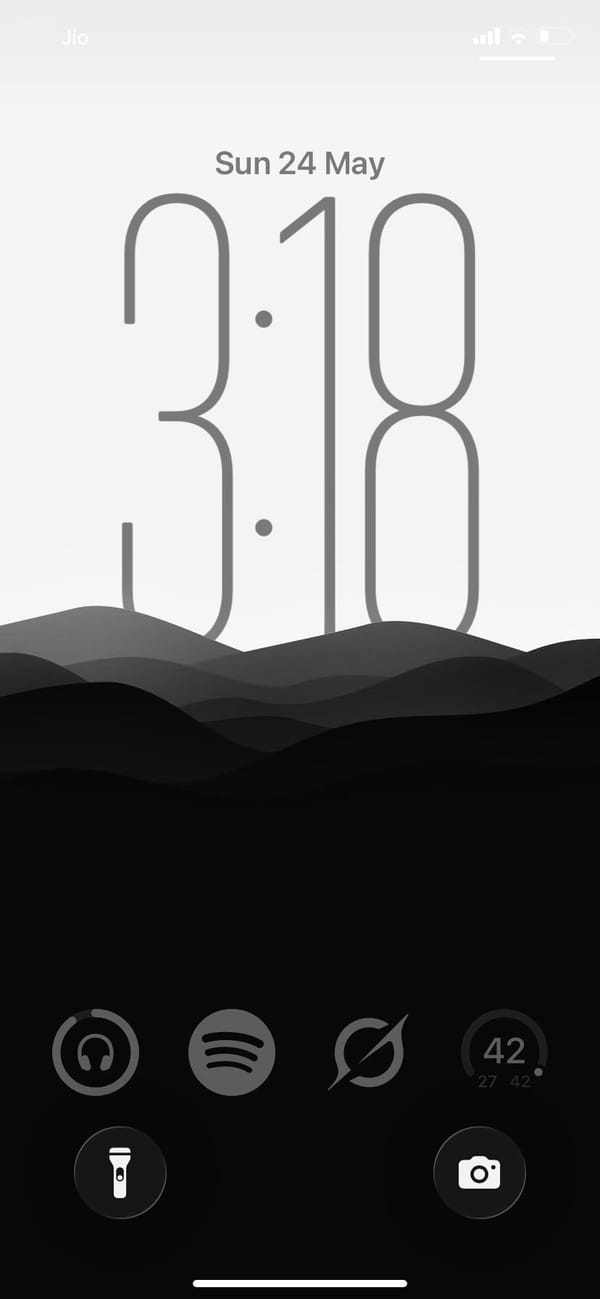
The dock holds Phone, Safari, Messages, and Spotify. That fourth slot has a custom dark-square Spotify icon, the only third-party app in the visible layout. The lock screen uses the same gradient: same mountain silhouette, same white-to-black fade, and a clock rendered in thin hairline numerals that nearly dissolve into the grey. Everything from the widget card to the dock to the lock screen sits inside the same grey-to-black range.
Worth copying for iPhoners who want the fewest possible moving parts and no color anywhere.
Greyscale setup, mountain lock screen, eight apps
A minimal iPhoner on greyscale only: eight stock apps, a glass weather widget, and a mountain silhouette that fades from white to black.
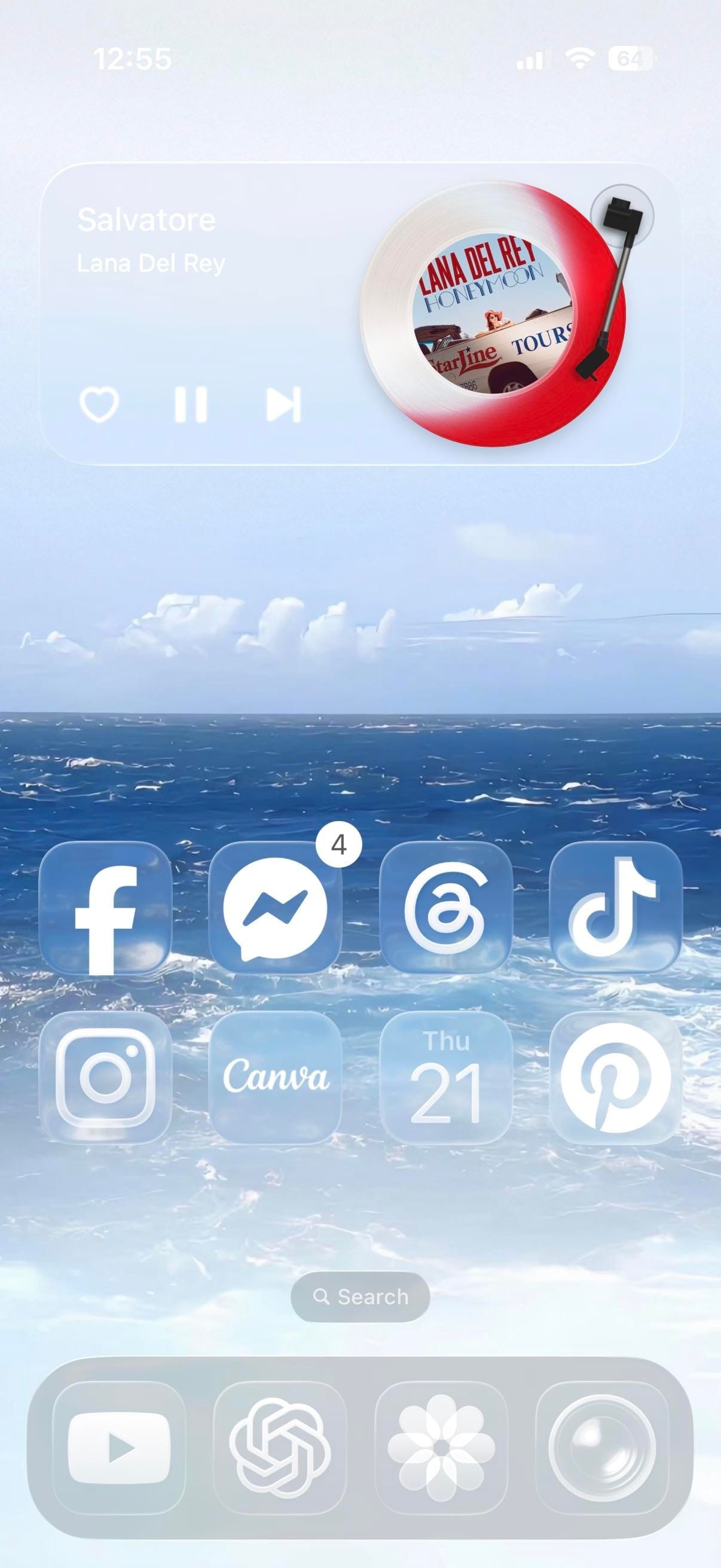
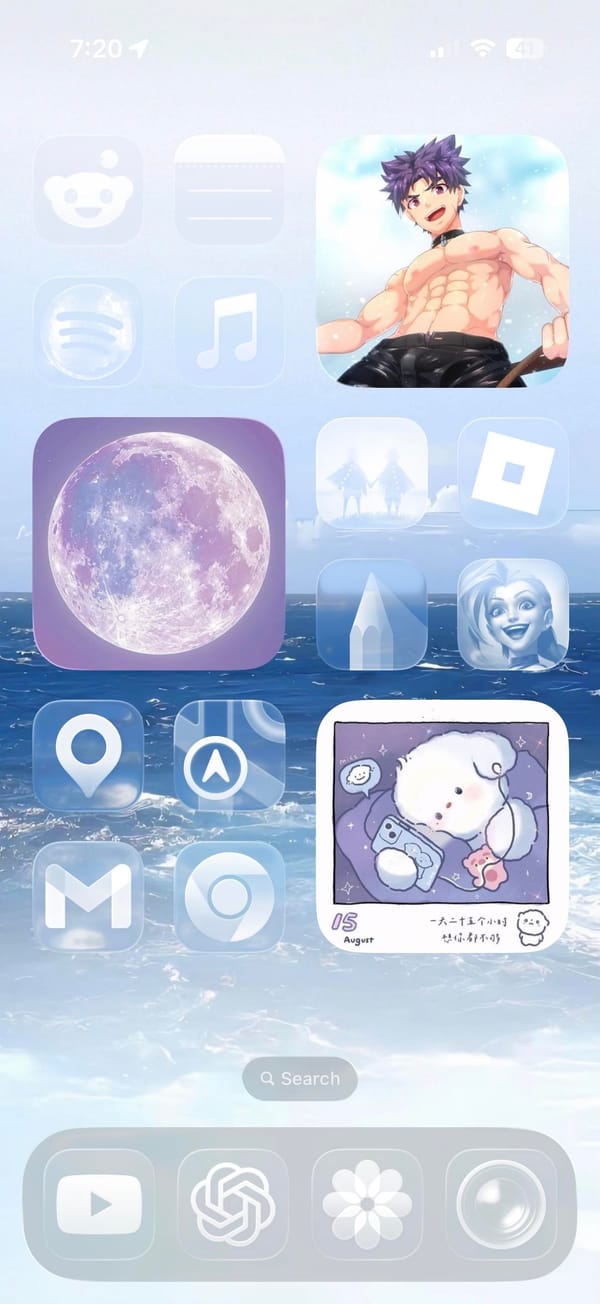
A music-first iPhoner home screen on two pages, both using the same light blue ocean-and-clouds wallpaper. The first page pairs a large anime character widget on the right with a purple full moon widget and music app on the left; the second swaps those out for a vinyl record music player widget showing Lana Del Rey album art at the top.
That second page is the more distinctive of the two. A rectangular music widget fills the top third of the screen with an illustrated turntable and spinning album art, playback controls below. Two rows of social and creative apps follow: Facebook, Messenger, Threads, and TikTok in the first row; Instagram, Canva, Calendar, and Pinterest in the second.
The first page takes a different angle. A large illustrated anime character occupies the full right column as a widget. The left column holds Reddit, a plain placeholder icon, Spotify, and Music, with the purple full moon widget centered. The dock carries through both pages: YouTube, ChatGPT, a flower icon, and Camera.
Worth copying for iPhoners who want the music widget to be the visual centerpiece, with the ocean wallpaper doing the atmospheric work.
Ocean wallpaper home screen with a Lana Del Rey music widget
A music-first iPhoner setup with a Lana Del Rey vinyl player widget on one page and a large anime character widget on the other, both on an ocean wallpaper.
A dark-mode iPhoner home screen with no app icons in sight. Two full-width Widgy widgets stack across the entire screen above the dock, turning the home screen into a single-purpose dashboard of weather, time, calendar, and upcoming bills.
The top Widgy widget organizes four mini-panels: a large clock on the left, a weather card, a day-of-week card, and a bill-reminder slot tracking a Klarna payment. Below it, the second full-width widget carries a month calendar and an agenda list showing upcoming payments. No apps sit between the dock and the widgets.
The dock holds Phone, Messages, WhatsApp, and a social-and-utility folder. The wallpaper carries through to the lock screen: a moody green forest reflected in a still lake, shot in near-dark light with trees disappearing into mist above. Large glass-carved numerals overlay the trees. A commute ETA widget at the bottom left shows the estimated drive time to a saved home address.
Worth copying for iPhoners who want financial reminders and a calendar on the home screen without any icon grid getting in the way.
Dark forest home screen with two Widgy widgets and no icons
A dark-mode iPhoner with no icons on the home screen at all: two full-width Widgy widgets tracking weather, calendar, and bills on a misty forest wallpaper.