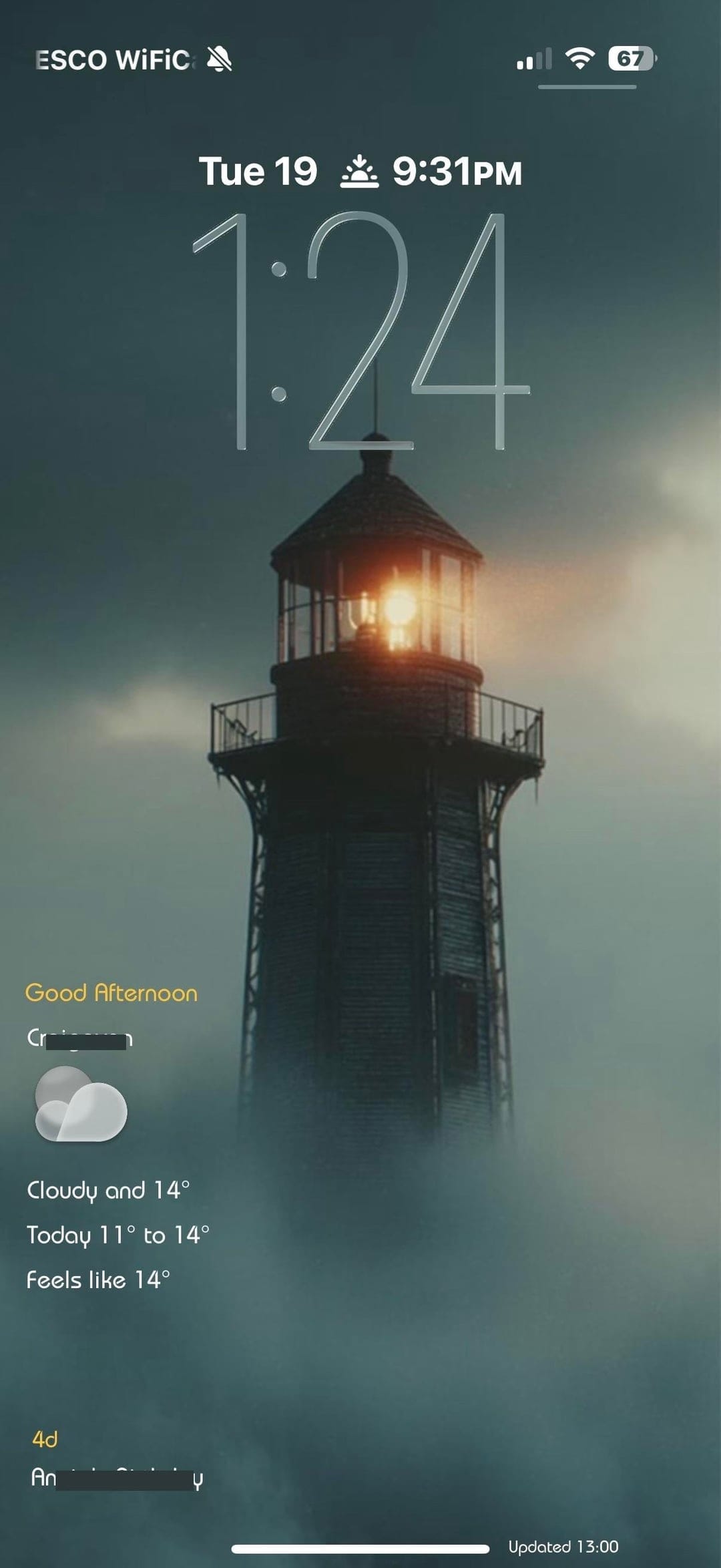
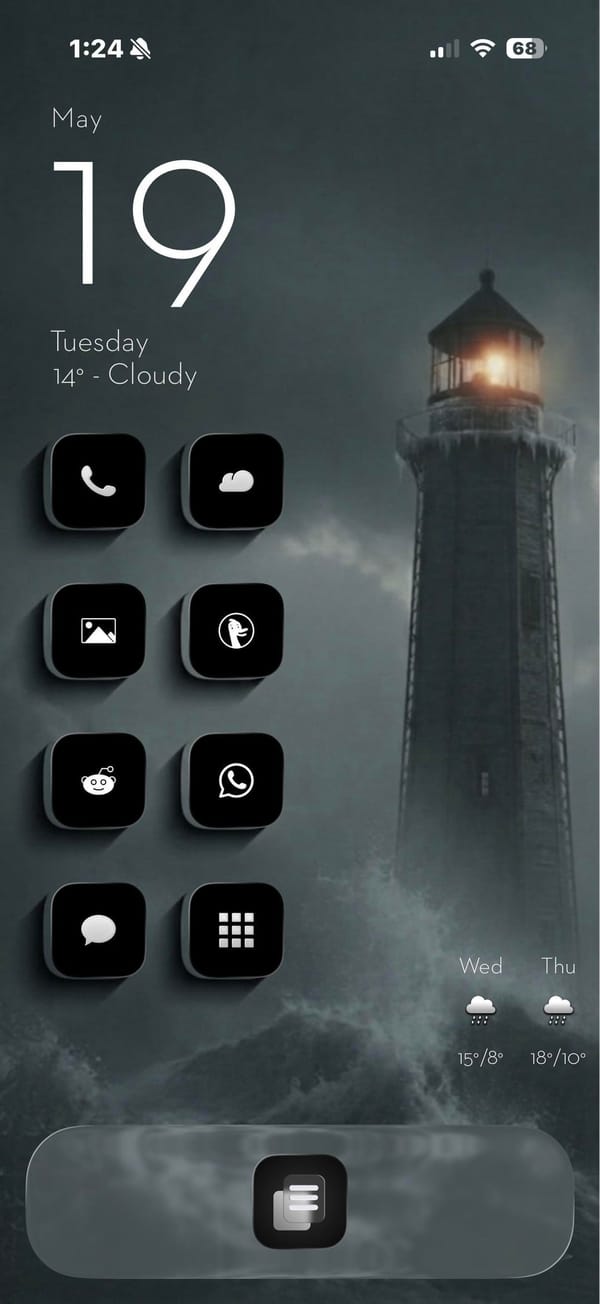
A minimal iPhoner home screen built around a stormy lighthouse photograph. The wallpaper is a moody teal-grey scene: a tall lighthouse at the edge of rocky surf, lit from within against a foggy overcast sky.
Eight black square icons run in a left-column grid, each with a minimal white line icon inside: Phone, a weather app, Photos, DuckDuckGo, Reddit, WhatsApp, Messages, and a grid-view app. The right side of the home screen is left open, giving the lighthouse room to stand in the frame. The single dock app is a list icon centered at the bottom.
A date and weather widget anchors the top left, rendered in plain white text directly on the wallpaper with no background card. That left column continues straight down with the icons below it. The lock screen uses the same lighthouse image with a glass weather widget at the bottom left, showing the current conditions and a two-day forecast. A sunset-time complication sits in the row above that.
Worth copying for iPhoners who want a dramatic landscape photograph to carry the visual weight while the icons stay out of the way.
A stormy lighthouse wallpaper and a minimal black icon set
A minimal iPhoner with eight black line-icon apps, a stormy lighthouse wallpaper on both screens, and a detailed weather widget on the lock screen.
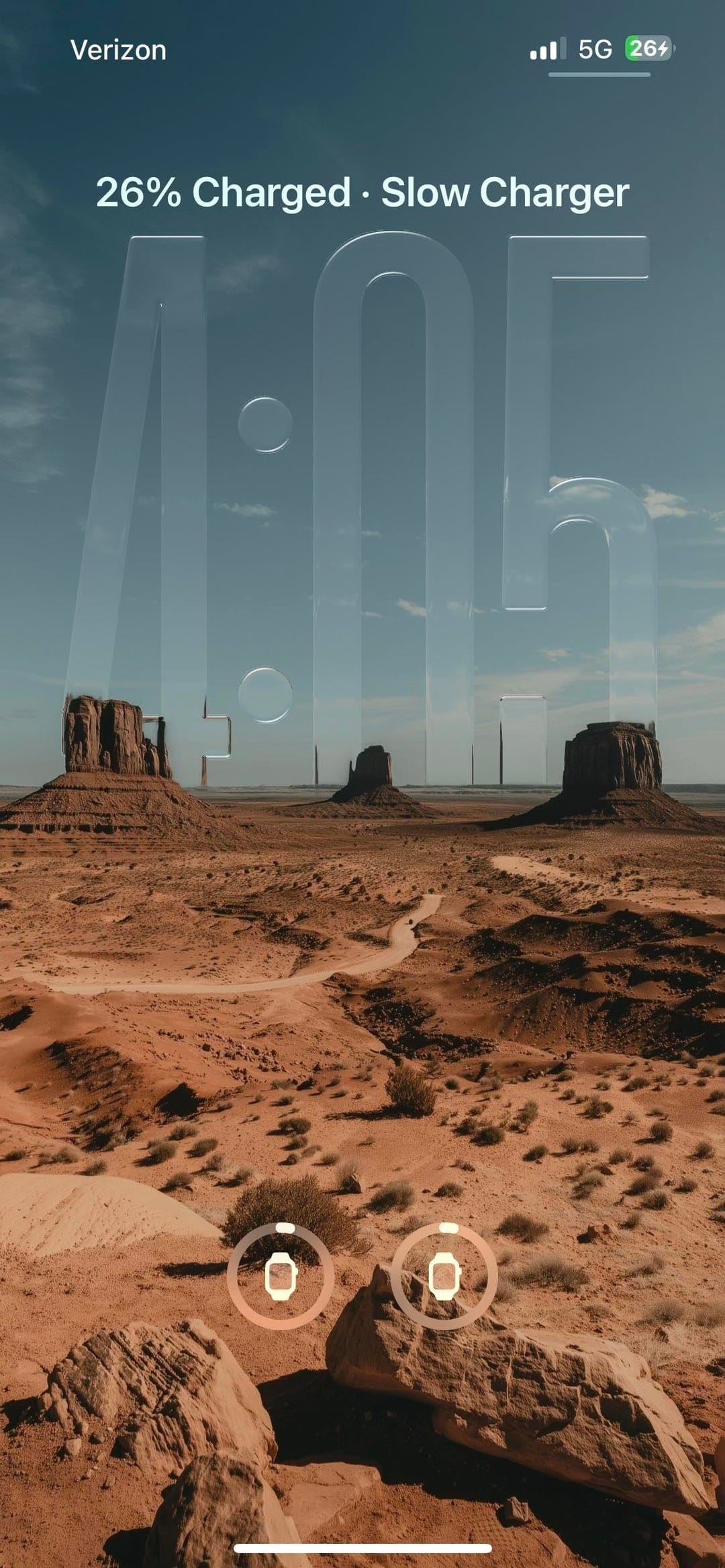
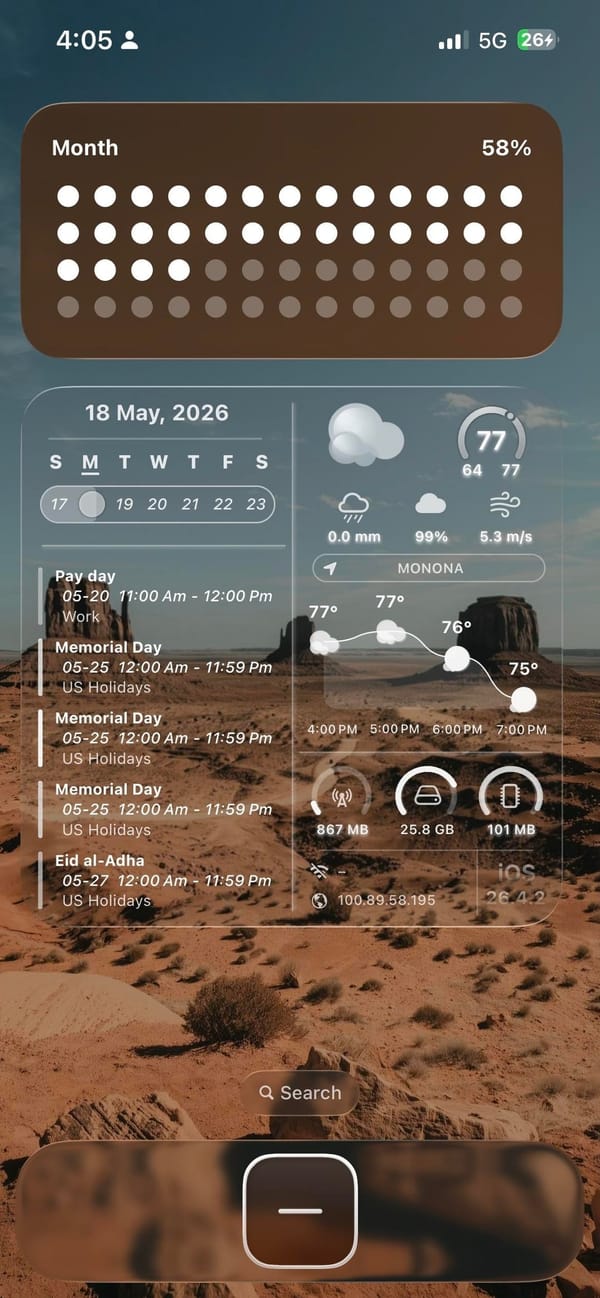
A widgets-first iPhoner home screen on a Monument Valley desert wallpaper. The landscape photograph stretches across both the home screen and the lock screen: red sandstone mesas against a blue sky, shot from ground level with sparse desert scrub in the foreground.
Two large widgets dominate the layout. The top slot is a full-width habit tracker showing a monthly dot grid, warm brown dots for completed days fading to lighter circles toward the end of the month. Below that, the home screen splits into two medium widgets side by side: a calendar with upcoming events in agenda view, and a weather panel with a detailed system info readout alongside the forecast.
The single dock app is a dark rounded square with a minus icon, probably a quick-add shortcut. On the lock screen, the same desert photograph places oversized glass-engraved time numerals across the midpoint of the sky. Two Apple Watch battery rings sit at the bottom of the lock screen. The setup as a whole prioritizes information over empty space, more dashboard than home screen.
Worth copying for iPhoners who want to track habits, appointments, and weather from a single glance without leaving the home screen.
Desert wallpaper, habit tracker, and a full calendar widget
A widgets-first iPhoner home screen with a Monument Valley desert wallpaper, a monthly habit tracker, and a combined calendar and weather panel.
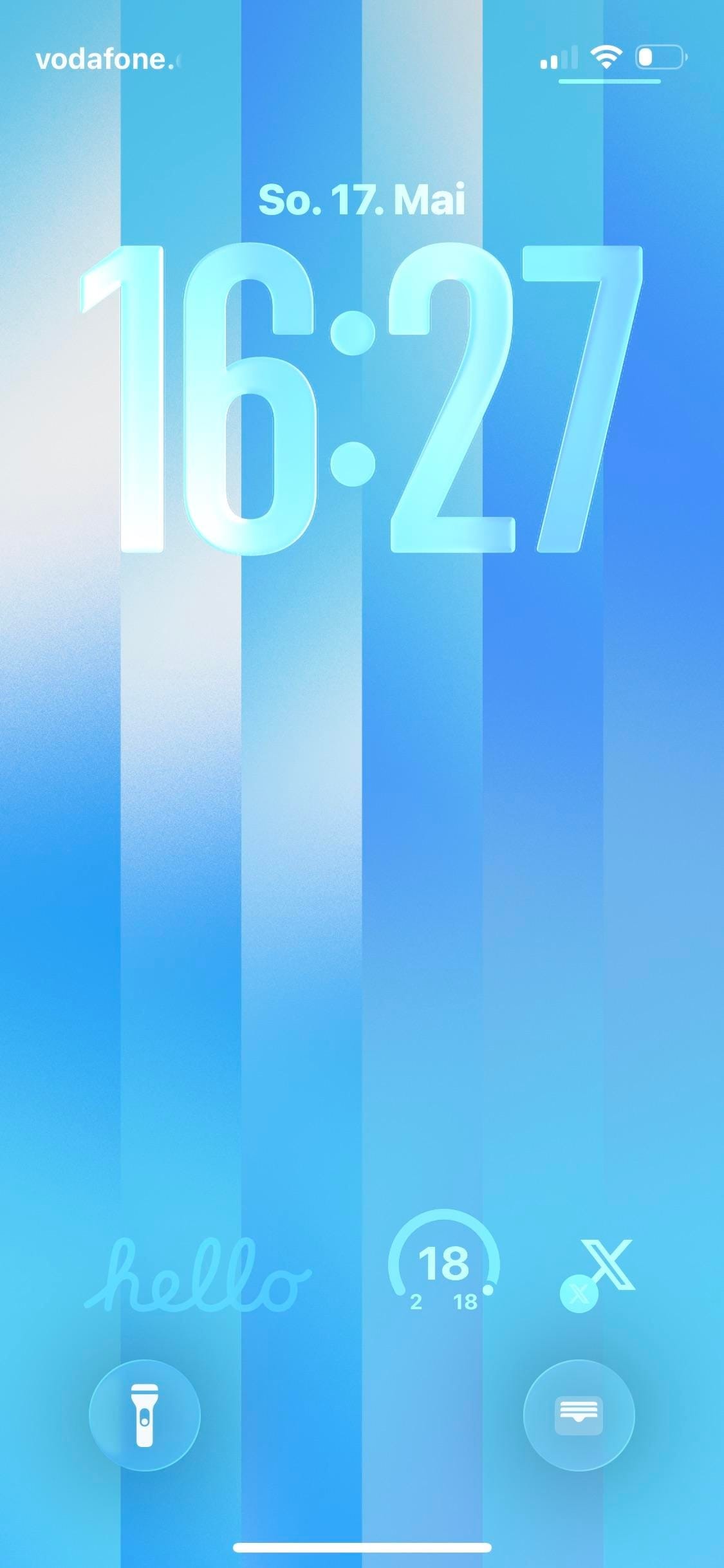
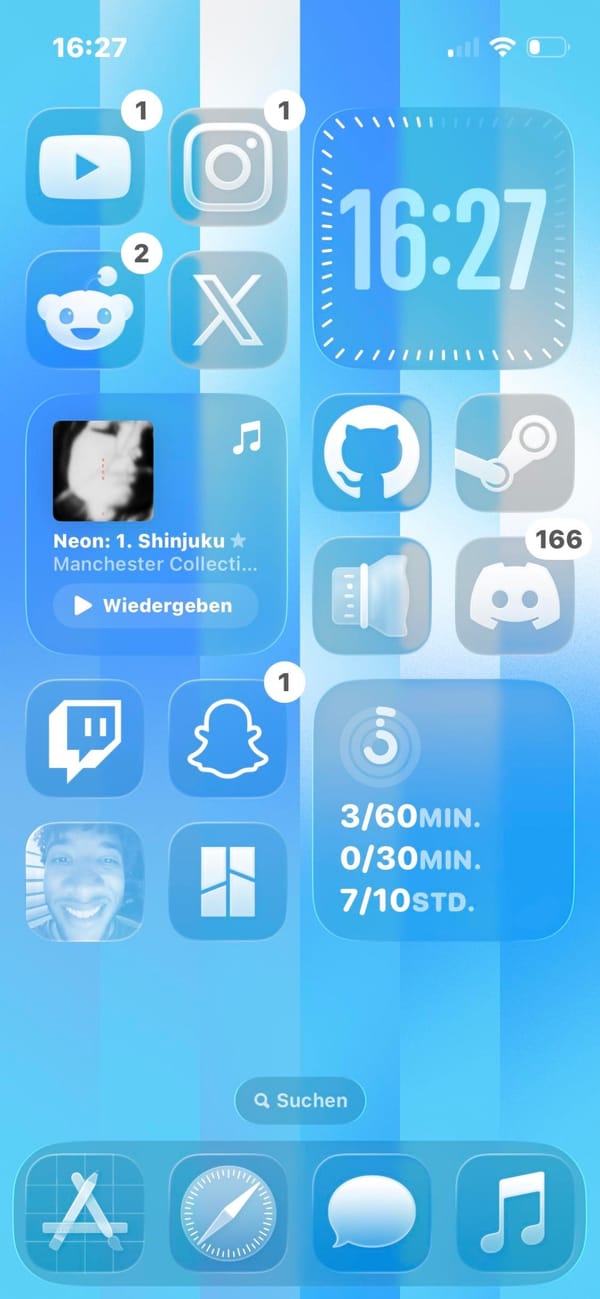
A developer iPhoner home screen on a sky-blue and white vertical stripe wallpaper. The layout pairs two icon columns on the left with two widgets on the right: a large clock at the top and a screen-time tracker at the bottom.
YouTube, Instagram, Reddit, and X sit in the left column's top slots; Twitch and Snapchat follow below, with a contact photo and a grid-view app at the bottom. The right column holds GitHub, Steam, a lens icon, and Discord below the clock. A music widget sits in the middle of the left column.
The screen-time widget at the right column's bottom tracks multiple goals with labels in German units. The dock holds App Store, Safari, Messages, and Music. The lock screen uses the same vertical stripe wallpaper, this time with 3D glass-carved numerals sitting inside the stripes. Three small widgets at the bottom: a script-text hello, an activity ring, and an X shortcut.
Worth copying for iPhoners who want their developer tools (GitHub, Steam, Discord) all on one page next to a clean glass clock widget.
A developer iPhoner on a sky-blue stripe wallpaper
A developer iPhoner home screen on a sky-blue vertical stripe wallpaper, with GitHub, Steam, Discord, and Twitch alongside a screen-time tracker widget.
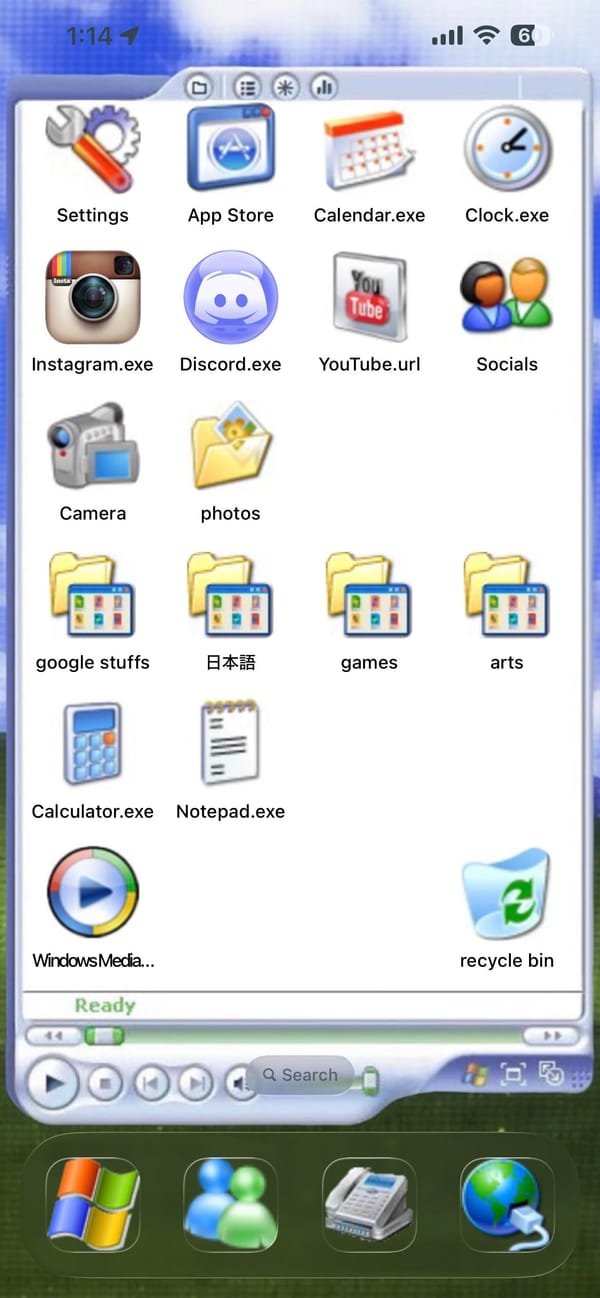
A retro iPhoner setup that makes the iPhone look like a Windows XP desktop. The entire home screen is built inside a simulated Explorer window: white background, title bar with toolbar icons, apps labeled as Settings, Calendar.exe, Clock.exe, Instagram.exe, Discord.exe, YouTube.url, Calculator.exe, Notepad.exe.
Windows XP folder icons fill three rows, labeled google stuffs, 日本語, games, and arts. A Windows Media Player icon and a Recycle Bin icon sit at the very bottom of the window, where real taskbar icons would be. A green Ready status bar and media playback buttons close the frame.
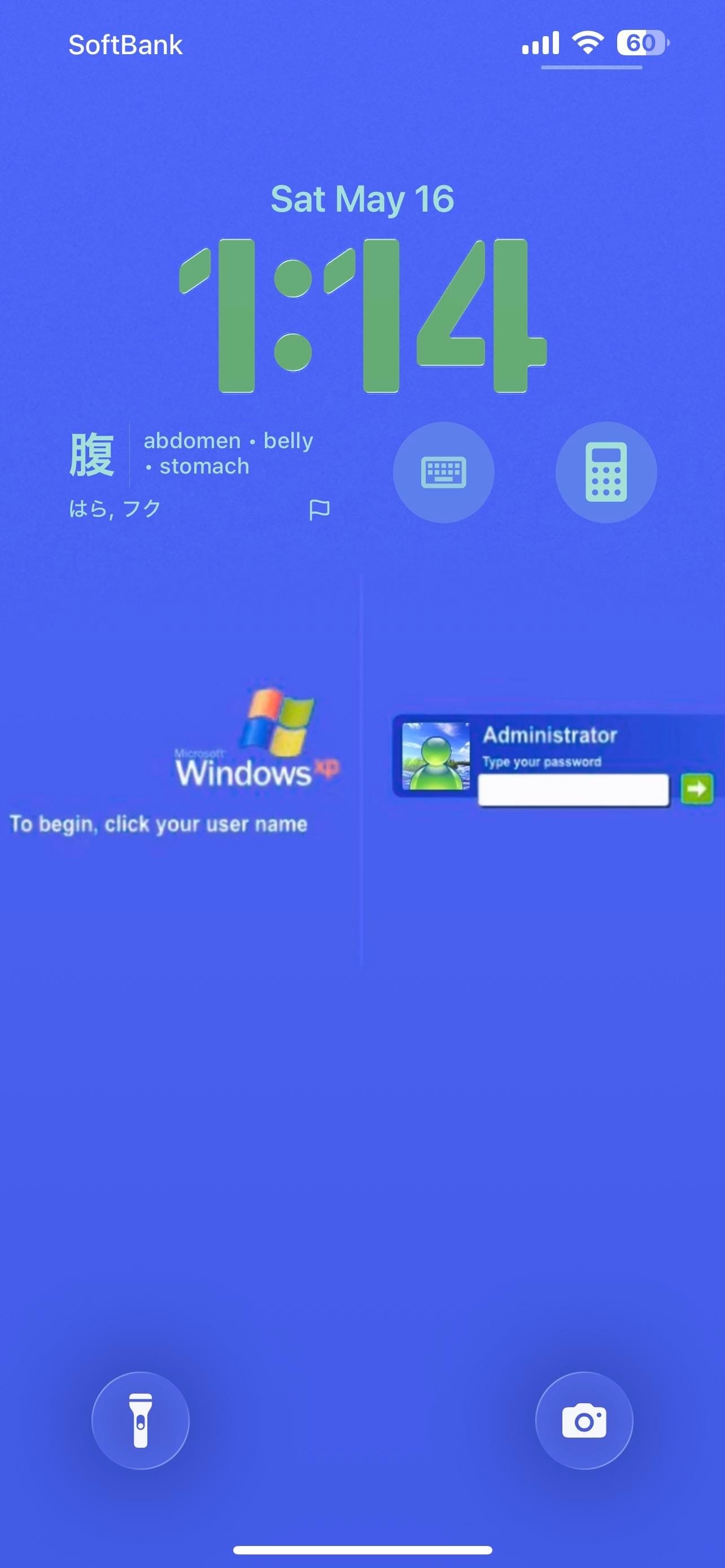
The taskbar is the dock: a Windows logo as the first slot, Windows Messenger as the second, and a fax icon and Internet Explorer globe to round it out. The lock screen is a solid blue Windows XP login page, complete with the XP flag logo and a password-entry dialog for a user named Administrator. A Japanese vocabulary card on the lock screen shows a kanji character with English translations. Calculator and keyboard icons sit as lock screen widget shortcuts.
Worth copying for iPhoners who want the most committed retro aesthetic in the home screen gallery.
A Windows XP home screen built on an iPhone
A retro iPhoner who turned the iPhone home screen into a Windows XP Explorer window, complete with .exe file names and a Windows login lock screen.
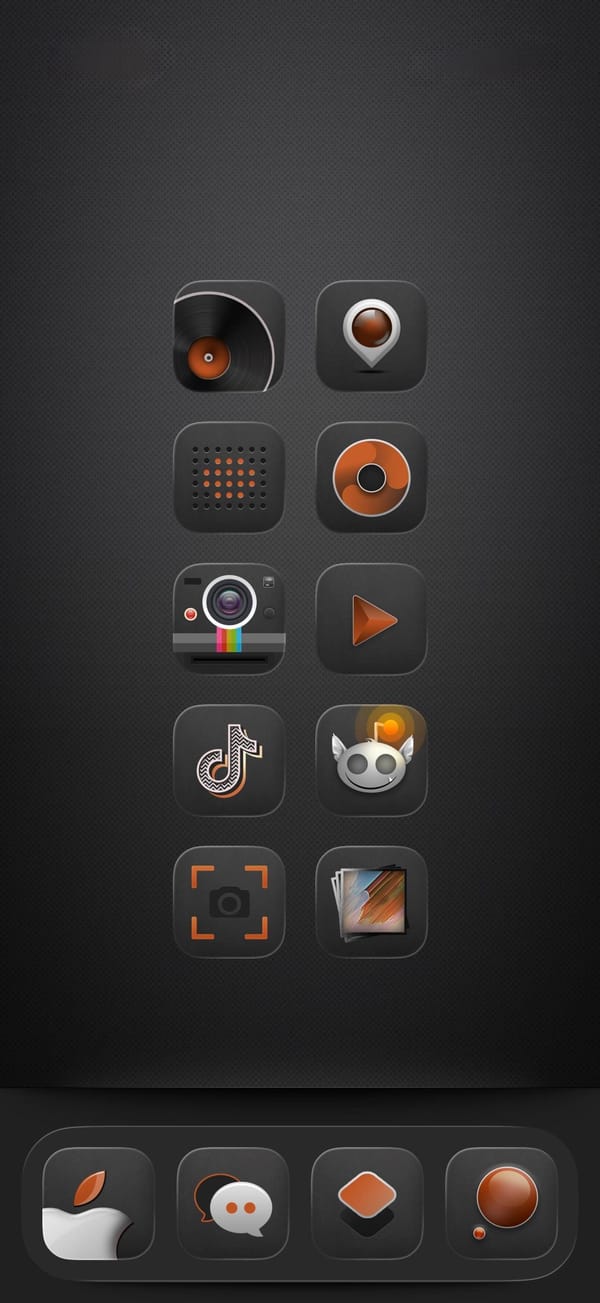
A dark-mode iPhoner home screen on a near-black carbon-fiber texture, designed entirely around a custom audio-equipment icon pack. Every icon wears the same amber-and-black treatment: a vinyl record, a speaker, a Polaroid camera, a music disc, a play button, and several more all in the same two-color vocabulary.
The layout runs ten icons in two columns of five with no widgets and no folders, leaving nothing between the user and the icon set. The dock has just four custom icons, none of them immediately identifiable without the label. Every default icon has been replaced.
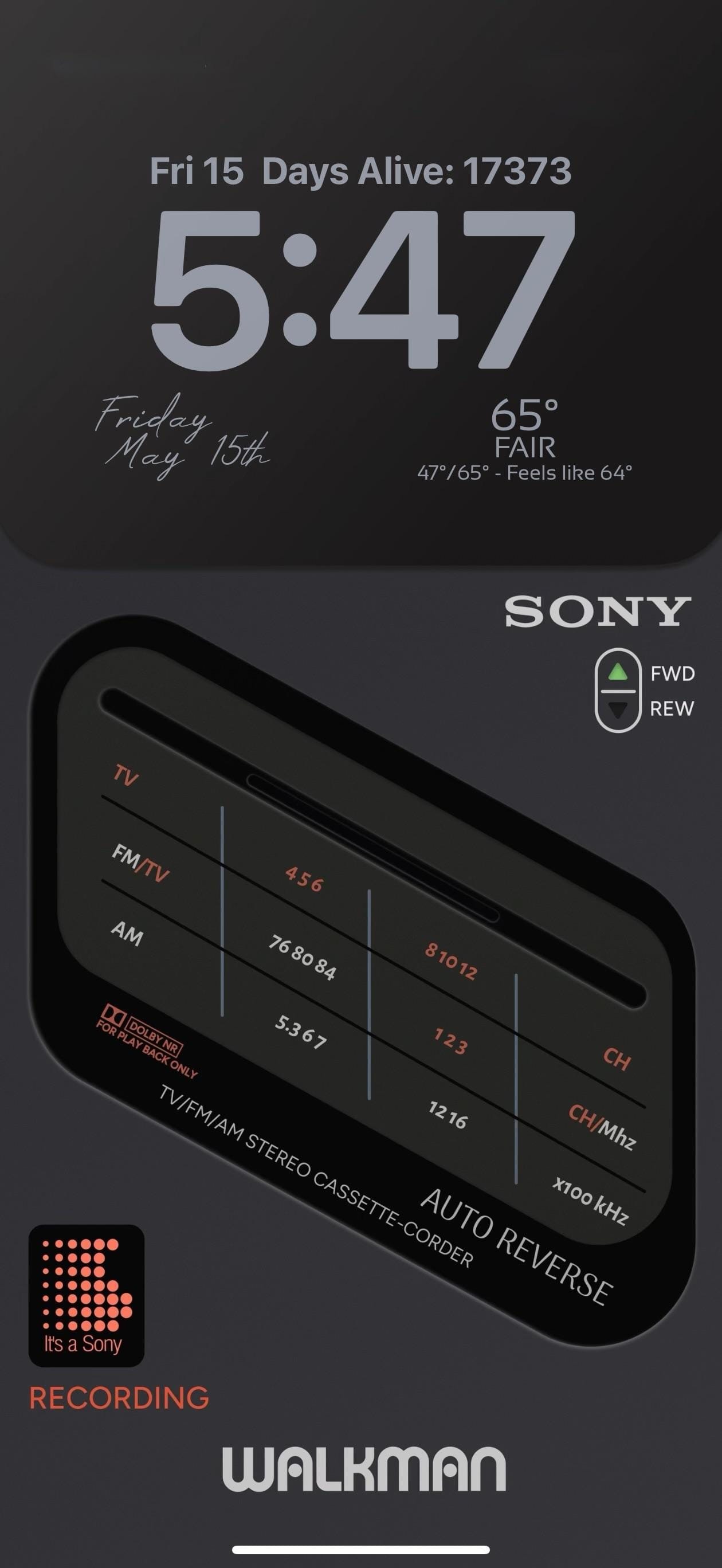
The lock screen is the showpiece. A full-screen photorealistic image of a Sony TV/FM/AM Stereo Cassette-Corder fills the screen: detailed tuner frequency scales, a Dolby NR label, an AUTO REVERSE badge, and a FWD/REW selector. "WALKMAN" runs in bold white letters at the very bottom. A small "It's a Sony" dot-matrix pixel widget in orange-red and the word "RECORDING" in matching text sit at the lower left.
Worth copying for iPhoners who want the retro audio aesthetic to run from every icon all the way to the lock screen.
Dark amber icon pack and a Sony Walkman lock screen
A dark-mode iPhoner setup with a custom audio-equipment icon pack in amber and black, and a photorealistic Sony Walkman cassette player on the lock screen.
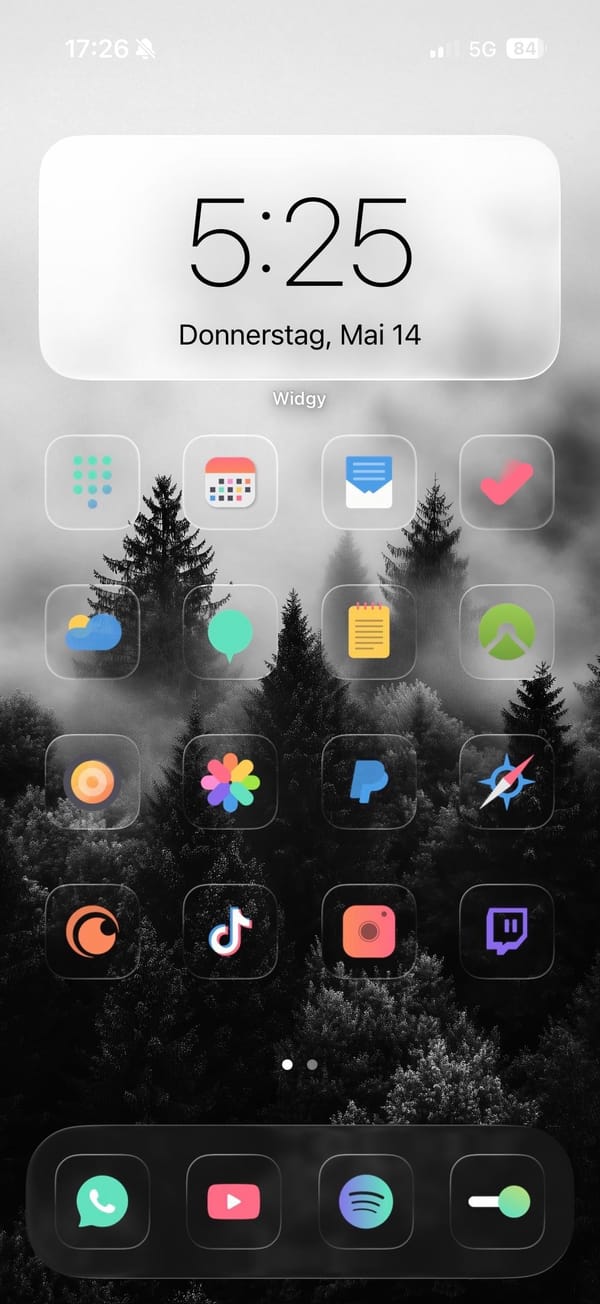
A colorful iPhoner home screen where the trick is the contrast: a stark black and white foggy forest photograph as the wallpaper, with full-color glass-framed app icons sitting over the dark treeline. The Widgy clock widget at the top floats against the white sky portion of the image.
Four rows of four icons follow, each original-color app inside a frosted glass square: the mix runs from Fantastical and a mail app through Photos, PayPal, Crunchyroll, TikTok, and Twitch. The dock holds WhatsApp, YouTube, Spotify, and a toggle switch. The icon colors (orange, rainbow, purple, green, red) read more vivid than they would on a colored background.
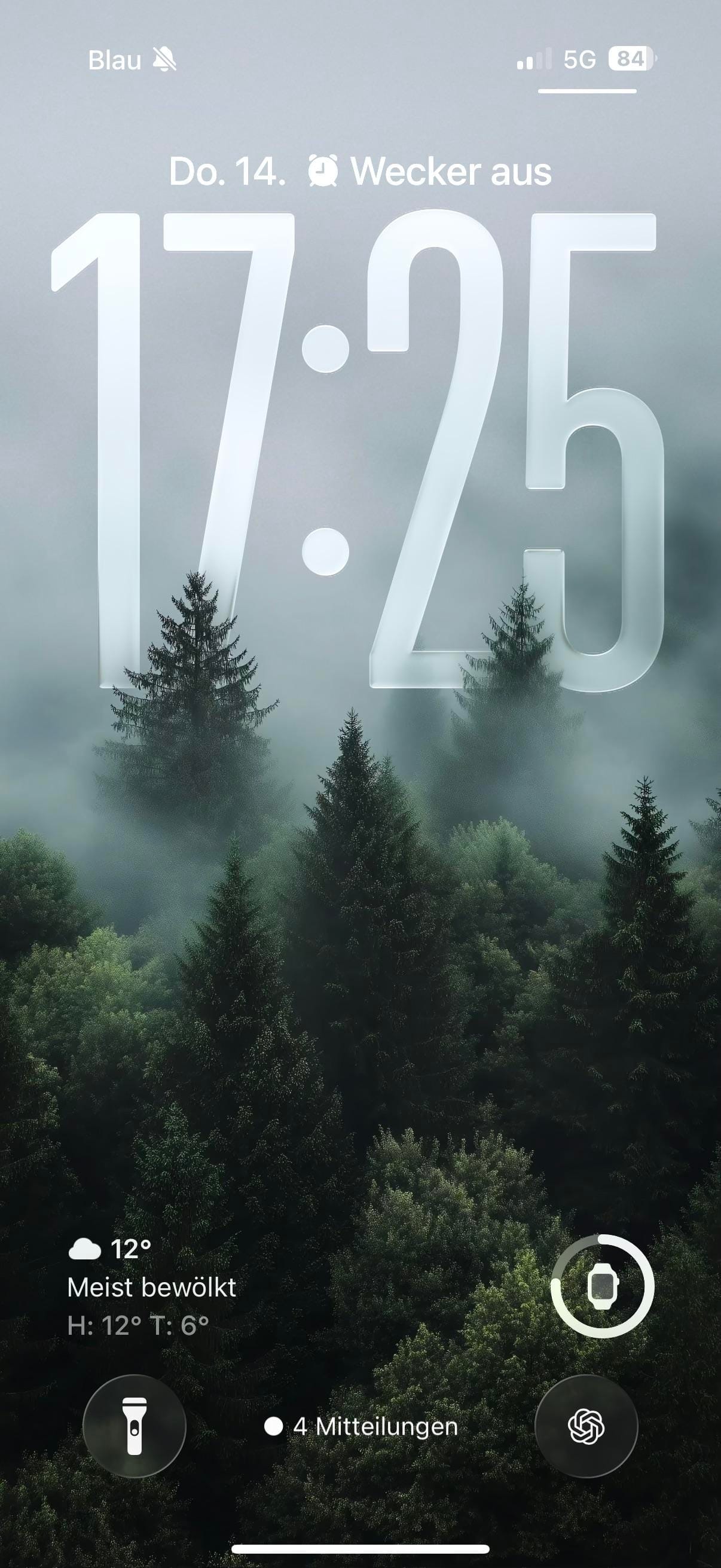
The lock screen uses a different photograph: a dense green pine forest in mist, shot in color. The same glass-carved numerals sit across the canopy, but the mist and pine needles underneath make them feel at home. ChatGPT and an Apple Watch ring widget sit as lock screen shortcuts. Silent mode shows in the status bar, giving the whole setup a quiet do-not-disturb feel that fits the foggy forest mood.
Worth copying for iPhoners who want their app colors to pop rather than blend, without reaching for a white background to do it.
Colorful glass icons and a B&W foggy forest wallpaper
A colorful iPhoner home screen with full-color glass-framed app icons on a black and white foggy forest wallpaper, and a green forest lock screen.
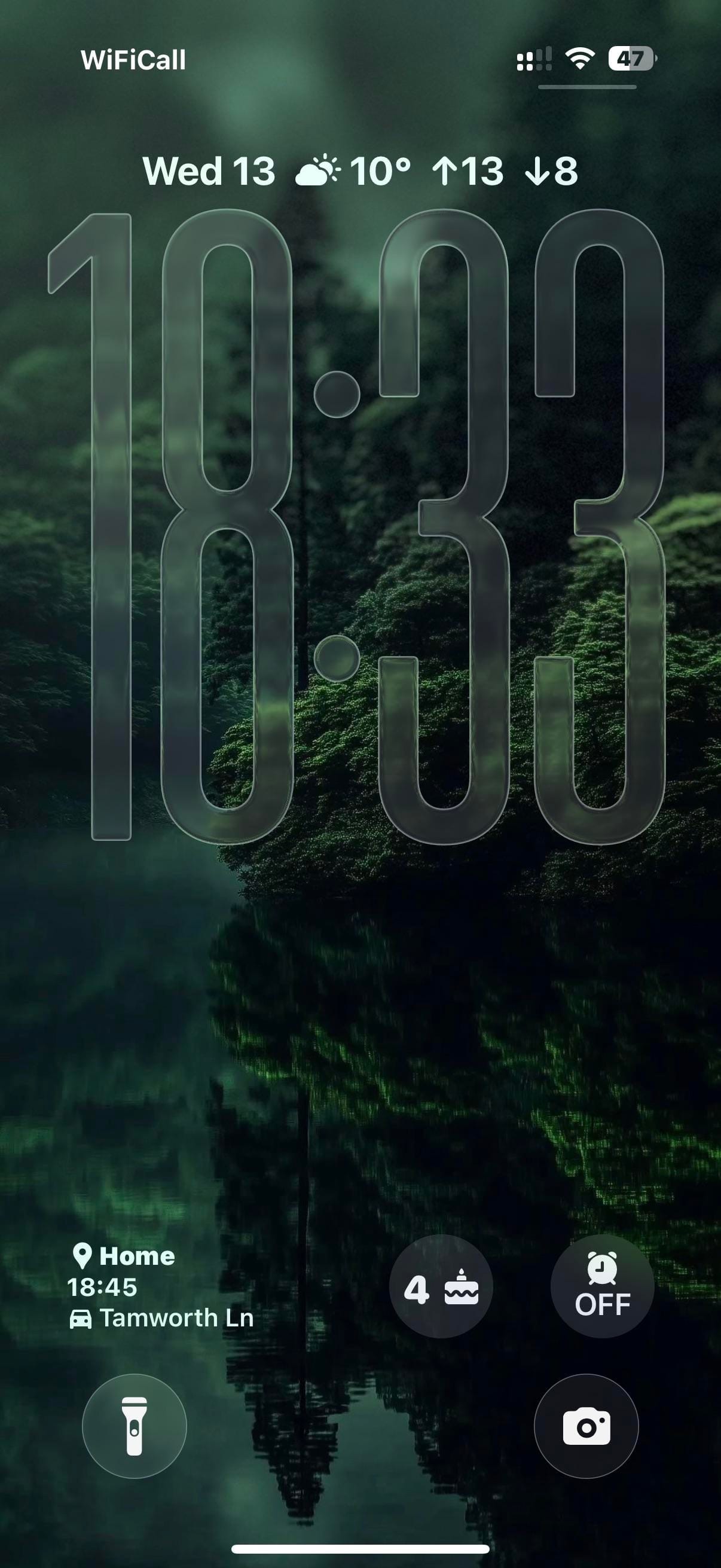
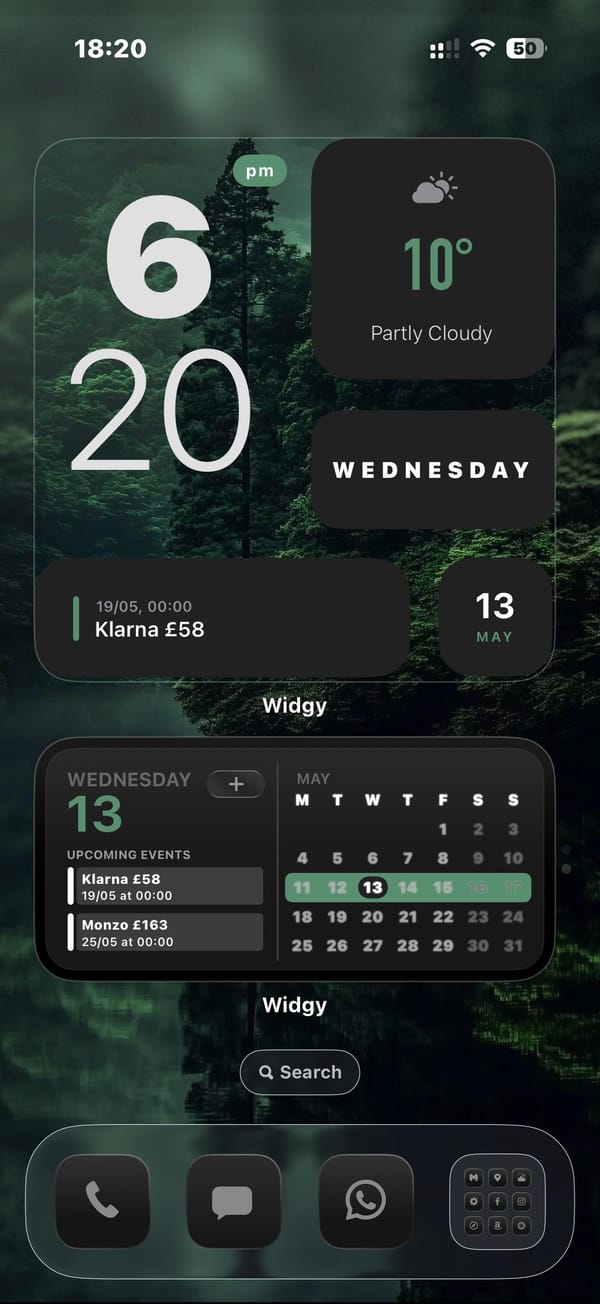
A dark-mode iPhoner home screen with no app icons in sight. Two full-width Widgy widgets stack across the entire screen above the dock, turning the home screen into a single-purpose dashboard of weather, time, calendar, and upcoming bills.
The top Widgy widget organizes four mini-panels: a large clock on the left, a weather card, a day-of-week card, and a bill-reminder slot tracking a Klarna payment. Below it, the second full-width widget carries a month calendar and an agenda list showing upcoming payments. No apps sit between the dock and the widgets.
The dock holds Phone, Messages, WhatsApp, and a social-and-utility folder. The wallpaper carries through to the lock screen: a moody green forest reflected in a still lake, shot in near-dark light with trees disappearing into mist above. Large glass-carved numerals overlay the trees. A commute ETA widget at the bottom left shows the estimated drive time to a saved home address.
Worth copying for iPhoners who want financial reminders and a calendar on the home screen without any icon grid getting in the way.
Dark forest home screen with two Widgy widgets and no icons
A dark-mode iPhoner with no icons on the home screen at all: two full-width Widgy widgets tracking weather, calendar, and bills on a misty forest wallpaper.