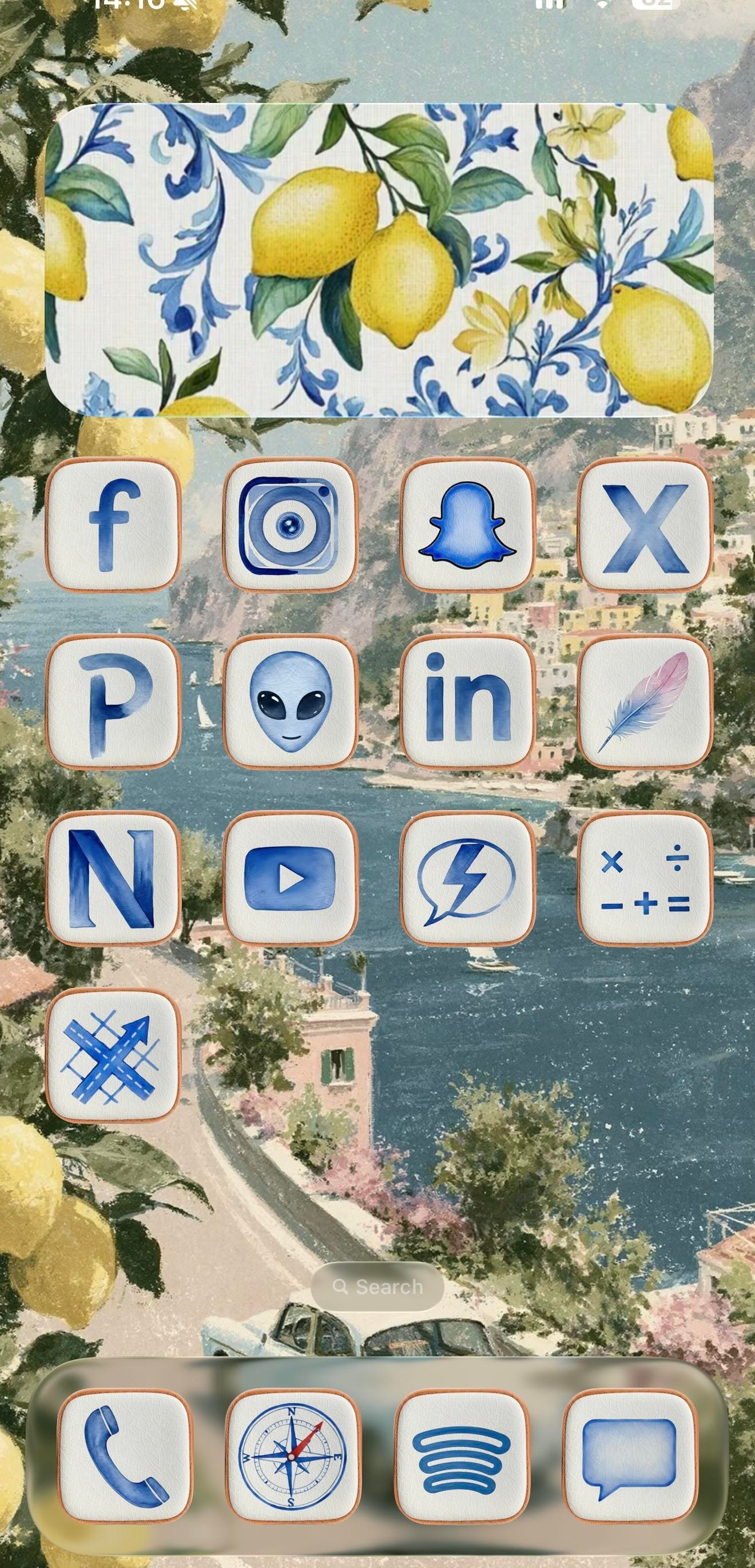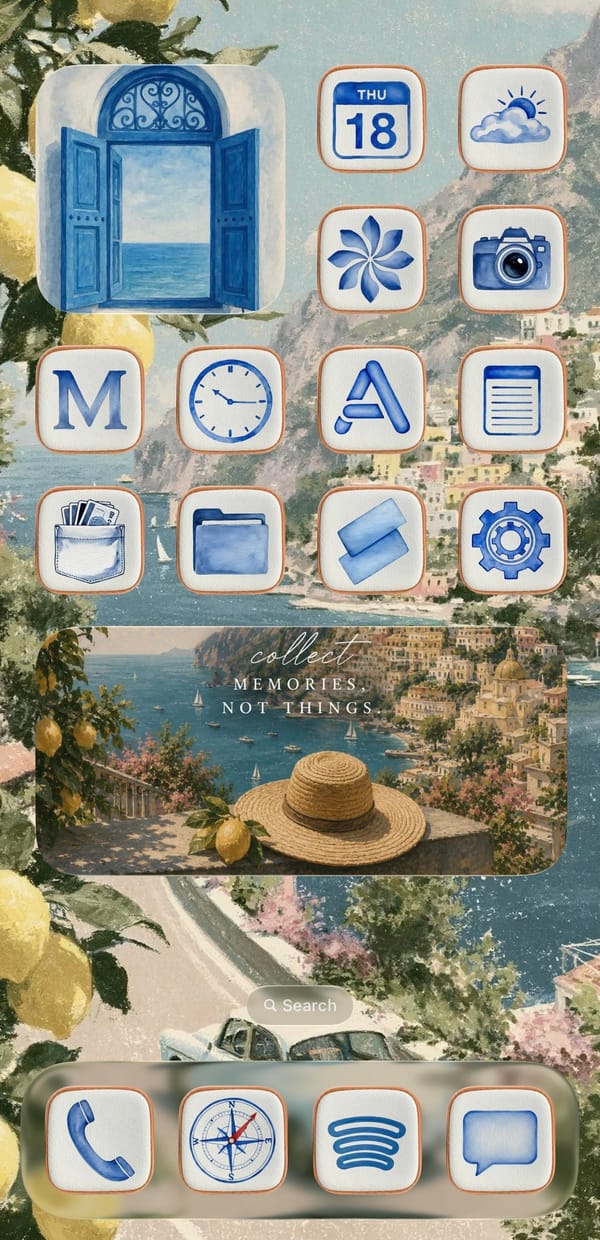
This is a setup for the iPhoner who'd rather be on the Amalfi Coast. Every surface leans into one watercolor Italian summer, from a painted Positano coastline to the lemons spilling in at the edges and the blue-and-white Sicilian tilework on the widgets.
The wallpaper is the anchor, a soft coastal painting of cliffside town, blue water, and a winding road that carries unbroken across both home pages. On top of it sit cream icon tiles with thin terracotta borders, each holding a blue watercolor glyph in place of the stock art. Decorative widgets do the rest of the mood work: a lemon-and-tile panel on page one, an open blue shutter window on page two, and a wide 'collect memories, not things' travel card over a straw-hat-and-lemon scene. It reads as a cohesive theme rather than a wallpaper with icons dropped on top.
Under the theme, the app lineup tells a more online story than the aesthetic lets on. Page one is almost entirely social: Facebook, Instagram, Snapchat, X, LinkedIn, YouTube, and a Pinterest P, alongside a few I can't name with confidence, a grey alien face, a lone feather, an N-monogram tile. Page two turns practical, with Calendar, Weather, Clock, Notes, Wallet, Files, and Settings under the same watercolor treatment. The dock holds four anchors across both pages: Phone, the stock Compass, Spotify's curves, and Messages.
Worth copying if you're an aesthetic-first iPhoner who wants a vacation on the Lock Screen without installing a single new app. The trick is consistency, one painted scene and one custom icon set repeated until the phone reads like a postcard. Pick the theme before the apps, and the rest falls in line.
An Amalfi Coast theme in watercolor blue
A traveler-at-heart iPhoner wraps a social-forward grid in blue watercolor icons, lemon tiles, and a painted Positano coast that runs across both pages.
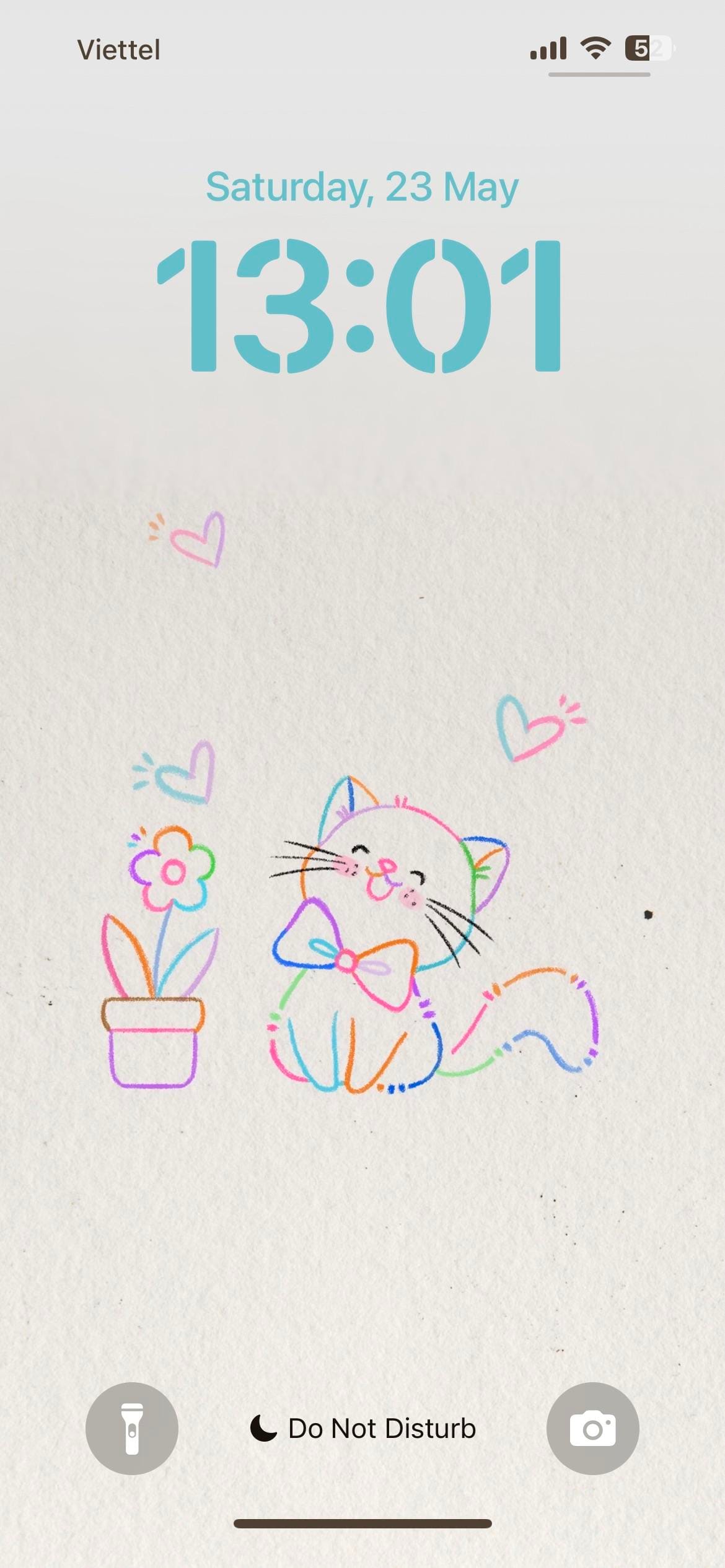
A themed iPhoner from the lock screen to the dock. The wallpaper is a light paper-texture illustration: a bow-tied cat and a potted flower in multicolor line art, surrounded by small hearts in pink, blue, and purple.
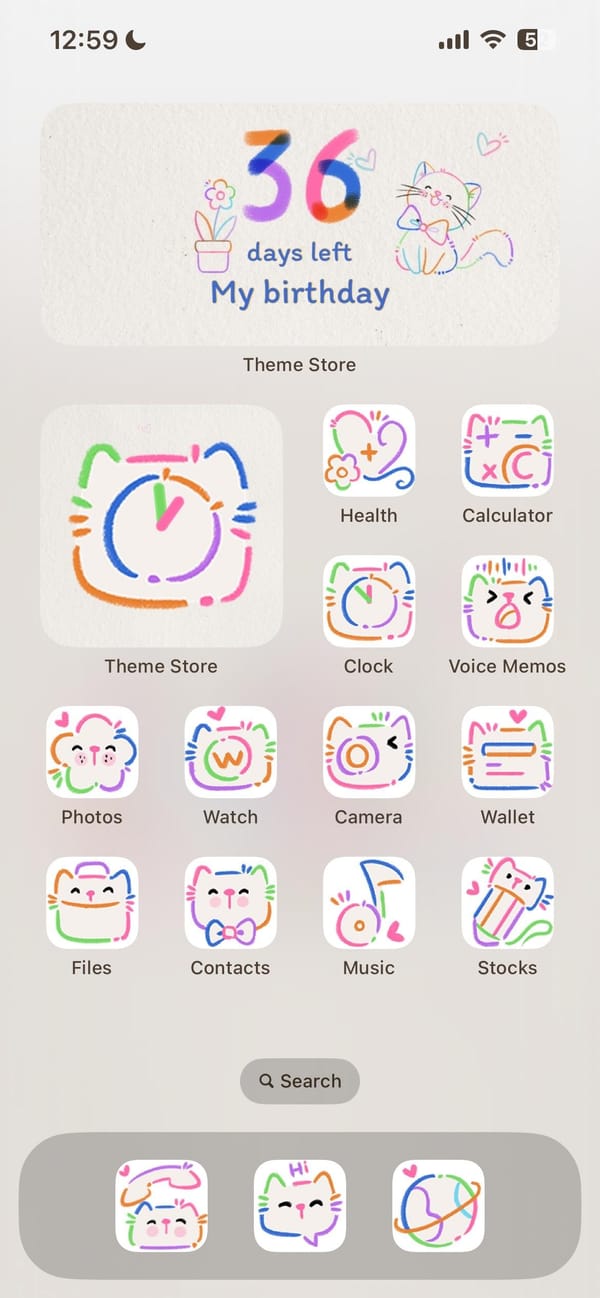
The same illustration carries from the lock screen directly into the home screen, which is one of those rare setups where both surfaces actually agree. Every system icon has been replaced with a doodle-style version: white rounded squares with hand-drawn cat faces, flowers, and abstract motifs in looping lines of orange, green, blue, pink, and purple. Nothing breaks the palette.
Theme Store sits as the oversized feature icon, which explains how this was built. Underneath it, the standard iOS set (Health, Calculator, Clock, Voice Memos, Photos, Watch, Camera, Wallet, Files, Contacts, Music, Stocks) wears the full doodle treatment. A birthday countdown widget at the top of the home screen doubles the cat-and-flower illustration as functional art. The dock holds three apps in the same hand-drawn style.
Worth copying for iPhoners who want a setup with no visual leaks, where the theme doesn't stop at the wallpaper.
Colorful cat doodles, lock screen to dock
A themed iPhoner setup where the same doodle-cat illustration runs from the lock screen through every icon to a birthday countdown widget.
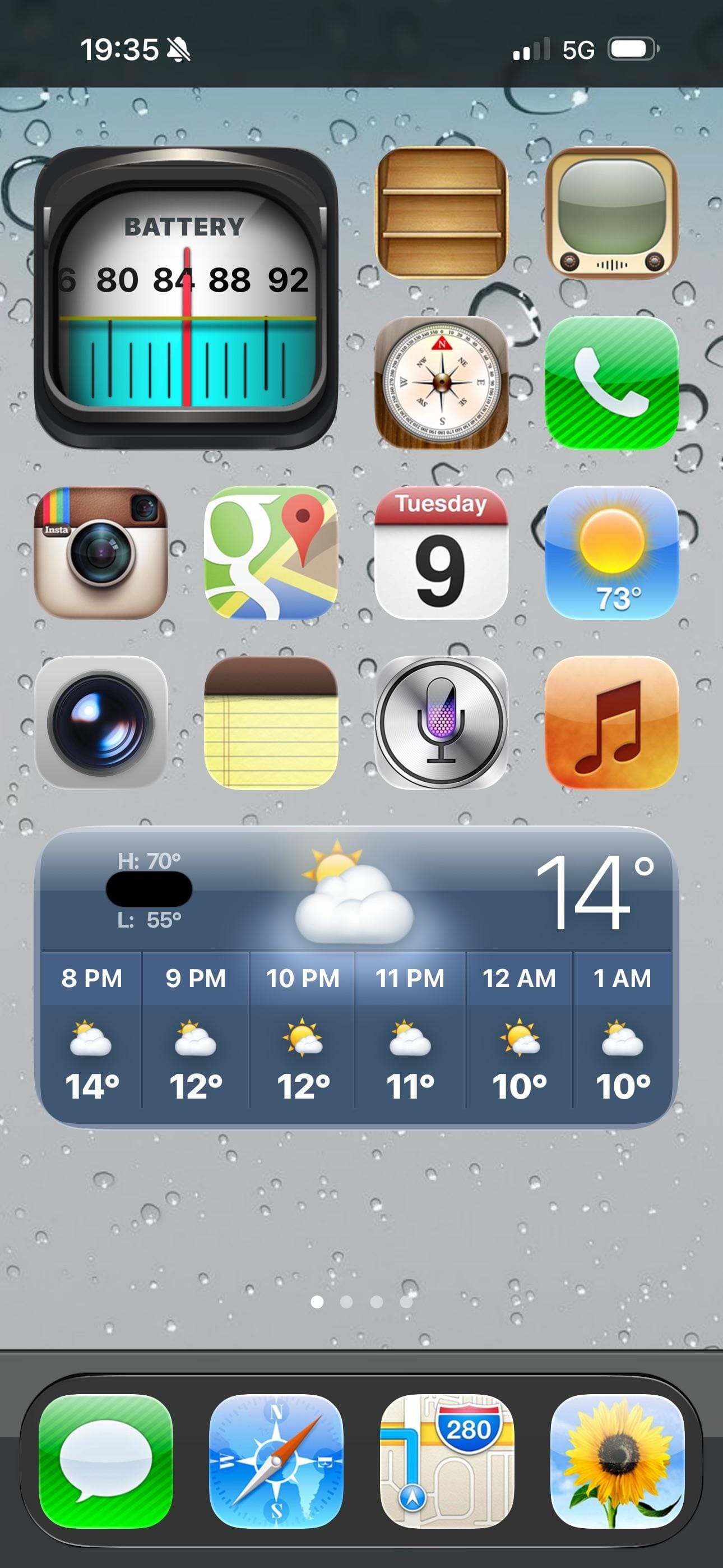
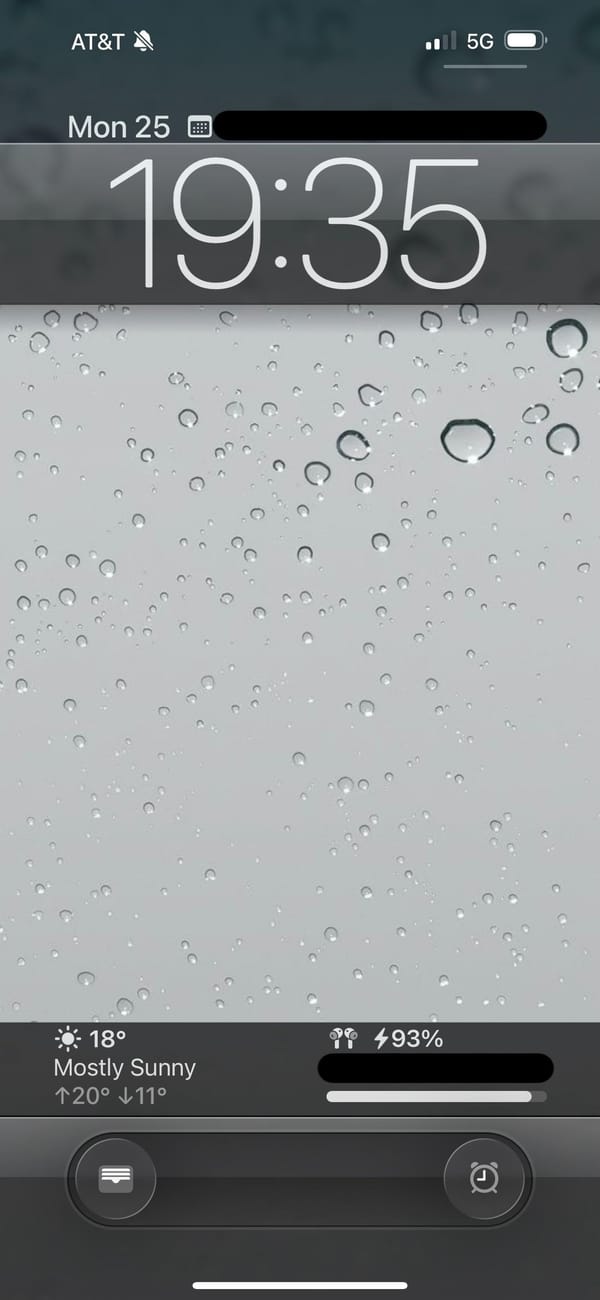
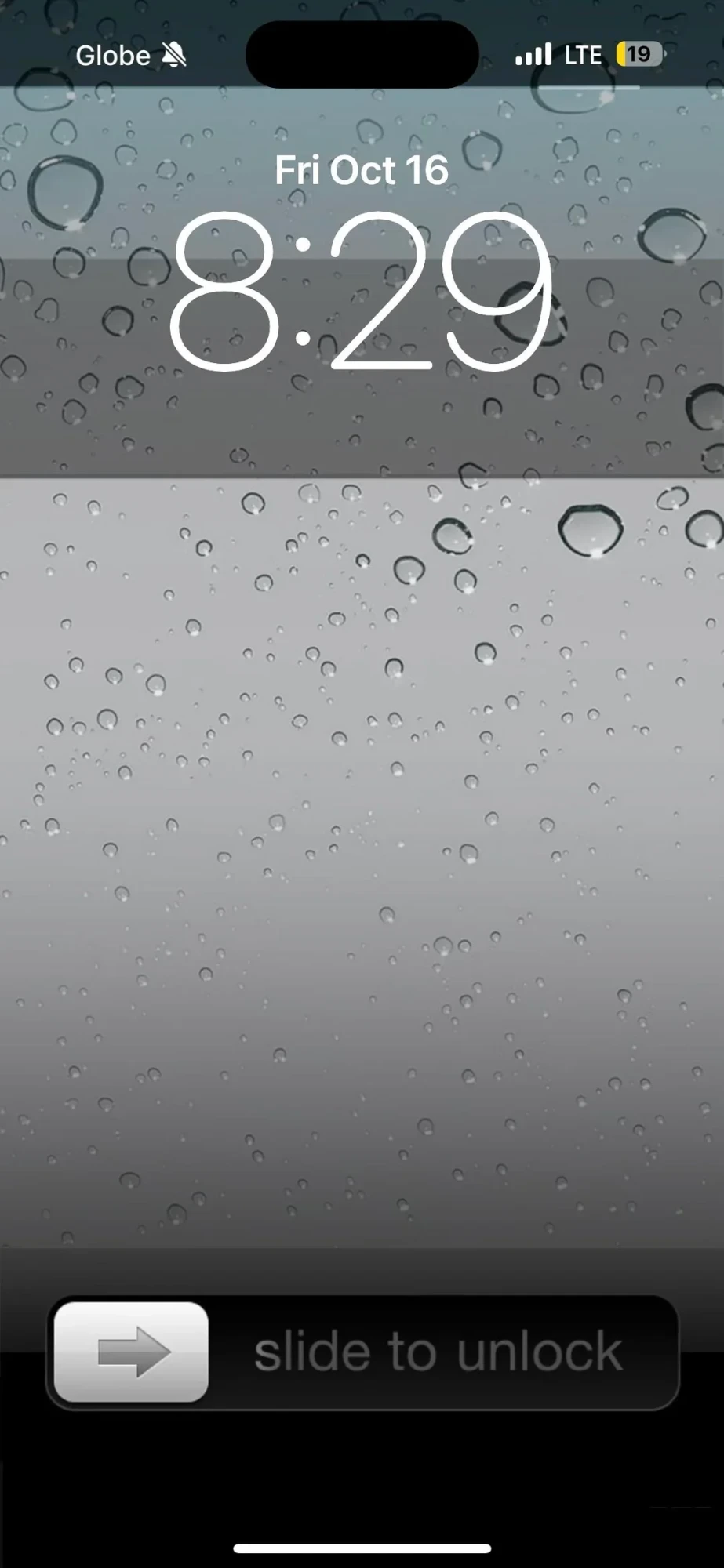
A retro iPhoner setup that goes all the way back. The lock screen wallpaper is a close-up macro of rain on glass, hundreds of grey droplets on a silver surface. On the home screen, every icon is rendered in the old skeuomorphic style: textured, dimensional, shaded like something you could actually touch.
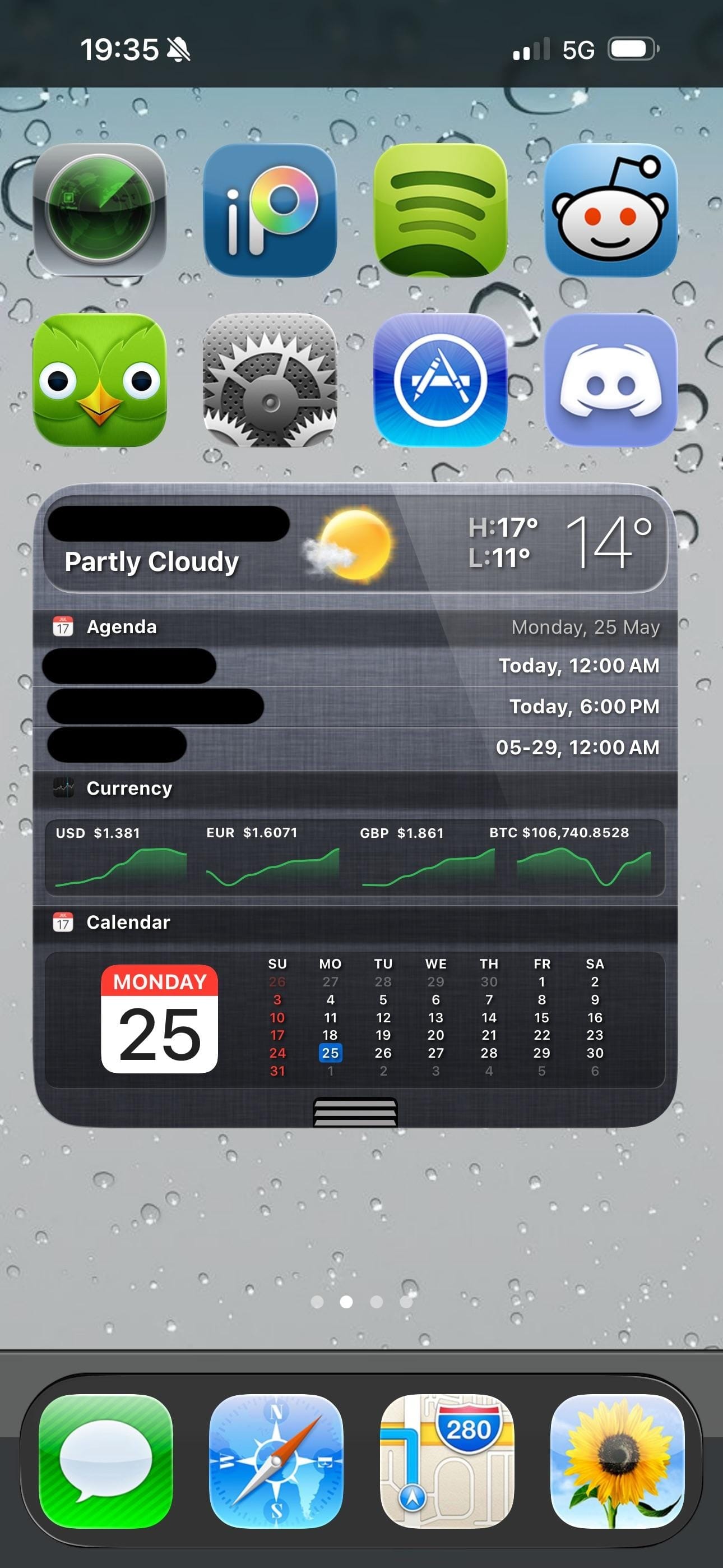
Four pages of icons cover the whole range of the iOS 6 era: a wooden iBooks-style bookshelf, a retro television icon, the old Compass with its parchment-style surround, the original Instagram camera, and the old Maps icon with its road-map styling. The old Weather, Notes, Siri, and Music icons appear exactly as they shipped more than a decade ago. A rain-on-glass wallpaper carries across every page and the lock screen, making the visual continuity between screens unusually consistent.
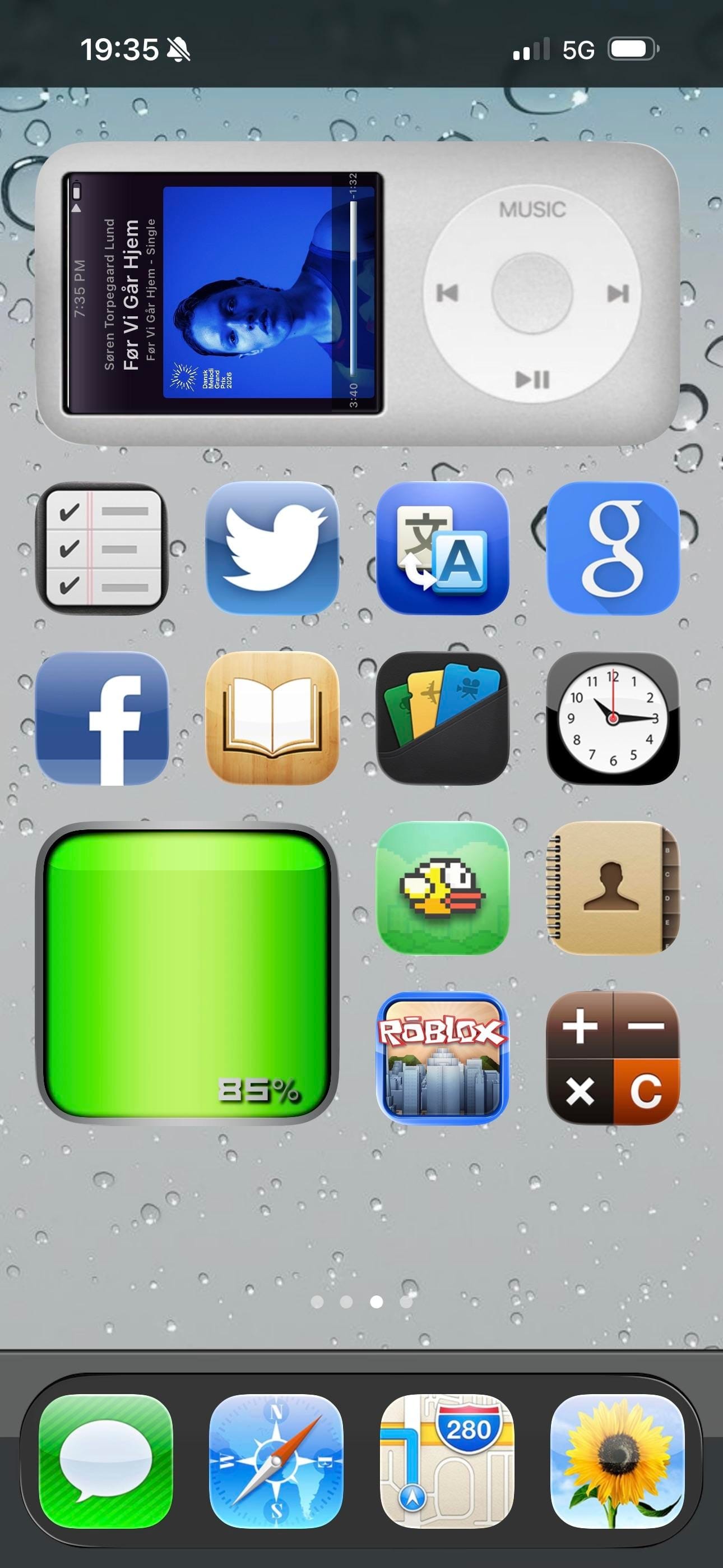
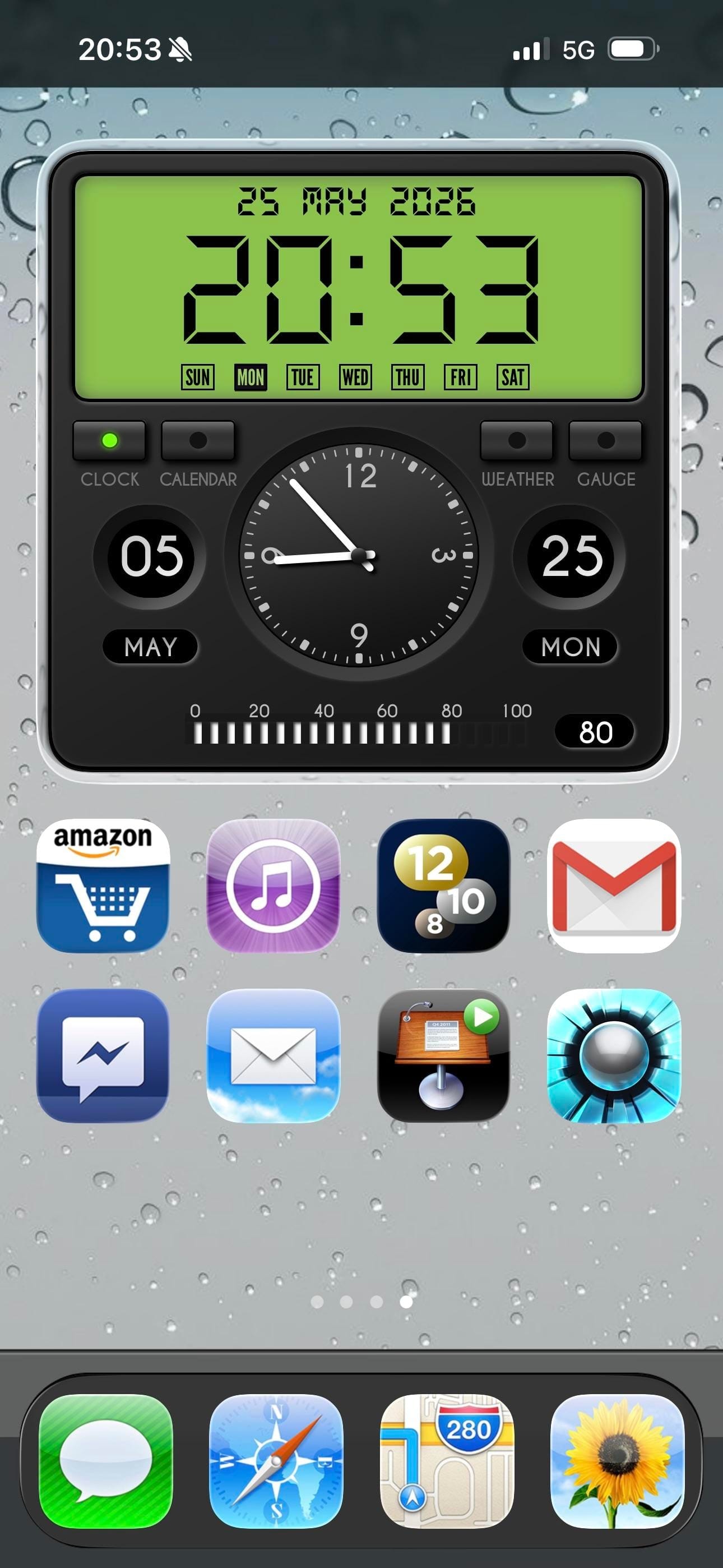
Page three is the highlight: an iPod classic widget fills the top half of the screen, complete with a scroll wheel and album art from a currently playing track. A Flappy Bird icon sits two rows below it. Further pages bring a currency widget tracking USD, EUR, GBP, and BTC, a skeuomorphic clock and calendar widget, and a green battery readout styled like an old status bar. Modern apps including Duolingo, Discord, Reddit, and Spotify sit alongside the vintage icons without much friction.
Worth copying for iPhoners who miss the era when every icon looked like a real thing, not a flat colored square.
iOS 6 revival home screen with an iPod widget
A retro iPhoner setup that brings back iOS 6 skeuomorphic icons across four pages, with an old-school rain lock screen and an iPod classic widget.
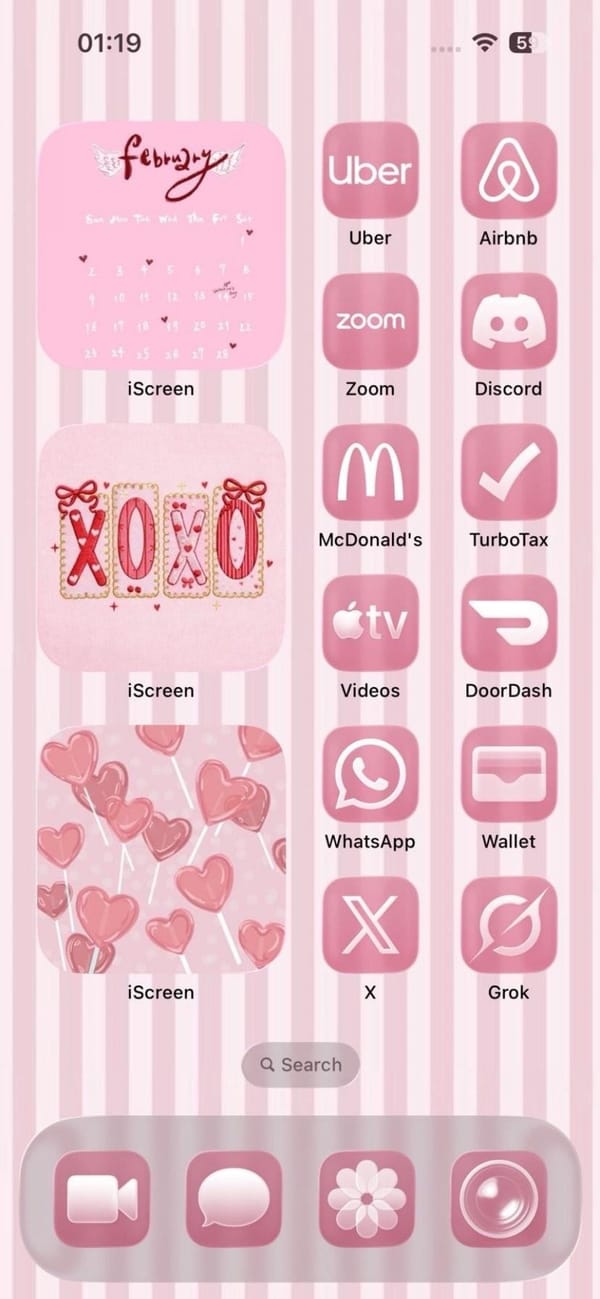
A colorful iPhoner home screen in a single candy-pink palette. The wallpaper is vertical pink and white stripes, and three iScreen widgets stack down the left column: a February calendar with wing motifs, an XOXO decorative frame, and a pink heart lollipops illustration.
The right column runs twelve apps, all tinted pink: Uber, Airbnb, Zoom, Discord, McDonald's, TurboTax, Apple TV, DoorDash, WhatsApp, Wallet, X, and Grok. The dock holds FaceTime, Messages, a flower icon, and Camera, each in the same rose-pink wash. Nothing on the home screen breaks the palette.
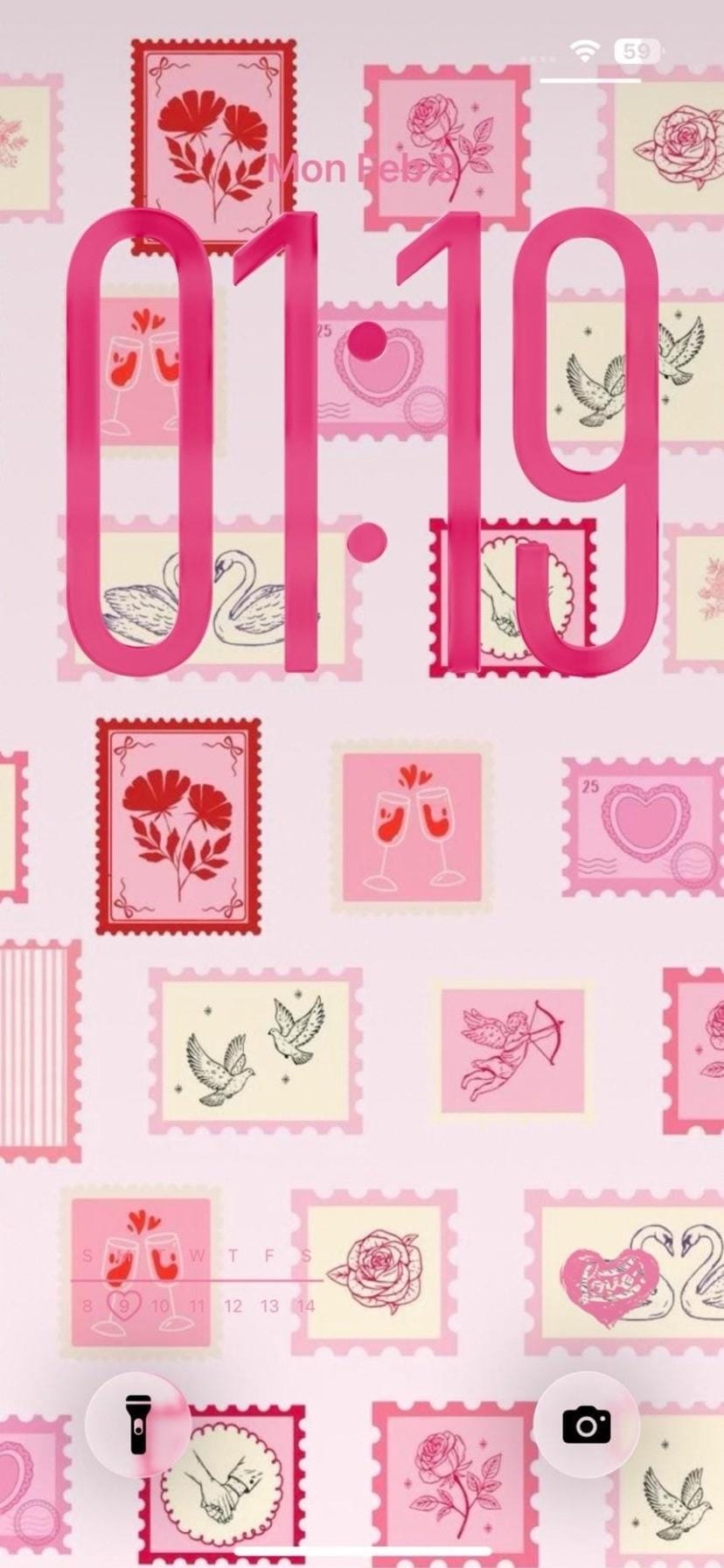
The lock screen takes a different approach to the same theme. A collage of illustrated postal stamps in pink and cream fills the wallpaper, each stamp with a Valentine motif: roses, swans, champagne glasses, a Cupid with a bow. Bold pink clock numerals overlay the stamps, matching the app tints exactly. It's the same one-note palette expressed twice over.
Worth copying for iPhoners who run a tight single-color scheme and want it to hold from the wallpaper all the way into every icon.
A candy-pink home screen with a stamp collection lock screen
A candy-pink iPhoner home screen with iScreen Valentine widgets, pink-tinted icons from Uber to Grok, and a postal stamp collage lock screen.
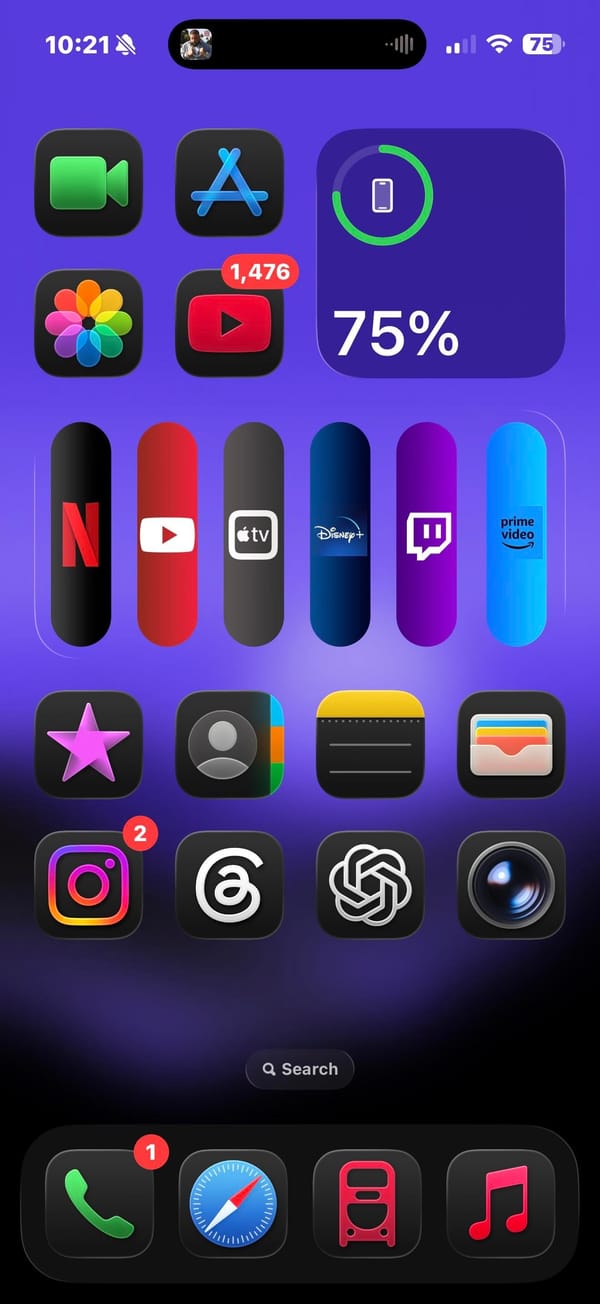
A vivid purple iPhoner home screen built around a streaming app bar unlike anything in the standard iOS icon grid. Six apps — Netflix, YouTube, Apple TV, Disney+, Twitch, and Prime Video — sit in a horizontal widget row, each in a tall capsule shape that makes the row read like a physical remote control.
Above that row, FaceTime, App Store, and a circular battery widget sit in the top section alongside Photos and YouTube. Below: Sparkles, Contacts, Notes, Wallet, then Instagram, Threads, ChatGPT, and Camera in the bottom section. The dock holds Phone, Safari, a red transit app, and Music.
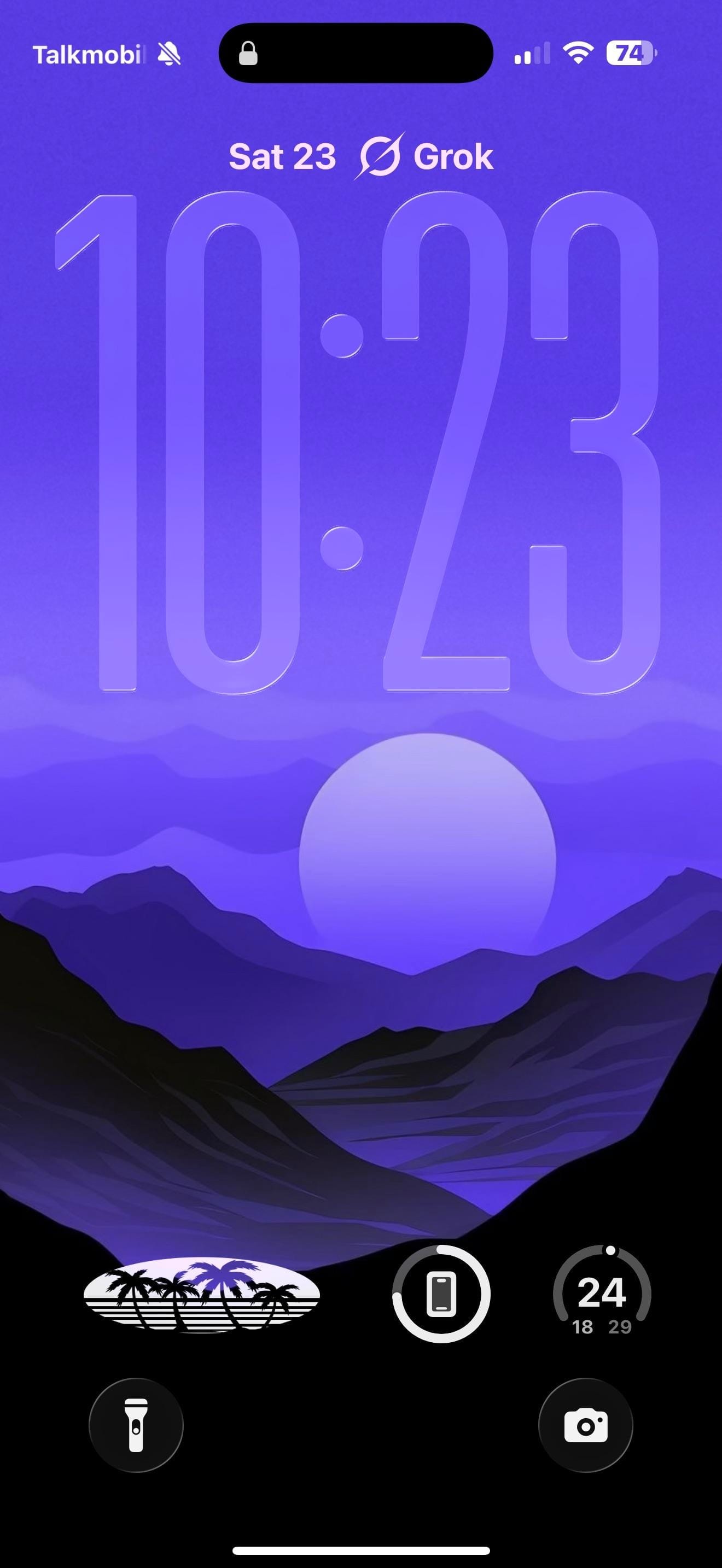
The lock screen carries the purple forward with a flat illustrated landscape: mountain silhouettes in deep blue-purple, a large pale circle hovering above the peaks, and a gradient sky fading lighter toward the top. The style is graphic and poster-like. Three circular lock screen widgets sit at the bottom: a retro palm-tree logo, a battery ring, and a step count timer. Grok sits as a text label above the date at the very top.
Worth copying for iPhoners who want their streaming apps grouped and visible without digging into folders.
Six streaming apps in a pill widget on a vivid purple home screen
A vivid purple iPhoner setup with six streaming services in a capsule widget row, Netflix through Prime Video, and an illustrated mountain lock screen.
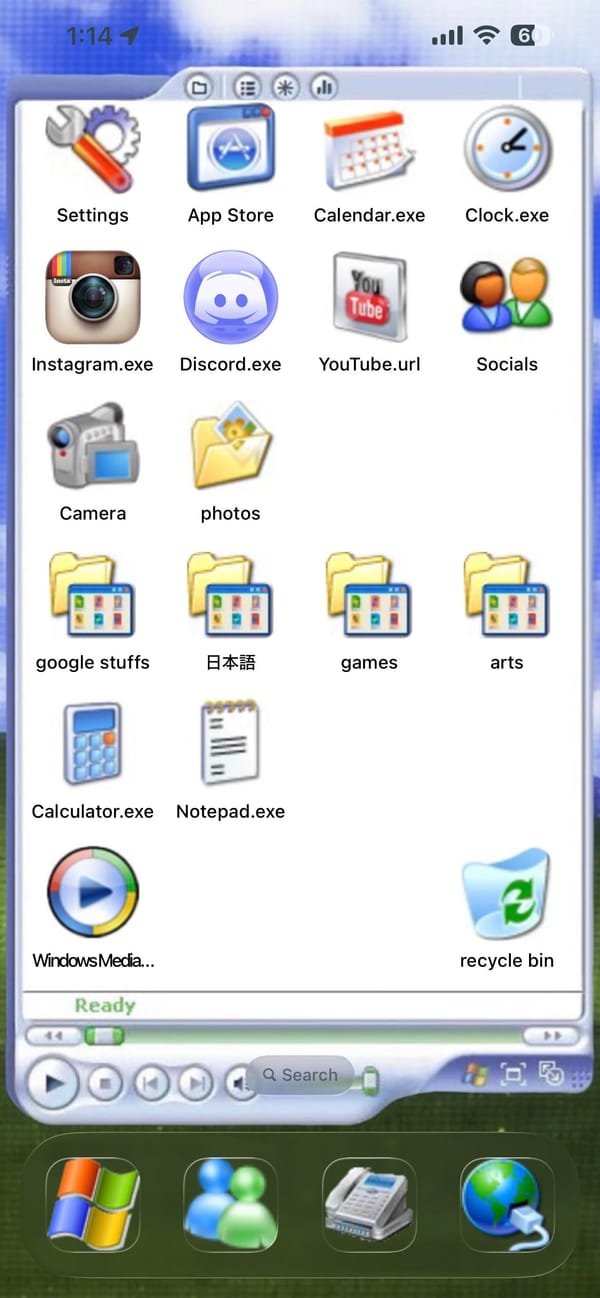
A retro iPhoner setup that makes the iPhone look like a Windows XP desktop. The entire home screen is built inside a simulated Explorer window: white background, title bar with toolbar icons, apps labeled as Settings, Calendar.exe, Clock.exe, Instagram.exe, Discord.exe, YouTube.url, Calculator.exe, Notepad.exe.
Windows XP folder icons fill three rows, labeled google stuffs, 日本語, games, and arts. A Windows Media Player icon and a Recycle Bin icon sit at the very bottom of the window, where real taskbar icons would be. A green Ready status bar and media playback buttons close the frame.
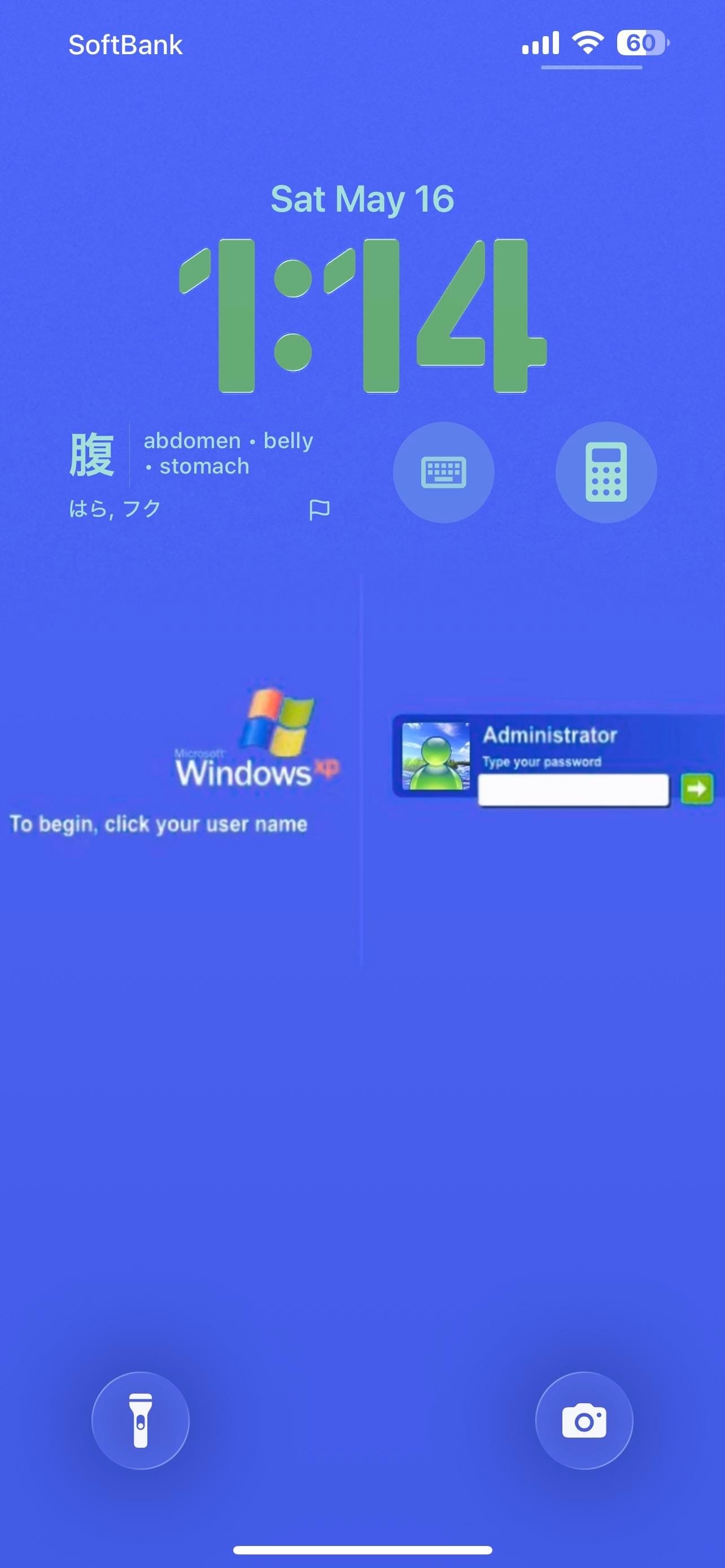
The taskbar is the dock: a Windows logo as the first slot, Windows Messenger as the second, and a fax icon and Internet Explorer globe to round it out. The lock screen is a solid blue Windows XP login page, complete with the XP flag logo and a password-entry dialog for a user named Administrator. A Japanese vocabulary card on the lock screen shows a kanji character with English translations. Calculator and keyboard icons sit as lock screen widget shortcuts.
Worth copying for iPhoners who want the most committed retro aesthetic in the home screen gallery.
A Windows XP home screen built on an iPhone
A retro iPhoner who turned the iPhone home screen into a Windows XP Explorer window, complete with .exe file names and a Windows login lock screen.
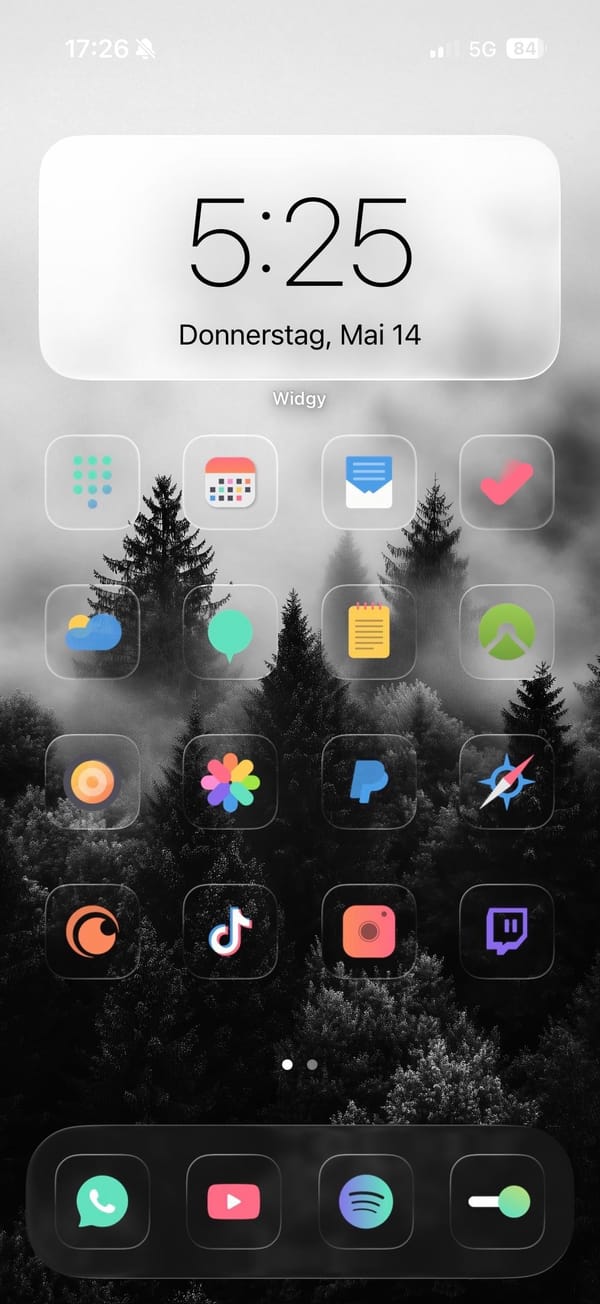
A colorful iPhoner home screen where the trick is the contrast: a stark black and white foggy forest photograph as the wallpaper, with full-color glass-framed app icons sitting over the dark treeline. The Widgy clock widget at the top floats against the white sky portion of the image.
Four rows of four icons follow, each original-color app inside a frosted glass square: the mix runs from Fantastical and a mail app through Photos, PayPal, Crunchyroll, TikTok, and Twitch. The dock holds WhatsApp, YouTube, Spotify, and a toggle switch. The icon colors (orange, rainbow, purple, green, red) read more vivid than they would on a colored background.
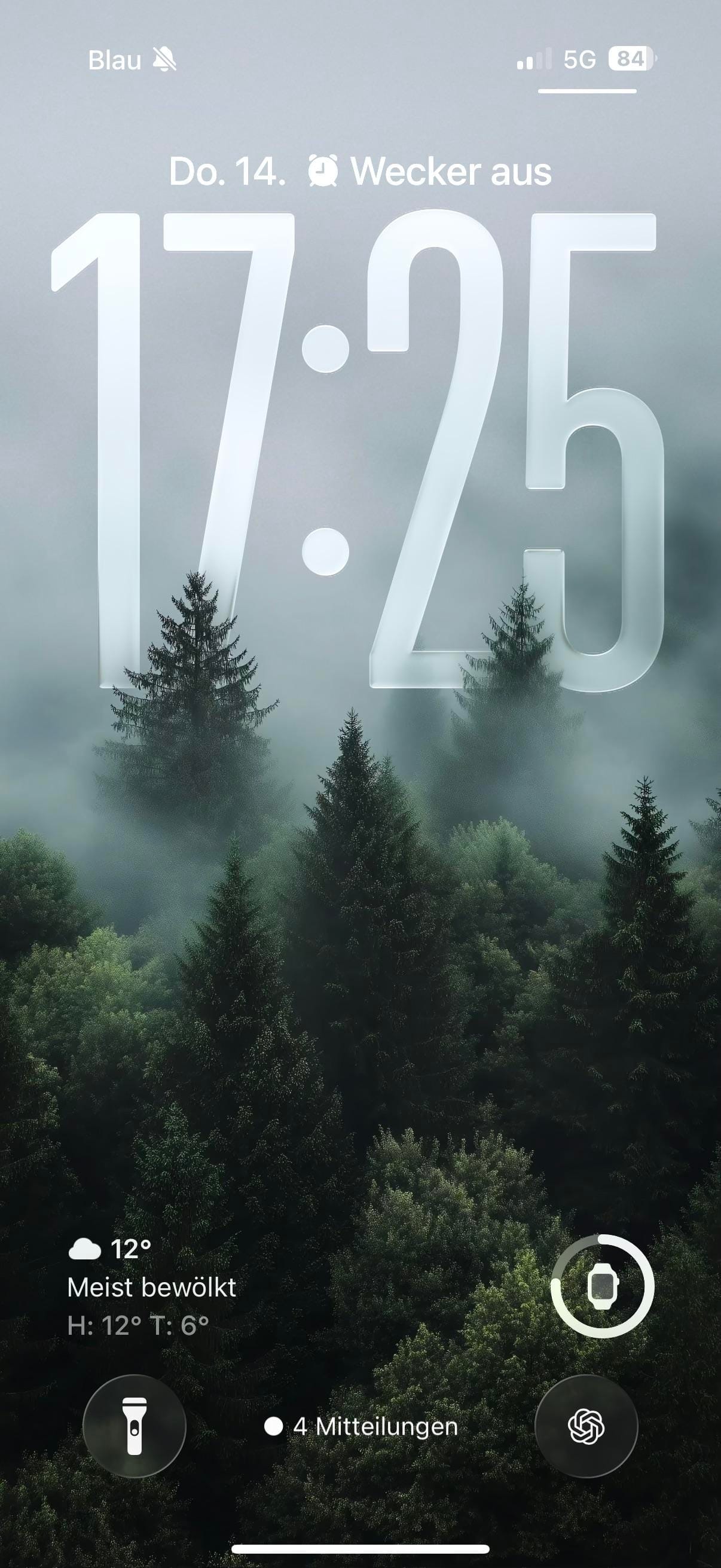
The lock screen uses a different photograph: a dense green pine forest in mist, shot in color. The same glass-carved numerals sit across the canopy, but the mist and pine needles underneath make them feel at home. ChatGPT and an Apple Watch ring widget sit as lock screen shortcuts. Silent mode shows in the status bar, giving the whole setup a quiet do-not-disturb feel that fits the foggy forest mood.
Worth copying for iPhoners who want their app colors to pop rather than blend, without reaching for a white background to do it.
Colorful glass icons and a B&W foggy forest wallpaper
A colorful iPhoner home screen with full-color glass-framed app icons on a black and white foggy forest wallpaper, and a green forest lock screen.