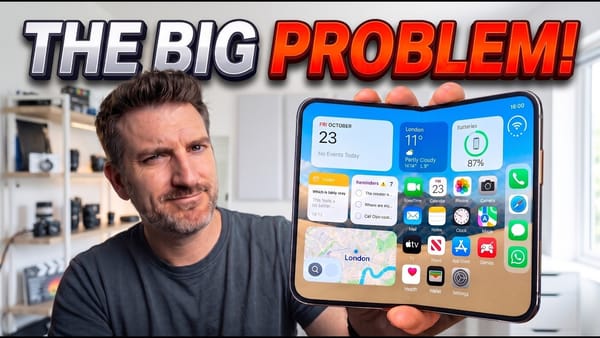
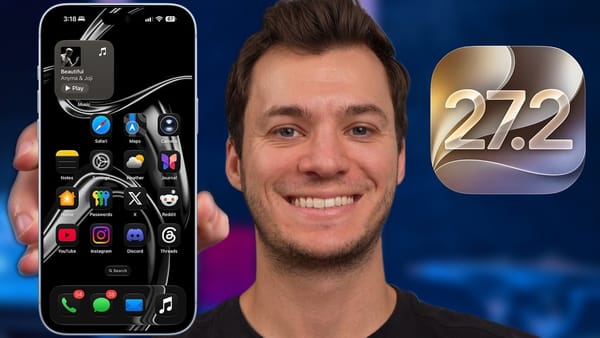
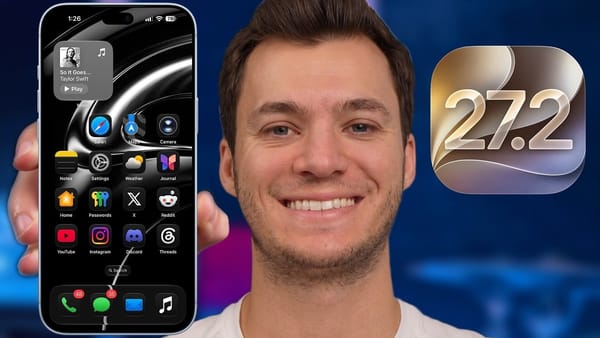
Swiping down from the middle of the screen no longer opens notifications. That's the iOS 27 change you'll feel before any Siri AI feature. 9to5Mac's 27-minute tour runs through the whole release on an iPhone 17 Pro, and much of it doesn't depend on Siri AI at all.
At a glance
| Runs on | iPhone 11 and newer |
|---|---|
| Siri AI | iPhone 15 Pro and newer |
| Dual Capture in FaceTime | iPhone 17 and newer |
| Turn on first, per the video | Connectivity Assist, in the Wi-Fi settings |
Changes you'll hit every day
- Three swipe zones. The top edge splits into Notification Center on the left, Spotlight and Siri in the middle, and Control Center on the right; the video puts the relearning at a day or two.
- Connectivity Assist. Cellular data blends in when Wi-Fi fades, so audio stops cutting out on the way out the door.
- Liquid Glass slider. The old toggle under Appearance becomes a slider from clear to frosted, with haptic notches along the way.
- Lock Screen clock. It can move to the top and stay there, out of the wallpaper's way.
- Messages. A line like "buy the tickets at 6 p.m." turns into a reminder with one tap, and a new Draw canvas straightens sloppy shapes.
- Calendar and Safari. Calendar builds an event, address included, from one plain sentence; Safari sorts open tabs into topics and can watch a store page for restocks.
Photos, Wallet, and AirPods
- Reframe and Extend. Reframe swings the viewpoint of a finished photo and Extend zooms out past its edges. Both fill the gaps convincingly, and both invent things: a bush in one demo, a plant in another.
- Camera controls. An edit button added in the final beta pins exposure, Night mode, and HEIF to the top of the viewfinder.
- Create a Pass. Wallet turns any card with a barcode or QR code, a gym card or a school ID, into an editable pass.
- AirPods custom EQ. Low, mid, and high sliders, with room for a single saved setting.
- GymKit without a watch. The heart rate sensor in AirPods Pro 3 lets the iPhone tap in to compatible gym equipment.
Siri AI comes last, and the video doesn't oversell it. Spotlight is now its front door, a dedicated Siri app keeps the history, and the new voices carry the pace and expressivity controls that arrived with Siri voice customization in beta 3.
Siri AI is going to be what you make of it.
What to know
- Spotlight and Siri AI index your data in the background after updating, part of the slow start that comes with the iOS 27 update. Leave the phone on a charger.
- Safari's restock alerts sometimes fail to register and need a second try.
- The best on-device Siri models are reserved for the iPhone 17 Pro and later, though the video calls the gap tiny.
The claim the video can't put a number on is speed: months of betas left 9to5Mac sure that apps open quicker and AirDrop moves faster, and iPhoners on an older phone are the ones best placed to check.